

Shoxl release notes (plain text)
All Shoxl release notes from 2024 onward in a simple format for reading, printing and AI tools. The interactive version with search and filters is on the releases page; older release notes are in the plain-text archive. New releases are also published in an Atom feed.
Sprint 82 (October 16, 2026)
This sprint brings the Promotion Builder to Vendisto: design your own promotions from seven templates, from product and order discounts to free products, cross-sell offers and loyalty credit, with discount codes, a simulator to test every promotion in advance and a dashboard that shows how promotions perform.
Vendisto-NG gained modules for orders and customers, bulk imports and exports, dealer management and a built-in assistant for business questions.
This sprint makes product configuration on article group pages considerably more dependable. The article selection wizard and component selection now work together smoothly, with correct prices, quantities and basket contents.
Customers find what they are looking for faster thanks to more accurate search results, and logged-in customers can request a quote without retyping details the webshop already knows.
On the integration side, Exact Online price and article synchronization has become more robust for large assortments, and discount agreements from Microsoft Dynamics 365 F&O are synchronized completely.
Behind the scenes, we expanded the automated regression tests for product configuration, search, order history and order quantities, and upgraded the Account API to .NET 10.
9118: Promotion Builder: Design Your Own Promotions in Vendisto
New | Promotions & Vouchers | Vendisto
Design your own promotions in Vendisto from seven templates, from product and order discounts to free products and loyalty credit, with discount codes, a simulator that tests every promotion and a usage dashboard.
With the new Promotion Builder in Vendisto-NG, you design your own promotions, without a developer. Every promotion combines conditions (when does it apply), an action (what does the customer get) and limits (how long it runs and how often it can be used).
Start from one of seven ready-made templates:
- Product discount: a percentage or a fixed amount off selected articles, article groups or categories.
- Buy X, get Y: for example three for the price of two, or a discount on every third item.
- Order discount: a discount on the whole order, including tiered discounts that grow with the order total.
- Fulfillment discount: a discount for a chosen delivery or pickup method.
- Free product: the customer receives or chooses a gift once a threshold is reached, optionally in tiers.
- Cross-sell discount: buying product A gives a discount on product B, or on all related articles such as accessories.
- Loyalty credit: customers build up spendable credit based on what they buy, which is used automatically once it reaches a threshold.
Promotions can be targeted precisely: by price list, customer profile or customer number, by minimum quantity or amount, by delivery method or for a first order. Any condition can be reversed, for example to exclude a clearance category. A promotion applies automatically or with a discount code: single codes, codes generated in bulk or a personal code for every customer, with limits per code and per customer and a CSV export. Start and end dates, usage limits, priorities and stacking rules determine what happens when several promotions apply at the same time.
Before a promotion goes live, the simulator calculates it for a test basket, a customer and a date of your choice, using the same promotion service as the webshop. It shows which promotions apply, the discount per line and why other promotions do not, including tips such as how much more a customer needs to spend. The usage dashboard shows how often each promotion is used, the discount granted, every redemption and the loyalty balances per customer, and reveals active promotions that never apply.
Promotions are set up and tested in Vendisto; customers will see them in the webshop once the webshop integration is released.
10277: Vendisto-NG: Orders, Customers, Bulk Operations and Assistant
New | Vendisto-NG | Vendisto
The new back office adds order and customer management, bulk imports and exports, dealer management and a built-in business assistant.
Development of Vendisto-NG, the next generation of the Vendisto back office, continued with a strong focus on day-to-day operations:
- Orders: an order overview with status filters, and order details with order lines including variant information.
- Customers: a customer overview with tabs for general information, addresses, authorizations, commercial terms such as payment conditions and buying on credit, and orders. Customers can be created, blocked and activated, and users can be created and managed, including setting a password and changing their status.
- Bulk operations: start imports, exports and synchronizations from one screen, with upload, download and progress feedback, and direct links from the relevant dashboards.
- Dealers: manage dealer locations, with map positions based on OpenStreetMap.
- Product properties: add a property directly from a product or variant.
The highlight of this sprint is the built-in assistant. Users ask questions in plain language, such as what the stock and customer price of an article are, what a customer ordered recently or which products sell best, and get answers based on live data from customers, products, stock, prices and orders. The assistant only uses actions the user is authorized for, and is protected by a monthly usage limit and rate limiting.
10386: More Reliable Product Configuration with Wizard and Components
Fixed | Product Pages & Configuration | Shop | Settings: UseComponentSelection
The selection wizard and component selection work together, adding the chosen article and matching components with correct quantities and prices.
Article group pages can combine the article selection wizard, where customers choose a variant step by step, with component selection, where they add matching parts or accessories (setting UseComponentSelection). This sprint makes that combination considerably more dependable:
- The chosen article and all selected components are added to the basket together, with the correct quantities and prices.
- Only components that belong to the selected article end up in the basket, also after switching between articles.
- Component prices take the VAT display switch, the ordered quantity and stock information into account.
- Reloading or sharing a page with a preselected article restores the matching component selection.
- As long as no article has been selected, a clear message asks the customer to choose one, instead of an empty component list.
- Default selections, deselection and the page URL behave consistently in every wizard Mode, and ordering stays disabled until a valid article is selected.
10221: Quote Requests Prefilled with Known Customer Details
Improved | Basket & Checkout | Shop
Logged-in customers find the quote request form prefilled with their known details, and the quote button works reliably on article pages.
Products that are sold on request show a Request quote button. Logged-in customers still had to fill in the complete request form, including details the webshop already knows about them.
For logged-in customers, the quote request form is now prefilled with their known details, so they no longer have to re-enter information to ask for a price. The quote button also works reliably on the article page, just as on overview pages.
10290: More Accurate Search Results
Improved | Catalogue, Search & Navigation | Shop
Search results follow the chosen sort order, an exact article number shows that article, and paging through filtered overviews works.
Search is often the fastest route to the right article. Several improvements make the results more dependable:
- Search results follow the sort order the customer selects, such as price or name, while relevance still determines which articles match the search term.
- Searching for a complete article number shows that article, not another product from the same group.
- Moving to the next page of a filtered overview opens the page as expected.
10382: More Reliable Exact Online Price and Article Synchronization
Improved | ERP Integration | Integration | Exact Online
Prices stay linked after item code changes, large article exports finish without timeouts and synchronization processes changes in chronological order.
Three improvements make the Exact Online integration more dependable, especially for larger assortments:
- Prices are linked through the item itself rather than through the item code stored on the price line, so prices and price list authorizations stay correct after an item code has changed in Exact Online.
- Article exports with many sales price lists and volume discounts complete without timeouts.
- The initial synchronization of a new environment loads warehouse data first, so items synchronize without errors.
Synchronization has also become faster and more robust: changes are processed in chronological order, and a sync only records its progress once updates and deletions have succeeded.
10530: Complete Discount Agreements and Order Data in ERP Integrations
Fixed | ERP Integration | Integration | Dynamics 365 F&O
Discount agreements synchronize completely, order history imports tolerate unusual dates, and payment cost lines carry an article number to the ERP.
Webshops depend on complete and consistent data from the ERP. Three improvements close gaps in that exchange:
- Microsoft Dynamics 365 F&O: the synchronization of discount agreements no longer skips records, so the full set of agreements is available in the webshop.
- ERP cache: order history imports no longer stop on unusual date values, so every order appears in the customer's order history.
- Shoxl REST integrations: payment cost lines, such as a cash on delivery fee, include their article number in the order sent to the ERP.
10194: Smoother Checkout and Order History
Fixed | Basket & Checkout | Shop | Settings: LimitOrderCalculation
ERP discounts stay visible after recalculation, drop shipment orders export correctly, delivery dates validate and every order history page allows reordering.
A series of improvements keeps everyday ordering running smoothly:
- In webshops that use the Calculate Order flow (LimitOrderCalculation), discounts calculated by the ERP remain visible in the basket after recalculation.
- When drop shipment is used for alternative delivery addresses, orders with such an address are sent to the ERP as drop shipments again.
- The preferred delivery date in the checkout form is validated correctly.
- In the order history, orders can be expanded and reordered from every page, not only the first.
- The robots.txt file for search engines is always served correctly.
10509: Correct Orders for Accounts Without a Default Delivery Address
Fixed | Basket & Checkout | Shop
Accounts without a default delivery address can switch between pickup and delivery, and their orders are placed for the account that ordered.
Some accounts have no registered default delivery address, for example accounts that order for a location while the invoices go to another account. For these users, switching between pickup and delivery in the checkout could make the order fail, and orders could end up on the wrong account in the ERP.
Orders from these accounts are now processed correctly and placed for the account that actually ordered. Pickup orders work for users without a delivery address as well, and the order confirmation shows the pickup location, or the address of the merchant, as the delivery address.
Sprint 81 (September 25, 2026)
This sprint makes online payments and order processing more robust. Payment status reported by the payment provider is kept up to date on the order in Vendisto, a payment that is retried after a cancellation continues with the same order instead of creating a new one, and orders that may only reach the ERP after payment are passed on as soon as the payment succeeds.
Development of Vendisto-NG accelerated, with the management interface for the new promotion engine, widget-based dashboards, complete classification and product management, and new modules for downloads and notifications.
For Microsoft Dynamics 365 F&O, webshop orders now reuse the customer's existing addresses in the ERP, and synchronization handles large volumes better, from gross prices per company to order history and order exports. Checkout gained a dedicated dropshipment delivery schedule. Synchronization can now also run incrementally through the Data Management Framework (DMF) of F&O.
With the webshop now running on .NET 10, we also resolved a series of issues found after the upgrade and expanded automated regression testing of the complete order and payment flow across the supported payment providers.
9854: More Reliable Online Payments and Order Updates
Improved | Payments | Shop | Settings: PlaceOrderMode, PayBeforePlaceOrder, PaymentDiscountExcludeShippingCosts
Cancelled or retried online payments continue with the same order, the payment status is kept on the order in Vendisto, and paid orders reach the ERP exactly once. Fewer orphaned and duplicate orders as a result.
Online payments do not always succeed at the first attempt. Customers cancel a payment, switch to another payment method or go back to the basket to change something, while payment providers report the outcome in the background.
The order and payment flow has been reworked to handle these situations reliably:
- One order per checkout: when a payment is cancelled and the customer tries again, the webshop continues with the same order and order number instead of creating a new one. A different payment method and updated totals are applied to that order.
- Payment status in Vendisto: status updates from the payment provider are stored on the order in Vendisto, so each order shows its current payment status.
- ERP after payment: in webshops that only pass paid orders to the ERP (PlaceOrderMode set to PayBeforePlaceOrder), the order is sent to the ERP as soon as the payment succeeds. Orders that have already been passed on are never sent again.
- No duplicate submissions: a basket that has already been ordered can no longer be submitted a second time from another session.
- Payment surcharges: percentage-based payment surcharges are calculated consistently over articles and shipping costs, and the PaymentDiscountExcludeShippingCosts setting is applied correctly.
The result is a cleaner order administration, with fewer orphaned or duplicate orders and payment information that matches what customers actually paid.
9421: Vendisto-NG: Promotions, Dashboards and Complete Product Management
New | Vendisto-NG | Vendisto
The new back office adds promotion management with a simulator, widget-based dashboards, classification and product management, and content modules.
A large number of modules came together in Vendisto-NG, the next generation of the Vendisto back office:
- Promotion engine: a management interface for the new promotion engine, with tiered discounts, loyalty credit, cross-sell offers and gift promotions, a simulator to test promotions in advance, and a promotions dashboard.
- Widget-based dashboards: personal dashboards built from widgets that can be added, dragged and resized, multiple dashboards per user, and widgets for content, navigation, knowledge and Google Analytics insights.
- PIM: classification management (structure, properties, media, content and authorizations), and creating and editing products and variants, including related articles and product status.
- Content: a drag-and-drop page tree, and new modules for downloads and notifications.
- Usability: tabs indicate when they contain unsaved changes, and save buttons are disabled instead of hidden.
10014: Existing Addresses Reused for Orders in Dynamics 365 F&O
Improved | ERP Integration | Integration | Dynamics 365 F&O
Orders refer to the customer's existing ERP address instead of creating a new one, so shipments to one address can be combined.
Warehouses often combine shipments that go to the same address. That only works when orders refer to the same address record in the ERP. Webshop orders sent to Microsoft Dynamics 365 Finance & Operations, however, created a new address record for every order, even when the customer had chosen one of their existing addresses.
Addresses synchronized from F&O now carry their F&O address reference, and webshop orders pass this reference along. F&O links the order to the existing address instead of creating a new one, so shipments to the same address can be consolidated again. Order-specific delivery addresses entered in the checkout are still sent as one-off addresses.
9734: Incremental F&O Synchronization with the Data Management Framework
New | ERP Integration | Integration | Dynamics 365 F&O
Synchronization can run incrementally through the ERP's own data framework, transferring only changes for faster, lighter and more scalable runs.
Retrieving large data sets from Microsoft Dynamics 365 Finance & Operations through OData means requesting data page by page over the network, subject to throttling. For large assortments that takes time and puts load on both systems, and every run starts again from the full data set.
The integration can now use the Data Management Framework (DMF) of F&O, with recurring integrations. F&O exports the data in its own batch process, set-based inside the database, and places the result in a queue that the integration picks up. Thanks to change tracking, only changed records are exported.
The benefits:
- Incremental instead of full: only changes are transferred, so synchronizations finish much faster and data in the webshop is more current.
- Scalable: the heavy work happens inside the F&O database instead of over the network, without paging or throttling, also for very large assortments.
- Lighter for F&O: slim, dedicated data entities with only the fields the webshop needs, exported on the own schedule of F&O.
- Reliable: data packages are processed idempotently and only acknowledged after successful processing, so nothing gets lost when a run is interrupted.
- Standard Microsoft technology: DMF is the data framework that F&O partners already know, which makes onboarding new environments straightforward.
The output for Vendisto and the webshop remains the same, so existing processes continue to work. DMF is available for articles, attributes and contacts.
9685: More Scalable Synchronization with Dynamics 365 F&O
Improved | ERP Integration | Integration | Dynamics 365 F&O
Gross prices synchronize per company, order history transfers only changes, and large exports use less memory without timeouts.
Large Microsoft Dynamics 365 Finance & Operations environments combine several companies, hundreds of thousands of orders and extensive product data. Several synchronization and export steps have been reworked to handle these volumes reliably:
- Gross prices per company: gross prices are synchronized separately for each company (data area). An issue in one company no longer blocks the others, each company appears as its own step in the synchronization overview, and individual companies can be skipped or excluded. The gross price export now also contains each article only once per company.
- Order history: only orders that changed since the previous run are synchronized, now also when the change is in the order lines, and very large initial exports are processed in stable batches.
- Order and related-article exports: large exports use far less memory and no longer time out.
- Product images: image archives are exported with consistent file names, so they are always recognized during import.
- Customers: duplicate users and representatives are filtered out of the customer export.
8275: Lighter and More Complete Image Exports from Dynamics 365 F&O
Improved | ERP Integration | Integration | Dynamics 365 F&O
Product images are exported in a separate step and stored as files, making article exports lighter while including every product image.
Product images from Microsoft Dynamics 365 Finance & Operations were stored in the integration database and processed again with every article export. For large assortments, that made exports heavy and memory-intensive.
Images are now exported in a step of their own (ArticleImage) and stored as files instead of in the database. Article exports no longer process every image and run with far less memory. At the same time, the export consistently includes every image marked as a product image in F&O, with the default image first.
9653: Dropshipment Delivery Schedule for Alternative Delivery Addresses
New | Shipping & Delivery | Shop
Orders to an alternative delivery address automatically use a separate dropshipment delivery schedule, so offered dates match how the order ships.
Orders shipped directly to an end customer (dropshipment) often follow a different delivery planning than regular deliveries to the customer's own address.
Delivery schedules now support a separate Dropshipment schedule type. When a customer selects an alternative delivery address in the checkout, the webshop automatically applies the dropshipment schedule, so the available delivery dates match the way the order will actually be shipped.
9701: Customer-Specific VAT Codes Kept in Sync with Exact Online
Fixed | ERP Integration | Integration | Exact Online
Removing a customer-specific VAT code in the ERP also clears it in Vendisto, so VAT follows the customer's current settings.
Customers can have their own VAT code in Exact Online. When such a customer-specific VAT code was removed in Exact Online, Vendisto kept the old value.
Removing a customer-specific VAT code in Exact Online now also clears it in Vendisto during the customer import, so VAT is applied according to the customer's current settings.
10082: More Robust Imports and Synchronization
Fixed | Import, Export & APIs | Vendisto
Related article imports always save, large customer imports avoid timeouts, and synchronization assigns correct URLs and cleans up price data.
Product data and customer teams rely on imports to keep large data sets up to date. Several imports have been made more robust:
- Related articles: imported relations are always saved and appear in the shop.
- Customers: large customer imports with many addresses and users are written in smaller batches, supported by additional database indexes, which prevents time-outs.
- Synchronization: article groups no longer receive a URL that belongs to the history of another article group, and price data for article numbers containing a slash is cleaned up correctly.
9852: Product Feeds Protected Against Empty Exports
Improved | Import, Export & APIs | Vendisto
Product feeds keep their last valid content because empty or incomplete retrieved data never overwrites an existing feed file.
Product content is prepared as a file before it is processed further, for example into a marketplace feed. When retrieving the content produced an empty file, that file could replace the one already prepared, resulting in an empty feed.
The size and content of retrieved product data are now validated before anything is written. Empty or incomplete content never replaces an existing file, so feeds keep their last valid content.
9815: Images for Every Part in Spare Parts Lists
Improved | Product Pages & Configuration | Shop
Every part in a spare parts list shows an image, also parts not sold separately, and paging through long lists works again.
Spare parts lists can include parts that are not sold as separate products in the webshop. These parts were shown without an image.
Spare parts now use the image references stored with the assembled product, so every part in the list can be recognized at a glance. Paging through long spare parts lists works correctly again as well.
10068: Complete Prices and Addresses in Quote and Registration Emails
Improved | E-mails | Shop
Quote confirmations show gross price and discount per line again, and registration emails use the invoice address when no delivery address is entered.
Two emails show more complete information:
- Quote confirmations include the gross price and discount per line again, so customers see the advantage they receive.
- Account registration emails use the invoice address as delivery address when the applicant did not enter a separate delivery address.
10121: Clearer Validation in Checkout and Order Lists
Improved | Basket & Checkout | Shop
Checkout validates delivery dates and required terms acceptance with clear messages, and order list lines can be set back to zero.
A set of improvements helps customers enter their orders correctly:
- The requested delivery date is validated on both the page and the server, invalid or past dates are rejected, and the error message explains what to change.
- When accepting the terms and conditions is required, an order can only be placed after the box has been checked.
- Article names no longer show empty brackets when an article has custom order fields that were left empty.
- Quantities in order lists can be set back to zero, so a line can be left out when the list is added to the basket.
9805: Refinements to the .NET 10 Webshop
Fixed | Platform & Performance | Shop
Language switching, galleries, payments, filters, page layouts and per-user settings work as before on the .NET 10 webshop.
Since the webshop moved to .NET 10, a number of details were found that did not yet work as before. These have been resolved:
- Switching the language keeps the selected language on every page.
- Image galleries show the images of all variants again, and product overview pages load without errors.
- Payment method icons are displayed in the checkout, and payments through Stripe complete normally.
- Selecting a subcategory in the category filter shows the matching products.
- Pages with tabs, the order history layout and the search results for pages, news and knowledge articles display correctly.
- User-specific settings, such as order mode, stock display, delivery cost thresholds and available payment methods, are applied per user again.
- Web service responses for OData queries are returned correctly.
Sprint 80 (September 4, 2026)
This sprint makes every webshop order visible in Vendisto from the moment it is placed. Orders are now recorded during checkout, before they reach the ERP, so orders that are still awaiting payment no longer disappear from view.
Development of Vendisto-NG continued with refined product pages and design improvements.
The Microsoft Dynamics 365 F&O integration takes a big step forward. Customers can now confirm F&O quotations and request changes online, return orders from F&O are available in the customer portal, and synchronization has become more complete and dependable, with real-time prices taken from the customer's own company and discount percentages matched to the ERP down to six decimals.
Search engines now see one page per product family, quote request emails can be sent to a dedicated address, and a new bulk customer import handles large customer files quickly.
8984: Webshop Orders Recorded in Vendisto from Checkout
Improved | Orders & Customers in Vendisto | Vendisto | Settings: PlaceOrderMode
Every webshop order now appears in Vendisto during checkout, before it reaches the ERP, including orders still awaiting payment. Each order shows its payment and ERP status, without duplicates or early ERP submission.
Webshop orders used to reach Vendisto only once they had been sent on to the ERP. In webshops where customers pay online before the order is placed, an order that was started but not (yet) paid was not visible in Vendisto at all, which made it hard to follow up on unfinished payments.
The webshop now creates every order in Vendisto during checkout, before it is sent to the ERP, including orders that are still awaiting payment. Each order shows where it stands: whether payment has been received and whether the ERP has picked it up.
When payment must be completed before the order is placed (setting PlaceOrderMode), recording the order in Vendisto does not send it to the ERP early. Repeated checkout attempts, payment returns or payment notifications never create duplicate orders in Vendisto or the ERP.
9535: Vendisto-NG: Refined Product Pages and Design
Improved | Vendisto-NG | Vendisto
Product screens in the new back office get a redesigned overview and new media, properties and variants tabs, plus refreshed layouts.
Work on Vendisto-NG, the next generation of the Vendisto back office, focused on refining the new product management screens, so product data teams can work faster in the new back office:
- Product information: a redesigned product overview, and new media, properties and variants tabs on the product detail page.
- Design: refreshed layouts for the pages and properties screens and the content builder frame.
- Dashboard: amounts are shown in the correct currency.
4200: Return Orders from Dynamics 365 F&O in the Customer Portal
New | Customer Portal | Integration | Dynamics 365 F&O
Customers see their return orders from the ERP in the customer portal, with status, return deadline and line details.
Customers who send goods back want to know where their return stands. For webshops connected to Microsoft Dynamics 365 Finance & Operations, return orders were not yet available in the customer portal.
The return orders overview in the customer portal now shows return orders straight from F&O. For each return order, customers see the return order number, their own reference, the status and the return deadline, and per line the item, description, quantity, unit and status.
The overview is available to users with the Returns right and uses a responsive layout that works well on mobile devices.
9580: More Complete and Reliable Synchronization with Dynamics 365 F&O
Improved | ERP Integration | Integration | Dynamics 365 F&O
Full synchronizations with the ERP are complete, discounts match to six decimals and real-time prices come from the customer's own company.
Organizations with large assortments and multiple companies in Microsoft Dynamics 365 Finance & Operations rely on the integration to keep thousands of articles, prices and customers in sync. This sprint brings a series of improvements to make that synchronization more complete and dependable:
- Complete full synchronizations: large result sets are paged correctly, duplicate rows in article exports are prevented, and article details are synchronized independently of each other.
- Exact discount percentages: discount percentages are stored with up to six decimals, so calculated prices match F&O exactly.
- Real-time prices from the right company: price requests now take the customer's company into account.
- More control: individual entities can be skipped during a synchronization run, and the order language mapping can be configured.
9618: One Search Result per Product Family
Improved | Content & SEO | Shop
Search engines index one page per product family, because the sitemap lists main products only and variant pages point to them.
When product variants are bundled on one product page, search engines could still find and index the individual variant pages through the sitemap. Those pages then competed with the main product page in search results.
The sitemap now lists only the main product pages, and variant pages refer to their main product with a canonical URL. Search engines concentrate on one page per product family, while variant links keep working for visitors. When a product has only one active variant, that variant page remains its own canonical page.
9722: Confirm Quotes and Request Changes Online
New | Customer Portal | Shop | Dynamics 365 F&O | Settings: RequestChangeEmailAddress, RequestChange
Customers can confirm quotations online, registered directly in the ERP, or request changes through a prepared email.
Since Sprint 77, customers working with Microsoft Dynamics 365 Finance & Operations can view their quotations in the customer portal. They can now also act on them:
- Confirm a quote directly from the overview or detail page. Confirming asks for a final confirmation first, so a quote is never accepted by accident, and the confirmation is registered in F&O. Expired quotes cannot be confirmed.
- Request a change for quotes that are open for changes. This opens an email with the customer number and quotation number already in the subject line, addressed to the recipient set in RequestChangeEmailAddress.
Each action is only enabled when it applies to the quote. The overview columns Confirm and RequestChange can be added as needed.
9331: Dedicated Recipients for Quote Request Emails
New | E-mails | Vendisto | Settings: vendisto:QuoteRequestShopManagerEmailAddress, vendisto:QuoteRequestShopManagersBCC
Quote request emails can go to a dedicated address with extra blind copies, so a separate sales team receives them.
Quote requests submitted in the webshop were always emailed to the general shop manager address, while many organizations handle quotations in a separate team.
In the Vendisto email settings, quote request emails can now be sent to a dedicated address, with additional BCC addresses, in the same way as quote emails. Without a dedicated address, the shop manager receives them as before. The settings are vendisto:QuoteRequestShopManagerEmailAddress and vendisto:QuoteRequestShopManagersBCC.
9748: Bulk Customer Import for Large Customer Files
New | Import, Export & APIs | Vendisto | Settings: vendisto:EnableCustomerDataBulkImport
A bulk customer import processes files with thousands of customers and users in batches, quickly and with progress reporting.
Organizations with a large customer base regularly import thousands of customers and users at once, which could take a long time with the standard customer import.
Vendisto now offers a bulk customer import, comparable to the bulk article import. It processes the file in batches, with faster lookups and password handling, keeps memory use under control and reports its progress per phase. Customers are identified by their debtor number. The bulk import is enabled with vendisto:EnableCustomerDataBulkImport; the existing customer import remains available unchanged.
9666: Faster Asset Matching in Article Imports
Improved | Import, Export & APIs | Vendisto
Article imports link products to existing images and documents quickly, so imports with very large asset libraries no longer time out.
With very large asset libraries, the article import could time out while linking imported articles to their existing images and documents. This step now uses an efficient lookup, so large article imports run to completion.
9644: More Robust Price List Export for Exact Online
Fixed | ERP Integration | Integration | Exact Online
The price list export filters out duplicate stock entries from the ERP, so price lists keep synchronizing.
The price list export for Exact Online could stop with an error when the same item appeared more than once in the stock positions retrieved from Exact. Duplicate entries are now filtered out, so price lists keep synchronizing.
9566: Payment Terms for Automatically Created Exact Online Accounts
New | ERP Integration | Integration | Exact Online | Settings: DefaultB2BPasserByAccountPaymentConditionCode
Business accounts created automatically from guest orders receive a default payment condition, so customers can keep ordering on account.
Webshops can allow businesses and schools to order on account as a guest. When such an order is placed, an account is created in Exact Online automatically. That new account did not receive a payment condition, so the same customer could suddenly no longer order on account after logging in as a regular customer.
With the new setting DefaultB2BPasserByAccountPaymentConditionCode, automatically created business accounts receive the configured payment condition right away. Customers keep the same payment options for every following order, without manual changes in Exact Online.
Sprint 79 (August 14, 2026)
This sprint gives webshops more control over the add-to-basket experience. Feedback can now be configured separately for desktop, tablet and mobile, including a new compact animation inside the order button that keeps customers in their ordering flow.
Development of Vendisto-NG moved into product information management, with new screens for products and variants, catalogue settings and property management.
Large B2B buyers can now order through their procurement system with cXML PunchOut, the standard behind platforms such as SAP Ariba and Coupa.
For Microsoft Dynamics 365 F&O, discount percentages from the ERP's order calculation now appear on basket lines, and article synchronization follows the export visibility set in F&O, so the online assortment stays aligned with the ERP.
For Exact Online, the invoice history in the customer portal is now complete and includes a PDF of every invoice. Online payments now store the payment reference with every order, the quote request form collects more company details, and the Vendisto customer export shows when each user last logged in.
With webshops moving to the new .NET 10 version of the shop, we also resolved a number of follow-up points to keep the transition smooth.
8705: Add-to-Basket Feedback per Device, with a New Button Animation
New | Basket & Checkout | Shop | Settings: FeedbackTypeDesktop, FeedbackTypeTablet, FeedbackTypeMobile, FeedbackType, ButtonBlink
Add-to-basket feedback can be set separately for desktop, tablet and mobile. A new checkmark animation inside the order button confirms the addition without a panel to close, ideal for fast ordering on phones.
When a customer adds a product to the basket, the webshop confirms it, for example by opening the side basket. On a phone, that side basket covers the whole screen and has to be closed every time, which slows down customers who order many lines in one session.
The add-to-basket feedback can now be set separately for desktop, tablet and mobile with FeedbackTypeDesktop, FeedbackTypeTablet and FeedbackTypeMobile. When no device-specific value is set, the general FeedbackType applies, so existing configurations keep working.
A new feedback type, ButtonBlink, shows a short confirmation animation with a checkmark inside the order button itself, after which the button returns to normal. Customers get clear confirmation without leaving the page or closing a panel, which makes it a natural choice for fast ordering on mobile.
9520: Vendisto-NG: Product Management and Property Management
New | Vendisto-NG | Vendisto
The new back office adds product, variant and property management, catalogue settings and drag-and-drop asset handling.
Product information management arrived in Vendisto-NG, the next generation of the Vendisto back office:
- Products: overviews and edit pages for article groups and their variants, including classification and properties, with saved grid settings.
- Catalogue settings: overviews and edit pages for units, property categories and related article types.
- Properties: create, edit, delete and reorder properties, with multilingual values (including copying from the main language), units, icons, authorizations and dedicated inputs for yes/no and list values.
- Assets: drag and drop assets onto products, and see which assets in the library are already in use.
8450: cXML PunchOut for Procurement Systems
New | ScanApp & PunchOut | Shop | Settings: CxmlPunchOut.Enabled, CxmlPunchOut.Clients
Buyers can shop from their procurement system through the cXML standard and return the basket to it for internal approval.
Many large B2B buyers order through an e-procurement system such as SAP Ariba or Coupa. Their employees start in that system, pick products from supplier catalogues and send the result through the internal approval flow. Shoxl already supported this with OCI PunchOut.
The shop now also supports cXML PunchOut, the standard used by most procurement platforms:
- the procurement system opens a shop session with a PunchOut setup request, and the user is logged in automatically;
- the user shops with their own assortment, prices and conditions;
- at checkout, the basket is returned to the procurement system as a PunchOut order message, ready for internal approval and the purchase order.
Each procurement system is registered as a client with its own identity and a securely hashed shared secret (CxmlPunchOut.Enabled and CxmlPunchOut.Clients). A test tool that simulates the procurement side is available for setting up and testing new connections.
9584: Discount Percentage Shown on Basket Lines
New | Prices, Stock & VAT | Integration | Dynamics 365 F&O | Settings: DiscountPercentage
Basket lines can show the discount percentage the ERP applied, so customers see the discount behind their net price.
In webshops that calculate orders in Microsoft Dynamics 365 Finance & Operations, the ERP determines customer-specific discounts per order line. Customers saw the resulting net price, but not the discount behind it.
The order calculation now also returns the discount percentage per line, and the new basket layout element DiscountPercentage displays it, for example: Price including 15% discount. Lines without a discount show nothing extra. The text is available in all webshop languages.
9587: F&O Integration: Export Visibility, Preview and V2 Only
Improved | ERP Integration | Integration | Dynamics 365 F&O
The online assortment follows the export visibility set in the ERP, and an export preview shows what an export will contain.
A Microsoft Dynamics 365 Finance & Operations environment usually contains many more items than the webshop should offer. Keeping the online assortment exactly in line with the items released for the webshop in F&O required regular manual checks.
The F&O integration now uses the export visibility of articles in F&O as a filter:
- full exports contain only articles that are visible for the webshop, and visible articles that are still missing are synchronized automatically first;
- partial exports remove articles from the webshop as soon as they are no longer visible in F&O;
- the integrity check of the integration cache gives more specific advice when differences are found.
The new integration engine (V2) is now the only version, and it gained an export preview to check what an export will contain before it is sent, a page size per synchronization profile for large F&O queries, a step-by-step mode for diagnosing synchronizations, and delivery address names taken from the address description in F&O.
The webshop assortment follows the choices made in F&O, without manual corrections.
9466: Payment Reference Stored with Every Online Payment
Improved | Payments | Shop
The payment provider's reference is stored with every online payment and included in the order data for easy payment matching.
For orders paid online, the reference of the payment provider is the key to matching payments with orders. This reference was not always stored with the order.
The webshop now stores the payment reference for all supported payment providers, including Mollie, Pay., Stripe, MultiSafepay and Rabo OmniKassa, and includes it in the order data. Finance teams can match incoming payments to orders without searching.
9498: Complete Invoice History from Exact Online with PDF Copies
Improved | ERP Integration | Integration | Exact Online
The invoice history in the customer portal is complete, matches the ERP and offers every invoice as a PDF download.
Customers use the invoice overview in the customer portal to check and download their invoices. For webshops connected to Exact Online, the invoice history in the portal did not always match Exact.
Invoices are now synchronized through the current Exact Online interface, ahead of Exact retiring its older XML interface, and the PDF of each invoice is included. The invoice history in the portal is complete, matches Exact Online and offers every invoice as a PDF.
9245: Environmental Fees as Separate Cost Lines for Dynamics NAV
New | Prices, Stock & VAT | Integration | Dynamics NAV / Business Central
Environmental fees that apply to an article are retrieved from the ERP and shown as separate cost lines, so totals match the ERP.
In Belgium, many products carry a mandatory environmental contribution, such as Bebat for batteries or Recupel for electrical and electronic equipment. These fees must be shown and charged separately from the product price.
For webshops connected to Microsoft Dynamics NAV, the real-time price calculation now retrieves the environmental fees that apply to each article and returns them as separate cost lines. Customers see the correct fees per product, and the order total matches the ERP.
8798: More Company Details in the Quote Request Form
Improved | Basket & Checkout | Shop
The quote request form collects company registration number, address, customer number and salutation, so sales teams can respond right away.
A quote request is often the first contact with a new business customer. To prepare a quote, sales teams regularly had to ask for basic company details afterwards.
The quote request form now also asks for the Chamber of Commerce number, address, postal code, city, customer number and salutation. These details are included in the quote request email, so the sales team can respond right away.
3790: Last Login Date in the Customer Export
Improved | Import, Export & APIs | Vendisto
The customer Excel export shows when each user last logged in, helping account managers spot inactive customers.
Vendisto shows per user when they last logged in to the webshop, but this information was not part of the customer export.
The customer Excel export now includes a Last Login column for every user. Account managers can quickly see which customers actively use the webshop and which ones might need a reminder or some help getting started.
9604: Smooth Transition to the .NET 10 Shop Platform
Fixed | Platform & Performance | Shop | Settings: shoxlpro:DataProtectionKeysPath
Order history, static lists, payment status updates and staying logged in during deployments work as before on the .NET 10 shop.
As webshops move to the new .NET 10 version of the shop, this sprint resolved a number of follow-up points so that everything keeps working as customers are used to:
- the advanced order history in the customer portal loads and displays correctly;
- static lists placed on content pages are shown again;
- payment status updates from Pay. are processed correctly;
- logged-in users stay logged in when a new version of the webshop is deployed. The location of the security keys involved can be set with shoxlpro:DataProtectionKeysPath.
9628: Ordering and Navigation Improvements
Fixed | Catalogue, Search & Navigation | Shop
Single-size variants can be ordered in every color, representatives can browse categories right away, and news items get correct URLs.
Several smaller improvements make ordering and browsing more dependable:
- In the order grid, variants that come in a single size can be selected and ordered for every color.
- Sales representatives who log in on behalf of a customer that has never logged in before can browse categories right away.
- News items whose title starts with a language code, such as en or fr, get a correct URL.
9610: Page Management and Product Positioning in Vendisto
Fixed | Content & SEO | Vendisto
The page overview shows the site structure with adjustable page order again, and product positioning hides deleted items.
Improvements in Vendisto for content and product data management:
- The page overview shows the site structure again, and the display order of pages within a navigation can be changed.
- The Position products dialog for classifications no longer shows deleted products and article groups, so the order of the remaining items is easy to manage.
- The import of assembled products processes its files reliably again.
Sprint 78 (July 24, 2026)
This sprint introduces Translato, a translation workspace connected directly to Vendisto. Translatable product and content data is loaded in one step, missing translations are filled in with AI engines such as DeepL, and every suggestion can be reviewed and approved before it is published back to Vendisto.
Development of Vendisto-NG continued with a new import/export module, a translation module, a fresh look in light and dark mode, an improved home dashboard and an audit trail that shows who last edited an item.
Order management in Vendisto takes a clear step forward. The order overview now shows payment method, payment status and ERP sync status, so orders that were not paid or did not reach the ERP stand out immediately. Orders also record their currency and source, and dashboard figures can be shown in one display currency.
The new engine of the Microsoft Dynamics 365 F&O integration gained targeted synchronization and export, synchronization of return orders and an integrity check with repair options.
In the webshop, order lists now accept decimal quantities, online payments work smoothly for pickup orders, and several smaller refinements make ordering and logging in more dependable.
8116: Translato: AI-Assisted Translation Workspace for Vendisto
New | Product Data (PIM) | Vendisto | Settings: vendisto:TranslatoUrl, vendisto:SourceLanguageId
Translato replaces Excel rounds per language with one workspace connected to Vendisto: load all translatable content, fill gaps with AI suggestions from DeepL or Claude, review and approve, then publish back.
Translating product data used to mean exporting a separate Excel sheet for every entity type and language, filling them in and importing them again. For a webshop with one source language and five target languages, that quickly adds up to dozens of files per round.
Translato replaces this with one workspace that connects directly to Vendisto:
- Fetch: all translatable content for the configured languages is loaded from Vendisto in one step.
- Auto-translate: empty translations are filled with AI suggestions from DeepL or Claude.
- Review: translations can be filtered by entity, language, field and status (not translated, AI concept, user concept, translated) and approved one by one or in bulk.
- Publish: approved translations are written back to Vendisto.
Translato opens from a new menu entry in Vendisto and uses the Vendisto login. It is enabled per environment with the vendisto:TranslatoUrl setting; the source language is set with vendisto:SourceLanguageId.
9396: Vendisto-NG: Import/Export, Translations and a New Look
New | Vendisto-NG | Vendisto
The new back office adds import and export, translation and audit trail features, a home dashboard and a new look with dark mode.
Vendisto-NG, the next generation of the Vendisto back office, made big steps this sprint:
- Import/Export module: one place for all import and export tasks, with grouped settings per module, separate steps for import and export, and settings shown according to user rights.
- Translation module: translate content with pluggable translation engines, directly from the back office.
- New look: a new theme in light and dark mode, a redesigned login page, a collapsible side menu with fly-out navigation and a consistent page header on all edit pages.
- Home dashboard: KPI cards with trends, a period selection, an improved sales chart and a bar chart of the most popular products.
- Audit trail: pages show who last edited an item.
- Content builder: a renewed, more spacious interface with ready-made page blocks.
- Bulk actions for news and knowledge items, and quick filters on publication status in overviews.
8981: Payment and ERP Status in the Vendisto Order Overview
Improved | Orders & Customers in Vendisto | Vendisto | Settings: OrderSourceName
The Vendisto order overview shows payment method, payment status and ERP sync status, so unpaid or untransferred orders stand out.
When online payment is required before an order may be sent to the ERP, an unpaid order never reaches the ERP. Customer service had little to go on: the order overview in Vendisto did not show how an order was paid or whether it had been transferred.
The order overview has been redesigned around the information customer service needs. Next to order number, date, customer and total, it now shows:
- the payment method and payment status, so unpaid online payments stand out;
- the ERP sync status, showing whether the order has reached the ERP;
- the currency, order status and delivery method.
Columns that were no longer relevant have been removed, and the order and order line screens have been tidied up accordingly. Every order now also records its source, the channel it came from. The webshop sends this with each order (setting OrderSourceName, default Shoxl Webshop), and existing orders have been updated retroactively.
8985: Order Currencies and Dashboard Figures in One Currency
New | Orders & Customers in Vendisto | Vendisto | Settings: vendisto:DisplayCurrency
Vendisto records each order's currency and converts dashboard figures into one display currency using daily exchange rates.
Webshops that sell in several currencies need to know in which currency each order was placed, and want sales figures they can compare.
Vendisto now stores the currency of every order and shows it in the order overview and order details. Dashboard figures are converted into one display currency, set with vendisto:DisplayCurrency, using daily reference exchange rates that are refreshed automatically.
9350: More Control over the Dynamics 365 F&O Integration
Improved | ERP Integration | Integration | Dynamics 365 F&O
Administrators can synchronize or export specific articles, check and repair the integration cache, and receive return orders from the ERP.
The new engine of the Microsoft Dynamics 365 Finance & Operations integration was extended with tools that give administrators more control and keep large environments running smoothly:
- Targeted synchronization and export: synchronize or export specific articles, including their related data, or run several actions at once, without a full cycle.
- Returned orders: return orders are now synchronized from F&O.
- Integrity check: compare the integration cache with F&O and repair differences from a dedicated menu, in several modes.
- Stock: stock is synchronized in a step of its own, separate from article data.
- Stability: memory leaks during long runs have been fixed.
9136: Order Lists with Decimal Quantities
Improved | Customer Portal | Shop
Order lists save decimal quantities, such as weights or lengths, and zero quantities, without an extra confirmation window.
Products sold by weight or length are often ordered in decimal quantities, such as 2.5 kg. Order lists, however, only saved whole numbers.
Order lists now save decimal quantities, and a quantity of zero can be saved as well. Adding a product to an order list also no longer shows an unnecessary second confirmation window.
9409: Online Payments for Pickup Orders
Fixed | Payments | Shop
Pickup orders can be paid online, and the chosen delivery method is kept when a payment is cancelled.
Customers who chose to pick up their order and paid online, for example with iDEAL, could not complete the order: the payment step failed because the order had not been created yet. Cancelling a payment also switched the delivery method back from pickup to delivery.
Pickup orders can now be paid online without issues, the chosen delivery method is kept when a payment is cancelled, and switching between pickup and delivery in the checkout form works consistently.
8913: Order Buttons Hidden for Users Without Ordering Rights
Fixed | Accounts & Security | Shop
Users without ordering rights no longer see order buttons on product tiles in overviews.
Users can be set up without the right to place orders, for example to browse the assortment and view prices only. Product tiles in overviews could still show an order button for these users.
Order buttons on product tiles now follow the same restriction as the rest of the webshop, so users without ordering rights no longer see them.
9009: Correct Product Image in the Article Selection Wizard
Fixed | Product Pages & Configuration | Shop
The selection wizard shows the main image, zoom link and gallery of the preselected variant instead of a broken image.
When the article selection wizard pre-selects a variant, the product image should match that variant. In some cases a broken image could appear, or the image and gallery did not follow the selected variant.
The wizard now updates the main image, the zoom link and the image gallery to the first image of the selected variant, and no longer shows a broken image.
9412: Correct Landing Page After Switching Accounts
Fixed | Accounts & Security | Shop
Every user lands on the page belonging to their own account after login, even after a sales representative logged out on that device.
After a sales representative logged out without selecting a customer, the next user to log in on the same device could land on the sales representative overview, even without representative rights.
The representative page is no longer used as a return address after login, so every user lands on the page that belongs to their own account.
9329: Checkout Without Script Errors When Tag Manager Is Not Used
Fixed | Basket & Checkout | Shop
The payment step runs without script errors in webshops that do not use a tag manager.
In webshops that do not use Google Tag Manager, a script in the payment step could fail because a tracking object had not been initialized. The checkout now runs without script errors, whether or not Tag Manager is configured.
Sprint 77 (July 3, 2026)
Customers working with Microsoft Dynamics 365 F&O can now view their sales quotations in the customer portal. Quotes are retrieved in real time from the ERP, with all lines, totals and reference details, right next to their orders.
Development of Vendisto-NG continued with a complete pages module, including site navigation and the integrated content builder.
This sprint also marks a major technical milestone: the Shoxl shop now runs on .NET 10, Microsoft's current long-term support platform. Webshops get a faster and more secure platform, with security updates from Microsoft until November 2028, while the shop works exactly as before.
The F&O integration now runs on a rebuilt engine that links orders to the ordering contact and email address, creates new customers reliably and synchronizes faster and more reliably. A single failing entity no longer stops a synchronization, and product images synchronize separately from article data. For Exact Online, selecting customers by account classification is no longer sensitive to capitalization.
Smaller refinements include quote request forms that are prefilled with account details, correct shipping costs when customers switch delivery addresses, and reliable order export for custom order fields with spaces in their name.
8765: Dynamics 365 F&O Quotations in the Customer Portal
New | Customer Portal | Shop | Dynamics 365 F&O | Settings: CustomerRequisitionNumber, IncludeExpiredInOverview, ShoxlConnectorModuleForQuoteDataService
Customers working with Dynamics 365 F&O see their sales quotations in the customer portal next to their orders, retrieved in real time with lines, totals, status and reference details.
Many B2B customers receive a quotation before they order. For organizations working with Microsoft Dynamics 365 Finance & Operations, those quotations lived in the ERP and in email, separate from the customer portal where customers manage their orders.
The quote overview and quote detail pages in the customer portal now show sales quotations straight from F&O, retrieved in real time. Customers see each quote with its quotation number, description, customer requisition number, dates, status, addresses, lines and totals, right next to their orders.
The overview columns CustomerRequisitionNumber and Description can be added as needed, and IncludeExpiredInOverview determines whether expired quotes are listed.
The connection is built on a generic quote service, so other ERP systems can be connected in the same way. The connector is selected with ShoxlConnectorModuleForQuoteDataService.
8998: Vendisto-NG: Pages Module with Integrated Content Builder
New | Vendisto-NG | Vendisto
The new back office gains a pages module with tree-based navigation management and an integrated drag-and-drop content builder.
The pages module of Vendisto-NG, the next generation of the Vendisto back office, is now in place:
- Pages: an overview of all pages with a grouped view, and an edit page that adapts to the page type, including template selection.
- Navigation: manage the site navigation in a tree structure, including the classification-based parts of the menu.
- Content builder: the drag-and-drop content builder is integrated into page editing, and HTML is wrapped automatically so content can be edited right away.
8065: Shoxl Shop Now Runs on .NET 10
Improved | Platform & Performance | Shop
The shop runs on .NET 10, a supported platform that brings faster responses, regular security updates and access to modern libraries.
Since its launch, the Shoxl shop has run on Microsoft .NET Framework. That platform only receives maintenance fixes: no new features, no performance work and a shrinking choice of modern libraries.
The shop has now moved to .NET 10 and ASP.NET Core, Microsoft's current long-term support release. This sprint completed the migration of the web application itself, building on earlier sprints in which all shop libraries were made compatible. Every part of the shop, from the home page and catalogue to the basket, checkout and customer portal, was tested on the new platform.
What this means for webshops:
- Security: .NET 10 receives security updates from Microsoft until November 2028, and the shop now uses the security building blocks of ASP.NET Core, such as its data protection and authentication framework. Vulnerabilities in the platform are fixed quickly through regular updates.
- Performance: the shop benefits from years of performance work in the modern .NET runtime and the ASP.NET Core web server, which handle requests faster and with less memory than the legacy framework.
- Future-proof: current libraries and tools are available again, which speeds up the development of new features.
For users, the shop works exactly as before, on a faster, safer and supported foundation for the years ahead.
8987: F&O Synchronization Continues When One Entity Fails
Improved | ERP Integration | Integration | Dynamics 365 F&O
A failing entity is logged and skipped so the rest of the ERP synchronization continues, and images synchronize in a separate step.
The F&O integration synchronizes many entities in a single run, such as articles, prices, discounts and product attachments. When one of them returned an error, the whole synchronization stopped, so unrelated data such as line discounts was not updated either.
A failing entity is now logged and skipped, and the synchronization continues with the rest. In addition, product images are synchronized in a step of their own, separate from article data. This keeps the regular article synchronization lighter and allows images to be refreshed on a separate schedule.
8325: New Engine for the Dynamics 365 F&O Integration
Improved | ERP Integration | Integration | Dynamics 365 F&O
A rebuilt integration engine links orders to the ordering contact, creates customers reliably, synchronizes faster and runs safely without supervision.
The Microsoft Dynamics 365 Finance & Operations integration now runs on a rebuilt engine (V2), designed for large environments with several companies. It synchronizes faster, recovers better from errors and gives administrators more control. This sprint's improvements include:
- Who ordered: orders are linked to the ordering contact, matched per customer and company, and the email address of the person who placed the order is added to the order header.
- Customers: new customers are created reliably, also when no sales tax group or payment condition is set, and the customer's language is passed on with customers and orders.
- Faster, more stable synchronization: better performance and stability for large data sets, with integrity checks and clearer feedback during a run.
- Safe operation: the integration cannot run twice at the same time, long runs can be stopped cleanly, and it can run unattended in headless mode.
9173: Quote Requests Prefilled with Account Details
Improved | Basket & Checkout | Shop
The quote request form is filled in with the logged-in account's details and cleared when another user logs in.
Customers and sales representatives can request a quote from the basket. The quote request form asked them to enter all customer details again, even though these were already known for the logged-in account.
The form is now filled in automatically with the details of the logged-in account. When another user logs in, the stored form is cleared, so the details of a previous user are never shown.
9050: Correct Shipping Costs When Switching Delivery Addresses
Fixed | Shipping & Delivery | Shop | Settings: DropShipmentOnAlternativeAddress
Shipping method and costs follow the delivery address actually selected, also after switching back from an alternative address.
With drop shipment to alternative delivery addresses enabled (DropShipmentOnAlternativeAddress), choosing an alternative address changes the shipping method and its costs. When a customer then went back and chose their primary address after all, the drop shipment costs remained.
The shipping method now follows the address that is actually selected, so customers always see the shipping costs that apply.
9149: Case-Insensitive Account Classification Matching for Exact Online
Fixed | ERP Integration | Integration | Exact Online | Settings: WebshopCustomerAccountClassifications
Account classifications that select customers for the webshop are matched regardless of capitalization, so no customers are left out.
The Exact Online integration can select which accounts are exported to the webshop based on their account classifications (WebshopCustomerAccountClassifications). Classification codes were compared case-sensitively, so a small difference in capitalization could leave customers out of the webshop.
Classification codes are now matched regardless of upper or lower case, which makes the configuration less error-prone.
9090: Order Export Supports Custom Order Field Names with Spaces
Fixed | ERP Integration | Integration
Orders with custom order fields whose names contain spaces are exported to the ERP, with spaces converted to underscores.
Custom order fields let customers add information such as a reference or an instruction to an order line. When the name of such a field contained a space, the order XML for the ERP could not be created.
Field names are now converted to valid names in the order XML, with spaces replaced by underscores, so these orders are processed normally. Keep this in mind when mapping custom order fields in the ERP.
Sprint 76 (June 12, 2026)
This sprint introduces a new order confirmation email with product images, VAT lines per rate and a more readable delivery date. Online payment pages now open in the customer's own language.
Development of Vendisto-NG continued at full pace, with new modules for static lists, redirects and content blocks.
For B2B assortments, spare parts now respect customer authorizations, the Shoxl Scan App works with Zebra hardware scanners, and VAT number validation applies only to countries that take part in VIES. For Microsoft Dynamics 365 F&O, the availability check can now show expected delivery dates on their own.
We also made ordering more dependable, from bundles with minimum order quantities to order placement itself, and completed the preparation phase of the .NET 10 migration: all shop libraries are now ready for the new platform.
8817: Order Confirmation Emails with Product Images and VAT Lines
New | E-mails | Shop | Settings: OrderConfirmationWithImage, PreferredDeliveryDateFormatted
A new order confirmation email shows a product image next to every line and the VAT amount per rate, so customers can check their order at a glance. The delivery date can now include the weekday.
The order confirmation is often the first document a customer keeps after ordering. The new Postmark template OrderConfirmationWithImage shows a product image next to every order line, so customers can check their order at a glance. It also lists the VAT amount for each VAT rate.
Order emails received further improvements:
- The requested delivery date is now also available in full, including the weekday (for example Monday 1 June 2026), through the new PreferredDeliveryDateFormatted field. Useful for teams that sort incoming orders by delivery day.
- When a dedicated shop manager address is set for order confirmations, the blind copy goes only to that address. Without one, the general shop manager address is used.
8613: Vendisto-NG: Lists, Redirects and Content Blocks Modules
New | Vendisto-NG | Vendisto
The new back office adds modules for static product lists, redirects and reusable content blocks, plus copy buttons and a shared language filter.
Development of Vendisto-NG, the next generation of the Vendisto back office, continued at full pace. This sprint added three modules:
- Static lists: create and edit product lists, with multilingual content and autosuggest for articles, article groups and categories.
- Redirects: create, edit and delete redirects, including redirect types that point to an item rather than a URL.
- Content blocks: manage reusable content blocks, with quick switching between language versions.
Overviews also gained copy buttons and a shared language filter. Behind the scenes, static lists are now stored in SQL first and then synchronized, for more robust data handling.
8484: Customer Authorizations Applied to Spare Parts
Improved | Accounts & Security | Shop
Spare parts catalogues respect customer authorizations, showing an assembled product only when the customer is authorized for every part.
Spare parts catalogues help customers find the right components for an assembled product. In assortments that work with authorization profiles, spare parts did not yet take those profiles into account.
Assembled products and their spare parts now respect customer authorizations. An assembled product is only shown when the customer is authorized for every part it contains, and the filter options follow the same rule. Customers see exactly the products they are allowed to order.
8447: Zebra Scanner Support in the Shoxl Scan App
New | ScanApp & PunchOut | Shop
The scan app recognizes scans from built-in hardware scanners on rugged handheld devices and shows the scanned product immediately, ready to order.
The Shoxl Scan App lets users order by scanning products, for example in a warehouse or on site. Many professional environments use rugged Zebra devices with a built-in hardware scanner.
The Scan App now integrates with Zebra DataWedge and recognizes scans from the built-in scanner directly. Each scan is handled as a search, so the scanned product appears immediately, ready to be ordered, without typing.
8514: VAT Number Validation Only for VIES Countries
Improved | Prices, Stock & VAT | Shop | Settings: EnableViesCheck, shoxlpro:ViesCountries
VAT number validation only applies to countries covered by the EU check, so customers from other countries can register and order.
With VIES validation enabled (EnableViesCheck), VAT numbers entered at checkout or registration are checked against the European VIES service. Customers from outside the EU, for example from Switzerland, could get stuck: their valid VAT number was rejected because VIES does not cover their country.
The check now only applies to countries that take part in VIES. Customers from other countries can register and check out with their own VAT number. Northern Ireland (XI) has been added to the list, which can be adjusted per environment with the shoxlpro:ViesCountries setting.
8797: Payment Page in the Customer's Language
Improved | Payments | Shop
The online payment page opens in the language the customer selected in the webshop.
Customers paying online through Pay. were sent to the payment page in a fixed language, regardless of the language they used in the webshop.
The payment page now opens in the language the customer selected in the webshop, so international customers complete their payment in a language they understand.
8598: Expected Delivery Dates in the Availability Check
New | Prices, Stock & VAT | Integration | Dynamics 365 F&O | Settings: DateOnlyMode
The availability check can show an expected delivery date from the ERP even when no available quantities are provided.
The availability check (ATP) tells customers when a product that is not in stock is expected. Some Microsoft Dynamics 365 Finance & Operations configurations provide an expected delivery date without available quantities.
With the new setting DateOnlyMode, the F&O availability check works with the date alone. When F&O reports a future date, customers see it as the expected delivery date, for example Expected delivery date: 22-6-2026. When the date is today, no future delivery is shown. The standard behavior remains available for all other configurations.
8667: Clear Validation Feedback in Order List Imports
Improved | Import, Export & APIs | Vendisto
Order list imports report exactly which rows contain duplicate article numbers or invalid quantities, and large imports finish faster.
Order lists can be imported into Vendisto from Excel. When a file contained the same article number twice, the import stopped with an unknown error that did not say what was wrong.
The import now validates the file and reports exactly which rows contain a duplicate article number. Quantities are checked as well: they must be empty or a valid, non-negative number. Errors can be corrected in the file and the import run again right away.
Repeated imports of large order lists no longer stop with an error, and they finish considerably faster.
8828: Immediate Order Confirmation After Checkout
Improved | Basket & Checkout | Shop
Customers receive their order confirmation as soon as the order is registered, while further processing continues in the background.
After checkout, the webshop hands each order over to Vendisto for further processing. When that processing took longer than usual, the webshop could time out, leaving customers with the impression that their order had failed while it had in fact been received.
The webshop now confirms the order as soon as it has been registered, while Vendisto completes the processing in the background. Customers get their confirmation right away.
8869: Correct Quantities and Totals for Bundles
Fixed | Basket & Checkout | Shop | Settings: HsCodePropertyId
Bundle components follow the main product's quantity without double multiplication, and order list totals include component prices.
Bundles combine a main product with its components. In combination with a minimum order quantity, the components could be multiplied twice, for example 8 × 8 = 64 pieces instead of 8, both in the basket and in order lists.
Minimum order quantities are now applied once, so components follow the quantity of the main product. Order lists include the component prices in the bundle total, and bundles can be ordered without issues when HS codes are configured for customs data (HsCodePropertyId).
8914: Smoother Ordering in Basket, Order Lists and on Mobile
Fixed | Basket & Checkout | Shop
Typing a quantity enables the next step immediately, and order lists, mobile order history and custom order fields behave as expected.
A series of improvements makes everyday ordering run more smoothly:
- The Next step button in the basket is enabled right after typing a new quantity, not only after using the plus and minus buttons.
- Quantity fields show their default value on page load in all overviews.
- On mobile, adding a complete order list to the basket updates the basket count and totals immediately.
- On mobile, the order history shows its column labels in the customer's language.
- Custom order fields on the article page validate their input correctly, also when the field is required.
8942: No Empty Selection Blocks on Article Group Pages
Fixed | Product Pages & Configuration | Shop
Selection wizard, order grid and product option blocks only appear on article group pages when they contain items.
Article group pages can combine the article selection wizard, the order grid and selectable product options. When one of these had nothing to show for a product, an empty box could still appear, sometimes together with a basket or login button belonging to the selection wizard.
These elements are now only shown when they contain items. Pages look cleaner, and customers are not distracted by buttons that lead nowhere.
8710: Property Icons Shown Consistently on Product Pages
Fixed | Product Pages & Configuration | Shop
Property icons appear on product pages for properties in a property category too, keeping specifications visually consistent.
Product properties can be displayed with an icon instead of a text label, with the label appearing on hover. For properties placed in a property category, the icon could be missing, leaving only the text.
Icons now appear for these properties as well, so product specifications look consistent across the page.
Sprint 75 (May 22, 2026)
This sprint introduces maximum order quantities per article. Webshops can cap how much of a product customers order at once, with clear feedback in the basket, and the limit can be supplied directly from the ERP.
Selectable product options, introduced last sprint, are now ready for everyday use. Options can be made required before a product goes into the basket, presented as single-select, multi-select or dropdown, and shown with icons managed in Vendisto.
The Microsoft Dynamics 365 F&O integration now delivers richer product data, including product relationships and multiple product images, and recovers automatically from temporary connection issues. For Exact Online, article import has become more flexible for portals that work with price list authorization.
A significant share of our development capacity went into Vendisto-NG, the next generation of the Vendisto back office. This sprint it gained a complete knowledge base module, a new home page for news, personal themes and a refreshed look.
We also refined many details of day-to-day ordering, from searching and sorting the order history to VAT reverse charge handling and dependable quantity input. Behind the scenes, we made solid progress on moving the shop platform to .NET 10.
8172: Maximum Order Quantities per Article
New | Basket & Checkout | Shop | Dynamics 365 F&O | Settings: MaximumOrderQuantity
Set a maximum order quantity per article, for example for scarce stock. The webshop explains the limit, corrects existing baskets when it is lowered, and takes it from the price import or straight from Dynamics 365 F&O.
Some products should only be ordered in limited quantities: scarce or allocated stock, items reserved for projects, or articles where unusually large orders call for a personal conversation.
Shoxl now supports a maximum order quantity per article, next to the existing minimum order quantity. When a customer enters a higher quantity, the webshop does not accept it and shows a clear message stating the maximum that applies. If the maximum is lowered later, quantities already in baskets are brought back within the new limit automatically.
The maximum is supplied in the new MaximumOrderQuantity field of the gross price import. For webshops connected to Microsoft Dynamics 365 Finance & Operations, it is retrieved directly from the ERP.
8417: Required Product Options and More Ways to Present Them
New | Product Pages & Configuration | Shop | Settings: SelectorPropertyConfigurations, SelectorProperties
Selectable product options can be made required, shown as single-select, multi-select or dropdown, and displayed with icons managed in Vendisto.
Last sprint introduced selectable property values, letting customers choose predefined options such as color, material or finish for configurable products. This sprint adds the controls needed to use them in daily ordering:
- Required options: a property category can be marked as required, so a product can only be added to the basket once a choice has been made.
- Display types: each category can be presented as single-select, multi-select or dropdown.
- Icons managed in Vendisto: option icons, such as color swatches or material symbols, are maintained as documents in Vendisto.
- Flexible placement: a dedicated layout element positions the options wherever they work best on the page.
Options with inconsistent product data are simply left out instead of interrupting the page, so a single import mistake never blocks ordering.
Each property category is configured in the webshop setting SelectorPropertyConfigurations (display type, icon prefix and suffix, required), and placed on the page with the SelectorProperties layout element.
8652: More Resilient Synchronization with Dynamics 365 F&O
Improved | ERP Integration | Integration | Dynamics 365 F&O | Settings: RequestRetryCount
Synchronization with the ERP retries automatically after temporary errors, so runs are interrupted far less often and data stays current.
Synchronizing with Microsoft Dynamics 365 Finance & Operations involves large volumes of data and many individual requests. A short timeout or a brief service interruption on the ERP side could make a sync run fail, after which it had to start over.
The F&O integration now retries requests automatically when a temporary issue occurs. The number of attempts is configurable with RequestRetryCount. Additional safeguards prevent conflicts when several integration processes update data at the same time.
Synchronizations are interrupted far less often, and product, price and order data stays current without manual intervention.
4814: Product Relationships Imported from Dynamics 365 F&O
New | ERP Integration | Integration | Dynamics 365 F&O
Accessories, alternatives and spare parts linked in the ERP are imported as related articles, so relationships no longer need to be maintained twice.
Accessories, alternatives and spare parts are often already linked to products in the ERP. Making those relationships visible in the webshop meant maintaining them a second time in Vendisto.
Shoxl now imports product relationships directly from Microsoft Dynamics 365 Finance & Operations, through both full and incremental synchronization. Relationships maintained in F&O appear in the webshop as related articles, without duplicate data entry.
As part of this work, the related article import in Vendisto has been revised to process data in batches, which makes it up to ten times faster for large assortments.
6841: Multiple Product Images from Dynamics 365 F&O
Improved | ERP Integration | Integration | Dynamics 365 F&O
All product images marked in the ERP reach the webshop, with the default image first, instead of only a single picture.
Products sell better with more than one picture, yet the F&O integration only transferred the default product image.
All images marked as product images in Microsoft Dynamics 365 Finance & Operations are now exported to Vendisto and the webshop. The default image always comes first, followed by the additional images in their sequence order where one is set.
Image management stays in the ERP, while customers get a complete visual impression of each product.
8511: Flexible Article Import for Price List Authorization
New | ERP Integration | Integration | Exact Online | Settings: EnableIsWebshopItem
Article import can ignore the ERP webshop checkbox, so customer-specific items are imported while price lists alone decide who sees them.
With price list authorization, customers only see the products on their own price lists. Those products still have to be imported from Exact Online first, which is normally controlled by the Webshop checkbox on the item.
Organizations that also use this checkbox to decide what appears in their public assortment faced a dilemma: marking customer-specific items for import would also make them visible to everyone else.
With the new setting EnableIsWebshopItem set to false, the Exact Online import ignores the Webshop checkbox. All articles that meet the standard import rules are then imported: active, with a VAT code, and part of the configured article group or assortment. Which customer sees which product is determined entirely by their price lists.
8422: Vendisto-NG: Knowledge Base Module and News Home Page
New | Vendisto-NG | Vendisto
The new back office gains a knowledge base module, a news home page, personal themes, a refreshed look and more paging options.
Alongside this sprint's webshop and integration work, a significant part of our development capacity went into Vendisto-NG, the next generation of the Vendisto back office. Built on .NET 10, it brings catalogue, sales, content and integration management together in one modern, consistent interface.
This sprint added:
- Knowledge base module: manage knowledge articles and their categories, including publication dates, starting from a dedicated knowledge home page.
- News home page: an overview of the news module with shortcuts to filtered lists of news items, plus search in the news overview.
- Personal theme: each user chooses a preferred theme in their profile.
- Refreshed look: a new visual style and logo, and a redesigned login page with texts in English and Dutch.
- More paging options in overview grids, for working through large lists faster.
8345: Configurable Contact Fields for Alternative Delivery Addresses
Improved | Basket & Checkout | Shop | Settings: ShowAlternativeDeliveryAddressName, ShowAlternativeDeliveryAddressEmail, ShowAlternativeDeliveryAddressPhone, AlternativeDeliveryAddressPhoneRequired, ShowPersonalDetailFields
Contact name, email and phone for an alternative delivery address can each be shown and required separately, keeping the checkout form short.
When customers ship to an alternative delivery address, the checkout can ask for contact details for that address. These fields came as one fixed block: name, email address and phone number were either all shown and required, or not shown at all.
Each field can now be configured separately, with its own choice for visible and required. A webshop can, for example, ask for a contact name and phone number for the delivery while leaving the email address optional. The separate initials field has been removed to keep the form short.
The new settings are ShowAlternativeDeliveryAddressName, ShowAlternativeDeliveryAddressEmail and ShowAlternativeDeliveryAddressPhone, each with a matching required setting such as AlternativeDeliveryAddressPhoneRequired. Existing configurations based on ShowPersonalDetailFields keep working as they are.
8699: VAT Reverse Charge Preserved in Manual Order Calculation
Fixed | Prices, Stock & VAT | Shop | Settings: LimitOrderCalculation
VAT reverse charge returned by the ERP calculation is kept through to the placed order, so cross-border business orders carry no VAT.
In webshops that use the Calculate Order flow (setting LimitOrderCalculation), prices and taxes are retrieved from the ERP on request rather than with every basket change. For cross-border B2B orders that qualify for VAT reverse charge, VAT could still be added when the order was placed, even though the ERP calculation had returned zero VAT.
The reverse charge determined by the ERP is now applied all the way through to the placed order. Customers see the correct amount, can pay it directly, and the order is consistent with the VAT treatment in the ERP.
8382: Asset Descriptions Included in the Standard Excel Export
Improved | Import, Export & APIs | Vendisto
The standard Excel export includes descriptions for all asset types, so assets and descriptions can be maintained in one export and import round.
Descriptions of images, icons, documents and media tell customers what they are looking at or downloading. The standard article export did not include them, so teams relied on the advanced export, where document descriptions could also come out empty and had to be restored by hand after every import.
The standard Excel export now contains description columns for all asset types, on both article and article group level. The advanced export once again includes document descriptions in full.
Assets and their descriptions can now be maintained in a single export-and-import round.
8453: Logical Sorting by Order Number in Order History
Fixed | Customer Portal | Shop
Numeric order numbers in the order history are sorted by value, so recent and specific orders are easy to find.
Order numbers in the order history were sorted as text, so order 1000 could appear before order 999. For customers with many orders, that made recent or specific orders harder to find.
Numeric order numbers are now sorted by value, both ascending and descending, giving customers and sales representatives an order history that reads the way they expect.
8567: Reliable Order Number Search in Order History
Fixed | Customer Portal | Shop
Searching the order history for an order number returns the matching orders instead of loading a copy of the webshop.
Searching the order history for a specific order number could, in some webshops, load a copy of the webshop inside the results area instead of the matching order.
Order number search now returns the matching orders directly, making it quick to look up an order when following up on a delivery or invoice question.
8443: All Variants Shown in the Order Grid
Fixed | Product Pages & Configuration | Shop | Settings: OrderGrid.SortingProperty
The order grid shows every variant, placing variants without a sort value after the sorted ones, so all variants can be ordered.
The order grid on the article group page lists a product's variants, for example per color, so customers can order several at once. The grid is sorted by a configurable property such as a color sequence number. Variants without a value for that property could disappear from the grid, which meant customers could not order them.
Every variant is now shown. Variants without a sort value are placed after the sorted ones, and adding a value in Vendisto determines their exact position. The sorting property is set in OrderGrid.SortingProperty.
8504: Consistent Paging in Product Overviews
Fixed | Catalogue, Search & Navigation | Shop
An overview page containing a single product is shown as a normal page instead of redirecting straight to that product.
When a page in a product overview contained just one product, typically the last page of a category, visitors were taken straight to that product instead of seeing the overview page. For anyone browsing page by page, that was confusing.
Overview pages with a single product are now displayed like every other page, so customers keep their place in the category and continue browsing from there.
8517: More Dependable Quantity Input and Stock Messages
Fixed | Basket & Checkout | Shop
Quantity fields start at one, order buttons appear in all product lists, package quantities stay correct and false sold-out messages are gone.
Depending on the webshop configuration, a few situations could make ordering less smooth than it should be:
- the quantity field could start at 0 instead of 1;
- quantity fields and order buttons could be missing in certain product lists;
- for products ordered per package, the number of packages could be replaced by the number of pieces per package;
- a sold out message could appear in the basket while all products were available.
Each of these has been resolved, so customers move from product to basket to checkout without unexpected quantities or messages.
8494: Read More Button Always Visible in Product Descriptions
Fixed | Product Pages & Configuration | Shop
The read more button for long product descriptions stays visible regardless of how the description's formatting ends.
Long product descriptions are shortened with a Read more button. When a description ended with an empty paragraph, the button could end up in the hidden part of the text, so customers could not open the full description.
The button now stays visible however the description's formatting ends, keeping the complete text one click away.
8551: Removing Products from Order Lists
Fixed | Customer Portal | Shop
Products can be removed from order lists reliably, so each list reflects what the customer wants to reorder.
Removing a product from an order list did not always take effect, leaving outdated items in lists that customers use for repeat orders.
Products can now be removed from order lists reliably, so every list reflects what the customer actually wants to reorder.
8583: Consistent Authorization Profile Codes Across Imports
Fixed | Import, Export & APIs | Vendisto
Article and customer imports handle authorization profile codes with trailing spaces the same way, so customer imports run to completion.
Authorization profiles can be created automatically by both the article import and the customer import. When a profile code ended with a space, the two imports interpreted it differently, which could stop a full customer import with an error.
Both imports now handle authorization profile codes in the same way, so customer imports run to completion, also when codes contain trailing spaces.
8525: Requested Delivery Date Shown as a Clear Date
Fixed | E-mails | Shop
Order confirmation emails show the requested delivery date as a clean, readable date without a technical time value.
Order confirmation emails showed the requested delivery date together with a technical time value. The date is now presented in a clean, readable format, such as 14 May 2026.
Sprint 74 (May 1, 2026)
This sprint introduces selectable product property values on the article page, allowing users to choose predefined options such as colors, materials, finishes, or dimensions during product configuration. These structured selections are transferred directly to the ERP system as part of the order line.
For recurring purchasing processes, prebuilt order lists can now store quantities, allowing fast replenishment orders.
We also added Bearer token authentication for the Product API, enabling integrations with external platforms such as Channable that do not support OAuth2 authentication flows.
In Exact Online environments, webshop assortments are now automatically validated against the operational warehouse used for order processing, preventing invalid ERP exports for articles unavailable in the configured fulfillment warehouse.
7939: Selectable Property Values for Custom Variants
New | Product Pages & Configuration | Shop
Product properties can offer a fixed list of values, such as color, material, finish or length, that customers pick on the article page. The choice travels with the order line to the ERP as structured input.
Shoxl now supports a new type of product property for configurable and custom-made products: list-based property values.
Previously, product properties in Vendisto were always stored as free-text string values. This worked well for informational attributes, but offered limited control when users needed to actively select a predefined option during product configuration.
With this enhancement, properties can now be configured as a single-select list, allowing users to choose from predefined values directly on the article page.
Examples include:
- Selecting a specific color from an approved list of available colors
- Choosing a material type such as aluminum, stainless steel, or plastic
- Selecting a finish like matte, gloss, or brushed
- Choosing a predefined cable length or diameter for custom assemblies
- Selecting a left/right orientation for configurable components
The selected value is stored as part of the configured product and can be transferred directly to the ERP system as part of the order line information.
This enables ERP-driven production, fulfillment, or customization processes to receive structured and validated configuration input instead of relying on manually entered free-text values.
8225: Minimum Order Value Exceptions for Representatives
New | Basket & Checkout | Shop | Settings: SkipMinimumOrderValueForRepresentatives
Sales representatives can be allowed to place orders below the minimum order value, while regular customers keep the standard minimum.
A new webshop setting, SkipMinimumOrderValueForRepresentatives, has been introduced to provide more flexibility for internal sales representatives and account managers.
When this setting is enabled, representatives can place orders without being restricted by the configured minimum order value in the basket. If disabled, the standard minimum order validation remains active.
This is particularly useful in B2B environments where representatives place orders on behalf of customers and need the flexibility to handle exceptions that would normally not be allowed through the self-service channel.
Typical scenarios include:
- Creating a small replacement or warranty order without requiring the customer to meet the standard order threshold
- Processing urgent backorders for missing items from a previous shipment
- Entering sample or test orders during commercial discussions
- Supporting strategic customers with exceptional service orders
This allows organizations to maintain strict minimum order policies for regular webshop users, while still giving internal sales teams the operational flexibility needed for customer-specific situations.
7967: Saved Order Lists with Quantities
Improved | Customer Portal | Shop
Order lists can store quantities with each product, so recurring orders are added to the basket in one step without adjusting quantities.
The Order List module in Shoxl has been extended with support for saving predefined quantities as part of an order list.
Users can already create and manage multiple order lists within the My Account environment and quickly add all or selected products from those lists to the basket. With this enhancement, the configured quantities are now stored together with the products.
Previously, products added from an order list were always inserted with a default quantity of 1, requiring users to manually adjust quantities afterward.
With the new behavior, users can optionally save the exact basket composition, including quantities, and reuse it for future reorders.
This is particularly useful for customers who regularly place recurring replenishment orders with fixed quantities.
For example, a maintenance department may create a monthly replenishment list containing:
- 50 pairs of safety gloves
- 20 cleaning cartridges
- 10 replacement filters
- 5 liters of industrial lubricant
Instead of manually adjusting quantities during every reorder, the complete predefined order can now be added to the basket in a single action.
This streamlines repeat ordering processes and reduces manual input for frequently ordered assortments.
8425: Bundle Configuration with the Article Selection Wizard
Fixed | Product Pages & Configuration | Shop
Bundle components are only added after a base article has been selected in the wizard, so bundles contain only compatible parts.
Shoxl supports advanced bundle configuration scenarios through the Article Selection Wizard (ASW) combined with configurable component relationships.
In this setup, users first select the main product variant on the article group page. The selected article then acts as the foundation for a configurable bundle.
Based on configured “is component of” relationships, the platform automatically loads all compatible component products linked to the selected base article.
These component structures support multiple configuration scenarios, including:
- Mandatory components that must always be included
- Optional add-ons that users can choose to include
- Alternative component groups where one option must be selected from multiple compatible products
This makes it possible to configure complex product combinations directly from a single flow.
A typical example is the configuration of an industrial workstation:
- The user first selects the workstation variant based on dimensions and load capacity
- Compatible accessories are then loaded dynamically, such as monitor arms, power modules, cable trays, or drawer units
- Some accessories are mandatory, while others are optional or selectable from multiple alternatives
The configured solution is presented as a single bundle within the basket for a streamlined user experience. Internally, however, the bundle is translated into separate order lines when transmitted to ERP systems that do not support native bundle structures.
As part of this functionality, an issue has been resolved where ASW could add incorrect bundle components when no valid base article had yet been explicitly selected.
The component flow has now been adjusted so that components are only activated and linked after a confirmed ASW article selection is completed.
This ensures that only components compatible with the selected base product become part of the final configuration.
8321: Synchronized Quantities for Bundle Components
Fixed | Basket & Checkout | Shop
Required bundle components follow the quantity of the main product when the basket quantity changes, keeping bundle orders complete.
Shoxl supports configurable product bundles where a main product can automatically include linked component articles through configured “is component of” relationships.
These component relationships can be used for mandatory parts, optional add-ons, or selectable alternatives that together form a complete commercial or technical solution.
When required components are configured, their quantities are often directly tied to the quantity of the main product.
For example:
- A workstation may always require one mounting kit per desk
- An industrial machine may require a mandatory safety module for each configured unit
- A configurable lighting system may require one driver per selected fixture
An issue existed where the quantity of required components did not automatically stay aligned with the quantity of the main product after basket quantity changes.
This has been corrected. Required component quantities are now automatically synchronized with the quantity of the primary article in the basket.
This prevents incomplete bundle quantities and ensures the generated order remains technically and commercially consistent.
7826: Bearer Token Authentication for Product API
New | Import, Export & APIs | Vendisto
External tools without OAuth2 support can send product imports to the Product API using a configured, expiring access token.
The Product API now supports token-based authentication for server-to-server product import scenarios.
This enables external tools that do not support OAuth2 to trigger product imports directly by sending a configured Bearer token in the authorization header.
A typical example is an integration with Channable, where product data can be exported from Channable and sent directly to the Product API using a static token-based credential.
The token is configured in the webshop security settings and can be linked to a default webshop user for auditing and logging purposes. An expiration date is required, and regular token rotation is recommended because the token functions as a long-lived shared secret.
If no Bearer token is provided, existing authentication flows continue to work unchanged.
7494: Configurable Visibility for Component Relationship Types
New | Product Data (PIM) | Vendisto
Individual relationship types can be switched off in Vendisto, hiding unused types and simplifying product data management screens.
Shoxl supports configurable product relationships that can be used to build advanced product structures, bundles, and configuration flows.
Two commonly used relationship types within these scenarios are Component and Supplement.
These relationship types are used to define how products relate to each other, for example:
- Mandatory or optional bundle components
- Accessories linked to a main product
- Cross-sell or add-on products
- Supplementary products that should be offered together with a primary article
Previously, all available configurable relationship types were always shown within product data management screens, even in environments where certain relationship types were not used at all.
This could lead to unnecessary complexity and confusion for product data administrators when configuring product relationships.
With this improvement, relationship types such as Component and Supplement can now be individually activated or deactivated.
Inactive relationship types are hidden from the interface, allowing organizations to simplify the product management experience and expose only the relationship structures that are actually relevant for their implementation.
5198: DataPool Field Support for Article XML Imports
New | Import, Export & APIs | Vendisto
The article XML import fills data pool fields such as descriptions, and editors can override imported content per webshop, for example for SEO.
The Article XML bulk import has been extended with support for importing and synchronizing DataPool fields.
This allows external product data sources to populate shop content such as product descriptions, titles, specifications, and other enriched article information directly through the XML import flow.
At the same time, Vendisto users can now selectively override imported DataPool content with custom webshop-specific values.
This creates a flexible setup where centralized product information remains synchronized from the external data source, while specific webshop content can still be tailored locally when needed.
A common example is SEO optimization.
An organization may use a centralized DataPool description such as:
- “Industrial cordless drill with lithium-ion battery and ergonomic grip.”
For a specific webshop or market, this description can then be overridden with a more SEO-focused variant such as:
- “Professional cordless drill for construction and installation projects, including high-capacity lithium battery and fast charger.”
This allows organizations to:
- Optimize product titles and descriptions for search engines
- Create market-specific or channel-specific content variations
- Add commercial positioning without changing the central product source
- Maintain centralized product synchronization while preserving local webshop flexibility
In addition to the new import capabilities, an issue affecting the synchronization of DataPool fields has also been resolved.
5793: Warehouse-Based Article Availability for Exact Online
Improved | ERP Integration | Integration | Exact Online
Only articles available in the warehouse used for webshop orders appear online, preventing orders the ERP would reject.
For Exact Online integrations, Shoxl now validates whether synchronized articles are available in the warehouse that is configured for webshop order processing.
Only articles that exist in the linked webshop warehouse are now made available in Vendisto and the webshop.
This improvement addresses a practical integration constraint within Exact Online. When orders are submitted through the Exact Online API, a warehouse must always be supplied as part of the order creation process.
If an article does not exist within that warehouse, Exact Online rejects the order creation request.
Previously, articles could still become visible in the webshop even when they were not available in the configured webshop warehouse, potentially leading to failed order exports.
With this change, only articles that can actually be processed through the configured operational warehouse are exposed online.
This is particularly relevant in environments where:
- Multiple warehouses are used for different sales channels
- Certain warehouses are reserved for physical stores or internal logistics
- The webshop operates from a dedicated fulfillment warehouse
- Specific assortments are intentionally limited to certain warehouse locations
This prevents invalid webshop orders and keeps the online assortment aligned with the warehouse structure used in Exact Online order processing.
8289: Correct Delivery Date Filtering in Order History
Fixed | Customer Portal | Shop
Filtering the order history by delivery date returns the orders that match the chosen delivery date.
An issue has been resolved in the advanced order history overview where filtering on delivery date did not return the expected results.
Due to an incorrect field mapping, the filter used the wrong underlying data field whenever users searched or filtered by delivery date.
This could lead to incomplete or incorrect order selections within the order history environment.
The filtering logic has been corrected so delivery date filters now properly match the intended delivery date information.
This is particularly relevant for users who rely on delivery date searches to:
- Review upcoming deliveries
- Track delayed or planned shipments
- Verify historical delivery schedules
- Locate orders for operational or customer service follow-up
7556: Quantity Rounding for Minimum Order Multiples
Fixed | Basket & Checkout | Shop | Settings: AdditionQuantity
Quantities that do not match an order multiple are rounded up to the next valid multiple instead of being reduced.
Shoxl supports quantity rules where products must be ordered in predefined multiples, often referred to as AdditionQuantity rules.
This is commonly used for products that can only be supplied in fixed packaging units, production batches, or transport quantities.
Examples include:
- Ordering cable reels in multiples of 100 meters
- Purchasing tiles per full box instead of per piece
- Supplying industrial fasteners in packaging units of 250
- Ordering liquids per container size
An issue existed where automatic quantity corrections could reduce quantities to a lower valid multiple instead of increasing them to the next allowed quantity.
For example:
- Required order multiple: 300
- User quantity: 576
- Previous behavior: quantity reduced to 300
- New behavior: quantity automatically increased to 600
The adjustment logic has been changed so quantities are now rounded upward to the next valid order multiple instead of downward.
This prevents unintended quantity reductions and keeps basket quantities aligned with the configured commercial ordering rules.
7162: Volume Discount Pricing in Manual Order Calculation Flow
Fixed | Basket & Checkout | Integration | Dynamics 365 F&O
Volume discounts are refreshed in the basket when customers trigger a manual order calculation after increasing quantities.
Shoxl supports real-time ERP-based order calculations within the basket, allowing pricing, discounts, stock information, and commercial conditions to be retrieved directly from the ERP system while the basket is being updated.
In some ERP environments, however, real-time calculations may not be sufficiently fast for continuous basket updates.
For these situations, Shoxl supports a separate “Calculate Order” workflow.
Instead of recalculating the basket after every quantity change, users can first compose their basket and then manually trigger the ERP pricing and order validation request using a dedicated calculation button.
This approach is particularly useful in environments with:
- Complex ERP pricing structures
- Large baskets
- Slow ERP response times
- Heavy customer-specific pricing calculations
An issue existed where volume discount pricing was not correctly refreshed in the basket after quantity increases when the manual “Calculate Order” flow was used.
As a result, updated quantity-based discount tiers were not always shown immediately after recalculation.
This has been corrected, ensuring that volume discount prices are now properly recalculated and displayed when basket pricing is refreshed through the Calculate Order process.
7490: Second Image on Hover for Variant Images
Fixed | Product Pages & Configuration | Shop | Settings: DisplaySecondImageOnHover
Showing a second image on hover also works for variant images on individual article pages.
Shoxl supports a second image on hover display option, where product images automatically switch to an alternative image when users move the mouse over the product image.
This is commonly used to show an additional product angle, detail view, lifestyle image, or variant-specific image without requiring users to open the product page.
This behavior already worked on article group level, where multiple product variants are presented together.
An issue existed where the same hover behavior did not work correctly on individual article level when variant images were used.
This has been corrected. The DisplaySecondImageOnHover setting now also works for variant images on article pages.
Sprint 73 (April 10, 2026)
This sprint focuses primarily on import/export flexibility, ERP synchronization improvements, and more scalable assortment management.
A major addition is support for partial article exports, allowing exports to be limited to specific classification structures instead of always processing the complete assortment.
We also introduced customer-specific free shipping thresholds, selective property exports for Microsoft Dynamics 365 Finance & Operations, and stable Article Group IDs for safer article group synchronization during import/export flows.
Additional improvements include better handling of GTIN and product identification data, cleanup improvements for assembled product structures, automatic skipping of single classification levels, Exact Online fallback address handling, and several fixes across Message Center, synchronization, and account management flows.
7557: Partial Article Export Support
New | Import, Export & APIs | Vendisto
Article exports can be limited to a selected part of the classification tree, optionally with unclassified articles. With hundreds of thousands of articles, that saves a full export when only a subset is needed.
Article exports can now be limited to specific parts of the assortment instead of always exporting the complete article catalog.
A new “Articles to Export” selection has been added to the article export dialog, allowing exports to be generated for:
- All articles
- A selected classification structure
When exporting by classification, users can navigate the full classification hierarchy and optionally include unclassified articles as part of the export.
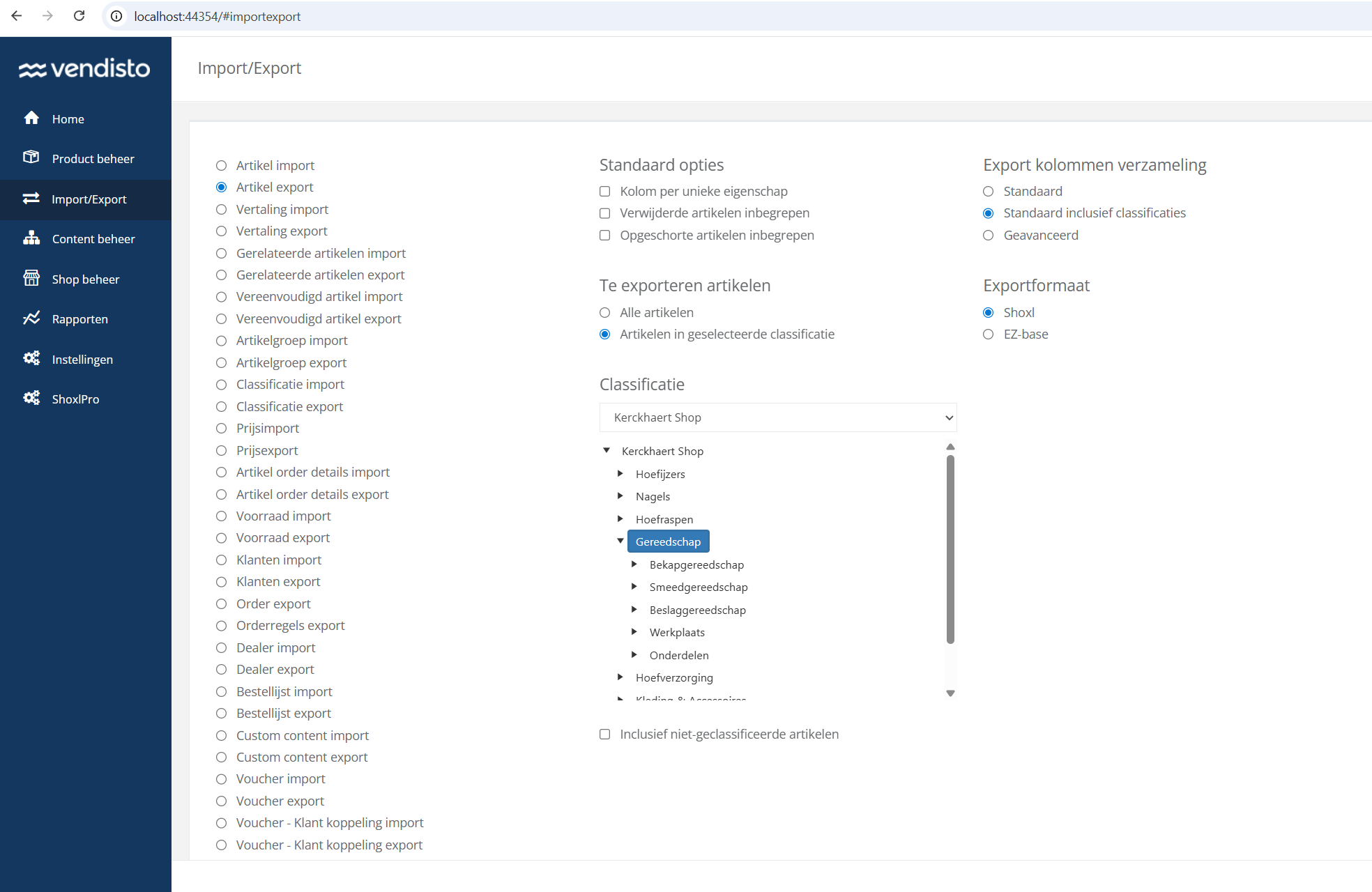
This improvement is particularly relevant for environments with very large assortments containing hundreds of thousands of articles, where generating a complete export could become unnecessarily time-consuming when only a subset of the catalog was needed.
The new export flow makes it easier to work with targeted subsets for import, maintenance, enrichment, or external processing scenarios.
8104: Customer-Specific Free Shipping Thresholds
New | Shipping & Delivery | Vendisto
Free shipping thresholds can be set per customer in Vendisto, supporting negotiated delivery conditions such as always-free shipping for selected customers.
Free shipping thresholds can now be configured individually per customer instead of using a single global threshold for the entire shop.
A new configuration block has been added to the Vendisto Customer UI, allowing customer-specific franco delivery limits to be maintained directly per customer profile.
This makes it possible to support commercial agreements such as:
- Different free shipping thresholds per customer
- Always-free shipping for selected customers
- Shipping costs only for specific customer groups
The functionality is particularly relevant for B2B environments where delivery conditions are part of negotiated customer agreements.
This extension also aligns Shoxl more closely with ERP-driven commercial models by supporting customer-specific delivery cost structures for ERP environments where this functionality is not available natively.
8069: Exact Online Fallback Address Handling
Improved | ERP Integration | Integration | Exact Online
The integration no longer creates fallback delivery and invoice addresses in the ERP, and uses separate addresses only once they exist there.
Orders can now be placed using only a visitation address when no separate delivery or invoice addresses are available in Exact Online.
Previously, the Shoxl Exact integration could automatically generate fallback delivery and invoice addresses for customers that only had a visitation address configured. This could lead to unnecessary or unintended address creation within Exact Online.
The integration behavior has been updated so that fallback addresses are no longer automatically created during synchronization or ordering flows.
When separate invoice or delivery addresses are required, these addresses can be explicitly maintained in Exact Online. Shoxl will automatically recognize and use them once available.
This results in cleaner address synchronization behavior and gives customers more direct control over how address structures are managed inside the ERP environment.
3459: Automatic Skip of Single Classification Level
New | Catalogue, Search & Navigation | Shop
Shops with a single top-level category skip the category overview and open the product overview directly after login.
Shops and portals with only a single top-level classification can now automatically skip the initial classification overview screen.
When a visitor logs in to a shop containing only one classification tile, the platform will immediately open the underlying article group overview instead of first showing a classification selection screen.
This is particularly useful for smaller assortments where users primarily want direct access to the available products instead of navigating through an additional intermediate step.
Previously, similar behavior could only be achieved through homepage redirects. The navigation flow is now handled automatically by the platform itself.
7571: Separate Layout Elements for GTIN and Type Number
Improved | Product Pages & Configuration | Shop
GTIN and type number are separate layout elements, so each can be placed or hidden on the article page without custom styling.
GTIN and Type Number information can now be added independently within article page layouts.
Previously, both values were combined into a single layout block. This meant that hiding either the GTIN or the Type Number often required additional CSS customization or template adjustments.
The layout structure has now been split into two separate layout elements, allowing implementations to independently position, display, or omit:
- Article GTIN
- Article Type Number
This provides more flexibility when composing product detail layouts and simplifies implementations where only one of the two values should be shown.
8136: Vendisto API CORS and Login Feedback Improvements
Fixed | Import, Export & APIs | Vendisto
Browser-based and external connections to the Vendisto interface work again, and login errors show clearer reasons beyond wrong credentials.
External integrations and browser-based connections to the Vendisto API now work correctly again after restoring CORS support.
A configuration issue could previously block requests originating from external environments or frontend applications due to missing or incorrect CORS handling.
The API configuration has been updated to properly allow supported cross-origin requests again.
Additional improvements have also been made to login feedback handling. Authentication-related error messages are now better differentiated, making it easier to identify issues that are unrelated to invalid credentials.
7784: GTIN Validation Removed from Article Excel Import
Improved | Import, Export & APIs | Vendisto
Article imports from Excel no longer reject articles because of GTIN checks, so supplier and internally assigned codes import without errors.
Article imports from Excel will no longer fail due to GTIN validation errors.
The GTIN validation step has been removed from the article Excel import process after repeated situations where valid import scenarios were blocked by strict GTIN validation behavior.
This change makes it easier to import and maintain article data originating from external systems, supplier files, or ERP exports where GTIN values may be incomplete, differently formatted, or not consistently maintained.
It is also common practice in parts of the B2B market to use internally constructed or customer-specific GTIN values that do not formally pass GTIN checksum validation, despite being operationally valid within the business process.
The import process can now continue without rejecting articles solely because of GTIN validation issues.
8224: Assembled Product Cleanup During Full Import
Fixed | ERP Integration | Vendisto
Full imports from the ERP cache remove assembled products and bill-of-material structures that no longer exist in the source data.
Removed assembled product structures are now correctly cleaned up during full ERP cache imports.
Previously, situations could occur where deleted or obsolete assembled product records remained present in the ERP cache after a full import cycle.
The import cleanup logic has been corrected so that removed assembled products and related bill-of-material structures are now properly deleted when they no longer exist in the source data.
This prevents outdated assembled product relationships from remaining active after assortment or product structure changes in the ERP environment.
5701: Article Group Import and Export with Article Group ID
New | Import, Export & APIs | Vendisto
Article group imports and exports can match groups on a stable identifier, so renaming a group no longer creates a duplicate.
Article group imports and exports now support a dedicated Article Group ID column.
Previously, article group synchronization depended primarily on the article group title. Renaming an existing article group could therefore lead to duplicate group creation during import scenarios.
With the introduction of the optional Article Group ID field, article groups can now be matched using a stable identifier instead of relying solely on the displayed title.
This makes it possible to:
- Rename existing article groups without creating duplicates
- Maintain stable references during import and export flows
- Manage assortments more safely across repeated synchronization cycles
The new field remains optional to preserve compatibility with existing import structures and legacy assortment files.
5215: Article Group Asset Description Import Fix
Fixed | Import, Export & APIs | Vendisto
Asset descriptions linked to article groups are imported together with the assets themselves.
Asset descriptions linked to article groups are now correctly imported during article group import processes.
Previously, article group imports could successfully import the related assets while failing to apply the configured asset description metadata.
The import handling has been corrected so that asset descriptions are now properly stored and synchronized together with the imported article group assets.
5214: Article Identification Import and Export Improvements
Fixed | Import, Export & APIs | Vendisto
Supplier and manufacturer identification codes are imported with article groups, and the type number appears in article Excel exports.
Several improvements have been made to the handling of product identification data during article group imports and article Excel exports.
SupplierGLN and ManufacturerGLN values are now correctly processed during article group imports. Previously, these fields could be omitted during import, causing supplier and manufacturer identification data to remain unavailable after synchronization.
In addition, the Type Number field is now correctly included in article Excel exports. The column could previously be missing from exported datasets, limiting its use in external processing and product identification workflows.
These changes improve consistency of product identification data across import, export, and synchronization flows.
8156: Message Center and Representative Account Overview Fix
Fixed | Accounts & Security | Shop
Sales representatives see a correctly laid out list of customer accounts to switch to, also when the message center is enabled.
The representative account overview will now display correctly when the Message Center is enabled in the webshop.
This overview is used by representatives to access and switch between the customer accounts they are authorized to manage, allowing them to log in as a customer and place orders within the webshop on behalf of that customer.
Previously, enabling the Message Center could cause layout and rendering issues within this account selection overview after login, resulting in a visually broken or unstructured page.
The interaction between the Message Center components and the representative account selection flow has now been corrected so that both features function correctly together within the same webshop environment.
7987: Unread Message Counter Update Fix
Fixed | Customer Portal | Shop
The unread message counter in the message center updates immediately when messages are archived or marked as read.
The unread message counter in the Message Center is now updated correctly when unread messages are archived or marked as read.
Previously, the unread message indication could remain incorrect after changing the status of a message, causing the displayed unread count to differ from the actual unread messages remaining in the Message Center.
The counter update logic has been corrected so that unread message totals are now refreshed immediately after message status changes.
6863: Selective Property Export for Microsoft Dynamics 365 F&O
New | ERP Integration | Integration | Dynamics 365 F&O
Article exports to the ERP can be limited to selected properties and attributes, reducing payload size for large product data sets.
Article exports to Microsoft Dynamics 365 Finance & Operations can now be limited to a specific set of product properties and attributes.
A new ArticlePropertyAttributes setting has been added to the Shoxl Finance & Operations integration, allowing implementations to define exactly which attributes should be included in the export.
Previously, all available article properties could be included during export, even in scenarios where only a limited subset was required by the ERP integration.
This makes it possible to reduce export payload size and avoid transferring unnecessary attribute data, particularly in environments with large product datasets or extensive property structures.
5960: Imported Article Header Labels Not Visible
Fixed | ERP Integration | Integration
Article header labels newly imported from the ERP appear in the shop right after the import.
Newly imported article header labels from the ERP system will now correctly appear in the shop after import.
Under specific import scenarios, newly introduced article headers or property labels could be imported successfully into the platform while remaining unavailable in the webshop presentation layer.
The import and synchronization flow has been corrected so that newly added article header labels are now properly created and made available within the shop environment immediately after import.
Sprint 72 (March 20, 2026)
This sprint introduces major improvements around content management, product availability insight, and complex product and spare parts flows.
The new Custom Content Blocks module allows reusable multilingual content such as maintenance notifications and footer information to be managed directly from Vendisto and reused throughout the shop.
We also expanded support for configurable and spare parts-heavy product structures with a dedicated Spare Parts filtering component, improved article number search recognition, and list-based component selection.
On the ERP side, shops can now retrieve Available-to-Promise (ATP) availability dates directly from connected ERP systems. This sprint also adds support for multi-currency gross price exports for Microsoft Dynamics 365 Finance & Operations and customer-specific quantity rules within product information APIs.
Additional improvements include configurable QuoteForms, clearer basket discount visibility, expanded multilingual email support, configurable reCAPTCHA validation thresholds, and several validation and synchronization improvements across ordering and pricing flows.
7412: Custom Content Blocks for Shop Content Management
New | Content & SEO | Vendisto
A new Vendisto module manages reusable, translatable content blocks, such as footer addresses or maintenance notices, placed in fixed shop areas without layout changes and shown or hidden automatically by date.
We introduced a new Custom Content Blocks module in Vendisto, enabling shop owners to manage reusable content directly from the platform without requiring layout or code changes.
This functionality is designed for content that appears across fixed areas in the shop, such as:
- Footer address information
- Header notifications or maintenance messages
- Reusable informational content
- Temporary promotional or service announcements
Each Custom Content Block contains:
- A unique tag used for placement inside the shop
- Fully translatable content
- Optional publication and archive dates
- Reusable HTML content that can appear in multiple locations simultaneously
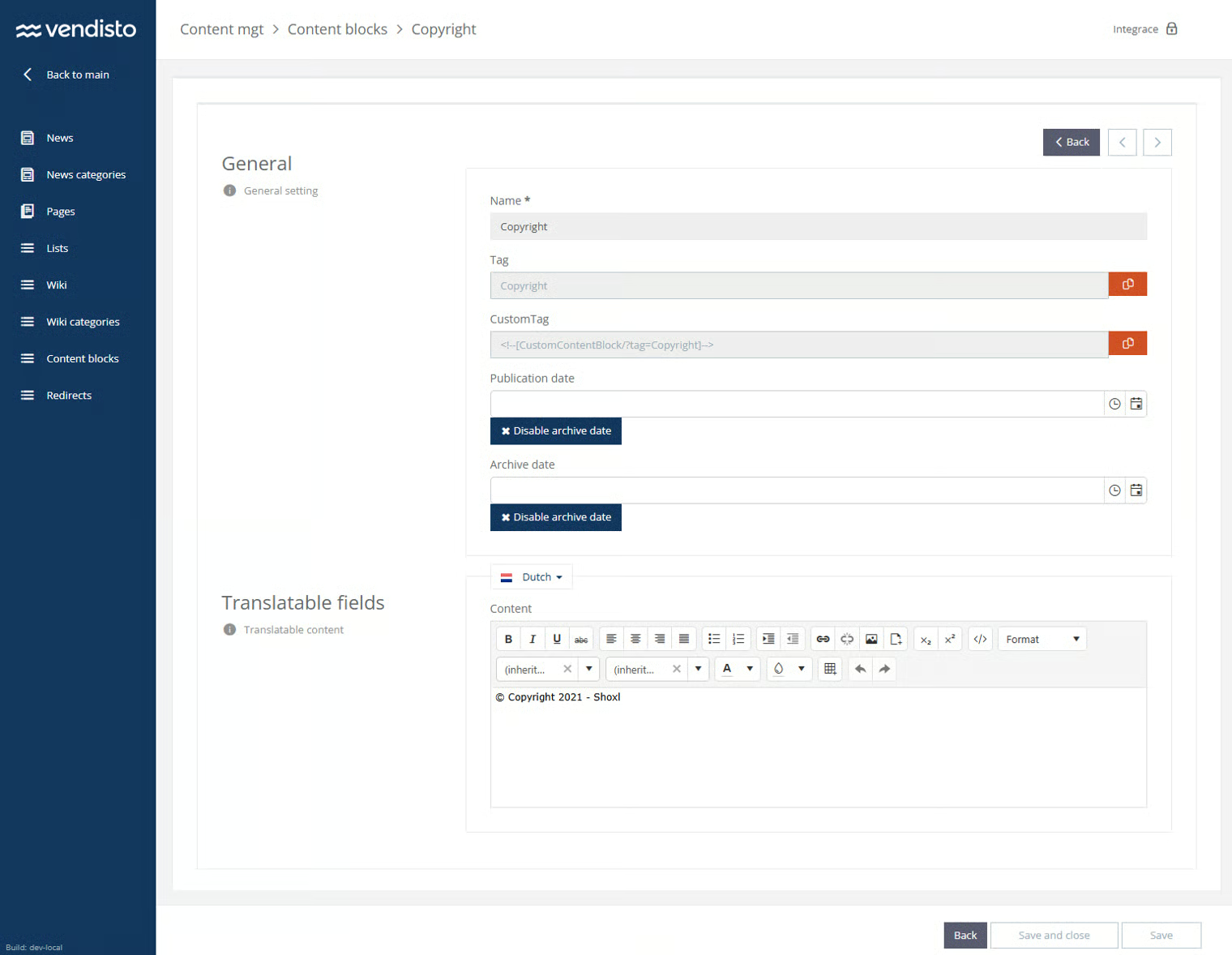
Custom Content Blocks can be inserted in two different ways:
- Directly inside HTML content using the new custom tagging mechanism
- As standalone elements within the shop layout configuration
This creates a more flexible content management flow where functional or informational content can be maintained independently from the technical shop implementation.
The module also supports scheduled visibility through publication and archive dates, allowing content to automatically appear or disappear at predefined moments.
Internally, the content blocks are synchronized to the webshop settings structure in RavenDB and rendered language-specific based on the active shop language.
7849: Dedicated Spare Parts PreFilter Component
Improved | Product Pages & Configuration | Shop
The spare parts page uses a dedicated prefilter that keeps every valid dependent filter available, regardless of the order filters are configured.
The Spare Parts page now uses a dedicated Spare Parts PreFilter component, replacing the existing generic PreFilter implementation.
The previous component was not sufficiently flexible for Spare Parts scenarios involving dependent filters and accumulated product properties. In some situations, subfilters could be skipped or hidden when a configured property was not immediately available or when filter configurations were processed in a specific order.
The new component removes this dependency on configuration order. Available subfilters are now evaluated independently, ensuring that valid filter options remain accessible whenever matching assembled product data exists.
The implementation also improves handling of conditional subfilters. Filters that are not relevant for the current selection remain hidden until a selected product path makes them applicable.
To support this behavior, a new indexing structure was introduced for filtering on accumulated properties of assembled products.
This improvement is particularly relevant for Spare Parts environments with layered product structures, where multiple dependent properties and variant combinations are used to guide users toward the correct replacement parts.
7645: Search Bar Optimization
Improved | Catalogue, Search & Navigation | Shop
Search finds products by article number or manufacturer number even when customers leave out spaces, slashes or other separators.
The search functionality has been improved to better handle searches based on article numbers and manufacturer article numbers, even when formatting differs from the stored value.
Previously, searches could produce inconsistent results when users omitted spaces or special characters that were present in the original article number. This was particularly relevant for technical products and spare parts where article numbers are often entered manually.
Search indexing and result prioritization have been updated so that normalized article numbers are matched consistently across both autocomplete and full search results.
For example, the manufacturer article number 6205/C3 will now correctly return the intended product as the top result for all of the following search inputs:
- 6205/C3
- 6205C3
- 6205 C3
The improvements apply to both autocomplete suggestions and the search results page, ensuring that users can find products regardless of whether separators, spaces, or formatting characters are included in the search query.
7223: Customer Group-Specific Order Quantities
New | ERP Integration | Integration | Settings: MinimumOrderQuantity, AdditionQuantity
The product information interface returns minimum order quantities and order increments per customer group, so ordering rules can differ per customer.
The ShoxlRest GetProductInformations endpoint has been extended with support for MinimumOrderQuantity and AdditionQuantity.
This makes it possible to expose customer-specific ordering constraints directly through the product information response. The functionality supports scenarios where different customer groups require different minimum purchase quantities or fixed ordering increments for the same product.
For example, a product can now enforce:
- A minimum order quantity of 12 units
- Ordering only in increments of 6 units
- Different quantity rules depending on the assigned customer group or pricelist
The quantities are returned directly within the product information payload, allowing external integrations and storefront logic to apply the correct ordering behavior during product display, basket validation, and checkout flows.
This functionality is particularly relevant for ERP-driven B2B environments where packaging units, wholesale quantities, or customer-specific agreements determine how products may be ordered.
7235: Basket Item Discount Visibility
New | Basket & Checkout | Shop
The basket totals can show the combined product-level discount separately from voucher and order discounts, making line discounts visible to customers.
The basket and checkout totals overview can now display product-level discounts separately from general order discounts and voucher reductions.
A new layout element has been introduced that shows the combined item-level discount amount applied across all order lines in the basket.
This makes it possible to clearly distinguish between:
- Discounts applied directly to products
- Voucher-based discounts
- General order-level discount calculations
The displayed amount is based on the TotalDiscountExclVat value returned by the CalculateOrder response and only includes discounts applied at article level.
This is particularly relevant for B2B pricing scenarios where customer-specific product discounts, net pricing agreements, and line-level discount structures are used alongside separate promotional or order-wide discount mechanisms.
7702: Exact Online Order Line Remarks Configuration
New | ERP Integration | Integration | Exact Online | Settings: OrderLineNotesMode
Order comments or custom order fields can be copied to the remarks of each exported order line in the ERP.
Order-related information can now be transferred to Exact Online order line remarks in multiple configurable ways.
A new setting, OrderLineNotesMode, has been added to the Exact Online Batch Interface. This setting controls how the Notes/Remarks field on Exact Online order lines is populated during order export.
This makes it possible to include additional context directly on individual order lines, even in scenarios where the information originally exists at order level.
The following modes are available:
- None — No mapping is applied to the order line Notes field. Existing integrations remain unchanged.
- Comments — The order header comment is copied to the Notes field of every exported order line.
- CustomOrderFields — All configured Custom OrderFields are added to the Notes field of every order line using a
Name: Valuestructure.
This is particularly useful for integrations where operational information, references, delivery instructions, project identifiers, or custom checkout fields must remain visible at line level inside Exact Online after order synchronization.
7769: Configurable reCAPTCHA Validation Threshold
New | Accounts & Security | Shop
Shops can set how strict spam protection is for forms, rejecting low-trust submissions, with logging that explains each accept or reject decision.
Form submissions can now be filtered more accurately based on the calculated reCAPTCHA risk score.
A configurable reCAPTCHA threshold has been added, allowing shops to define when a submission should be accepted or blocked based on the returned Google reCAPTCHA score.
Previously, submissions with low trust scores could still pass validation because no configurable threshold was available within the implementation.
With this improvement, shops can now actively control how strict the validation should be for contact forms and other protected submission flows.
Additional logging has also been added to provide better visibility into:
- The received reCAPTCHA score
- Why a submission was accepted or rejected
- Validation and scoring behavior during troubleshooting
This makes it easier to tune spam protection behavior in environments where automated submissions, bot traffic, or low-confidence form activity must be filtered more aggressively.
7012: Configurable Quote Form Fields
New | Basket & Checkout | Shop | Settings: QuoteForm
Each shop decides which fields the quote request form shows and which are mandatory, so quote flows can be as short as needed.
The QuoteForm can now be configured to support different field requirements per shop implementation.
This makes it possible to determine exactly which fields are shown in the quote request flow and which of those fields are mandatory for submission.
Previously, the QuoteForm used a fixed structure with limited flexibility around required input fields. With this improvement, shops can tailor the quote request process to their own business requirements and data collection needs.
Examples of configurable behavior include:
- Making phone number fields optional or mandatory
- Showing or hiding company-related fields
- Controlling whether newsletter opt-in is displayed
- Reducing the number of required fields for simpler quote flows
The configuration supports multiple field types including textboxes, checkboxes, radio buttons, and multiline comment fields. Field visibility and validation requirements are configured through the QuoteForm settings structure.
7455: List View Support for Component Selection
New | Product Pages & Configuration | Shop
Component options can be shown as a visual list with icons, labels and tooltips instead of only dropdown menus.
Component options can now be displayed as selectable lists instead of only dropdown menus.
Previously, component selection exclusively used dropdown fields for each component relation type. This worked well for smaller selections, but became less practical in scenarios with many component options or visually distinguishable variants.
The new implementation introduces a list view mode for component selection, aligned with the behavior already available in the Article Selection Wizard.
When enabled, component options can be presented as a visual list where each available value may include:
- An icon or image
- A directly visible option label
- Property information shown through tooltips
This makes it easier to compare and select component variants without repeatedly opening dropdown menus, particularly for configurable products with multiple component dimensions or visually recognizable options.
7542: Price Detail Cleanup Improvements
Improved | Platform & Performance | Integration
Synchronization removes outdated price details from the shop cache, so old pricing no longer lingers after price or assortment changes.
Outdated price detail information is now automatically removed from the shop’s RavenDB performance database during synchronization.
Cleanup mechanisms already existed for articles, article groups, categories, and assets that were no longer active or available in Vendisto. However, obsolete price detail documents could still remain present in the RavenDB cache in certain scenarios involving frequent assortment or pricing changes.
The synchronization process between the Vendisto SQL database and the RavenDB performance database has now been extended to include automatic cleanup of outdated price detail records as well.
This prevents old or orphaned pricing information from remaining available in the performance database after pricing changes, assortment updates, or article removals in Vendisto.
7493: ERP-Based Available-to-Promise (ATP) Availability Dates
New | Prices, Stock & VAT | Integration | Dynamics 365 F&O
Out-of-stock products can show when new stock is expected, retrieved in real time from the ERP, so customers can decide whether to wait.
Products that are temporarily unavailable can now display upcoming availability dates directly from the connected ERP system.
When the Available-to-Promise (ATP) functionality is enabled, the standard “Out of Stock” indication can be replaced with an ATP action that allows users to retrieve future availability information in real time.
After activation, the shop queries the connected ERP system to retrieve the next expected availability moments and quantities for the selected product.
This allows users to:
- See when new stock is expected to become available
- Determine whether waiting for replenishment is worthwhile
- Make purchasing decisions based on planned incoming stock instead of only current inventory
The ATP functionality is implemented as a configurable layout element and can be used with ERP integrations that provide Available-to-Promise information.
7363: Microsoft Dynamics F&SC Multi-Currency Gross Price Export
New | ERP Integration | Integration | Dynamics 365 F&O
Gross prices can be synchronized in the currency used in the ERP instead of always in euros, supporting international multi-currency sales.
Gross prices exported from Microsoft Dynamics 365 Finance & Operations can now be synchronized using multiple currencies instead of always defaulting to EUR.
A new configuration setting has been added to the integration layer, allowing shops to retrieve and process gross prices in the currency configured within the ERP environment.
Previously, gross price exports defaulted to EUR regardless of the original currency context in Finance & Operations.
This improvement is particularly relevant for international B2B environments where different customer groups, regions, or sales organizations operate with multiple currencies within the same ERP landscape.
7999: Expanded Email Template and Language Support
Improved | E-mails | Shop
New shops automatically receive a complete set of transactional email templates, and two-factor authentication emails support more languages.
New shops now automatically receive a complete and up-to-date set of transactional email templates during creation.
The Shopmanager mail service has been extended to automatically generate the required templates in Postmark, reducing manual setup work and ensuring that newly created shops immediately have the correct email infrastructure available.
Additional improvements have also been made to multilingual email support.
Basic template sets are now available to simplify onboarding of new shop environments, while two-factor authentication emails have been extended with support for additional languages.
This ensures that authentication and transactional communication can be delivered in the language expected by the end user, particularly in multi-language shop environments.
7962: Basket Merge Validation for Quantity Rules
Fixed | Basket & Checkout | Shop
When a guest basket merges with an account basket at login, quantities are checked against minimum, increment, maximum and stock rules.
Basket merging after login now correctly validates product quantity rules before combining guest and user baskets.
Previously, situations could occur where products added to a guest basket exceeded configured stock or quantity restrictions after the basket was merged into the user’s existing basket during login.
This specifically affected scenarios involving:
- Minimum order quantities
- Fixed quantity increments
- Maximum allowed quantities
- Stock-based quantity validation
The basket merge process now validates and adjusts merged quantities before the final basket is created, preventing invalid combined quantities from triggering basket or checkout errors after login.
This is particularly relevant for B2B shops where products are frequently sold in fixed packaging units, order multiples, or quantity-controlled assortments.
7876: Price Filter Tax Label Correction
Fixed | Catalogue, Search & Navigation | Shop | Settings: NetPriceFiltering
Price filters show tax labels that match the shop's pricing configuration, avoiding misleading excluding-tax labels.
Customers using NetPriceFiltering will no longer see incorrect “Excl. Tax” labels in the product price filters.
In specific situations following a RavenDB database and index upgrade, the price filter configuration could display outdated or incorrect tax-related labeling for customers working with inclusive tax pricing logic.
The filter behavior and related index handling have been corrected so that the displayed price filter labels now correctly align with the active pricing configuration used in the shop.
This prevents confusion in environments where customers filter products based on gross pricing instead of excluding VAT calculations.
7733: Classification Image Inheritance Improvements
Improved | Catalogue, Search & Navigation | Shop
Category pages without their own image show an image from an underlying category, keeping category overviews visually complete.
Classification pages without a directly assigned image can now automatically display an image originating from their underlying classification structure.
Previously, parent classifications without their own image could remain without visual representation, even when suitable images were available on underlying child classifications.
The synchronization and image resolution logic has been updated so that classification nodes can inherit images from underlying classifications when no direct image is configured on the current level.
This ensures that category structures retain visual consistency even when images are only maintained deeper within the classification hierarchy.
7607: Delivery Date Validation Fix
Fixed | Shipping & Delivery | Shop
Customers can only choose delivery dates allowed by the delivery schedule, throughout the whole checkout.
Invalid delivery dates can no longer be selected within order flows that use the delivery scheme extension.
Under specific interaction sequences during checkout, it was previously possible to bypass delivery date restrictions and select a date that was not allowed according to the configured delivery scheme.
The validation flow has been corrected so that delivery date availability rules are consistently enforced throughout the complete ordering process.
This ensures that users can only finalize orders using delivery dates that are actually permitted within the configured delivery planning logic.
Sprint 71 (February 27, 2026)
Sprint 71 continues to strengthen Shoxl’s architecture around transactional communication, integration flexibility, and configurable sales processes.
A major architectural step is the introduction of a centralized Email Service. All transactional messages — including order confirmations, account activations, password resets, quote notifications, and 2FA codes — are now routed through a single Email API and delivered exclusively through Postmark. This consolidates the previously fragmented delivery routes and establishes a consistent foundation for monitoring, security, and template management.
The new email architecture also introduces webhook support for order and quote emails. These events can now be forwarded to external systems, allowing marketing platforms and automation tools to trigger follow-up communication or campaign workflows based on real shop activity.
On the sales process side, the Quote Checkout page has become fully configurable through layout settings. Fields can now be individually enabled, disabled, or marked as required, allowing organizations to tailor the quote request flow to their specific sales processes.
Finally, voucher integrations have been improved by including the actual voucher code in the data provided to email templates. This allows transactional emails and external platforms to reference the exact code used during checkout, enabling cleaner integrations with marketing automation tools such as Copernica and improving campaign tracking across systems.
4215: Centralized Email Delivery and Template Management
Improved | E-mails | Shop
Transactional emails, from order confirmations to 2FA codes, move to one central email service, with delivery and all templates in Postmark: easier to maintain, extend and customize. Starts as a beta for a test group.
The shop sends a wide range of transactional emails, including order confirmations, password resets, account activations, 2FA codes, quote requests, and contact form notifications. Until recently, these messages were handled through different technical routes.
Some emails were sent through Vendisto, many were already delivered through Postmark, and a smaller group still relied on SMTP on internal infrastructure. This made the overall setup harder to manage and less consistent in areas such as monitoring, authentication, logging, and template control.
In this sprint, the full email delivery architecture has been consolidated into one centralized flow.
All outgoing transactional emails now pass through a dedicated Email Service. This service acts as the single gateway for email traffic and provides a more uniform way to handle security, validation, and traceability.
All messages are delivered through Postmark. Vendisto is no longer part of the delivery route, and legacy SMTP-based sending has been removed.
With this change, all email templates are now managed in Postmark. Part of this was already in place, but the setup has now been completed for the full transactional email flow. Each environment uses its own dedicated Postmark server. Depending on the subscription, customers can receive access to that environment and manage the content and layout of their own transactional emails directly.
For more advanced scenarios, the architecture also supports webhook-based integrations. This makes it possible to send structured email data to external platforms that can enrich, generate, or distribute communication through their own flows.
The diagram below illustrates the new setup, in which both the Webshop and the Account API route email requests through the central Email API, after which delivery is handled through Postmark.
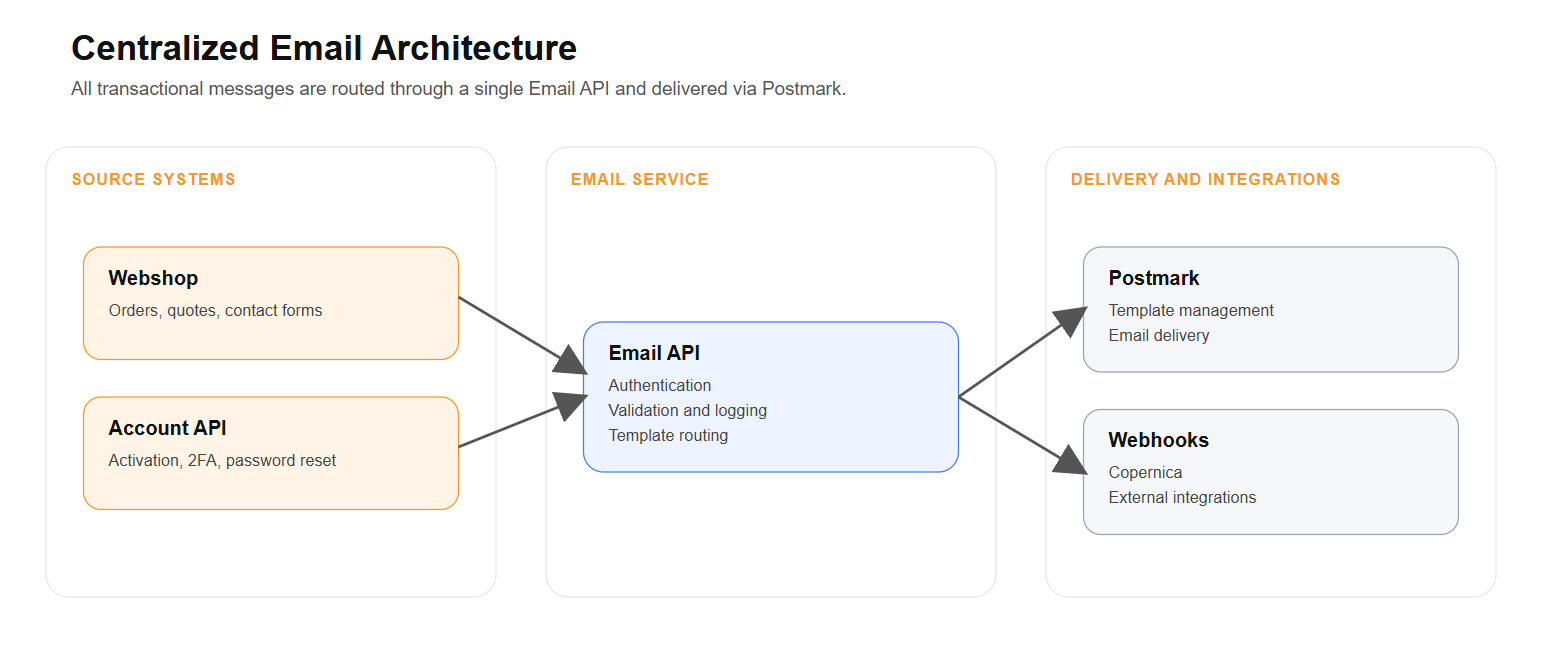
The underlying request structure also makes the setup easier to extend for new email types and integrations. A request contains the email type, recipients, language, and the data needed by the template.
{ "Type": "AccountTwoFactor", "Recipients": { "To": [ "[email protected]" ] }, "LanguageId": 2057, "Data": { "Username": "TestAccount", "TwoFactorCode": "461595" } }This functionality is currently available in beta for a selected test group. General availability is planned for Release 71.
The visible behavior for end users remains largely the same, but the underlying setup is now easier to maintain, easier to extend, and better suited for customer-specific email customization.
7450: Webhook Support for Order and Quote Emails
New | E-mails | Shop
Order and quote emails can now notify external systems through webhooks, so marketing or automation tools can start their own follow-up workflows.
Order confirmations and quote-related emails were previously only processed through the internal email delivery flow. This limited the ability to integrate these events with external systems that may need to react to order or quote activity.
The Email API now supports sending requests to external endpoints (webhooks) when order or quote emails are generated.
This allows external systems to receive structured data whenever an order confirmation or quote event occurs. The webhook can then be used to trigger additional workflows such as sending emails through external marketing platforms, synchronizing voucher campaigns, or initiating follow-up processes.
By exposing these events through webhooks, the email architecture becomes more flexible and easier to integrate with external communication and automation tools.
7328: Configurable Fields in Quote Checkout Form
New | Basket & Checkout | Shop | Settings: RenderLabel
The quote checkout form can be composed through the layout, choosing which fields appear and which are required for a shorter quote request.
The quote checkout previously required a fixed set of fields, making it difficult to adapt the form to different business processes or customer scenarios. In many situations, only minimal information is needed to submit a quote request.
The Quote Checkout page can now be fully configured through the layout settings. This allows the form to be composed using the same layout structure as other configurable pages in the platform.
All available fields can now be individually configured, making it possible to decide which fields are displayed and whether they are required or optional. This enables businesses to create a much more streamlined quote request flow when only limited information is necessary.
The layout configuration supports a wide range of customer data fields, including personal details, company information, delivery and invoice addresses, and contact information. Custom HTML blocks can also be added to structure the form and provide additional instructions or headings.
The following example shows how a field can be rendered in the Quote Checkout layout configuration:
{ "Element": { "Name": "CustomerData_CustomerDeliveryAddress_City", "Properties": { "RenderLabel": true, "IsEditable": true, "ClassName": "form-group col-xs-12 col-sm-12 col-md-6" } } }By repeating this structure and changing the Name property, additional fields can be added to the form layout. Each field can be individually configured to control visibility, editability, and styling.
This flexible layout approach allows organizations to tailor the quote checkout form to their specific sales processes while maintaining full control over which information is collected from customers.
7457: Voucher Code Included in Email Template Data
Improved | E-mails | Shop
Order emails and connected systems now receive the exact voucher code the customer entered, which keeps external voucher campaigns and redemption tracking aligned.
Order confirmation emails previously included the voucher label rather than the actual voucher code used during checkout. As a result, the exact code entered by the customer was not available in email templates or in downstream integrations.
The order line data sent to the email template system now also includes the voucher code itself. This makes it possible to show the exact code in transactional emails when needed and gives external systems access to the same value.
This creates clearer communication for customers, especially when the entered code is more recognizable than the voucher description or contains meaningful campaign information. It also enables broader integration scenarios in which voucher campaigns are managed outside the platform.
A common setup is to create vouchers in Vendisto, distribute them through an external marketing platform such as Copernica, and then inform that platform once the voucher has been redeemed in the Shoxl shop. This allows campaign distribution and redemption tracking to remain connected across systems.
The diagram below illustrates this flow.
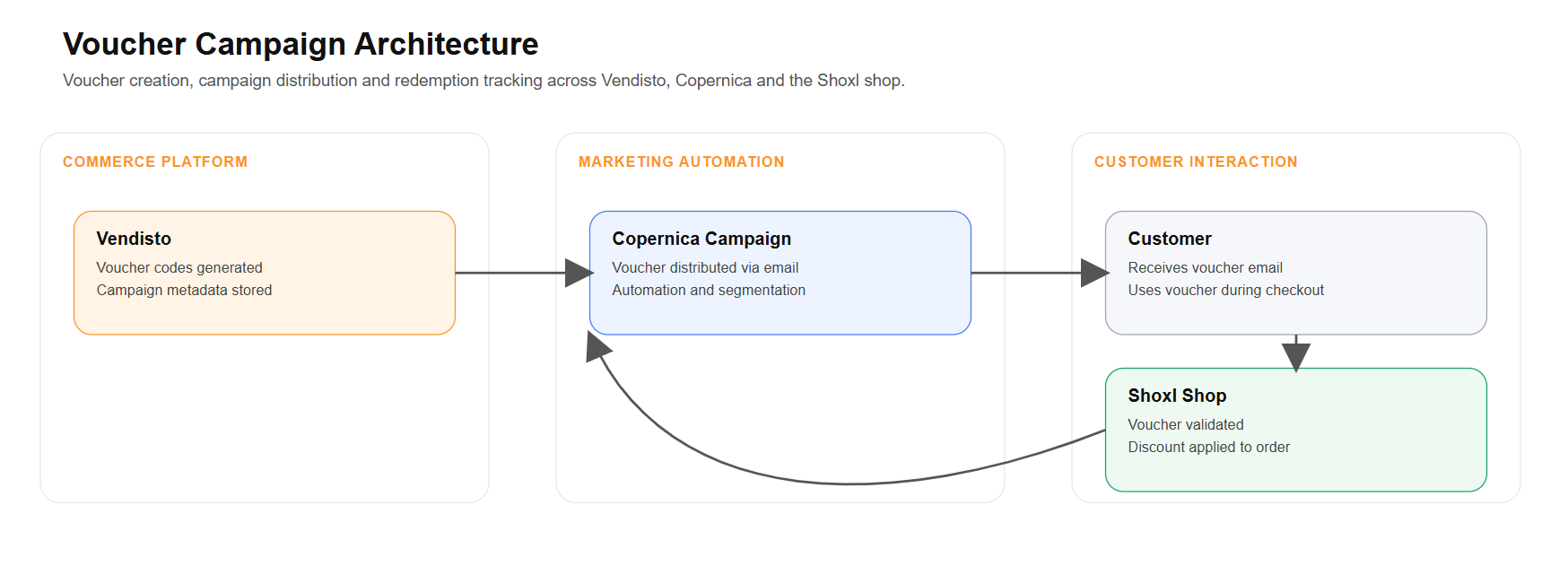
By including the voucher code directly in the email template data, the platform can support this full cycle more effectively: voucher creation, campaign distribution, customer communication, and redemption feedback all remain aligned.
The following simplified example shows how the voucher code can be included in the order line data made available to the email template:
{ "OrderLines": [ { "ProductCode": "SKU-1001", "Description": "Spring promotion discount", "VoucherLabel": "Spring promotion", "VoucherCode": "SPRING10" } ] }This makes the exact voucher code available not only for email presentation, but also for integrations that need to forward, register, or validate voucher activity across connected systems.
6656: Property Values Updated After Article Selection
Fixed | Product Pages & Configuration | Shop
The property overview on an article group page updates to the chosen article once the selection wizard narrows the choice to one product.
Property categories rendered on an article group page can show the unique values that exist across the available variants. However, when the Article Selection Wizard resulted in a single matching article, these displayed property values were not always updated to reflect the selected article.
This behavior has been fixed. When UpdatepropertiesOverview is enabled, the property overview now updates correctly after a specific article has been selected, including in layout scenarios where this did not work before.
As part of this behavior, the property value is only shown once the article number is known, in line with the existing behavior for article-specific information.
The following example shows the relevant setting:
{ "UpdatepropertiesOverview": true }6955: Matching Properties Display Restored on Article Group Page
Fixed | Product Pages & Configuration | Shop | Settings: EnableMatchingPropertiesTransposition
Properties shared by every article in a group appear in the group details again, keeping the article table focused on what differs.
On the article group page, an article table can be displayed to list all articles within the group.
When the EnableMatchingPropertiesTransposition setting is enabled, properties that have the same value across all articles are moved out of the table and displayed in the detail section of the article group instead. This helps keep the article table focused on properties that differentiate the variants.
Due to a bug in the implementation of this setting, these matching properties were not shown in the article group detail section as intended.
This issue has been resolved, and matching properties are now correctly transposed and displayed when the feature is enabled.
{ "EnableMatchingPropertiesTransposition": true } 7301: Property Category Order Applied on Article Detail Page
Fixed | Product Pages & Configuration | Shop
Property category tabs on the article page follow the display order defined in Vendisto.
The shop can be configured to display article properties on the article detail page. When a large number of properties is available, these can be grouped using Property Categories. Each category can be assigned to an article header, allowing properties to be organized into separate tabs on the article detail page.
Property Categories are managed in Vendisto, where their display order can also be defined.
An issue was identified where the configured sort order of Property Categories was not correctly applied on the article detail page. This behavior has been corrected so that the category order defined in Vendisto is now respected in the shop.
4391: Price Filter Aligned with VAT Display Setting
Fixed | Catalogue, Search & Navigation | Shop
The price filter uses prices including or excluding VAT to match how prices are shown, so filter values match the product listings.
The price filter in the shop previously always used prices excluding VAT. This caused inconsistencies in shops where the “Show prices including VAT” setting was enabled, because the filter values did not match the prices displayed in the product listings.
This behavior has been corrected. The price filter now respects the active VAT display setting used in the shop.
- When prices are displayed including VAT, the price filter values and filtering logic use prices including VAT.
- When prices are displayed excluding VAT, the filter continues to use prices excluding VAT.
This applies to both gross and net price filtering.
5677: HTML Content Blocks for Reusable Managed Content
New | Content & SEO | Vendisto
Vendisto lets editors create reusable HTML content blocks per language, with draft and publish status and optional dates, for later use across the shop.
Adding custom content in the platform often still requires layout changes in Raven, which means customers depend on support or development help for relatively simple content updates.
In this sprint, the management side for reusable Content Blocks has been introduced in Vendisto. Users can now create and manage HTML-based content blocks with their own name, language, status, and optional start and end date.
This makes it possible to prepare centrally managed content that can later be reused in multiple places, such as content pages, classifications, article groups, articles, news, or wiki-related content.
The content block management includes support for draft, published, and deleted statuses. Visibility is determined by publication status and, where configured, the active date range.
Each content block is stored per language, making multilingual content easier to manage in a structured way. To avoid conflicts, the combination of name and language must be unique.
The rendering of these content blocks in the shop will be added in the next sprint. That next step will make the blocks available through shortcode-based rendering and layout integration, so they can be used directly in storefront content and fixed layout areas.
This sprint therefore delivers the editorial foundation: customers can already start preparing and managing reusable content centrally, while storefront usage will follow in the next release.
7660: Stock Retrieval Fixed for Product Numbers with Slashes
Fixed | Prices, Stock & VAT | Integration
Stock information shows on the article page for products whose product number contains a slash, instead of an unknown status.
Stock information could fail to load for products whose product numbers contain slashes. In these situations, the stock service returned valid data, but the article detail page displayed the status as “Unknown”.
The handling of product numbers containing slashes has been corrected, ensuring that stock information is now retrieved and displayed correctly on the article detail page.
7647: Excel Order Upload Selection and Quantity Input Restored
Fixed | Basket & Checkout | Shop
Select all and the quantity input work again when ordering from an uploaded Excel file.
An issue was identified in the Excel Order Upload functionality where the Select all option no longer worked. At the same time, the quantity selector in the upload interface was not activating as expected.
This issue has been resolved, restoring the correct behavior of the selection control and the quantity input in the Excel Order Upload interface.
7605: Incorrect VAT Rate Applied to Component Articles
Fixed | Prices, Stock & VAT | Shop
Component articles are calculated with their own VAT rate instead of falling back to the standard rate.
An issue was identified where component articles with a VAT rate different from 21% could still be calculated using the 21% rate under certain conditions.
This behavior has been corrected so that component articles now use their configured VAT rate when calculating totals.
7486: Meta Description Filtering Adjusted
Fixed | Content & SEO | Shop
Meta descriptions keep common punctuation and formatting characters that were previously stripped out too aggressively.
The meta description filtering introduced in earlier sprints was too strict and removed characters that should normally be preserved in meta descriptions.
The filtering logic has been adjusted to be less aggressive, allowing commonly used punctuation and formatting characters to remain in the generated meta description.
7484: Search Issue in Shops with Mobile Version
Fixed | Catalogue, Search & Navigation | Shop
Search works reliably again in shops that also offer a separate mobile version of the storefront.
Search could sometimes fail in shops where a separate mobile version of the storefront was also available.
This issue has been resolved, restoring normal search behavior in these environments.
7483: First Related Article Type Restored in Vendisto List
Fixed | Product Data (PIM) | Shop
The overview of related article types in Vendisto shows every available type, including the first one that was previously missing.
The list of related article types in Vendisto did not show all available relation types. Due to a paging issue, the first item in the list was consistently omitted.
This issue has been resolved, and the overview now displays the complete set of available related article types.
7453: Component Relations Excluded from Related Articles
Improved | Product Pages & Configuration | Shop
Component relations get their own selection block on the article group page and no longer appear among related articles meant for cross-selling.
Related articles on the article group page could previously include items with the Component relation type. Because components are intended for product configuration rather than cross-selling, showing them in the general related articles overview created confusion.
This behavior has been corrected by separating the two use cases more clearly.
A dedicated component selection module is now available on the article group page. In this block, only relations with the type Component are shown, and they are rendered as dropdown selections to support the configuration flow.
The Related Articles slider and block now only display relations from other supported relation types. Component relations are excluded from this overview.
7444: ERP Cache Order History Import Accepts Empty Product Descriptions
Fixed | ERP Integration | Integration | Dynamics 365 F&O
The order history import from the ERP accepts order lines with an empty product description instead of stopping.
An issue occurred in the ERP Cache OrderHistory import where records containing an empty ProductDescription caused the import process to fail.
The import logic has been adjusted to allow empty ProductDescription values.
The ProductDescription element must still be present in the XML structure, even if it does not contain a value.
<OrderLine> <ProductCode>ABC-123</ProductCode> <ProductDescription></ProductDescription> <Quantity>1</Quantity> </OrderLine>7229: Import Status Corrected for Price Lists and Customer Prices
Fixed | ERP Integration | Integration | Exact Online
Price list and customer price imports from the ERP report their real outcome instead of showing a failure after successful processing.
An issue was identified where the import processes for PriceLists and CustomerPrices could incorrectly report a failed import, even when the data had been processed successfully.
The reporting logic has been corrected so that the import status now accurately reflects the actual outcome of the import process.
6885: Vendisto Preloaded to Improve First Order Performance
Improved | Platform & Performance | Shop
The back office service starts together with the shop, so the first order after a quiet period is processed without extra delay.
The first order placed after a period of inactivity could take noticeably longer to process because the Vendisto service was not yet running.
The shop startup process now automatically initializes Vendisto, ensuring that the service is already active when the first order is placed.
Sprint 70 (February 6, 2026)
This sprint strengthens Shoxl’s core promise: extending ERP-driven commerce with control, scalability, and channel flexibility. We’ve focused on improving how data flows from ERP to storefront, how assortments are managed across channels, and how communication and checkout behavior adapt to real-world B2B scenarios.
A key addition is the new integrated Message Center, enabling targeted in-platform notifications based on authorization profiles. This introduces a structured communication layer within the shop, independent of ERP flows.
On the ERP side, we completed the technical foundation for Available-to-Promise (ATP) integration with Microsoft Dynamics F&O, enabling ERP-driven availability insight instead of static stock messaging. In Exact environments, we introduced classification-based export filtering, allowing multiple webshop scenarios to coexist while keeping Vendisto aligned to the intended assortment.
We also expanded channel flexibility with authorization-based product feed filtering, making it easier to define marketplace-specific assortments without separate feed logic. In payments, a direct integration with Rabobank OnlineKassa has been added alongside refined pickup-specific payment handling.
Operational stability has been strengthened with resumable ShoxlSync for large catalogs, improved stock validation logic, and multiple refinements across filters, classification dashboards, and storefront consistency.
5942: Integrated Message Center with Targeted Notifications
New | Content & SEO | Shop
A message center behind a bell icon in the header shows notifications without leaving the page. Messages are targeted by authorization profile, closed per user and managed per language in Vendisto.
To improve in-platform communication, we have introduced a fully integrated Message Center. This feature, demonstrated in the video below, allows users to view and manage notifications without leaving their current page, creating a seamless and non-disruptive experience.
The Message Center is accessible via a notification bell icon in the top-right corner of the header. When unread messages are available, a badge displays the number of new notifications. Clicking the icon opens a side panel that presents messages directly within the interface.
On desktop, the Message Center appears as a right-hand sidebar. On mobile devices, it opens as a full-screen overlay to ensure optimal readability. Messages are sorted from newest to oldest and include:
- A title or short summary
- The time of publication
- An optional icon or avatar
- An action to close or mark the message as read
If additional context is required, a notification can contain a “Read more” link directing the user to a relevant page within the platform. The link opens in the same browser window.
The side panel can be closed in multiple intuitive ways: by clicking outside the panel, clicking the notification icon again, or pressing the Escape key. Unread messages remain marked until the user explicitly closes them. The notification badge automatically updates and disappears when no unread messages remain.
Notifications can be targeted based on authorization profiles. Each message can be linked to one or more existing authorization profiles within the platform. When a user visits the website, the system evaluates their assigned profiles and displays only the relevant notifications.
Non-authenticated visitors receive only messages linked to the public profile. Logged-in users see both general messages and notifications specifically assigned to their authorization profiles. Importantly, when a user closes a message, that action is stored individually. Other users with the same authorization profile will continue to see the notification until they close it themselves.
Message management is handled within Vendisto through a dedicated “Notifications” section. Administrators can create, publish, archive, reactivate, and manage notifications in a structured overview similar to the existing news module. Each notification includes:
- Title (required)
- Message content (with optional link)
- Linked authorization profiles
- Status (draft, published, archived)
- Publication date
For multilingual environments, administrators can define content per language within a single notification entry. This differs from the news module, where separate items are required per language. Optionally, translation services can be leveraged to automatically display messages in the appropriate language, reducing manual effort.
This feature is fully available and operates independently of ERP integrations. It provides a scalable communication layer within the platform, supporting both broad announcements and highly targeted, profile-based messaging.
4198: Available-to-Promise (ATP) Integration
New | Prices, Stock & VAT | Shop | Dynamics 365 F&O
Out-of-stock products can show the expected availability date from F&O, including kit articles; storefront activation follows next release.
For products that are temporarily out of stock, customers often want clarity on when new inventory will become available. This release establishes the foundation to display expected delivery dates directly on the product detail page, based on Available-to-Promise (ATP) calculations from the ERP.
In Microsoft Dynamics 365 Finance & Operations (F&O), ATP is calculated as the available inventory plus planned receipts minus quantities already committed to sales orders. When current stock is depleted but inbound inventory is planned, the first date with a positive ATP value represents the expected availability date.
With this enhancement, Shoxl becomes aware of ATP processing in the ERP. When the ATP feature is enabled and a product is unavailable, the standard “Out of Stock” message is replaced by an ATP action. Upon interaction, the platform queries the ERP in real time and retrieves the next date on which quantities become available.
If ATP information is present, the expected delivery date (for example: 19-05-2025) will be shown on the article detail page. This ensures customers receive transparent availability information instead of a generic unavailability message.
This implementation is initially delivered for F&O. Support includes both standard items and so-called KIT articles composed of multiple modules. For KIT products, ATP data is retrieved via the dedicated product availability endpoint, ensuring accurate availability calculations across combined components.
In this sprint, the technical foundation and ERP integration for ATP retrieval have been completed. The functional activation on the storefront is planned for the next release.
The ATP architecture is ERP-agnostic by design. While F&O is the first supported platform, the mechanism supports integration with other ERP systems such as SAP and Exact, which can be enabled based on demand.
This lays the groundwork for a more transparent stock experience, enabling customers to plan purchases based on reliable, ERP-driven availability data.
7213: Suspended Articles Incorrectly Shown as “To Be Classified”
Fixed | Product Data (PIM) | Vendisto
The unclassified list in Vendisto only shows active articles that really need classification.
The video below illustrates how the classification process works within Vendisto. On the homepage, the “Unclassified” list highlights articles that still require classification before they can be properly used within the assortment structure.
In this overview, articles that were in a suspended (inactive) state were also displayed as “To Be Classified.” Although these articles were technically unclassified, suspended items do not require action and should not appear in the operational classification queue.
This created unnecessary noise in the dashboard and could lead to confusion about which articles actually required attention.
The filtering logic has been refined so that only articles with an active status are included in the “Unclassified” list. Suspended or otherwise inactive articles are now excluded from this overview.
The classification dashboard now presents a clean and actionable list, focused exclusively on active articles that genuinely require classification.
7186: Cash / PIN Payment Methods for Pickup Orders
New | Payments | Shop
Payment methods can be limited to pickup orders, letting customers pay cash or by card when collecting.
Currently, all available payment methods are shown during checkout, regardless of the selected delivery method. The only exception is “On Account,” which is linked to a payment condition retrieved from the ERP system and configured at customer level.
This setup does not allow specific payment methods to be restricted to Pickup only. As a result, payment options such as cash on pickup cannot be selectively displayed based on the chosen delivery method.
With this improvement, payment methods can now be explicitly linked to the Pickup delivery option. When customers select pickup, only the configured payment methods for pickup are shown.
In this case, the following payment methods are supported for pickup:
- CASH_ON_PICKUP
- BUY_ON_CREDIT (if applicable)
The place order request has been extended to include the correct PaymentMethodCode, ensuring the selected pickup payment method is correctly processed downstream.
This enhancement ensures that pickup-specific payment methods such as card and cash are fully supported and correctly handled within the checkout flow.
7148: Direct Integration with Rabobank OnlineKassa
New | Payments | Shop
Shops can accept online payments directly through their bank's own payment service, without an intermediate payment provider.
Rabobank OnlineKassa is the payment solution provided by Rabobank for accepting online payments. It supports commonly used payment methods such as iDEAL/Wero, credit cards, and other local or international options, and is typically used by merchants who want a direct contractual relationship with Rabobank as their acquiring bank.
Within the platform, online payments are usually processed through a broad range of Payment Service Providers (PSPs), including Pay.nl, Stripe, and Mollie. These PSPs act as intermediaries between the shop and the acquiring banks.
In this sprint, a direct integration with Rabobank OnlineKassa has been introduced. This allows merchants who use Rabobank as their primary payment provider to connect their shop directly to Rabobank’s payment environment, without routing transactions through an external PSP.
The integration supports the standard online payment flow, ensuring secure transaction handling, status feedback, and correct order processing within the shop environment.
This enables businesses that prefer or require a direct Rabobank setup to use their existing banking relationship while maintaining a fully integrated checkout experience.
5798: Filter Article Export to Vendisto for Multi-Webshop Exact Setups
New | ERP Integration | Integration | Exact Online
Article exports from Exact Online can be narrowed by article classification, so multi-channel setups send only the intended assortment.
In Exact, articles can be marked for webshop availability using the Webshop checkbox on the article card. Our integration currently exports exactly those articles: everything with the webshop flag enabled is imported into Vendisto.
The limitation is that Exact only provides one webshop flag, while the ERP can serve multiple webshop scenarios (for example a B2C webshop alongside a B2B portal). When the same checkbox is used for multiple channels, the Vendisto export can unintentionally include a much broader assortment than intended.
To support more precise assortment control, an additional export filter has been introduced based on Exact article classifications. This allows the Vendisto assortment to be narrowed down to articles that match one or more configured classification/value combinations (for example, only export articles where a specific classification is set to “Yes”).
If no classification filter is configured, the default behavior remains unchanged: all articles marked with the webshop flag are exported.
4000: Filter Article Feed Using Authorization Profiles
New | Import, Export & APIs | Vendisto
Product feeds can be linked to an authorization profile, so each sales channel receives only its assigned assortment.
The Vendisto product feed can expose a complete set of article data in JSON or XML format for external platforms such as Channable, Amazon, and BOL. The feed may include detailed product information, pricing, and even customer-specific prices where applicable.
Feed generation now leverages the same authorization profiles that are used within the platform to control assortment visibility and content access for specific customer groups or individual customers.
By linking a product feed to an authorization profile, the feed will only contain articles that are assigned to that profile. This ensures that the assortment in the feed aligns exactly with the configured visibility rules.
This makes it possible to define targeted assortments for specific channels—for example, selecting which products should be offered on marketplaces such as BOL—without requiring separate feed logic or manual filtering.
7368: ShoxlSync Can Resume After Interruption
Improved | Platform & Performance | Vendisto
Product synchronization to the shop cache resumes where it stopped, so very large assortments sync reliably.
ShoxlSync is the synchronization mechanism that transfers product information from Vendisto PIM to our cache database RavenDB. Within this process, product data is transformed into a read-optimized structure, ensuring that shop environments can retrieve information quickly and efficiently. In essence, ShoxlSync converts PIM-managed product data into a format specifically optimized for high-performance read access.
In environments with very large product collections (for example, more than 100,000 items), the synchronization process could consume substantial memory. In certain cases, this caused the process to time out before completion, resulting in only part of the assortment being synchronized.
Previously, when a synchronization was interrupted, restarting ShoxlSync would initiate the entire process from the beginning. This increased processing time and could lead to repeated timeouts in high-volume environments.
The synchronization mechanism has now been enhanced with resume functionality. If the process is interrupted due to memory constraints or timeouts, it can continue from the last successfully processed point instead of restarting entirely.
This improvement increases stability and ensures that even very large assortments can be synchronized reliably and efficiently.
7434: Inconsistent Buttons on Article Group Overview
Fixed | Catalogue, Search & Navigation | Shop
Article group overviews consistently show the quote request button for quote items and the view button for others.
On the article group overview page, the call-to-action buttons were not always consistent across similar items. In some cases, products that should have shown a quote request action displayed a standard “View” button instead.
This behavior was caused by logic that did not fully align with how certain related items were configured and rendered within the listing.
The button logic has been corrected to ensure consistent behavior. Quote-request items now reliably display the appropriate quote action, while regular items continue to show the standard view button.
7370: Ordering End-of-Life Items Above Stock Level
Fixed | Basket & Checkout | Shop
Stock checks for end-of-life items also apply to typed quantities and after a basket refresh, blocking orders above available stock.
For end-of-life articles with limited stock, the quantity validation in the basket was not consistently enforced when users manually entered a number in the quantity field.
When a customer entered a quantity higher than the available stock directly in the input field (for example, 50 units while only 38 were in stock), it was still possible to proceed to the next checkout step. The stock validation worked correctly when using the “+” and “–” buttons, but not when manually editing the quantity.
In addition, the validation state was not properly synchronized:
- The “Next” button remained disabled after a stock overrun, even when the quantity was corrected below the available stock.
- After refreshing the basket containing an over-ordered item, the stock warning disappeared and the order could proceed without proper stock validation.
The stock control logic has been corrected to ensure consistent validation, regardless of how the quantity is adjusted. Manual input, button controls, and basket refresh scenarios now all trigger the same stock validation behavior.
This prevents customers from continuing with quantities above the available stock and ensures clear, reliable feedback within the basket.
7219: Order List Images Not Updating
Fixed | Customer Portal | Shop
Order lists show the current product images after article images are changed.
Product images shown in the order list were not always updated after changes were made to the article images in the system.
As a result, outdated or previously cached images could remain visible in the order overview, even though the correct and updated image was already available at article level.
The image handling logic for the order list has been adjusted to ensure that updated product images are correctly retrieved and displayed. Image references are now refreshed consistently, preventing outdated visuals from appearing in the order history.
This ensures that the order list accurately reflects the current product imagery across the platform.
3560: Filter Counts Update Correctly After Selection
Fixed | Catalogue, Search & Navigation | Shop
Product counts next to bundled filter options update correctly after each selection.
The Shoxl shop supports bundled property filters, allowing multiple related product properties to be grouped into a single filter in the webshop. This keeps the filter panel structured and helps customers navigate large assortments more efficiently.
In certain scenarios, the product counts displayed next to filter options were not recalculated correctly after selecting a filter. As a result, the numbers shown did not always reflect the actual remaining product set.
The filter logic has been improved to ensure that product counts are dynamically and accurately updated after each filter selection. The displayed numbers now consistently represent the correct number of matching products.
This ensures a reliable and transparent filtering experience, especially when working with bundled filter configurations.
Sprint 69 (January 16, 2026)
This release strengthens Shoxl’s position as an ERP-driven commerce layer by expanding how we leverage structured ERP data in the shop.
The foundation for ERP-based spare parts search (starting with Microsoft Dynamics F&O) has been completed, enabling structured retrieval of spare parts directly from the Bill of Material. This lays the groundwork for a scalable aftersales flow aligned with ERP product structures.
At the same time, we enhanced the product configurator experience. Component selection now supports stock visibility, allowing users to see availability during configuration.
On the integration side, we further strengthened our Exact Online integration. Packaging unit synchronization has been improved to prevent unintended article creation for inactive units.
Finally, this sprint includes a substantial refactoring of key filter functionality within our shops. Multiple edge cases around sorting, filter reset, brand filtering, color visibility, and property value imports have been resolved. The result is more consistent filtering behavior, predictable search results, and a more robust experience across the platform.
5936: Spare Parts Search and Ordering based on Bill Of Material
New | Product Pages & Configuration | Shop | Dynamics 365 F&O
Spare parts can be found from a product's active spare part bill of materials in Dynamics 365 F&O and added straight to the basket. This release delivers the foundation; the search interface follows next release.
We are introducing a new spare parts search capability that enables users to find replacement components for assembled products directly from the underlying Bill of Materials (BOM). This feature is designed to support complex, multi-component products and will make spare part ordering significantly more structured and intuitive.
The functionality is inspired by a structured spare parts flow where users:
- Select a product category.
- Refine by product subcategory.
- Choose a specific product variant.
- View all related spare parts based on the configured spare part BOM.
Instead of manually identifying individual components, the system will automatically retrieve spare parts from the ERP based on the active spare part BOM linked to the selected product. Only BOM versions marked as Spare Part = Yes and Active = Yes are considered leading. From there, all relevant BOM lines are extracted and presented as orderable items.
Technically, this is powered by integration with Microsoft Dynamics 365 Finance & Operations (F&O). The implementation retrieves:
- BOM versions that qualify as active spare part lists.
- All associated BOM lines that represent the actual spare parts.
Once a product variant is selected, the spare parts defined in its active spare part BOM become directly visible. These components can be added to the basket from the same interface, enabling a streamlined ordering process for aftersales and service scenarios.
In this release, the technical foundation for this capability has been completed. The underlying architecture, data retrieval logic, and ERP integration for F&O are in place. The functional rollout of the spare parts search interface is expected in the upcoming release.
Although the first implementation is focused on F&O, the design is platform-agnostic. The architecture supports expansion to other ERP platforms such as SAP and Exact, which can be enabled based on demand.
This lays the groundwork for a scalable and ERP-driven spare parts experience, fully aligned with structured product data in the source system.
6959: Stock Status Visible in Product Configurator
New | Product Pages & Configuration | Shop
Component dropdowns in the product configurator can show the stock status of each component.
The product configurator allows users to compose a product by selecting variants and optional components directly from the article group or product detail page. This creates a guided configuration flow where the correct variant is selected first, followed by the relevant components.
The component dropdowns can now optionally display the stock status of each individual component within the selector. This provides immediate insight into availability during configuration, helping users make informed choices before adding the composed product to the basket.
7060: No Article Creation for Expired Packaging Units
Fixed | ERP Integration | Integration | Exact Online
Expired or inactive packaging units in Exact Online no longer create orderable articles in the portal.
When working with multiple packaging units in Exact, each packaging unit linked to an item is created as a separate article in the portal. This allows customers to order the same product in different units, such as piece, box, or pallet.
If a packaging unit becomes inactive or expires in Exact, it should no longer be available for ordering. However, these inactive units could still be included in exports, potentially resulting in unintended article creation in the portal.
The Exact Online BatchInterface now synchronizes Unit master data. This enables the map-package-units-to-article-numbers flow to exclude inactive units from exports, preventing articles from being created for expired packaging units.
7009: ShowNegativeStock Setting for Webshop Visibility
New | Prices, Stock & VAT | Shop | Settings: ShowNegativeStock
Shops can hide negative stock quantities caused by backorders, so customers only see meaningful availability.
When displaying real-time stock levels in the webshop, negative stock values can appear if the ERP allows backorders. However, showing a negative quantity does not provide meaningful information to end users and may cause confusion.
A new ShowNegativeStock setting has been introduced to control how negative stock is handled in the webshop. This allows you to prevent negative quantities from being displayed, ensuring stock information remains clear and relevant for customers.
6974: Net Price Filter Remains Active After Sorting or Paging
Fixed | Catalogue, Search & Navigation | Shop | Settings: ArticlesOverview
Category and net price filters stay active when sorting or paging through the articles overview.
Within the optional ArticlesOverview layout, users can filter products by selecting a main category from the dropdown above the filter menu. The right pane then displays all products within that category, optionally including subcategories.
A bug caused the selected category filter to be lost after changing the sort order or navigating to another page in the product list.
This has been resolved. The net price and category filtering now remain active when sorting or switching pages, ensuring consistent and predictable product overviews.
5698: Brand Filter Remains Active When Refining Search
Fixed | Catalogue, Search & Navigation | Shop
The brand filter stays active when visitors refine brand results with additional filters.
On shops with a dedicated Brand page, users can select a brand image to view all products associated with that brand. This redirects to the search page with the selected brand applied as a filter.
When users subsequently refined the results using additional filters, the brand filter was unintentionally lost, causing all products to be displayed instead of only those belonging to the chosen brand.
This behavior has been corrected. The selected brand filter now remains active when applying additional filters, ensuring consistent and accurate search results.
5489: Unavailable Colors Hidden in Filter
Fixed | Catalogue, Search & Navigation | Shop
Color filters only offer colors that are actually available in the results.
In certain scenarios, color filter options remained visible even when no products were available in that color. These options were sometimes disabled instead of being fully removed, which could create confusion.
The color filter logic has been adjusted. Unavailable colors are now hidden from the filter, ensuring that only applicable options are shown to the customer.
4645: Filter Reset and Sorting Behavior Corrected
Fixed | Catalogue, Search & Navigation | Shop
Filters stay cleared after a reset, even when the sort order is changed afterwards.
On the article overview page, a selected filter could unintentionally reappear after resetting the filters and then changing the sort order of the results. This led to inconsistent filtering behavior.
This issue has been resolved. Filters now remain properly cleared after a reset, regardless of subsequent sorting actions.
3854: Whitespace Trimmed from Imported Property Values
Fixed | Catalogue, Search & Navigation | Shop
Leading and trailing spaces are removed from imported property values, preventing duplicate filter options.
Property values containing leading or trailing whitespace could result in duplicate or inconsistent filter values within the shop.
6966: Variant Stock Synchronization in Navision
Fixed | ERP Integration | Integration | Dynamics NAV / Business Central
Stock quantities for each article variant are synchronized from Navision, giving accurate availability for variant products.
Stock levels for article variants were not fully synchronized, which could result in incomplete or incorrect availability information for variant-based products.
Multi-key synchronization has been added to the Microsoft Navision BatchInterface. This allows stock quantities per article variant to be retrieved and synchronized correctly, ensuring accurate availability for products with multiple variants.
6770: Relation Type List Pagination and Search Fixed
Fixed | Product Data (PIM) | Vendisto
The relation type overview in Vendisto shows all entries with working search and pagination.
When managing relation types in Vendisto, the pagination and search functionality in the overview did not work correctly. This could give the impression that newly created related article types were limited or not fully visible.
The pagination and search behavior has been corrected. The relation type list now displays all available entries correctly and supports proper searching and navigation.
Sprint 68 (December 29, 2025)
Sprint 68 builds on Shoxl’s core strengths: turning ERP-driven processes into a smooth online sales and service experience, with full flexibility in how shops and portals are designed.
A major leap is the improved product configuration experience. The Article Selection Wizard and the Product Configurator now work as one flow on the article group page, so customers can select the right variant and immediately configure components without switching pages.
Stability has been improved where it matters most under heavy load. Webshops can be protected more effectively against aggressive external indexing, keeping storefronts responsive during peak crawler activity.
6716: Components Selection Integrated into Article Group Page
New | Product Pages & Configuration | Shop
Component selection now sits on the article group page: as soon as the variant wizard narrows the choice to one article, customers pick components right there, without a separate page and with fewer clicks.
Product configuration has been significantly enhanced by combining the Article Selection Wizard (ASW) with the Components interface.
Previously, the ASW was available on the article group page to select the correct product variant based on properties. Component selection, however, was only available on the individual article page—after a specific article had been selected.
With this improvement, the Components selector is now directly integrated into the article group page. As soon as the ASW results in a single matching article, the component selection is automatically activated and displayed.
This creates a seamless configuration flow: users can first select the correct variant and immediately choose additional components—without navigating to a separate page.
The result is a faster and more intuitive product configuration experience, reducing clicks and streamlining complex product selection.
6958: Selected Configuration Preserved When Returning from Basket
Fixed | Product Pages & Configuration | Shop
Returning from the basket to a configured product shows the selected options, ready to review or change.
For configurable products, users can compose an article by selecting options or components on the product page. The chosen configuration is then displayed as a combined item in the basket.
When navigating back to the product page from the basket, the previously selected components were not shown. This meant users had to reconfigure the product from scratch.
The selected options are now correctly restored when returning to the product page. The configuration remains visible and editable, exactly as it was added to the basket.
This improvement makes it easier to review or adjust complex product configurations without losing previous selections, resulting in a smoother and more efficient buying experience.
6872: Bundle Total Displayed Correctly inProduct Configurator
Fixed | Product Pages & Configuration | Shop
The component selector shows the combined price of the base product and the chosen options.
The components interface allows users to configure a base product by selecting additional options or components. These selected options can influence the final product price.
In certain cases, the total amount for the configured bundle was not displayed correctly. While individual component prices could be selected, the calculated total was not shown in the interface.
The total price calculation is now correctly rendered within the components interface. Users immediately see the combined price of the base product and selected options.
This ensures full price transparency during product configuration and provides clearer insight into the financial impact of selected options.
5351: Sort by Article Number in Article Group Overview
New | Catalogue, Search & Navigation | Shop
Article group overviews can be sorted by article number, with article groups listed after the articles.
The article group overview now supports sorting by article number. This provides an additional way to organize product listings, particularly useful when working with structured assortments or internally referenced product codes.
When sorting by article number, individual articles are ordered accordingly. If both articles and article groups are shown in the same overview, the article groups are automatically placed at the bottom of the list to maintain a clear structure.
This enhancement makes it easier to quickly locate specific products and improves efficiency when navigating larger product ranges.
5009: Reduced 302 Redirects in Classification Navigation
Improved | Content & SEO | Shop
Automatic navigation through single-option classification levels uses one redirect instead of a chain, improving speed and SEO.
When browsing the classification structure, the shop automatically advances to a lower classification node, article group, or article if only one option is available.
If multiple automatic steps were required, the navigation previously triggered a chain of 302 redirects. Each intermediate level caused an additional redirect before reaching the final destination.
This flow has been optimized to use a single redirect, even when multiple levels are skipped. This reduces the number of HTTP 302 responses generated during navigation.
7057: Account Managers Exported as Active by Default
Fixed | ERP Integration | Integration | Exact Online
Account managers exported to Exact Online are created as active and can be used immediately.
When exporting account managers through the Exact BatchInterface, the status was not always set correctly upon creation. This required manual activation before the account manager could be used.
The export logic has been adjusted so that account managers are now created with the status set to Active by default.
This ensures that newly exported account managers are immediately available in Exact without additional administrative steps.
7054: Mitigating Resource Issues Caused by External Indexing
Improved | Platform & Performance | Shop
Heavy traffic from selected crawlers can be blocked at server level, keeping shops responsive.
Some shops became unresponsive due to intensive indexing by external agents. These automated crawlers generated high resource consumption on the server, affecting overall performance and availability.
An investigation was conducted into blocking specific high-impact agents at IIS level. By configuring URL Rewrite rules in IIS, selected agents can automatically receive a 403 (Forbidden) response. This prevents unnecessary processing of their requests and significantly reduces server load.
The rules can be applied globally at server level or configured per website, depending on the desired scope. This provides flexibility while ensuring that legitimate traffic remains unaffected.
This approach helps safeguard shop performance, improving stability and responsiveness during periods of heavy automated traffic.
7031: Improved Feedback in Reorder Functionality
Improved | Customer Portal | Shop
Reordering from the order history explains why an article cannot be reordered.
The reorder function in the order history did not always provide clear feedback when certain articles were no longer eligible for reorder. As a result, users were left without insight into why a reorder action could not be completed.
The feedback mechanism has been improved. When an article cannot be reordered, the user now receives clear and relevant information about the reason.
This makes the reorder process more transparent and prevents confusion when previously ordered items are no longer available under the same conditions.
6918: Variant Status Preserved When Merging Article Groups
Fixed | Import, Export & APIs | Vendisto
Merging article groups through the article import keeps suspended variants suspended.
The article import supports splitting and merging article groups using the Group ID column in the Excel import file.
During a merge, suspended variants could unintentionally switch to an active status. This occurred when the first article in the merged group previously belonged to a suspended article group.
The merge logic has been corrected. Variant statuses are now retained exactly as defined in the import, so suspended articles remain suspended after merging.
6852: CalculateOrderV3 Endpoint Expanded and Corrected
New | ERP Integration | Integration
A new real-time order calculation contract adds division codes, complete address data and corrected field names for integrations.
When orders are calculated in real time, integrations rely on consistent field names and complete address details. Small mismatches in the endpoint definition can lead to avoidable mapping work or failed validations.
A new CalculateOrderV3 endpoint definition is now available for implementation. It introduces a DivisionCode, includes invoice and delivery address information, and corrects several field name spellings.
- DivisionCode support for scenarios with multiple divisions or entities.
- More complete invoice and delivery address data in the contract.
- Spelling corrections in field names to improve consistency and reduce mapping issues.
This helps integrations exchange cleaner, more reliable order data and reduces the risk of discrepancies between systems.
6816: Mollie Webhooks Aligned with Order Flow Setting
Improved | Payments | Shop | Settings: PlaceOrderMode
Payment status updates follow the configured order placement flow, making payment handling predictable and easier to troubleshoot.
The interaction between Mollie webhooks and the order process has been aligned with the PlaceOrderMode configuration. Previously, webhook handling could behave independently of the selected order flow, which made payment processing harder to predict in certain scenarios.
Webhook behavior now follows the configured order placement mode. Whether an order is placed before payment, after payment, or without a PSP redirect, the webhook processing aligns with that selected flow. This ensures consistent handling between payment status updates and ERP order posting.
In addition, extra logging has been added to the webhook component. This provides more detailed insights into payment callbacks and simplifies troubleshooting when investigating payment-related behavior.
This results in a more predictable checkout experience and improved transparency when diagnosing payment or order flow issues.
7000: Global Hide Price Setting Fully Applied in Basket Layout
Fixed | Prices, Stock & VAT | Shop
Hiding prices globally also hides them in every variation of the new basket layout.
In release 66, a global setting was introduced to hide all prices across the platform. This allows shops to completely suppress price visibility in scenarios where pricing should not be shown.
In the new basket layout, this setting was not yet fully respected in all configurations. As a result, prices could still appear in certain basket layout variations.
The basket logic has now been aligned with the global hide price setting. When price visibility is disabled, prices are consistently hidden in the basket—regardless of the selected layout.
This ensures the global pricing policy is enforced uniformly, supporting business models where pricing is conditional or restricted.
1794: ImportExport Dashboard Backend Introduced
New | Import, Export & APIs | Shop
Import and export tasks log their events, errors and warnings for the upcoming import and export dashboard.
A new backend service has been implemented for the ImportExport Dashboard. This service processes and stores events generated by various import and export tasks.
All task-related events are logged in a dedicated database. These logs will be surfaced in the upcoming ImportExport Dashboard interface.
This enables structured tracking of completed import and export jobs, including access to detailed error and warning information per task.
6870: Article Properties Stay Visible in Article Table
Fixed | Catalogue, Search & Navigation | Shop
Product properties stay visible in the article table when moving between pages.
When browsing through the article table, some product properties could temporarily disappear after navigating between pages. This made it harder to compare items and review key product details.
The table rendering has been corrected so that properties remain consistently visible when moving between pages.
This ensures a smoother browsing experience and helps users make selections based on complete product information.
6975: Batched Invoice Retrieval in Navision Interface
Improved | ERP Integration | Integration | Dynamics NAV / Business Central
Partial exports from Navision run in batches, preventing overlapping jobs on busy webshops.
The partial export in the Navision Batch Interface periodically retrieves all new or modified records. In high-traffic webshops, the volume of updates could grow significantly, causing export processes to overlap before previous runs were completed.
The export mechanism has been updated to support batched partial exports. Instead of processing all updates in a single run, records are now handled in controlled batches.
This prevents overlapping export jobs, reduces peak load on the integration layer, and ensures more stable processing during busy periods.
Sprint 67 (December 5, 2025)
Sprint 67 further strengthens Shoxl’s role as a seamless extension of ERP systems such as Exact Online and Microsoft Dynamics 365 Finance & Operations. Several improvements focus directly on aligning webshop behavior with real ERP business logic.
A key step is the refinement of dropshipment processing in both Exact and F&O environments. Orders with alternative delivery addresses now follow ERP expectations by default, preventing unwanted address creation and keeping account data structured and clean.
Security and access control have been tightened through centralized 2FA governance. Two-factor authentication can now be enforced at platform level while remaining configurable at user level.
For organizations operating multiple shops, classification-level authorization has been expanded to facilitate easier maintenance of large assortments per shop instance.
Finally, the daily commerce flow continues to mature. Among other things, the Article Selection Wizard has been refined for clarity and reliability.
6550: Improved Dropshipment Processing for Exact Online
New | Shipping & Delivery | Integration | Exact Online
Orders marked as dropshipment store their one-time delivery address under a dedicated Exact Online account instead of the ordering user's account, so customer records in the ERP stay clean.
When a shop user places an order on behalf of a customer and specifies a different delivery address, Exact Online automatically creates a new delivery address under that shop user’s account. This system behavior cannot be disabled and caused one-time dropshipment addresses to remain permanently linked to the account.
To resolve this, a new Dropshipment flag has been added to the Delivery Methods settings in the webshop. During checkout, users can indicate that an order is a dropshipment and provide an alternative delivery address.
In the Exact BatchInterface, a new setting called DropShipmentAccountNumber has been introduced. When an order is marked as a dropshipment, the delivery address and related contact details are created under a dedicated dropshipment account instead of the ordering user’s account.
This prevents one-time delivery addresses from cluttering regular account data, keeps customer records structured, and improves data quality within Exact Online.
6457: Tooltip Displays Property Value for Visual Options
Improved | Product Pages & Configuration | Shop
Hovering over color swatches and other visual options in the article selection wizard shows the property value in a tooltip.
In the Article Selection Wizard (ASW), certain property values are displayed visually—such as colors or other graphical indicators. In some cases, it was not immediately clear what a specific option represented based on the visual alone.
To improve clarity, the corresponding property value is now shown in a tooltip when hovering over these visual options. This applies to colors as well as other visually represented properties.
This enhancement makes variant selection more transparent and reduces uncertainty when choosing between visually similar options.
6530: Fallback Added to Article Selection Wizard Without Icons
Fixed | Product Pages & Configuration | Shop
The article selection wizard shows text values when icons are missing, so every option stays visible and selectable.
The Article Selection Wizard (ASW) is designed to help users quickly select the right product variant within an article group. When a product group contains multiple variants with different product properties, the ASW provides an alternative to a traditional article table with filters.
Instead of browsing a table, users can select property values through dropdowns or selectable pills. As selections are made, incompatible property values are automatically disabled. This makes it easy to narrow down to a valid product combination in just a few clicks.
In situations where icons were expected for property values but not available, the wizard did not properly fall back to displaying text values. As a result, certain options were not shown as intended.
The ASW now automatically switches to a text-based display when icons are missing. This guarantees that all product options remain visible and selectable, ensuring a smooth and reliable product selection experience.
6833: Delivery Schedule Performance Improved for Large Customer Groups
Fixed | Shipping & Delivery | Shop
Delivery schedules linked to large customer groups open and edit smoothly in Vendisto without freezing.
Delivery schedules define which delivery dates are available in the shop and until when an order can be placed (cut-off time). A base schedule is configured per day of the week, with optional date-specific overrides such as holidays or custom delivery days. Overrides can apply to all customers or to specific customer selections, offering maximum flexibility in delivery planning.
When a large number of customers was linked to a delivery schedule, the detail screen in Vendisto could become unresponsive. Extensive customer collections caused the interface to freeze for a prolonged period, impacting usability.
The internal handling of customer collections within the delivery schedule component has been optimized. This ensures stable and responsive behavior, regardless of the number of customers associated with the schedule.
As a result, delivery schedules can now be managed smoothly—even for complex setups with large customer groups—supporting efficient campaign planning and reliable delivery management.
6589: Centralized Default 2FA Control
Improved | Accounts & Security | Shop
Two-factor authentication can be enforced for all users and its default method set centrally through configuration.
Stronger account security can now be managed more consistently across the platform. Two-factor authentication (2FA) behavior is configurable in a clearer and more centralized way.
The default 2FA setup is controlled through the Account API settings. This allows you to enforce two-factor authentication for all users or define the default authentication method through configuration. Changes no longer require adjustments in multiple locations.
- Enforce 2FA platform-wide via configuration.
- Set the default 2FA method centrally.
- Adjust security behavior without custom development.
This approach simplifies security management, reduces configuration ambiguity, and ensures a consistent authentication experience for all users.
6155: User-Controlled 2FA Option in Account Settings
New | Accounts & Security | Shop
Users can switch two-factor authentication on or off in My Account unless an administrator enforces it.
Users can now manage their own two-factor authentication (2FA) preference directly from the account environment. A new option has been added under My Account > General > Security, allowing users to enable or disable 2FA themselves.
This gives users greater flexibility in how they secure their accounts, while keeping the experience straightforward and transparent.
If 2FA is enforced at administrator level, the option is automatically disabled. This ensures that centrally defined security policies always take precedence.
The result is a better balance between user autonomy and centralized security control.
6505: Classification Node Authorization Supports Multi-Shop Structures
Improved | Accounts & Security | Vendisto
Classification-level authorization works in multi-shop setups, with each shop receiving only the product data of its own classification.
Classification node–level authorization has been extended to support multi-shop environments where multiple classifications exist within the same product structure.
Shoxl can now handle multiple classifications linked to different shop instances. During synchronization, product data from Vendisto (PIM) is distributed per classification to the corresponding shop database. This ensures that each shop receives only the data relevant to its assigned classification.
To prevent conflicting authorization behavior, multi-category support cannot be combined with classification node–level authorization. This combination has been disabled to ensure predictable and consistent access control.
This enhancement enables clearer separation between shop environments while maintaining structured and controlled product visibility.
6502: AuthorizationProfile Support Added to Classification Import and Export
New | Import, Export & APIs | Vendisto | Settings: ClassificationNodeAuthorizations, UseMultiCategory
Authorization profiles on classification nodes can be managed through the classification Excel import and export.
Classification Excel import and export now support AuthorizationProfile columns. When the ClassificationNodeAuthorizations license is enabled and the UseMultiCategory setting is set to false, these columns are fully processed as part of the classification structure.
With this change, authorization configuration at classification level can be managed directly through the Classification import and export workflow.
When the ClassificationNodeAuthorizations license is active, AuthorizationProfiles are no longer handled through the Article import/export process. This ensures a clear separation between product data management and classification-level authorization control.
6825: Automatic Voucher Threshold Logic Corrected
Fixed | Promotions & Vouchers | Shop
Automatic vouchers behave consistently when the basket total drops below the threshold, so checkout completes without errors.
Automatic vouchers are applied when the basket total exceeds a predefined threshold. In certain scenarios, when the basket total later dropped below that threshold, the voucher handling logic behaved inconsistently.
This could lead to unexpected voucher removal and, in some cases, an error during checkout that prevented the order from being completed.
The threshold validation and voucher handling logic have been corrected. Basket recalculations now behave consistently, ensuring that checkout proceeds smoothly without unexpected errors.
This improvement safeguards promotional campaigns and prevents disruption in the checkout flow when basket totals change.
5674: Alternative Delivery Address Automatically Treated as Dropshipment in F&O
New | Shipping & Delivery | Integration | Dynamics 365 F&O | Settings: DropShipmentOnAlternativeAddress
Orders with an alternative delivery address can automatically use the dropshipment delivery method, matching how F&O processes them.
Within specific Microsoft Finance & Operations integrations, an alternative delivery address must always be handled as a dropshipment. The F&O setup assumes that any deviation from the default delivery address represents a dropshipment scenario.
To support this requirement, the webshop setting DropShipmentOnAlternativeAddress has been introduced. When enabled, the system automatically applies the DROPSHIPMENT delivery method whenever an alternative delivery address is used.
This logic is enforced in both the CalculateOrder and PlaceOrder processes, ensuring consistent behavior throughout the order flow and alignment with the F&O processing model.
6783: Division Code Included in F&O Customer Export
Improved | ERP Integration | Integration | Dynamics 365 F&O
The customer export for F&O includes the division code, reflecting the correct legal entity or business unit.
The Vendisto Customer Export has been extended to include the Division Code when integrated with Microsoft Finance & Operations.
The DataAreaId from F&O is now exported as the Division Code through the F&O Batch Interface. This ensures that customer data reflects the correct organizational structure when processed externally.
By aligning export data with the division structure in F&O, integrations become more accurate and easier to manage across multiple legal entities or business units.
6706: Authenticator API Supports Token Retrieval for F&O
New | ERP Integration | Integration | Dynamics 365 F&O
Access tokens for F&O are requested and managed centrally using the client credentials flow, simplifying integration setup.
The Authenticator API has been extended to support the Microsoft Client Credentials flow. This enables the service to request and manage access tokens for Microsoft Finance & Operations.
By handling token retrieval centrally, integrations with F&O can rely on a consistent authentication approach across applications, reducing configuration effort and simplifying ongoing maintenance.
This enhancement strengthens the foundation for secure and scalable ERP connectivity.
6875: Authorization Handling Simplified
Improved | Platform & Performance | Shop
Authorization runs through one central service in every environment, making the platform more stable without any action needed.
In previous releases, authorization behavior had to be configured during deployment, with multiple possible setup options. While flexible, this added unnecessary complexity behind the scenes.
Authorization is now fully managed through a single central service. This ensures a consistent and reliable validation process across the entire platform.
What’s in it for you? A more stable and predictable platform experience. By removing configuration differences between environments, we reduce the risk of unexpected behavior and improve overall reliability—without requiring any action from your team.
The former authorization setting has therefore been removed, as it no longer serves a purpose.
6765: Token-Based Authentication Added to WebService
New | Import, Export & APIs | Integration
Web service requests can authenticate with centrally managed tokens for more secure integrations.
The WebService now supports authentication through the Authenticator API. This introduces token-based authentication as an additional authentication mode for web service requests.
By integrating with the Authenticator API, authentication is handled in a centralized and secure manner. Tokens can be managed consistently, reducing dependency on alternative authentication mechanisms.
This enhancement strengthens security for integrations while simplifying authentication management across connected systems.
6761: Order Line Status Based on Shipment Data in Navision Interface
Improved | ERP Integration | Integration | Dynamics NAV / Business Central
Order line status from Navision reflects shipped quantities, marking lines as shipped, backorder or open.
The Navision Batch Interface now determines the order line status dynamically based on shipment information received from Microsoft Navision.
The status is calculated by comparing the ordered quantity with the quantity that has been shipped. This ensures that order lines accurately reflect their actual fulfillment state.
- If the full quantity has been shipped, the status is set to Shipped.
- If only part of the quantity has been shipped, the status is set to Backorder.
- If no quantity has been shipped, the status remains Open.
This improvement provides clearer order visibility and ensures that customers and internal users see an accurate fulfillment status at line level.
6668: Prices Displayed Correctly in Article Group Overview
Fixed | Prices, Stock & VAT | Shop
Product tiles in article group overviews show the correct prices at every classification level.
In certain classification layers, product tiles in the article group overview did not always display the correct prices immediately. This could lead to incomplete information being shown while browsing product categories.
The pricing logic behind the overview has been refined to ensure that all relevant prices are loaded consistently across classification levels.
This improvement provides a more reliable and transparent browsing experience, allowing customers to view accurate pricing information directly within the product overview.
6664: Static List Prices Load Correctly in Basket
Fixed | Basket & Checkout | Shop
Static lists in the basket load their prices instead of staying stuck on a loading placeholder.
In some cases, static lists displayed in the basket remained stuck on a “loading…” placeholder. The order interface data was not compiled correctly, preventing prices and related order information from being rendered.
The underlying logic responsible for assembling the order interface data has been corrected. Static lists in the basket now receive the required order information, including pricing details.
This ensures that basket contents are displayed completely and accurately, giving users immediate visibility into pricing without delays or confusion during checkout.
6521: Consistent Discount Calculation Between Shop and Exact
Fixed | ERP Integration | Integration | Exact Online
Order discounts sent to Exact Online are applied one after another like in the basket, so totals match in both systems.
Discount calculations in the Exact BatchInterface did not fully align with the logic used in the webshop. Total order discounts were previously calculated by adding discount percentages together, which could lead to differences compared to the basket calculation.
The discount logic has been updated so that discounts are now applied sequentially, matching the calculation method used in the webshop basket.
This ensures that total order amounts are calculated consistently across both systems, preventing discrepancies and improving financial accuracy in order processing.
Sprint 66 (November 14, 2025)
Sprint 66 pushes Shoxl further as an enterprise-ready e-commerce platform.
This release expands ordering flexibility with support for ordering without visible prices — ideal for a wide range of B2B scenarios.
With the introduction of 2FA, Shoxl shops gain an extra layer of login security.
At the same time, important performance optimizations have been implemented, specifically aimed at integrations with ERP systems that are not designed for real-time shop interaction, such as SAP and Microsoft D365 F&O.
The result is greater control, improved security, and a noticeably lower impact on ERP system performance.
5969: Ordering while no prices are visible
New | Prices, Stock & VAT | Shop
Shops can hide every price, discount, tax and total while users still complete the full order, with payment limited to order on account. Useful for internal ordering, sales reps and prices agreed offline.
Webshop users can now place orders even when no prices are shown anywhere in the shop.
With the hide prices setting enabled, all pricing information is fully hidden across product pages, listings, the basket, and checkout. This includes product prices, discounts, taxes, and order totals.
Despite the absence of any visible prices, users can still complete the full ordering process. To avoid exposing amounts during payment, ordering in this scenario is limited to order on account.
This is particularly useful for situations such as internal ordering, sales representatives placing orders on behalf of customers, approval-based purchasing flows, or environments where pricing is agreed offline and should not be displayed in the shop.
Note: In some views, empty placeholders may remain where price elements would normally appear. This does not impact functionality and ensures that shops where prices are visible continue to behave as expected.
6269: Two-factor authentication via email
New | Accounts & Security | Shop
Logins can be secured with a one-time e-mail code, enforced per company or enabled by users themselves.
Two-factor authentication (2FA) is now available to add an extra layer of security to webshop logins.
2FA can be enabled per company by an administrator, and can also be managed by users in the MyAccount section. Once enabled, users confirm their login with an additional verification step.
For the initial rollout, 2FA uses email verification, which is a widely adopted approach in B2B environments. During login, a one-time verification code is sent to the user’s email address and must be entered to complete the sign-in.
Several settings are available to tailor the 2FA behavior per tenant, including the default 2FA type, whether 2FA is enforced for all users, the code expiration time, and the maximum number of allowed attempts. Integration with an email service is configured via the EmailServiceUrl setting.
6501: Manage authorization profiles via classification nodes
New | Accounts & Security | Vendisto
Authorization profiles assigned to a classification node apply to all its products, so visibility is managed in one place.
Authorizations in the shop determine which products customers are allowed to see. This is controlled through authorization profiles that can be linked to both customers and products, ensuring that customers only see items that match their assigned profiles.
Managing these authorizations was previously limited to the product variant level, which made maintenance time-consuming and fragmented. This update introduces the ability to manage authorization profiles directly at the classification node level.
When an authorization profile is assigned to a classification node, it is automatically applied to all products and variants within that node. If this feature is enabled, an Authorizations block becomes available on the detail screen of the lowest classification nodes, making it easy to manage visibility in one central place.
This enhancement provides a more efficient and scalable way to control product visibility, reducing the need for repetitive configuration on individual products.
6177: Restrict ordering and quoting rights per user
New | Accounts & Security | Vendisto
Individual users can be blocked from ordering or requesting quotes, or allowed to order without seeing any prices.
New user rights have been added to provide more control over who can place orders or request quotes in the webshop.
You can now hide the order button or the quote button for specific users. This ensures that selected users are unable to place orders or submit quote requests, while still allowing them to browse the shop.
An additional option allows all prices to be hidden for a specific user across the entire shop, including product pages and the basket. Users with this setting can still go through the ordering process, but without seeing any prices. To prevent prices from being exposed, the only available payment method for these users is order on account.
All three rights can be managed either through the import/export module in Vendisto or via the webshop’s user management module.
4600: Order calculation triggered manually from the basket
New | Basket & Checkout | Shop
Shops can skip full order calculation while the basket is edited and run it on demand or at checkout, reducing ERP load.
A new Limited Order Calculation setting has been introduced to reduce load on connected ERP systems.
When this setting is enabled, the shop only performs lightweight price retrieval while users are browsing and updating the basket. Full order calculations—such as totals, vouchers, and additional cost lines—are no longer executed automatically on every change.
Instead, a new Calculate Order button is available directly in the basket. Full calculations are performed only when this button is clicked, or automatically when the user proceeds to checkout.
This approach significantly reduces unnecessary ERP calls while still giving users full control over when a complete order calculation is performed.
3066: Basket uses calculated orders with smart caching
Improved | Platform & Performance | Shop
The basket reuses calculated orders and caches ERP prices for a configurable time, making it faster with slow ERP systems.
The basket has been optimized to reduce unnecessary calls to connected ERP systems and improve overall performance.
Instead of repeatedly requesting separate price data, the basket now relies on calculated order results. This ensures that pricing, totals, and related order data are retrieved in a more consistent and efficient way.
To further improve responsiveness, in-memory caching has been added for both price data and calculated orders in the ERP connectors. Cached responses are reused for a configurable period, reducing latency when ERP responses are slow.
The cache duration for price data and calculated orders can be configured independently, allowing performance to be tuned per environment while keeping pricing information up to date.
6341: BMECAT export validation against XSD before 2BA delivery
New | Import, Export & APIs | Integration | Other ERP
BMEcat exports can be validated against their XSD schema before delivery, with validation errors e-mailed automatically.
To improve reliability when delivering BMECAT data to the 2BA platform, the ProductGroup API has been extended with a new XmlSchemaLocation setting.
When this setting is configured, the exported XML includes a reference to the corresponding XSD schema. This allows the AutomaticProductImportManager to validate the XML against the XSD before it is sent onward.
If the validation fails, an email is automatically sent with the validation errors. This helps resolve issues earlier in the process and ensures that only valid, BMECAT-compliant data is forwarded to 2BA.
5859: Track & Trace updates now trigger order history sync
Fixed | Shipping & Delivery | Integration | Exact Online
Track and trace codes added to existing orders in Exact Online appear in the shop's order history straight away.
Order history data is synchronized from Exact Online to keep order information up to date in the shop.
Previously, adding a Track & Trace code to an existing order did not trigger an incremental update in the order history export. As a result, newly added shipment information was not shown in the shop.
This has been improved so that Track & Trace updates now correctly trigger a partial synchronization. Order history is updated incrementally, ensuring shipment information becomes available as soon as it is added.
6479: Configurable classification depth for FO Article Export
New | ERP Integration | Integration | Dynamics 365 F&O
The F&O article export can be limited to a maximum classification depth for more focused product data.
When exporting articles through the FO Batchinterface, the classification structure could previously not be adjusted, which limited flexibility in how product data was exported.
This update introduces a new configuration option that allows you to define the maximum classification depth for the FO Article Export. This makes it easier to tailor exports to specific integration or reporting needs.
By controlling the classification depth, exported data becomes more focused and better aligned with downstream systems.
6451: Component relationship type selectable again
Fixed | Product Data (PIM) | Vendisto
Component relationship types can be selected again when linking articles, so component configurations can be set up.
In Vendisto, relationship types allow you to define how articles are connected to each other. These types can be configured freely, for example to indicate related or complementary products, and are used to structure how these relations are shown in the shop.
One specific relationship type is Component. This type is used to define which components should be ordered together with an article, either optionally or as a required part of the purchase.
In some situations, newly created relationship types of the Component type could no longer be selected when linking related articles. This made it impossible to configure component-based product selections.
This issue has been resolved by correcting the underlying user rights handling. Component relationship types can now be selected again as expected, allowing component configurations to be set up and used correctly.
6473: Improved address book support for multiple address formats
Fixed | Customer Portal | Vendisto
The address book shows complete addresses without errors for both combined and separate street formats.
The address book in MyAccount did not fully support all available address formats, which could lead to errors or incomplete address information being shown.
In some cases, opening the address book resulted in rendering errors, even though valid and complete addresses were available. In other situations, the address book loaded without errors but displayed addresses missing key details such as street name or house number.
This update improves how different address formats are handled. The address book now correctly supports both combined and separated street address types, ensuring addresses are displayed consistently and without errors.
As a result, address data is rendered more reliably across the address book, Vendisto, and the ordering flow in the shop.
6452: Missing icons restored in Vendisto
Fixed | Orders & Customers in Vendisto | Vendisto
All icons in the Vendisto interface display correctly again.
In some areas of Vendisto, certain icons were not displayed correctly, which could make parts of the interface harder to understand.
This issue was caused by a missing font file that is required to render these icons.
The font file has been restored, ensuring that all icons are displayed consistently and the interface is visually complete again.
6447: Pricelist export supports higher decimal precision
Improved | Prices, Stock & VAT | Integration | Exact Online
Price lists from Exact Online keep full decimal precision, preventing rounding differences in basket totals for large quantities.
When exporting pricelists, prices were previously limited to two decimal places. This could lead to rounding differences, especially for discounted prices with higher precision.
In certain scenarios, these rounding differences added up in the basket when larger quantities were ordered, resulting in totals that did not match the expected amount. This was particularly noticeable for promotional pricing.
The pricelist export has been improved to retain full decimal precision when retrieving prices from the source system. This ensures more accurate pricing calculations and prevents cumulative rounding differences in the basket.
6422: Importing multiple order lists works again
Fixed | Import, Export & APIs | Integration
Several order lists can be imported from a single Excel sheet again.
The import/export module in Vendisto allows order lists to be imported from Excel for efficient order management.
Due to an issue in the import logic, importing multiple order lists from a single Excel sheet was no longer possible. This limited the ability to process several order lists in one import action.
The import logic has been improved, restoring support for importing multiple order lists from one Excel file. This makes bulk imports reliable again and helps streamline order list management.
6417: Language switch on product pages works correctly again
Fixed | Content & SEO | Shop
Switching language on a product page shows the product information in the selected language.
Product detail pages support multiple languages, allowing visitors to switch between available translations using the language selector.
In some situations, using the language switch on a product page did not change the displayed language. Although the page was reloaded, the content remained in the same language.
This behavior has been corrected so that the language switch now loads the selected language properly on product detail pages. As a result, translated product information is shown consistently when switching languages.
6365: Invoice-to pricing inheritance for linked customers
New | Prices, Stock & VAT | Integration | Exact Online
Customers linked to an invoice-to debtor in Exact Online get that debtor's prices, discounts and promotions in the shop.
In some scenarios, customers are linked to a different debtor using the Invoice-to setting from Exact Online, which defines where invoices should be sent.
This update introduces support for inheriting pricing from the linked invoice-to debtor. When a customer has an invoice-to relationship configured, the shop will now automatically apply the prices and discounts from that associated debtor.
As a result, promotional prices and special price periods defined on the invoice-to price list are shown correctly, even if the customer’s own price list does not contain those articles.
This enhancement makes pricing behavior more consistent with invoice handling and provides greater flexibility for setups where ordering and invoicing are handled by different debtors.
6347: BCC addresses included in quote emails
Fixed | E-mails | Shop
Quote requests and quote confirmations use their own e-mail settings, so configured BCC recipients receive them.
Vendisto supports separate email settings for order confirmations and quote-related communication, allowing each flow to be configured independently.
In some cases, email settings from order confirmations were applied to quote requests and quote confirmations instead of using the dedicated quote email configuration. As a result, configured BCC email addresses were not included in quote emails.
This has been corrected so that quote requests and quote confirmations now use their own email settings as intended. BCC addresses configured for quotes are once again included, ensuring all recipients receive the correct communication.
6345: Correct “from” price for accumulative discount tiers
Fixed | Prices, Stock & VAT | Shop | Settings: UseAccumulativeDiscountsPriceDisplayOverride
With tiered accumulative discounts, the from price on product pages matches the lowest quantity tier.
When using accumulative discounts with tiered pricing, product pages show a starting (“from”) price alongside the discount tier table to help customers understand the pricing structure at a glance.
In certain configurations, the displayed starting price was calculated incorrectly. The “from” price could show the lowest achievable price instead of the price for the lowest quantity tier, even when the UseAccumulativeDiscountsPriceDisplayOverride setting was not enabled.
This has been improved so the “from” price is now aligned with the lowest quantity tier when tier information is shown. The price table continues to reflect the correct tier prices, while the headline price is displayed consistently with the intended configuration.
6329: Customer-specific VAT no longer affects global pricing
Fixed | Prices, Stock & VAT | Integration
A customer-specific VAT percentage applies only to that customer and no longer changes prices shown to others.
Vendisto supports customer-specific VAT percentages to handle special tax scenarios without impacting other customers.
In certain cases, setting a customer-specific VAT percentage could unintentionally override the shop’s gross price tax configuration. This caused incorrect prices to be displayed for other customers.
This behavior has been corrected so that customer-specific VAT settings are applied only to the intended customer. Global pricing and VAT configurations for the shop remain unaffected.
6315: Duplicate contacts are automatically merged
Improved | ERP Integration | Integration | Dynamics 365 F&O
Customer contacts imported from F&O are deduplicated on name and e-mail address, keeping contact data clean.
Customer contacts are synchronized through the Microsoft F&O Batch Interface to keep contact information consistent across systems.
To prevent duplicate entries, new logic has been added that automatically deduplicates customer contacts during import. Contacts are matched based on first name, middle name, last name, and email address.
This improvement helps keep customer contact data clean and avoids unnecessary duplicates in Vendisto.
6236: Customer blocking logic aligned with NAV data
Improved | ERP Integration | Integration | Dynamics NAV / Business Central
Customers from Navision are treated as active only when they are not blocked, matching the ERP status exactly.
Customer availability in Vendisto is synchronized with data from Microsoft Navision through the Batch Interface.
The logic that determines whether a customer is considered active has been updated to better align with NAV data. Customers are now marked as active only when the Blocked field in the CustomerCard endpoint has no value.
This ensures that customer status is interpreted consistently with NAV, providing more reliable control over which customers can access the shop.
6080: Article numbers shown in search autocomplete
Improved | Catalogue, Search & Navigation | Shop
Search suggestions show article numbers next to product names, making it easier to pick the right product.
The search autocomplete dropdown has been enhanced to provide more detailed product information.
Article numbers are now displayed alongside product names in the autocomplete search results. This makes it easier to quickly identify the correct article, especially when multiple products have similar names.
This improvement helps speed up searching and reduces the chance of selecting the wrong product.
3018: Clearer loading feedback for basket price updates
Improved | Basket & Checkout | Shop
The quantity selector shows loading feedback immediately, so it is clear the basket is recalculating prices.
When working with baskets that contain a large number of articles, it was not always clear that prices were being recalculated after changing quantities.
The quantity selector now immediately shows loading feedback as soon as a quantity is changed. This makes it clear that the basket is processing the update, even before price recalculation is completed.
As a result, users receive clearer visual feedback during basket updates, improving the overall experience when managing larger orders.
Sprint 65 (October 24, 2025)
This release strengthens the bridge between shops, ERP systems and data pools. It introduces smarter data exchange, flexible address handling, and a richer customer experience.
Address handling has been upgraded with a flexible Address Book setup, allowing you to decide whether delivery addresses are managed locally or by the ERP.
A brand-new Dealer Locator Module adds an interactive map, search, and filters—helping customers find nearby dealers in seconds.
On the integration side, automated Trade Record Delivery to 2BA is now live, enabling direct BMEcat-based data exports to the 2BA platform. Supporting this, the Product API Enhancements introduce new converters (for units and tax), formatted date/time fields, and extended language code options to make data exchange more compliant.
And there’s more, such as saving baskets to Order Lists and displaying “From/To” Prices using Exact Online pricelists.
6087: A Redesigned Address Book
New | Customer Portal | Shop | Settings: AddressManagement
The address book in My Account separates read-only addresses managed by the ERP from addresses users add, edit and delete themselves inline. Each shop chooses whether new addresses are managed by the ERP or the shop.
This update introduces a more flexible and configurable address management system for shops and portals, allowing a clear distinction between addresses managed by the ERP system and those managed locally within the shop.
In systems such as Exact Online, all delivery addresses are fully controlled by the ERP. To prevent duplication or inconsistent data, shops using Exact are now configured with the new AddressManagement setting set to ERP. In this mode, newly entered delivery addresses are not stored locally — they will reappear after synchronization from the ERP. For other ERP systems, the setting can be configured as Local, allowing users to manage their own address book within the shop.
Each address now includes an addressOrigin value (ERP or Local), determining its behavior. ERP addresses are read-only and cannot be edited or removed. Local addresses can be added, modified, or deleted by the user.
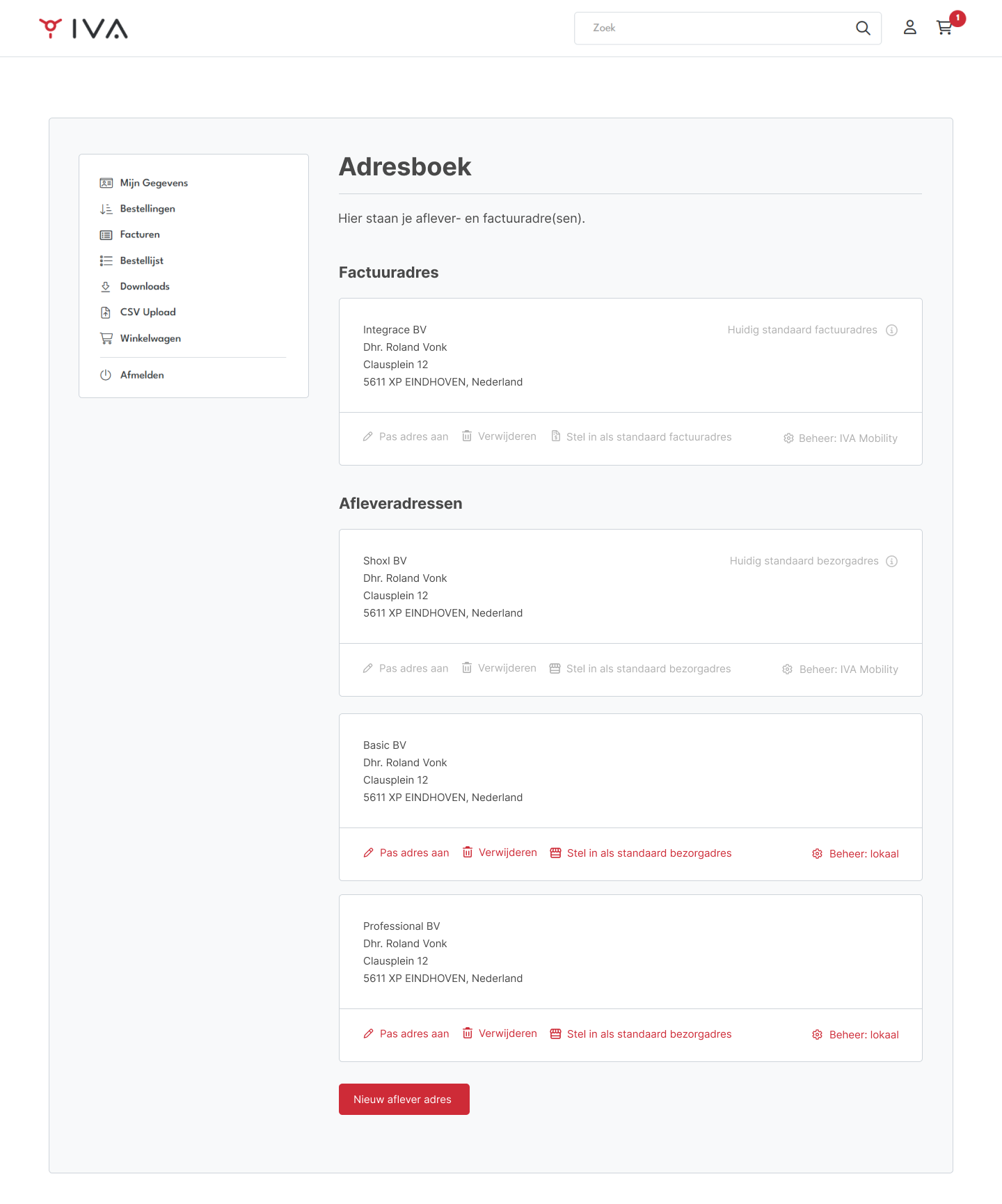
In the My Account section, address management has been enhanced to clearly separate billing and delivery addresses. Each section lists centrally managed (ERP) addresses first — marked with “Managed by [shop name]” — followed by locally managed addresses. ERP addresses show only the “Set as default” action (if not already selected), while local addresses support editing, deletion, and default selection. All address edits happen inline, with clear save and cancel options, and deletion requires confirmation.
This enhancement provides better alignment with various ERP behaviors while giving flexibility to manage addresses efficiently within the shop or portal environment.
5941: New Dealer Locator Module with Map and Search Features
New | Content & SEO | Shop | Settings: DealerLocator
A new dealer locator shows dealers on an interactive map with search, attribute filters and nearest-location results.
A new Dealer Locator module has been introduced, allowing shops to display dealers on an interactive map. Dealer data can be imported and managed through Vendisto using the import/export module.
The module can be placed on any shop page by selecting the DealerLocator page type or by inserting it through custom HTML tagging in Vendisto. It includes a dynamic map with dealer pins, a dealer list, and both search and filtering functionality. Clicking a pin opens a popup showing the dealer’s name, address, and website.
The dealer list can be searched independently. When a search is performed, both the list and the map automatically update to show only matching dealers. Visitors can also filter dealers based on specific attributes such as having a showroom, delivering to private customers, or operating a webshop.
Entering a city or address refines the results to show dealers closest to that location. The number of displayed dealers can be configured through the webshop settings.
5201: Trade Record Delivery to 2BA Platform
New | Import, Export & APIs | Integration | Other ERP
Trade data can be generated as BMEcat ETIM files and delivered automatically to the construction sector data platform.
2BA is a standardized data platform for the construction and installation sector that enables manufacturers, wholesalers, and software suppliers to exchange rich product and pricing information based on the BMEcat ETIM format. Integrating with 2BA allows suppliers to automatically publish their product data — including technical specifications, trade information, and prices — in a format recognized across the industry.
With this release, the ProductGroup API has been extended to support configuration of the BMEcat XML structure used for trade record generation. This enhancement enables customers to automatically deliver complete and structured trade data as zipped archives to the 2BA SFTP server.
From this point, customer implementation specialists can configure and activate the 2BA connection for live environments.
5771: Product API Enhancements for 2BA Integration
Improved | Import, Export & APIs | Integration | Other ERP | Settings: LcidValueFormat
Product exports gain value lookups, date tokens, tax and language code conversion and richer XML options for BMEcat ETIM compliance.
To support the 2BA BMEcat 2005 ETIM export format, several improvements have been introduced to the Product API and ProductGroup API. Both APIs already allow export of product data in XML, Excel, and CSV formats using configuration documents that map internal database fields to standardized output structures.
Key enhancements include:
- Lookup Converter: Enables mapping between input and output values through configurable conversion tables (e.g., converting
“pc”to“038”). This is used for translating Unit Codes such as Order Unit and Content Unit. - Date/Time Fields: New
System_Nowtoken andFormatproperty allow exporting the current date and/or time as part of the output file. - Tax Conversion: A new converter type exports tax percentages (e.g.,
“21”) as decimal values (“0.21”), improving compliance with BMEcat requirements. - Language Code Extension: Added support for three-letter ISO language codes (
dut,eng, etc.) following ISO 639-2 standards, allowing XML attributes likelang="dut"in exports. - XML Configuration Improvements: The API definition now supports namespaces, root attributes, and nested settings. A new
XmlRootFieldenables inclusion of import settings sections in XML output and supports exporting localized values usingLcidValueFormat(e.g.,lang="nl"instead oflang=1043).
Together, these enhancements provide the flexibility and precision required to generate fully compliant BMEcat exports, ensuring seamless synchronization of product and pricing data with the 2BA datapool.
6021: Save and Reuse Full Baskets as Order Lists
New | Basket & Checkout | Shop
Users save the entire basket as one of several order lists and reload it later for quick reordering.
A new feature allows users to save their entire shopping basket as an order list, making it easy to temporarily store an order and place it later.
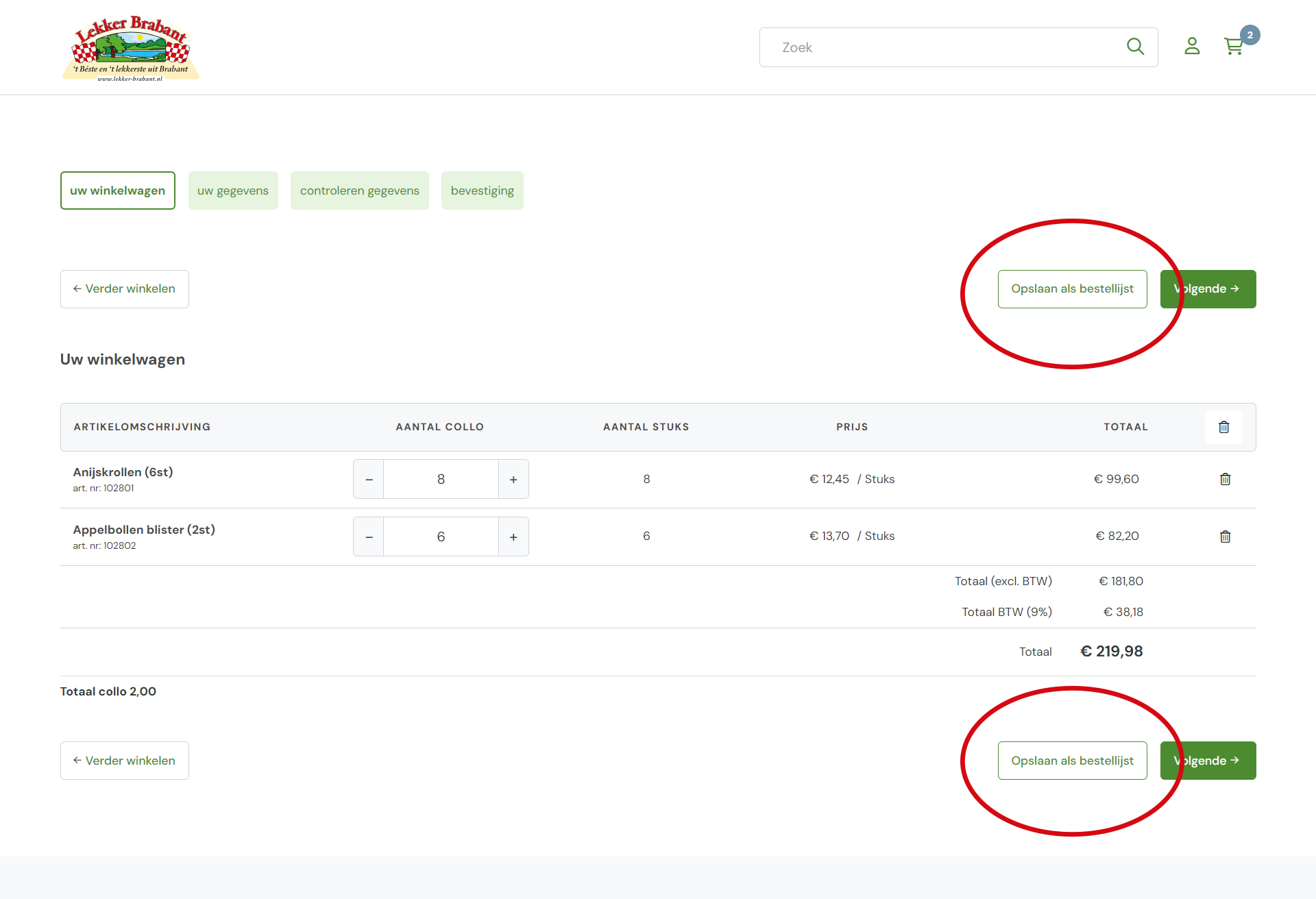
Users can create multiple order lists, each functioning like a personalized collection of frequently ordered products — similar to a favorites list, but more powerful. Entire order lists can be reloaded into the basket at any time, enabling quick and efficient reordering.
This enhancement offers greater flexibility for users who regularly place similar orders or want to prepare and organize future purchases in advance.
6190: Displaying “From/To” Prices with Exact Online Standard Pricelists
New | Prices, Stock & VAT | Shop | Exact Online
Offer price lists in Exact Online show the customer's regular price as the from price next to the offer price.
Exact Online supports multiple types of pricelists, each with a distinct purpose and hierarchy. A standard pricelist defines the base customer prices. A discount or promotion pricelist can temporarily override these base prices, while a special offer pricelist (“aanbieding”) applies short-term or campaign-specific prices. Pricelists can be linked to one another, where promotional lists reference the customer’s main standard list to determine the original prices.
When a standard pricelist of the type aanbieding is created, the shop now automatically displays the original (customer-specific) price as the “from” price and the price from the active standard pricelist as the “to” price.
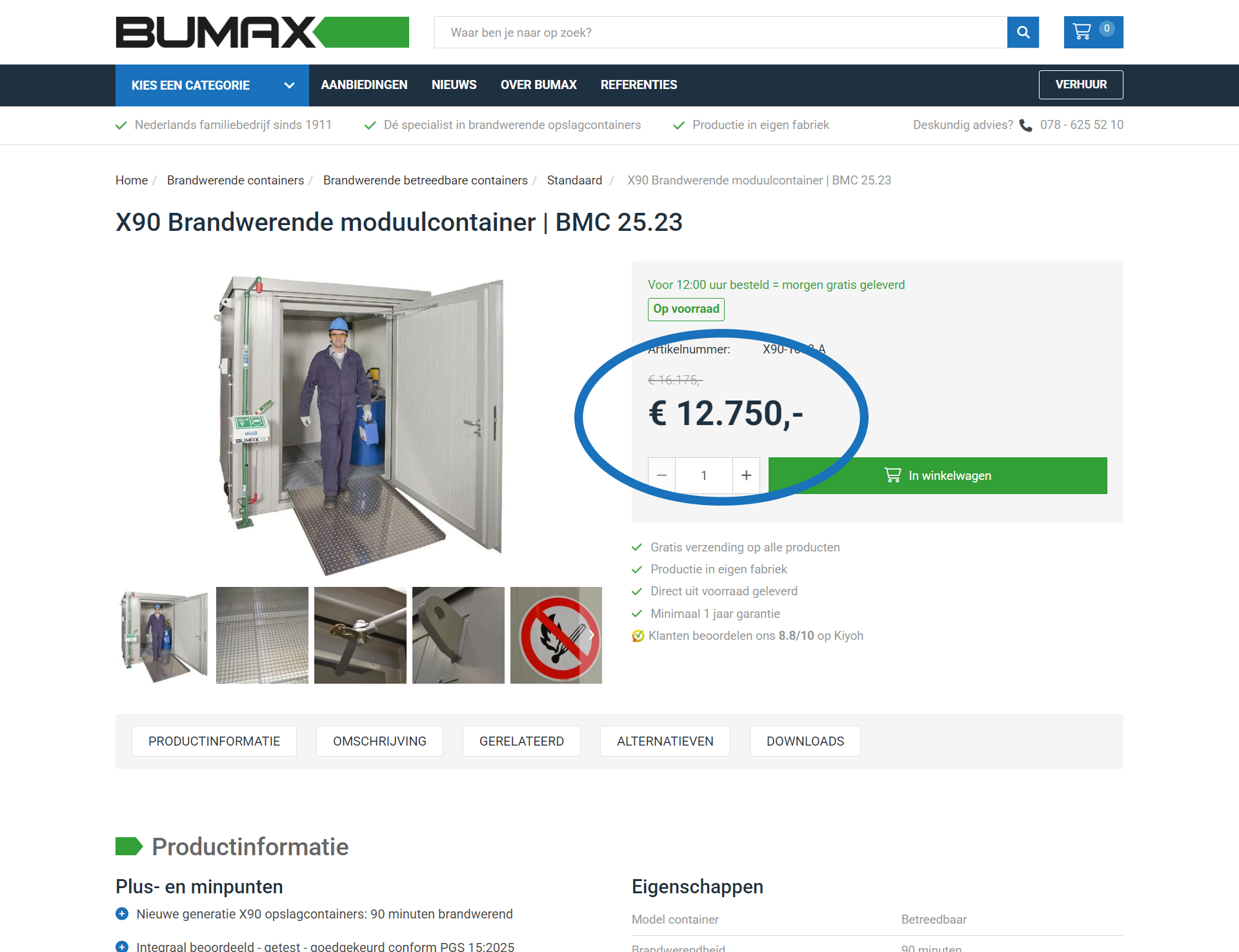
This provides a clear and consistent way to show discounted pricing in the shop. It’s also possible to define a promotion period within a pricelist for a specific product, which produces the same “from/to” pricing effect.
3944: Improved Handling of Exact Online Maintenance Windows
Improved | ERP Integration | Integration | Exact Online | Settings: AppOffline
Planned Exact Online maintenance windows can be configured, so retries and alerts behave predictably without false warnings.
Exact Online performs regular maintenance between 4:00 and 4:45 AM (CET). During this period, the service may be temporarily unavailable, which previously caused issues for customers operating in other time zones where this window overlaps with working hours.
When Exact Online does not respond, the system automatically retries order submissions several times. If these retries fail, the order is moved to the “failed orders” folder. While notifications were being sent, orders remained unavailable in Exact until manual action was taken.
To address this, email notifications in the Exact Batch Interface have been refined: alerts are now suppressed for expected HTTP responses such as Service Unavailable to avoid unnecessary warnings during planned maintenance.
Additionally, a new AppOffline setting has been introduced. This allows configuration of maintenance or downtime windows in the Exact Online Batch Interface, ensuring that retries and notifications behave predictably when Exact is temporarily offline.
This improvement prevents confusion and redundant alerts, particularly for international users affected by time zone differences.
4954: Extended Credit Limit Structure for Vendisto Customer Data
New | ERP Integration | Integration
Customer imports accept detailed credit data with limit and remaining amount, preparing for credit limit checks in the shop.
The Vendisto Customer data model has been updated in preparation for upcoming credit limit functionality. These changes lay the groundwork for enforcing and displaying credit limits within the shop in a future release.
Both the Vendisto WebServices and XML import processes now support an extended <BuyOnCredit> structure that includes the following sub-elements:
<Enabled> <Limit> <Remaining> This new structure replaces the previous single-node format <BuyOnCredit>Y</BuyOnCredit> and provides a more detailed and standardized way to exchange credit-related data between ERP systems and Vendisto.
The implementation remains backward compatible, supporting both the old and new XML formats depending on version. The CustomersImport model has been upgraded to version 2.3, and the updated structure is now fully documented under that version. No changes have been made to the Excel import or export functionality.
These improvements enable seamless synchronization of customer credit information, paving the way for future enhancements where shops will actively use and monitor credit limits during ordering.
4994: New Style Option for Language Switch
New | Content & SEO | Shop | Settings: LanguageSwitchMode
Shops can show the language selector as a dropdown that fits the site design.
Added native support for a language switch dropdown, which can now be configured through the LanguageSwitchMode setting in Raven.
This enhancement allows shops to easily adjust the visual presentation of the language selector, aligning it with the site’s overall design and improving usability for multilingual users.
6191: Support for Variant_Filter in NAV Stock Retrieval
Fixed | ERP Integration | Integration | Dynamics NAV / Business Central
Stock levels from Navision are retrieved per product variant, so each variant shows its own availability.
The Microsoft Navision stock export now correctly includes article variants by applying the Variant_Filter when retrieving inventory data.
This ensures that stock levels are accurately matched to specific product variants, preventing inconsistencies when multiple versions of the same item exist. The improvement enhances synchronization accuracy between NAV and the shop or portal, especially for environments that rely on detailed variant-level stock control.
5990: Simplified Raven Indexing and Logging Cleanup
Improved | Platform & Performance | Shop
Synchronization no longer stops and restarts search indexing, and obsolete logging tools are removed for a more stable platform.
In Vendisto, Raven indexing is no longer started or stopped during synchronization with the shop. This behavior, originally required for older Raven 3 implementations, is obsolete in Raven 5 and has been removed. The change reduces the risk of sync-related errors and improves overall stability.
Additionally, index creation and cleanup are now managed through a post-deploy script in Octopus, which triggers the new Raven Index Manager. The legacy Elmah logger and profiler have also been completely removed from the shop environment, further streamlining system performance and maintenance.
6144: Categories No Longer Visible Without Products
Fixed | Catalogue, Search & Navigation | Shop
Categories without visible products no longer appear after articles are suspended or deleted.
Resolved an issue where suspended or deleted articles could leave behind residual access permissions on categories. This caused users to see categories without any active products.
The system now properly removes obsolete authorizations, ensuring that only categories containing visible products are displayed to users. This improves the overall browsing experience and keeps category navigation clean and accurate.
6143: Restored Pagination in Downloads Section
Fixed | Customer Portal | Shop
The downloads overview in My Account pages through all files instead of stopping at ten.
In the My Account section of Shoxl shops and portals, users can access a Downloads area containing customer-specific or general downloadable files. Previously, the pagination in this overview was missing, limiting the visible list to a maximum of 10 items.
This issue has now been resolved. Pagination has been restored, ensuring that all available downloads — whether customer-specific or global — are displayed correctly and accessible to users.
6125: External Article Numbers Included in PlaceOrder JSON
Fixed | ERP Integration | Integration
Orders sent to the ERP include external article numbers on every line, including shipping costs.
Resolved an issue where external article numbers — defined via webshop settings or SQL mappings — were not included in the PlaceOrder JSON payload. This omission specifically affected shipping cost items, causing incomplete or inconsistent order data in certain integrations.
The external article numbers are now correctly included for all order lines, ensuring accurate synchronization with connected systems and consistent order processing.
6082: Correct Stock Validation for Article Table Orders
Fixed | Basket & Checkout | Integration
Adding a selection from the article table respects stock checks, so out-of-stock items cannot be ordered.
Resolved an issue where stock validation did not function correctly when using the article table with checkboxes and the “Add selection to basket” button. This caused items with insufficient or zero stock to be added to the basket, even in shops configured to prevent ordering out-of-stock products.
The stock check logic now applies properly within the article table component, ensuring consistent behavior across all product views and preventing unavailable items from being ordered.
6077: Order Placement Restored for Articles with Special Characters
Fixed | ERP Integration | Integration
Orders containing articles with special characters in their description are exported to the ERP without errors.
Resolved an issue that prevented orders from being placed when article descriptions contained illegal XML characters. These characters caused errors during order export and blocked processing for affected items.
Article descriptions are now automatically sanitized before being written to XML, ensuring that orders containing such items can be placed successfully without manual correction.
6006: Improved Search Results for Partial Article Number Queries
Fixed | Catalogue, Search & Navigation | Shop
Searching for part of an article number returns all matching products.
Resolved an issue where searching for partial article numbers could result in incomplete or empty search result pages. The search function now reliably returns all relevant matches when users enter fragments of an article number, ensuring consistent and accurate results across all product searches.
5647: Correct Display of Outstanding Invoice Amounts
Fixed | Customer Portal | Integration
Invoice overviews show correct outstanding amounts because outdated invoice records are cleaned up properly.
Improved the synchronization and clean-up process for outstanding invoice data. In some cases, outdated records were not being properly removed, which could cause incorrect open amounts to appear alongside invoices.
The enhanced data clean-up now ensures that obsolete invoice details are deleted as intended, resulting in accurate and up-to-date outstanding amounts throughout the invoicing overview.
Sprint 64 (October 3, 2025)
This release focuses on giving users more control, stronger security, and a smoother shopping experience.
Shops now support authorizations on article properties, allowing businesses to tailor exactly what information each customer can see. Logging in has also become easier—users can always sign in with their email address, even if it’s linked to multiple accounts , with streamlined activation and password resets built in. Search results are smarter too, prioritizing article numbers, titles, and key fields so customers find what they need faster.
On the security side, reCAPTCHA V3 is now active across all front-end pages, silently protecting forms from spam and abuse. And in order history, customers can filter by delivery date , making it easier than ever to track and review past orders.
Together, these updates strengthen trust, speed up daily tasks, and give customers a clearer, more efficient shopping journey.
5161: Authorizations for article properties
New | Accounts & Security | Shop
Article properties can be restricted with authorizations, so only authorized users see them on product pages, in filters and on tiles. Properties without authorizations stay visible to everyone.
Authorizations can now be applied to article properties, ensuring that properties are only shown to users who have access rights. When authorizations are defined, these are respected across the entire storefront, including product detail pages, filters, and article or group tiles.
The Vendisto API and database have been extended to support creating, updating, and retrieving properties with authorizations. These authorizations are automatically synchronized with the shop through fast-sync. If no authorization is set, the property remains visible to all users.
Note: This functionality is only available for customers with the Authorizations or AdvancedAuthorizations license modules.
Outcome: Properties in the shop are now shown only to authorized users, improving control and consistency while ensuring that existing functionality remains unaffected through regression testing.
5614: Improved login with email addresses
Improved | Accounts & Security | Shop
Users can always log in with their e-mail address and choose an account when the address belongs to several customers.
Previously, logging in with an email address was only possible if that address was unique within the administration. Users with a shared email address could only log in through the representatives module, which required additional manual setup.
We have extended the login system so that email addresses no longer need to be unique. When an email address is linked to multiple customer accounts, the user is presented with a list of accounts they can access. This makes it possible to always log in using an email address instead of a username or debtor number.
In addition, account activation and password resets have been enhanced. For email addresses linked to multiple accounts, these actions can now be completed in one step. This was not previously supported, and required manual activation by administrators.
Outcome: Logging in, activating, and resetting passwords is now simpler and more consistent for all users, even when an email address is associated with multiple accounts.
5711: Improved search relevance and accuracy
Improved | Catalogue, Search & Navigation | Shop
Search ranks article number and EAN matches first and shows only results that contain all entered keywords.
The webshop search has been optimized to deliver more accurate and relevant results. Search queries now prioritize matches in a logical order: article number, GTIN/EAN, title, description, and finally properties. This ensures that products most closely matching the search terms appear at the top of the results.
Additionally, when multiple keywords are used, the search now applies an AND condition, showing only results where all terms apply. This makes it easier for users to quickly find the exact products they are looking for.
5469: Enhanced security with reCAPTCHA V3
New | Accounts & Security | Shop
Invisible bot protection on all shop pages blocks spam such as fake newsletter sign-ups without bothering visitors.
To improve protection against automated abuse, reCAPTCHA V3 has been activated across all front-end pages. This ensures that interactions such as newsletter subscriptions are safeguarded against spam and bot activity, while keeping the user experience seamless.
5573: Order history filtering by delivery date
Improved | Customer Portal | Shop
Order history can be filtered by delivery date to find past deliveries faster.
The order history has been enhanced with an additional option to filter by delivery date. This makes it easier for users to quickly find and review past orders based on when they were delivered.
5752: Basket feedback now shows latest added item
Fixed | Basket & Checkout | Shop
Basket feedback always shows the most recently added item, and basket actions respond faster.
The basket feedback did not always display the most recently added article due to a bug. This issue has been fixed, ensuring the latest item is always shown to the user. As part of the fix, several performance improvements were made, resulting in faster and smoother handling of basket-related actions.
5824: Faster loading of large customer lists
Improved | Accounts & Security | Shop
Admins and representatives with thousands of customers see the customer selection list load much faster, also on iPhone.
For admins and representatives with access to thousands of customers, loading the customer list could take a long time, especially when logging in on Safari or iPhone. This has been improved by introducing lazy loading. The list now loads much faster while search functionality remains just as quick and responsive, even with very large datasets.
5940: Automatic refresh when moving classification nodes
Improved | Product Data (PIM) | Vendisto
The classification tree refreshes and reopens the last location after each move, so several nodes can be moved without reloading.
Previously, when moving a classification node in the tree, users had to manually reload the page before continuing with additional changes. This extra step has been removed. The tree now refreshes automatically after each move and reopens the last active location, making it easier and faster to manage multiple node adjustments in sequence.
5858: Read-more button not displaying correctly
Fixed | Product Pages & Configuration | Shop
Long article descriptions containing HTML are truncated and expanded correctly with the read-more button.
The read-more functionality in article descriptions did not work properly when large descriptions contained HTML elements. In those cases, the description was not split correctly, causing the read-more button to appear only at the end of the full text or not at all. This has been corrected so that descriptions are now consistently truncated and expanded as intended.
5830: Faster synchronization of authorizations
Improved | Accounts & Security | Integration
Authorization changes in Vendisto for products and product properties appear in the shop almost immediately.
Authorizations define which customers can access specific products, product properties, and content items. By combining authorization profiles with customer assignments, it becomes possible to shape entirely customer-specific shops where users only see elements they are allowed to access.
With this update, changes to authorizations in Vendisto are now reflected in the shop almost instantly thanks to an improved fast-sync process. This applies to both product-level authorizations and authorizations on product properties. Updates for customer authorizations will be optimized in a future release.
Outcome: Managing customer-specific access is faster and more efficient, ensuring that updates in Vendisto are visible in the shop without delay.
5967: Improved stability for large price list exports
Fixed | Import, Export & APIs | Integration
Very large price list exports with millions of product, customer and price combinations complete without memory errors.
Exporting very large price lists with millions of product, customer, and price combinations could previously cause memory errors and system crashes. The price list XML export has been rewritten to handle memory more efficiently, ensuring greater stability and reliability even with extremely large datasets.
Outcome: Nightly synchronizations with high record counts (such as 1.4 million entries) now complete successfully without memory issues.
5964: Missing product color variants
Fixed | Product Pages & Configuration | Shop
Product pages show all available color variants again.
Customers reported that not all available color options were shown on product pages. This was caused by an indexing issue in the product data, which prevented the full set of variants from being displayed. The underlying problem has been corrected, ensuring that all color variants are now visible in the catalog.
5929: VAT labels missing on discounted prices
Fixed | Prices, Stock & VAT | Shop
VAT labels appear next to from and to prices in the article overview.
In some cases, the article overview did not display VAT labels when showing from/to prices. This has been corrected so that VAT information is always visible alongside discounted prices.
5926: Category menu not showing correct options
Fixed | Catalogue, Search & Navigation | Shop
The category menu shows every category a user is authorized to see.
Some users were not seeing the full set of categories available to them. This was caused by an error in the logic that generated the first-level dropdown menu when combined with user authorizations. The issue has been fixed, and the category menu now correctly displays all options a user has access to.
5924: Fix for article import failures
Fixed | Import, Export & APIs | Shop
Article imports no longer fail on a missing database procedure during classification merging.
Article imports could fail in some environments. The root cause was a missing database stored procedure required during classification merging.
This has been corrected by ensuring the procedure is created and invoked during import. As a result, article imports now complete reliably without errors.
5920: Resolved article import timeouts during sync
Fixed | Import, Export & APIs | Integration
Article imports during synchronization finish without timeouts thanks to faster data retrieval.
Article imports could fail due to timeouts while retrieving data during synchronization. The root cause was long-running database reads in the sync pipeline.
This has been addressed by optimizing the data retrieval path and improving timeout handling. Imports now complete reliably without timing out.
5900: Fixed missing script for article imports
Fixed | Import, Export & APIs | Integration
Bulk article imports work on new installations because a required database script is included again.
In the February release, some outdated upgrade scripts were removed to improve database compatibility. During this cleanup, one script required for bulk article imports was unintentionally excluded from new setups. This caused import errors in certain environments.
The issue has been corrected, and all required scripts are now included again, ensuring that article imports work as expected on new installations.
5898: Fixes in SmartLynx connector API integration
Fixed | ERP Integration | Integration | Other ERP | Settings: MatchCustomerProducts
Searching by customer-specific product numbers and opening the basket no longer cause server errors in the affected ERP connector.
The Shoxl shop supports searching with customer-specific product numbers through the MatchCustomerProducts endpoint. In the SmartLynx integration of this API, two issues were resolved:
- Errors when requesting
CustomerProducts. - A problem that occurred when opening the basket in the shop.
With these fixes, the integration now works reliably without returning server errors.
5854: Optimized FastSync for improved reliability
Fixed | Platform & Performance | Integration
Article synchronization from Vendisto to the shop runs faster and no longer hits database timeouts on large catalogues.
The article synchronization process between Vendisto and the shop could trigger database timeouts, leading to errors during FastSync. This was caused by inefficient queries that performed excessive scans per row.
The queries have been optimized to reduce database load and improve efficiency. As a result, article synchronization is now faster and more reliable, even with large datasets.
5810: Improved basket performance with ERP integration
Improved | Platform & Performance | Integration
The basket makes far fewer ERP calls, so it loads faster with real-time price connections.
When displaying the basket, the shop previously triggered too many calls to the ERP system. This could lead to slow response times, especially for shops using the real-time REST API with slower ERP systems.
The process has been optimized to deduplicate API calls, greatly reducing the load on the ERP system. As a result, basket performance is now faster and more reliable.
Sprint 63 (September 12, 2025)
This sprint brings a strong mix of usability upgrades and deeper ERP integrations, making the platform smoother for both customers and back-office teams.
On the shop side, repeat buyers will love the new option to save their basket as an order list—perfect for quickly reordering without starting from scratch. Checkout flows also received attention with the introduction of Pay.nl integration, giving merchants and shoppers access to a wide range of popular payment methods. And with account activation and password resets now fully routed through the Account API, account management has become more consistent and future-proof.
For ERP users, we’ve deepened our Navision integration with improved user tracking and precise discount handling, ensuring order and pricing data stays clean and reliable. At the same time, Exact Online users benefit from smarter synchronization and better rights validation, making it easier to keep systems in sync without unexpected interruptions.
Together, these updates focus on speed, clarity, and trust—helping your customers move faster through the shop while ensuring your business processes stay rock-solid behind the scenes.
3803: Save Basket to Order List
New | Basket & Checkout | Shop
Save the complete basket to a new or existing order list in one click from the basket header, so a composed order can be reused for repeat purchases without selecting every item again.
Users often want to reuse a composed basket for future purchases without re-selecting items. To streamline repeat ordering, the basket now supports saving its full contents as an order list.
- A new Save as Order List button appears in the basket header (icon placed before the trash/remove-all icon).
- Clicking the button opens the standard dialog to select an existing order list or create a new one.
- From the basket, all items are added to the chosen list in a single action.
- After saving, you remain on the basket page.
This improves speed and consistency for frequent orders while keeping the familiar order list workflow.
5444: Pay.nl Integration Implemented
New | Payments | Shop
A new Dutch payment provider offers iDEAL, credit cards, Bancontact and more, showing only methods relevant to each customer and country.
We added full support for Pay.nl, a leading Dutch payment service provider offering a wide range of online payment methods. Pay.nl enables businesses to accept popular options such as iDEAL, credit cards, Bancontact, and many others through a single platform.
Our integration follows the advanced implementation route. This means the shop dynamically displays the payment methods configured in Pay.nl, just like in our Stripe integration. Methods are shown contextually, based on:
- Country-specific availability of payment methods.
- Customer-specific configuration rules.
This approach ensures that customers only see relevant payment options, providing a seamless checkout experience while giving merchants maximum flexibility in managing their payment setup.
5403: Account Activation and Password Reset via Account API
Improved | Accounts & Security | Shop
Account activation and password reset run through the central Account API for more consistent and maintainable authentication.
Account activation and password reset processes have been fully integrated with the Account API. Previously, these actions were handled directly in Vendisto, but are now centralized within the API for improved consistency and maintainability.
- Account activation requests are processed through the Account API.
- Password reset flows are also routed via the API.
- This ensures a unified approach for authentication-related actions.
The change streamlines account management and provides a more robust foundation for future enhancements.
5137: Exclude Shipping Costs from Payment Discount
New | Basket & Checkout | Shop | Settings: PaymentDiscountExcludeShippingCosts
Payment discounts can be calculated on the product total only, keeping webshop order totals aligned with ERP invoices.
A new shop setting PaymentDiscountExcludeShippingCosts has been introduced. This resolves discrepancies between the webshop and ERP systems such as Exact Online, where shipping costs are not included in payment discounts.
When the setting is enabled, payment discounts are applied only to the product total, excluding shipping costs. This ensures the calculated totals align perfectly across systems.
- Configurable setting:
PaymentDiscountExcludeShippingCosts. - Discount can be calculated with or without shipping costs included.
- Unit tests cover the exclusion logic for accuracy and stability.
- Fully documented in the SettingsManager for easy reference.
This flexibility accommodates different ERP rules and prevents mismatched totals between webshop orders and ERP invoices.
5686: Sales order user tracking in NAV
New | ERP Integration | Integration | Dynamics NAV / Business Central
Sales orders sent to Navision carry a fixed creator value, making web orders easy to identify and filter.
A new setting, SalesOrderUser, has been added. When a sales order is created, this fixed value is stored in the order header in the CreatedByUser field. This makes it easier to identify and filter orders in Microsoft Navision based on the user who initiated the order.
5679: Accurate discount handling in NAV pricing
Fixed | Prices, Stock & VAT | Integration | Dynamics NAV / Business Central
Shop prices from Navision apply discounts exactly as configured, leaving them out when line discounts are disabled.
A dedicated Navision connector has been implemented that leverages the Nav cache to provide price information. Unlike the generic ErpCache connector, which calculated prices using normalized data and did not meet the discount requirements, this connector ensures that discounts are applied correctly. This guarantees that discounts are not included when line discounts are disabled.
5483: Customer Number Prefix Handling with DataAreaId
New | ERP Integration | Integration | Dynamics NAV / Business Central
Customer numbers can carry a business unit prefix that is stripped automatically when orders are submitted to the ERP.
A new setting has been introduced that allows customer numbers to be automatically prefixed with their corresponding DataAreaId. This ensures consistency in environments where multiple business units are active.
When orders are placed, the prefix is automatically stripped so that requests are processed correctly, while all customer-specific integrations such as price retrieval and order history continue to function seamlessly.
- Customer numbers can be stored with a
DataAreaIdprefix. - Prefixes are removed automatically during order submission.
- Price requests, order history, and other customer-specific processes remain unaffected.
This update reduces the risk of errors and guarantees smooth handling of customer data across different processes.
5669: Correct item selection in article wizard
Fixed | Product Pages & Configuration | Shop
The article selection wizard adds the items you actually chose to the basket instead of repeating the first variant.
An issue in the article selection wizard has been resolved. Previously, when adding additional items to the basket, the system repeatedly added the first selected variant instead of the chosen items. The fix ensures that the correct items are now added as intended.
5668: View switch now respects webshop settings
Fixed | Catalogue, Search & Navigation | Shop
Switching between list and tile view keeps the page size configured for the webshop.
An issue in the article overview has been corrected. When switching between list and tile views, a custom page size was previously ignored and reset to the default value. The fix ensures that the webshop settings are now preserved when changing the view.
5661: Email address shown in activation messages
Fixed | Accounts & Security | Shop
The account activation message shows the e-mail address the activation e-mail was sent to.
A problem in the shop has been fixed where the email address was missing when activating a user. The activation message now clearly displays the address to which the activation email was sent.
5660: Logo column supported in ArticleGroup import
Fixed | Import, Export & APIs | Vendisto
Article group Excel imports and exports process the logo column again, with one logo allowed per group.
The Logo column in the ArticleGroup Excel import and export tasks was not being processed correctly. This functionality has now been fixed. Please note that an ArticleGroup can contain multiple Images, Icons, and Documents, but only one Logo.
5640: Improved rights logging in ManualTokenRequester
Improved | ERP Integration | Integration | Exact Online
The initial token setup checks whether the Exact Online token has enough rights for every endpoint the batch interface uses.
The ManualTokenRequester—the tool that generates the initial token to access Exact—has been extended with additional checks on token rights. It now verifies whether the token has sufficient permissions for the endpoints used by the Exact Batch Interface.
5637: Friendly Price Loading Message on Product Page
Improved | Product Pages & Configuration | Shop
Product pages show a clear loading message while prices are retrieved, instead of an empty placeholder.
We improved the user experience on product detail pages by adding a more user-friendly loading message while prices are being retrieved. This makes it clearer to customers that pricing information is on the way, instead of showing a blank or confusing placeholder.
5636: Reliable order synchronization with Exact
Fixed | ERP Integration | Integration | Exact Online
Orders with special characters in their reference synchronize to Exact Online without XML errors.
An issue affecting order synchronization with Exact Online has been resolved. Illegal characters in order references previously caused XML generation to fail. These characters are now sanitized in advance, ensuring smooth and consistent order syncing.
5630: Order list button works in tile view
Fixed | Catalogue, Search & Navigation | Shop
In tile view, every product in the overview can be added to an order list, not only the first one.
A problem in the article overview has been fixed where the Add to Orderlist button was only active for the first item. As a result, other items could not be added to the order list. The fix ensures that the button now works correctly for all items in tile view.
5602: Correct totals for Recupel and Bebat
Fixed | Prices, Stock & VAT | Shop
Environmental fee lines in the basket are calculated correctly when the tax rate is zero.
An issue in the basket has been fixed where cost lines were not calculated correctly when tax was set to 0. This caused Recupel and Bebat totals to remain at zero. The fix ensures that these totals are now calculated accurately.
5600: Correct language redirect for logo and basket
Fixed | Content & SEO | Shop
Clicking the logo or basket keeps visitors in their chosen language instead of switching to the default language.
A problem was resolved where importing non-existent .min.css files triggered unnecessary URL parsing, leading to a fallback to the default language. Static files are now excluded from this process, preventing unwanted redirects and ensuring the correct language is maintained.
5593: Improved stability of Exact Batch Interface
Fixed | ERP Integration | Integration | Exact Online
Synchronization from Exact Online no longer stalls on database timeouts thanks to faster customer data queries.
The Exact Online Batch Interface, which synchronizes data from Exact to the shop, has been optimized. In rare cases, the synchronization process stalled due to database timeouts when retrieving customer data. The efficiency of the related SQL queries has been improved, preventing these timeouts and ensuring smoother synchronization.
5581: Quote overview accessible for representatives
Fixed | Customer Portal | Shop
Representatives with full access can open the quote overview without needing additional specific rights.
An issue has been fixed where representatives with full access but without specific rights could not view the quote representatives overview. The overview is now accessible to all representatives with the appropriate access level.
5527: Support Multiple Vouchers per Customer
Fixed | Promotions & Vouchers | Shop
Customers can be linked to several vouchers through the customer import and the voucher API.
Customers can now be linked to multiple vouchers. An issue in the database interaction limited each customer to a single voucher association, which has been resolved.
- Customer import correctly assigns multiple vouchers to the same customer.
- Voucher API supports creating and updating multiple voucher links.
- Duplicate associations are prevented and validations are consistent.
This improvement gives more flexibility in promotions and ensures reliable voucher assignments during bulk imports and API operations.
5517: Removed Duplicate Order Confirmation Email
Fixed | E-mails | Shop
Customers receive one properly formatted order confirmation instead of an extra unstyled duplicate.
An outdated feature in Vendisto caused an extra, unstyled order confirmation email to be sent alongside the correct one. This redundant email has been removed.
- Only the properly formatted order confirmation email is now sent.
- Prevents confusion caused by duplicate messages.
- Fix improves consistency and customer communication.
This ensures customers receive a single, clear, and professional confirmation after placing an order.
5304: Dedicated FO Pricing Service in Vendisto
New | Prices, Stock & VAT | Integration | Dynamics 365 F&O
The shop calculates prices the same way as Dynamics 365 F&O, so customers see their final discounted price before ordering.
We introduced a new pricing service within Vendisto’s FO connector that replicates the price calculation logic of Dynamics 365 Finance & Operations. This ensures that the shop can display accurate prices, including all applicable line discounts, before an order is created.
With this update, customers immediately see their final discounted price in the shop, instead of only at checkout. The service works independently of the standard F&O e-commerce module, making it broadly applicable.
- Replicates F&O’s complex price calculation engine in Vendisto.
- Shows correct discount prices directly in the shop.
- Works even without the F&O e-commerce module.
This improvement enhances transparency for customers and creates a smoother ordering experience.
5196: VAT Validation: Resilient Handling for VIES Outages
Improved | Accounts & Security | Shop
Registration continues when the EU VAT check service is overloaded, marking the VAT number as not validated for follow-up.
VAT numbers for new registrations were sometimes rejected due to recurring overloads at the EU VIES service for certain member states, even when the number was valid. This led to confusing feedback in the form.
We improved the validation flow and messaging to handle these situations gracefully and keep onboarding moving.
- Clear status feedback: The form now distinguishes between an invalid VAT number, a VAT number already registered in our system, and a temporarily unavailable VIES check.
- VIES fallback: When VIES returns a concurrency/overload response (e.g.,
MS_MAX_CONCURRENT_REQ), the submission proceeds and the VAT field is marked as “not validated”. - Notification continuity: Registration emails are still sent with an explicit “VAT not validated” note so follow-up can occur without blocking the customer.
- Better error handling: The form shows an informative message instead of a generic error, guiding the user to continue or try again later.
These changes prevent false rejections, reduce friction during registration, and provide transparent next steps when external VAT validation is temporarily unavailable.
5067: Custom Order Fields on Order Lines in F&O
New | ERP Integration | Integration | Dynamics 365 F&O
Custom order fields entered in the shop are passed to F&O at order line level.
The platform now supports mapping custom order fields directly to the order line level in Microsoft Dynamics 365 F&O. This allows additional product-specific details entered during the ordering process to be stored and processed accurately within F&O.
- Custom fields entered in the shop are linked to order lines.
- Improves accuracy of order processing with customer-specific details.
- Provides more flexibility for handling unique product or delivery requirements.
This enhancement ensures that all relevant information is seamlessly transferred to F&O, supporting both operational efficiency and customer satisfaction.
Sprint 62 (August 22, 2025)
Release 62 delivers major upgrades to product presentation and platform reliability.
The Article Group Overview has a new flexible layout, letting you place prices, discounts, logos, and labels as independent elements in both tile and table views. Product detail pages are clearer too, with separate From/To prices and a configurable “Read more” for long descriptions.
Pricing transparency improves with Recupel and Bebat shown as separate basket lines, a new max-stock display setting, and discount percentages visible directly in article overviews.
Operational stability is stronger across the board with various improvements under the hood. To mention a few: the Basket/Order List codebase is modernized to TypeScript, YouTube thumbnail handling is streamlined and the new XCG currency code is fully supported — so even our Caribbean customers can now shop smoothly without missing a beat. 🎶🌴
5529: Article Group Overview: Flexible Layout
Improved | Catalogue, Search & Navigation | Shop | Settings: ArticleGroupOverview, RenderWrapper, EqualizeHeights, OrderButton
Article group overview tiles and tables are built from separate blocks: prices, discount badge, logo and label can each be positioned freely, with fixes for clickable areas, alignment and ordering.
We redesigned the ArticleGroupOverview (both tile and table) to use modular building blocks, giving you precise control over what appears where—without forcing everything into a single price block.
- Separate price elements: display From/BeforeDiscountPrice and To/CurrentPrice as independent items.
- Discount badge: show the discount percentage as its own element in both views.
- Logo placement: logo can be positioned as a separate element (also in list view).
- Article label: label can be rendered as a standalone element (tile and list view).
Alongside the layout flexibility, a series of reliability updates improves behavior and consistency:
- Clickable wrappers fixed: the
RenderWrapper: truebehavior now applies correctly so elements remain clickable as intended. - Balanced layout: EqualizeHeights is disabled for the new layout to prevent misalignment.
- Variant icon logic: the fast-forward/variant indicator only shows where it is actually relevant.
- Clean list pricing: no “from” price for items that belong to an article group in list view.
- Column composition: multiple elements can share a single column without each getting an extra table-column wrapper (alignment matches the quantity control behavior).
- Add to basket: works correctly when OrderQuantity and OrderButton are placed as two separate elements.
- Responsive structure: the single quantity button now receives the proper
responsive-table-colwrapper and stays within the table layout.
5125: Configurable Stock Display Limit
New | Prices, Stock & VAT | Shop | Settings: MaxStockToShow
Stock above a configured maximum is shown as that number with a plus sign, for example 25+.
Stock visibility can now be controlled with the MaxStockToShow setting. When the actual stock exceeds this configured maximum, the system displays the limit followed by a plus sign. This helps avoid exposing unnecessarily large inventory numbers while still showing availability clearly.
- Type: Number
- Example: Setting = 25 → shown as “25+” when stock is higher
- Default: null (full stock is shown)
3950: Configurable Asset Title on Hover
New | Product Pages & Configuration | Shop | Settings: ShowAssetTitle
Showing asset names on hover is optional and off by default, keeping product pages uncluttered.
Hovering over an asset used to always show the asset name in a popup, which could clutter the interface. This behavior is now optional and can be controlled via the new ShowAssetTitle setting.
- Type: Boolean
- Default: false (title hidden)
- Enable the setting to show asset names on hover when needed.
This provides cleaner visuals by default, while still allowing flexibility for cases where asset titles are useful.
5493: Support for XCG Currency Code
Improved | Prices, Stock & VAT | Shop
Amounts in Caribbean guilders and other recently introduced currency codes are displayed and formatted correctly.
The Caribbean guilder (XCG) was not recognized in the Microsoft .NET environment, as its globalization libraries do not yet include this new ISO 4217 code. This could cause missing or incorrect symbols when formatting amounts in XCG.
We addressed this by refactoring the currency handling and introducing an internal ISO 4217 fallback. This ensures XCG is displayed correctly across the application, regardless of .NET’s current limitations.
- Correct display and formatting for XCG amounts.
- Fallback mechanism for other unsupported ISO codes.
- Cleaner and more reliable currency handling logic.
5316: Configurable “Read More” for Long Descriptions
New | Product Pages & Configuration | Shop
Long product and article group descriptions can be cut off at a set length with a read more toggle.
Product and article group descriptions can now be limited to a maximum number of visible characters. When this limit is reached, the text is truncated neatly—at the end of a sentence if possible, or at the nearest space rather than mid-word.
A “Read more” button is automatically added below truncated content, allowing users to expand the full description and collapse it again with “Read less.”
- Configurable maximum character count per layout.
- Clean truncation for a natural reading flow.
- Expandable and collapsible descriptions for a smoother user experience.
5547: Reliable Read More on Product Descriptions
Improved | Product Pages & Configuration | Shop
The read more control keeps description formatting intact and appears only when there is more text to show.
The “Read more” control on product pages has been rebuilt to handle description content safely and predictably. The new logic keeps HTML tags intact, only shows the control when extra content actually exists, and maintains a clean toggle state between expand and collapse.
- No tag-splitting: the expander never breaks HTML elements.
- Control appears only when text extends beyond the collapsed limit.
- Stable toggle behavior—content doesn’t shuffle or duplicate on repeated clicks.
- CSS refined to prevent layout jumps during expand/collapse.
The result is a smoother reading experience and accurate visibility of the “Read more/less” link across product pages.
5538: YouTube Thumbnail Rendering Migration
Improved | Platform & Performance | Shop
YouTube video thumbnails render more reliably across environments, without any visible change for shoppers.
We refactored the YouTube thumbnail generator to read the play-overlay image from the embedded resource registry instead of the file system. This is an internal change—videos and thumbnails continue to appear as before.
- Eliminates file path dependency for youtube-play.png.
- More reliable thumbnail rendering across environments.
- No impact on end-user behavior or layout.
5472: Recupel and Bebat Fees Shown in Basket
Improved | Prices, Stock & VAT | Shop
The basket lists recycling fees for electronics and batteries as separate cost lines instead of including them in the price.
In Belgium, Recupel and Bebat are environmental contribution fees: Recupel applies to electronic devices for recycling purposes, while Bebat covers the collection and recycling of batteries. These supplements are mandatory and added on top of the product price.
The basket now clearly lists these supplements as separate cost lines for applicable items. This makes the environmental fees transparent and ensures the total basket value accurately reflects all obligations.
- Recupel and Bebat shown directly in the basket.
- Supplements no longer hidden in the product price.
- Clearer cost breakdown for customers.
5550: Split Display for From/To Prices in Product Detail
Improved | Prices, Stock & VAT | Shop
Product pages can show the from and to prices as separate elements, matching the overview pages.
What was missing
In the product detail view, the pricing information always appeared as a combined “From–To” range. This made it less clear compared to the product overview, where the values are shown separately.
What we improved
The product detail page now supports showing the From and To prices as distinct elements. This ensures consistency with the overview display and makes it easier for customers to understand the pricing structure at a glance.
- Clearer presentation of minimum and maximum prices.
- Consistent layout across product overview and detail pages.
- Better transparency for users comparing price ranges.
5549: Show discount percentage in Article Overview
New | Prices, Stock & VAT | Shop | Settings: ArticleListTable, ArticleListTile
Article overviews can show the discount percentage in table and tile views, so discounted products stand out.
It was previously only possible to display discounts within the product detail page. This meant that customers browsing through the article list could not immediately see which items had a discount applied.
We’ve added the option to show the discount percentage directly in the article overview, both in the table view and in the tile view. This makes promotions more visible and helps customers quickly spot discounted products while browsing.
- Discount label visible in both ArticleListTable and ArticleListTile.
- Improved visibility of promotions at a glance.
- Consistent display across product list and detail views.
5548: Tiered Prices Shown Despite Disabled Setting
Fixed | Prices, Stock & VAT | Shop
Tiered prices appear only when the shop is configured to show them.
A change in the price display logic unintentionally caused tiered discounts to appear, even when the configuration setting to hide them was turned off. This created confusion for users who did not expect to see quantity-based pricing.
The logic has been corrected so that tiered prices are only displayed when explicitly enabled. This ensures consistent behavior between the configuration and what is shown to end users.
- No more unexpected display of tiered discounts.
- Clear alignment with the configured settings.
- Improved reliability of the price presentation.
5557: New Page Creation Error Resolved
Fixed | Content & SEO | Vendisto
Creating a new CMS page in Vendisto works again when the chosen title is available.
What was happening
In release 2025.7, creating a new page in Vendisto could fail with the message “This name is already in use for another page in this language.” A generic “An error has occurred” notice also appeared.
What we changed
We corrected the page-title validation and restored a missing search component so that the unique-name check runs reliably. Creating a new page now works as expected when the title is available.
- Accurate validation of page titles (no false “already in use” messages).
- Stable behavior when saving a new page.
- Clear error reporting if a real conflict exists.
Notes for admins
The failure was linked to a missing dependency in the indexing layer, which caused the validation endpoint to throw an exception. This has been resolved.
5487: Reliable Reset for Product Filters
Fixed | Catalogue, Search & Navigation | Shop
Resetting product filters restores the default overview without errors.
Resetting selected filters could occasionally break the overview page due to a bug in query-string handling, resulting in an “undefined” state.
We updated the reset logic to sanitize and rebuild query parameters safely, restoring default filter states without errors.
- No more “undefined” results after reset.
- Consistent page load and accurate defaults.
- Cleaner URLs with valid parameters only.
5376: Newsletter sign-ups restored (Mailchimp)
Fixed | E-mails | Shop
Newsletter sign-ups through Mailchimp go through again.
Submitting the newsletter form could fail due to changes on the Mailchimp side, resulting in an error on submit. The integration has been updated and made more resilient, so sign-ups go through as expected.
- Updated Mailchimp API handling to align with current requirements.
- Graceful error paths and input validation to avoid false failures.
- Concise error logging in the Mailchimp interface for faster diagnosis.
5229: Consistent Pagination at End of Lists
Fixed | Catalogue, Search & Navigation | Shop
Pagination in product lists shows the same number of page links on the first, middle and last pages.
When navigating to the final pages of a product list, the pagination controls could shift and display an inconsistent number of page links. This behavior has been corrected.
- Stable pagination display across the entire list.
- Same number of visible page links on first, middle, and last pages.
- Smoother navigation for users browsing large catalogs.
4897: Order List Modernization (TypeScript)
Improved | Customer Portal | Shop
Order lists run on a modernized codebase, with branded confirmation dialogs and smoother interactions.
We migrated the Basket/Order List codebase from JavaScript to TypeScript to improve stability, maintainability, and developer productivity. The migration adds strong typing and clearer interfaces without changing how users work with the feature.
- Predictable behavior through compile-time checks and better error handling.
- Cleaner, more modular code for faster future enhancements.
- New styled message dialog replaces the old browser confirm(), allowing consistent branding.
- Minor UX polish applied across the Order List interactions.
No functional breaking changes are expected; the Order List continues to work as before, with a smoother and more consistent experience.
Sprint 61 (August 1, 2025)
Release 61 brings valuable new capabilities to both product configuration and checkout logic.
Mandatory supplements can now be defined per article, making it easy to enforce the inclusion of required components or accessories — complete with quantity settings. NAV integration improvements ensure these supplements are correctly transferred via both the XML import and the PlaceOrder interface.
Additionally, environmental surcharges such as Recupel and Bebat are now handled more intelligently: they can be shown as separate lines and applied conditionally based on the customer’s billing country.
The article group overview also benefits from a more flexible layout system, offering better control over how list and tile views are presented.
5355: Mandatory supplements now configurable per article
New | Product Pages & Configuration | Vendisto
An article can now have mandatory supplementary articles with a fixed quantity, built on the component module and set up through the related article import.
The webshop now supports supplementary articles based on the component module. These supplements are mandatory and can have a defined quantity. They are currently configured via the RelatedArticle XML import.
5357: Supplement quantities in NAV XML import
Improved | ERP Integration | Integration | Dynamics NAV / Business Central
The related article import accepts a quantity, so Navision can specify how many supplement units belong to an article.
The RelatedArticle XML import now supports a Quantity attribute. This makes it possible to define how many units of a related component or supplement are included in the relationship, enabling more accurate data transfer from NAV.
5352: NAV batch order interface now supports supplements
Improved | ERP Integration | Integration | Dynamics NAV / Business Central
Orders sent to Navision include the mandatory supplements linked to the main product.
The Navision Batch Interface has been extended to support supplementary articles in the PlaceOrder request. This ensures that required components linked to a main product are correctly transmitted during order submission.
5381: Separate display of Recupel/Bebat charges on invoice
New | Prices, Stock & VAT | Shop
Environmental charges can appear as separate lines with their own translatable label in the basket.
A new Category attribute was added to the ItemCharge element in the XML structure. This makes it possible to show environmental charges like Recupel or Bebat separately in the basket, under their own translatable label as defined in the resource file.
5380: Country-specific surcharges now supported
New | Prices, Stock & VAT | Shop
Environmental surcharges can apply only to customers in specific billing countries, or to everyone when no country is set.
Environmental charges such as Recupel or Bebat can now be applied based on the customer’s billing country. This is configured by matching the ISO 3166-1 alpha-2 country code in the ItemCharge to the debtor’s country code.
If no country is specified, the charge applies to all customers by default.
5317: New layout options for article group overview
Improved | Catalogue, Search & Navigation | Shop
List and tile views of the article group overview offer more detailed layout options.
The article group overview page has been migrated to the new layout system. Both list and tile views now benefit from more granular layout options, providing improved control over presentation and structure.
4919: Improved syncing of temporary price lists from Exact
Improved | ERP Integration | Integration | Exact Online
Temporary price lists from Exact Online are fully synchronized every day, keeping price periods consistent.
To ensure accurate data for temporary price lists, the Exact Batch Interface now performs a full daily sync of both price list headers and periods. This replaces the previous partial update and improves consistency of pricing information.
5462: Correct price update for composite articles in order list
Fixed | Customer Portal | Shop
Changing the quantity of an article with components in an order list updates its total price.
Increasing the quantity of a composite article—an item with selected components—in the order list did not trigger a price recalculation. This has now been fixed to ensure that the total price updates correctly whenever the quantity of such an article is adjusted.
5393: "Select all" in order lists now sets quantities
Fixed | Customer Portal | Shop
Select all in an order list fills each quantity with the item's minimum order quantity.
In the order list view, using the "Select all" button did not automatically set the quantity fields, requiring manual input per item. This has been fixed: after selection, each item’s quantity is now prefilled with its minimum order quantity as expected.
5335: Authorization respected in related article display
Fixed | Accounts & Security | Shop
Related articles show only items the user is authorized to see.
When loading related articles, authorization settings were not properly enforced. This allowed users to see items they were not authorized to view. The logic now correctly filters related items based on the user’s access rights.
5412: First-level category dropdown now respects access and order
Fixed | Catalogue, Search & Navigation | Shop
The first-level category dropdown shows only permitted categories, in the configured order.
In the new classification layout, the first-level category dropdown above the filter column did not respect user authorization settings or the configured category order. This has now been corrected—only permitted categories are shown, and they appear in the intended sequence.
5457: Sorting restored in new article overview
Fixed | Catalogue, Search & Navigation | Shop
Articles in the new category overview appear in the intended sort order.
The new category overview did not apply the correct article sorting, causing items to appear in an unexpected order. This has now been fixed, and articles are once again displayed in the intended sequence.
5447: Resolved SEO error caused by nullable data
Fixed | Content & SEO | Shop
Article overview pages load reliably and produce search engine data even when some product data is empty.
Due to unexpected null values in the underlying data, the generation of the SEO JSON blob occasionally failed. This caused issues when loading the article overview page. The handling of nullable data has now been improved to ensure reliable SEO output and page stability.
5377: Corrected duplicate GA4 add_to_cart tracking
Fixed | Content & SEO | Shop
Adding a product to the basket triggers one GA4 tracking event instead of two, keeping analytics accurate.
The add_to_cart event for Google Tag Manager (GA4) was being triggered twice due to overlapping implementations. The outdated AddToCart event has now been removed, ensuring accurate event tracking for cart actions.
5438: Paging display corrected for classic pagination mode
Fixed | Catalogue, Search & Navigation | Shop | Settings: PagingType
With classic pagination, the page indicator in category overviews shows the active page.
In the category overview using PagingType 1 (classic pagination), the page indicator incorrectly remained on page 1 regardless of navigation. This issue arose after introducing the new “load more” paging method. The display now correctly reflects the active page when classic paging is used.
5413: "Load more" button hidden when all items are shown
Fixed | Catalogue, Search & Navigation | Shop
The load more button is hidden when all articles already fit on the first page.
In the category overview, the "load more" button was incorrectly shown even when all articles were already visible on the initial page. This has been fixed—if there is only one page of results, the button is now hidden as expected.
Sprint 60 (July 11, 2025)
Release 60 delivers a solid set of enhancements focused on performance, visibility, and integration.
To help your products stand out in search results, we’ve added extensive support for structured data, including rich snippets for product details, navigation, and listings. This improves how your shop is interpreted by search engines — leading to better rankings and more informative previews.
It’s now also possible to post orders to external endpoints, opening the door to streamlined workflows with automation platforms like Zapier. And for industries where pricing changes quickly, we’ve improved the frequency and reliability of customer-specific price synchronization.
Behind the scenes, this sprint included a significant QA effort — with special attention to upgrading dependencies, improving .NET performance, and ensuring platform stability across the board.
Read on to explore everything Sprint 60 brings to your shop and integrations.
5019: Improved SEO with structured data across webshop
New | Content & SEO | Shop
All major page types now carry structured data in JSON-LD, from breadcrumbs and category overviews to product pages with brand, price, stock and SKU, so search engines can show richer results.
The webshop now includes structured data (in JSON-LD format) on all major content types to improve SEO and visibility in search engines.
Structured data helps search engines better understand the content of a page, and allows products and categories to be shown more attractively in search results — including pricing, availability, and navigation context.
The structured data is automatically rendered for:
- Breadcrumb paths (via
BreadcrumbList) - Category overviews (as
ItemListof categories) - Mixed article and article group listings (with schema.org
ProductandListItem) - Product detail pages, including brand, description, price, stock and SKU
This enhancement ensures that all available product information is included in a format that search engines can read and index more effectively, boosting both relevance and click-through rate.
5358: Send order messages to external endpoint
New | Import, Export & APIs | Integration
Order messages can be posted automatically to an external endpoint after each order, for example to an automation platform.
It is now possible to automatically post order messages to a configured external endpoint after an order is placed.
This enables further integration with external tools or automation platforms (e.g., Zapier) that can process the message on the receiving side.
5340: More frequent syncing of customer-specific prices
Fixed | ERP Integration | Integration | Exact Online
Customer-specific prices and price lists from Exact Online synchronize reliably every 15 minutes, keeping fast-changing prices current.
Resolved an issue where customer-specific prices and pricelists were not updated every 15 minutes as expected. This was caused by system crashes during frequent synchronizations with Exact.
More frequent updates are now supported, which is especially useful in sectors with fast-changing prices, such as fresh produce trading.
5279: Support for deposit and disposal fees in charge items
New | ERP Integration | Integration | Dynamics NAV / Business Central
Deposit and recycling fees from Navision are synchronized and shown in the basket.
Implemented synchronization of charge items in the Microsoft Navision Batch Interface. This enables the display of deposit and environmental disposal fees — such as Recupel and Bebat — in the shopping basket.
Recupel and Bebat are environmental programs that manage the collection and recycling of electrical appliances and batteries in Belgium. These fees are legally required and shown transparently during checkout.
5372: Display discounted from-to pricing in product detail
New | Prices, Stock & VAT | Shop | Settings: ShowFromToPrice
Product pages can show a discounted from-to price and the discount percentage supplied by the ERP.
The product detail page can now display a "from - to price", using the price from the first pricing tier.
This feature is available when a discount is applied — specifically when PriceWithCurrency and OriginalPriceWithCurrency differ. The setting "ShowFromToPrice" must be enabled to activate this display.
Additionally, it is now possible to show the discount percentage, provided this value is supplied by the ERP system.
Type: Boolean
Default: false
5346: ShoxlRestService upgraded to .NET 8
Improved | Platform & Performance | Integration
The REST web service runs on .NET 8, gaining long-term support, better performance and lower memory use.
The ShoxlRestService has been upgraded from .NET 6.0 to .NET 8.0, as support for .NET 6 has ended.
In addition to long-term support, .NET 8 offers performance improvements, better memory efficiency, and enhanced APIs that contribute to improved stability and maintainability of the platform.
5236: Major cleanup of outdated dependencies in web services
Improved | Platform & Performance | Integration
Outdated third-party packages are removed from the web services, improving security, performance and maintainability.
A significant number of outdated and vulnerable packages were removed from the Vendisto.WebServices project in this sprint, improving security, performance, and maintainability.
This update involved a major quality assurance effort to verify stability across all components and integrations.
The cleanup is part of our ongoing process: we continuously allocate sprint capacity to updating and validating third-party dependencies.
5334: Access control fix in Voucher API
Fixed | Promotions & Vouchers | Shop
Vouchers can only be applied by the users they are linked to.
Fixed an issue in the Voucher API where users not linked to a specific voucher were still able to apply it. This was caused by an error in the underlying query logic.
Access control checks now correctly validate whether a user is authorized to use a given voucher.
5319: Checkbox and auto-fill logic fixed in order lists
Fixed | Customer Portal | Shop
Checkboxes, select all, quantity input and totals in order lists work consistently.
Fixed several issues in the order list view that affected checkbox functionality, including the "Select all" option.
The bugs also impacted automatic behavior related to quantity input and price calculations. These have now been resolved to ensure consistent selection and accurate totals.
5267: Prefilter block now activates correctly with custom tagging
Fixed | Catalogue, Search & Navigation | Shop
Prefilter blocks such as category filters become active on pages that use custom tagging.
Fixed a rendering issue where the prefilter UI block (e.g., for category filters) would not become active when placed on a page using custom tagging.
This update ensures that stepped or hierarchical filter blocks behave as expected, even in custom-tagged page configurations.
5261: Tiered prices now correctly displayed on product pages
Fixed | Prices, Stock & VAT | Shop
Product pages show quantity-based tiered prices again.
Resolved an issue where graduated (tiered) pricing was no longer shown on the product detail page.
This was caused by a change in the price rendering logic, which inadvertently suppressed the display of quantity-based pricing tiers.
5196: Resolved VAT validation issue during French customer registration
Fixed | Accounts & Security | Integration
Registration accepts valid VAT numbers even when the national VAT validation service is temporarily unavailable or throttled.
Fixed an issue where valid VAT numbers were being rejected during registration of new customers on the French webshop.
The root cause was a failure in the VIES VAT validation service (EU's VAT Information Exchange System). VIES relies on national systems for validation — in this case, the French VAT backend. That system returned a "quota exceeded" error after reaching its request threshold (rate limit), causing VIES to return an empty or failed response.
This failure has now been handled gracefully to avoid blocking legitimate customer registrations when the French VAT service is temporarily unavailable or throttled.
4678: User email now included in order details
Improved | ERP Integration | Integration
Order data sent to integrations includes the email address of the user who placed the order.
The email address of the user who placed the order is now included in the order data, alongside the customer-level email address.
This additional information is available to all integrations via the OrderedBy field and can be used for tracking, notifications, or reporting purposes.
4202: Delivery address name from F&O shown in order history
Improved | ERP Integration | Integration | Dynamics 365 F&O
Order history can show the delivery address name from Dynamics 365 F&O, such as a department or delivery location.
The DeliveryAddressName field from the F&O OData interface is now mapped to the internal ShippingName2 field in order headers.
This allows more specific shipping destination names (such as internal departments or delivery locations) to be displayed in the webshop's order history.
In the next release, it will be possible to configure this field via the layout settings so it can be shown as the customer name in the order overview.
Sprint 59 (June 20, 2025)
Release 59 brings another round of valuable updates to your shop and how you manage it.
A major update of the classification page layout options now lets you display subcategories above the product list, creating a clearer navigation experience. Authorizations can now also be applied to product attributes, giving you more granular control. We've also expanded the article group import/export to support classifications — streamlining your product management even further.
Be sure to check out the full release notes to see what Sprint 59 brings to your setup.
5010: New layout options for classification pages
New | Catalogue, Search & Navigation | Shop
Classification pages can show subcategory blocks, a first-level dropdown and all articles of the underlying categories, with a load more button instead of page numbers. Configurable per category or shop-wide.
Classification pages in the shop have been significantly enhanced with new layout capabilities. It is now possible to show not only subcategories, but also all articles from all underlying classification nodes—directly on the classification page.
Three new layout components have been introduced:
- First-level dropdown: A navigational dropdown that always shows the first level of the current classification. It can be positioned freely on the page.
- Subcategory list: A compact block layout of child categories, each with an image and title. The number of visible blocks can be configured, with a "Show all" button to reveal more.
- All articles list: Displays all articles from the selected classification node and its children. This component can replace the traditional subcategory list and can be combined with it for richer navigation.
In addition, a new paging mode is available:
- Load more paging: Instead of numbered pagination, users can incrementally load articles by clicking a "Load more" button. The control shows how many articles are currently shown and how many remain.
These components are configurable per classification node and allow shop administrators to define whether to show subcategories, products, or both. Shop-wide defaults can also be set to define behavior starting from a specific classification depth.
5146: Authorizations on article properties (UI & API support)
New | Accounts & Security | Vendisto | Settings: AdvancedAuthorizations
Article properties can be restricted per authorization profile in Vendisto or via the API, controlling who sees which product details.
Vendisto already supports advanced authorization logic that allows you to control product visibility per user group. This capability has now been extended to individual article properties, giving you fine-grained control over which users can see which product details.
Authorizations can be configured manually in the Vendisto interface or programmatically via the API. Any changes—such as adding or removing authorizations—are automatically synced to the shop. This feature requires either the Authorizations or AdvancedAuthorizations module to be active.
Example use cases include:
- Show only high-level product features to unauthenticated users, while showing full technical specifications to logged-in customers.
- Display different price labels (e.g., advisory price) to different user groups based on their profile.
Note: This is the first step of a larger rollout. In an upcoming sprint, the shop will begin enforcing these authorizations during display and filtering.
5081: Option to hide prices on article pages and overviews
New | Prices, Stock & VAT | Shop
Logged-in users can hide prices on overviews and article pages, for example in a showroom or demo setting.
A new option has been added for shop users to hide product prices both in article overviews and on article detail pages. This feature is intended for use in showroom or demo environments where displaying prices may not be appropriate.
The option is only available to authenticated shop users and can be toggled based on the context in which the shop is used.
4788: News tiles in dynamic lists now support more details
Improved | Content & SEO | Shop
News tiles in dynamic lists can show category, subtitle, tags, source and a read more link.
Tiles in dynamic lists that display news items can now show additional information. New display options include:
- Category
- Subtitle
- Tags
- Source
- A "read more" link
This makes news overviews more informative and engaging for users.
5132: Full classification support in ArticleGroup Excel import
Improved | Import, Export & APIs | Integration
The article group Excel import handles multiple classifications, categories and positions, using the same column layout as the article import.
The ArticleGroup Excel import has been extended to support full classification structures, including:
- Multiple classifications per article group
- Multiple categories (nodes) per classification
- Positioning of article groups within each classification node
The format now aligns with the Article Excel import, using dedicated columns for each classification level and position. Depending on the database structure, column names follow the pattern:
ClassificationLevel[n]andPosition— for a single classification and categoryClassificationLevel[category]_[n]andPosition[category]— for one classification and multiple categoriesClassificationLevel[classification]_[n]andPosition[classification]— for multiple classificationsClassificationLevel[classification]_[category]_[n]andPosition[classification]_[category]— for multiple classifications with multiple categories
This enhancement ensures greater flexibility when importing structured product hierarchies into Vendisto.
5130: New import option: handle unknown classification paths
New | Import, Export & APIs | Vendisto
Article group imports can either create unknown classification paths automatically or report them as validation errors.
A new option has been added to the ArticleGroup import to define how unknown classification paths should be handled during import:
- Enabled: the importer will automatically create the classification path if it does not yet exist.
- Disabled: the importer will generate a validation error for rows with unknown classification paths.
This enhancement offers more control and flexibility when importing data into environments with incomplete or evolving classification structures.
5127: Improved validation for classification columns in ArticleGroup import
Improved | Import, Export & APIs | Vendisto
Article group imports validate classification columns and return the Excel file with problem rows highlighted and explained.
The ArticleGroup import supports Excel files with multiple classification nodes across multiple classifications. To ensure data consistency, the import process now performs detailed validation on all Classification, ClassificationLevel, and Position columns.
If any inconsistencies are found, the import will be aborted. Instead, the system returns the uploaded Excel file with an additional Error message column. Problematic rows are highlighted in red to help you quickly identify and correct the issues.
5126: Configurable batch size for classification structure sync
Improved | Import, Export & APIs | Vendisto
Large classification structures synchronize to the shop in configurable batches, avoiding timeouts after big imports.
After importing articles into Vendisto, the classification structure is synchronized to the shop’s performance database. For large classifications, this process runs in multiple batches.
Previously, the synchronization could fail due to timeouts when handling large data sets. To address this, the batch size used during classification structure synchronization is now configurable. This allows for better handling of large imports and more stable processing.
5176: Support for regional VAT rates in article group import
New | Prices, Stock & VAT | Vendisto
Regional VAT rates per product can be set in the article group import, supporting different rates across countries.
Although VAT rates should ideally be managed in the ERP system, that’s not always feasible—especially for products with different VAT rates across countries. For example, a product might be taxed at a high rate in one country and at a reduced rate in another. Some ERP systems, noticeably Exact Online, lack the flexibility to handle such variations.
To support multi-country shops more effectively, Vendisto now allows regional VAT rates to be defined per product during article group import. This ensures correct VAT handling without relying solely on the ERP system.
4417: Fixed brand filter removed in favor of flexible property-based filtering
Improved | Catalogue, Search & Navigation | Shop
Brands are filtered through a regular product property, giving full control over filter placement, visibility and behavior.
The brand filter is no longer a fixed element in the filter UI. Instead, shops are encouraged to use a product property to represent brand—just like any other product characteristic. This provides much more flexibility, including full control over filter placement, visibility, and behavior.
The former hardcoded brand filter offered limited configuration and always appeared in a fixed position. While it is still technically available for backwards compatibility, it is no longer used by default in new shops or templates.
5174: Authorization profiles simplified by removing product-level support
Improved | Accounts & Security | Vendisto
Authorization profiles are managed only on product variants, which simplifies setup and removes the product-level import columns.
Authorization profiles control the visibility of products and content based on the customer's access rights. Previously, Vendisto allowed these profiles to be managed on both the product and the product variant level.
To simplify profile management and avoid redundancy, support for product-level authorization profiles has been removed. From now on, only product variant–level authorization is used.
As part of this simplification, the related AuthorizationProfile columns have also been removed from the ArticleGroup Excel import and export.
5230: Product with only optional extras can now be ordered
Fixed | Product Pages & Configuration | Shop
Products with only optional extras can be added to the basket without choosing an option.
A bug in the basket logic prevented products with only optional extras—where no selection was required—from being added to the basket unless at least one option was chosen. This has been corrected. Such products can now be ordered without selecting any options.
5150: Image update in article selection wizard restored
Fixed | Product Pages & Configuration | Shop
Selecting an article in the selection wizard updates the main product image again.
The article selection wizard includes an option to automatically update the main product image when a specific article is selected. This functionality was unintentionally broken due to a recent change, causing the image not to update correctly.
The issue has been resolved, and the gallery image now updates as expected when using the selection wizard.
5155: Back to overview button on news detail page fixed
Fixed | Content & SEO | Shop
The back to overview button on news detail pages returns to the correct news overview.
When viewing a news detail page, a "back to overview" button is shown to help users return to the news list. In some cases, this button redirected incorrectly—leading to a 404 error or the homepage.
This issue has been resolved. The back button now reliably returns users to the correct news overview page.
1814: Exact Online articles can now be marked as (temp) unavailable
New | ERP Integration | Integration | Exact Online | Settings: ArticleAvailabilityStatusFreeFieldNumber
Exact Online articles can be marked temporarily unavailable or end of life through a free field, hiding them from the shop.
Articles imported from Exact Online can now reflect the statuses "Temporarily Not Available" and "End of Life". This allows products to be hidden from the shop when they are temporarily unavailable or no longer offered.
Because Exact Online does not natively support these statuses, a custom free field is used to carry this information. To enable the feature, the setting ArticleAvailabilityStatusFreeFieldNumber must be configured by Shoxl. The designated free field should then contain one of the following exact values:
TemporaryNotAvailableEndOfLife
These values will be interpreted automatically during the import process and applied to the corresponding articles in the shop.
4199: Extended product data integration with D365 F&O
Improved | ERP Integration | Integration | Dynamics 365 F&O
The Dynamics 365 F&O interface supplies multilingual categories, product attachments, images and attributes to the shop.
We’ve expanded the D365 Finance & Operations interface to support more complete and localized product data management. These enhancements enable deeper integration and improve data quality across systems.
The following additions are now available via OData endpoints:
- Multilingual product category support, including hierarchy structure via:
ProductCategoriesEcoResCategoryTranslationBiEntitiesProductCategoryAssignments
- Product-specific attachments and images via:
ReleasedProductDocumentAttachments
- Enriched product metadata through article attributes via:
ProductAttributeValuesV3
These changes provide better support for multilingual, media-rich, and attribute-based product data across different operational contexts.
5066: Custom order fields now included in XML order interface
Improved | ERP Integration | Integration | Dynamics 365 F&O
Custom order fields can be sent through the XML order interface, as was already possible through the REST order call.
The XML Place Order interface now supports CustomOrderFields, which were previously only available via the REST-based PlaceOrder call.
This extension was introduced to support the batch integration with Dynamics 365 F&O, which relies on the XML interface and require access to custom order metadata.
5116: Fallback mechanism added for article description translations
Improved | ERP Integration | Integration | Dynamics 365 F&O
Article description exports always contain a valid language, falling back to the default language when a translation is missing.
Vendisto now includes a fallback language system for article descriptions during export. When a language code (LCID) is required but not found, the system will attempt to resolve the LCID based on the language code attached to the entity.
If the language cannot be resolved, the first language defined in the system (as configured in Octopus via the Languages variable) will be used as fallback.
This ensures that exports always include a valid language, even when translation data is incomplete. The supported language codes are: nl, fr, fi, de, en.
5141: Further Automation of our Release Process
Improved | Platform & Performance | Shop
More of the release process is being automated, reducing manual steps and speeding up delivery of new versions.
The Shoxl platform consists of a set of different web applications and web APIs that we continuously improve and extend with new functionality.
To streamline the management of all upcoming features, user stories, and bug fixes, these work items are organized into sprints as part of the Scrum development methodology.
At the end of each sprint, we create a new release for most of our applications. Although we use high-end tooling to support the release process, some tasks still require manual intervention—such as updating internal references between different Shoxl projects.
To reduce this manual effort and accelerate the process, we have started the development of the Shoxl.ReleaseManager. This tool aims to automate those repetitive steps and further streamline our release pipeline.
4975: Fallback language now set automatically during shop rollout
Improved | Platform & Performance | Shop
New shops launch with a fallback language set for all languages, so they work before translations are complete.
To ensure complete product data in all languages, Vendisto uses a fallback mechanism that fills in untranslated content—such as classification nodes, product names, variant labels, and image titles—with text from the default language.
The ShopManager tool, used during new shop rollouts, will now automatically configure this fallback language for all non-default languages. This allows shops to launch with full product structure even before translations are available, and translate later at their own pace.
4463: Issue with Postmark mailserver creation during rollout resolved
Fixed | E-mails | Shop
Rolling out a new shop reliably creates its account for sending transactional e-mails.
The shop uses Postmark to send transactional emails, such as order confirmations and password resets. These emails are based on templates that can be customized depending on the shop’s license.
During the rollout of new shops, the ShopManager tool automatically creates a corresponding Postmark mailserver account. A bug was causing this account creation to fail. This issue has now been resolved.
Sprint 58 (May 30, 2025)
Sprint 58 brings powerful upgrades to the order history, with advanced filtering, sorting, and smart search options. We’ve also improved packaging unit handling in our interface with Exact Online, extended our Microsoft D365 F&O interface with support for product data, and ensured performance stability with heavy traffic caused by search engines indexing your site.
Plenty of smaller features and fixes too — from VAT accuracy to external image syncing to multi-currency price exports.
👉 See something useful? Reach out to Shoxl — we’re here to help you get the most from our evolving e-commerce platform.
4911: Search, sort and filter in order overview
New | Customer Portal | Shop | Settings: LayoutSettings
Customers can search their order history by order number, reference, article or date, filter by status and sort on every column, with better paging and performance. Requires the Shoxl ERP caching layer.
The order overview has been upgraded with an advanced view that helps users quickly locate relevant orders through enhanced search, filter, and sort capabilities.
This new view includes:
- Search functionality by order number, customer reference, article number/name, and order date.
- Filters by order status (e.g. All, Open, Delivered, In progress).
- Sorting options on all order-level columns, both ascending and descending.
- Improved paging and significantly better performance.
The search requires a minimum of one character and displays a clear result set, including a customizable "no results" message when applicable. Long result lists include a “show more” option to reveal additional items in batches of 20. A clear filter icon allows users to quickly reset search and filter inputs.
This functionality is only available when the Shoxl ERP caching layer is active and must be explicitly enabled through the LayoutSettings.
4928: Grouping articles with different package units into one article group
New | ERP Integration | Integration | Exact Online | Settings: MapPackageUnits:GroupArticles
Articles for different packaging units of one Exact Online item can be grouped into one article group with variant selection.
In Exact Online, it's possible to define multiple package units for a single article (e.g., units, boxes, pallets). To represent these in the shop, the Exact Batch Interface can create separate articles for each package unit. Each of these receives a unique name—typically the article description followed by the unit size—since Exact does not assign a unique GTIN/EAN to each packaging variation, but the shop requires unique identifiers.
Until now, each of these generated articles was placed in its own article group, resulting in multiple single-item groups. This approach ensured consistency with the shop's structure (which always expects article groups and their variants), but it also meant that no variant selection page was shown.
A new feature now allows these related articles—each with a different package unit—to be grouped automatically together under a single article group using the MapPackageUnits:GroupArticles setting in the Exact Batch Interface. This results in a true variant experience for visitors when multiple packaging options exist.
The article group page then displays all variants, allowing users to choose between package units through icons, a dropdown menu, or a list format—depending on the shop's configuration.
4199: Advanced integration with ERP-based product data
New | ERP Integration | Integration | Dynamics 365 F&O
Multilingual product categories, images, attachments and attributes can be managed in Dynamics 365 F&O and shown in the shop.
We’ve introduced a deeper integration with product master data in Microsoft Dynamics 365 Finance & Operations, making it possible to manage commercial product content directly from F&O—similar to how a PIM system would operate.
This advanced interface allows for:
- Multilingual product category support and full category hierarchy integration via OData endpoints.
- Access to product images and attachments through
ReleasedProductDocumentAttachments. - Retrieval of article-level attributes via
ProductAttributeValuesV3, enabling enriched metadata and filtering.
These enhancements bridge the gap between ERP-managed product data and rich e-commerce presentation, supporting localized content, better filtering, and consistent product experiences across markets.
4947: OData layer for accessing order history
New | Import, Export & APIs | Integration
Order history from the ERP cache can be queried through an OData API with filtering, field selection and paging.
An OData layer has been introduced on top of the Shoxl Webservices used to retrieve order history data from the ERP cache, the cache we use to store ERP data in the background to speed up retrieval and display.
OData (Open Data Protocol) is a standard protocol for querying and updating data using RESTful APIs. It allows clients to request only the data they need, apply filters, sort results, and handle paging—all using a consistent and widely supported format.
With this new layer, it is now possible to access order history data more flexibly and efficiently. The OData implementation supports advanced filtering, field selection, and pagination (such as skipping or limiting results), making it ideal for integrations and reporting tools.
This feature requires the ERP Cache connector to be active and an API key to be configured for secure access.
3681: Support for multi-classification and position per classification in article group import
Improved | Import, Export & APIs | Vendisto
The article group import accepts several classification paths with a position for each, and synchronizes those positions to the shop.
The article group import functionality has been extended to support multiple classifications, including the ability to specify article group positions per classification path.
Previously, the import format supported a single Position field, which was not sufficient when dealing with multiple classifications or deeper category structures. With this enhancement, the import can now handle multiple classification paths and assign specific positions within each path.
To achieve this, the import format now allows repeated pairs of fields: ClassificationPath_1, Position_1, ClassificationPath_2, Position_2, etc. These fields map to the ClassificationNodePosition and ArticleGroupPosition values in the ClassificationNodeArticleGroup table.
In systems with multiple classifications, an additional level of indexing is used: for example, ClassificationPath_1_1 and Position_1_1. The first number indicates the classification index, while the second indicates the position within that classification structure.
The classification path includes both the path itself and the name of the classification. The import supports the following scenarios:
- Single classification and single category
- Multiple categories within a single classification
- Multiple classifications
- Multiple classifications with multiple categories
After the import, all updated article group positions are automatically synchronized to the shop.
5020: Fix for classification conflict in bulk Excel import
Fixed | Import, Export & APIs | Vendisto
Bulk Excel imports assign article groups to the right classification when classifications share top-level node names.
Vendisto supports assigning an article group to multiple classifications when configured accordingly. However, the bulk Excel import function in the PIM encountered an issue when different classifications contained identical node names at the top level of the structure.
This caused the importer to match article groups with the wrong classification, which in turn resulted in incorrect categorization and—in some cases—a generic "Unknown error" during import.
This problem has now been resolved. The import logic has been updated to correctly distinguish between identical node names across multiple classification trees, ensuring accurate classification assignment during bulk import operations.
5011: Optimized performance during search engine indexing
Improved | Platform & Performance | Shop
Shops stay responsive during heavy search engine crawling because indexing traffic is handled more efficiently.
Shops often receive background traffic from search engines that scan and index product and content pages. In certain cases, this indexing activity caused unnecessary load, which could lead to performance degradation or temporary unresponsiveness.
This issue has been resolved by optimizing the way such traffic is handled. The shop now processes background indexing more efficiently, maintaining stable performance even during periods of intensive crawling by search engines.
5073: Contact deduplication based on email
Fixed | ERP Integration | Integration | Exact Online | Settings: ImportContactMode
Exact Online contacts that share an email address within one customer result in one shop user instead of import errors.
In Exact Online, it's possible to assign the same email address to multiple contacts within a single customer account. This can lead to duplicate user creation attempts when ImportContactMode is enabled, as each contact would trigger the creation of a user with the same email and user ID—causing import errors.
To resolve this, a deduplication mechanism has been implemented. When ImportContactMode is not set to None, the system will now create exactly one user per unique email address within a customer, based on the combined set of the main contact and associated contacts.
Email addresses must always be unique within a single customer. This is necessary because email can be used as a login credential in the shop. The Shoxl platform supports login via either debtor number or email address—but email-based login only works correctly when the address is unique within the customer's scope.
An email address may appear in multiple customer accounts. If a user logs in with such an email address, and that address is linked to several customers, the system will prompt the user to select the correct account from a list.
This enhancement ensures a consistent import process, prevents duplicate user errors, and guarantees correct login behavior based on unique user identities.
5072: Default user is now preserved when importing contacts
Fixed | Accounts & Security | Shop
The automatically created default user keeps access when contacts for that customer are imported later.
In the Vendisto platform, users—not companies—log in to the shop. When a customer is imported without any associated contacts, a default user is automatically created to enable login.
Previously, if contact data was imported at a later stage, Vendisto would create a user account for each contact and delete any users not included in the import—based on the assumption that the contact user list was complete. As a result, the initially created default user was removed.
This caused confusion for customers who had already started using the shop with the automatically created default user account. Once contacts were supplied, the default user could suddenly no longer log in, even though the credentials were still familiar to the customer.
This behavior has now been corrected. The system will preserve the default user that was created during the initial import, even if contacts are imported at a later time. This ensures uninterrupted access for users who were already logging in before contact data became available.
5098: Quote flow corrected for payment discount handling
Fixed | Customer Portal | Shop
Quote requests no longer apply payment method discounts, so quotes show the correct prices.
Resolved an issue in the quote request flow where the payment method was automatically preselected as "Buy on Credit" if it was available for the customer. If this method had a configured payment discount, the discount was incorrectly applied during the quote process—even though no actual payment was being made at that stage.
This caused unintended pricing behavior and confusion during quoting. The logic has been adjusted so that payment discounts are no longer applied in the quote flow.
As a result, quotes now reflect the correct pricing without prematurely factoring in payment-related discounts.
5058: Location codes removed from cost lines
Fixed | ERP Integration | Integration | Dynamics NAV / Business Central
Orders with shipping cost lines are accepted by Navision because cost lines no longer carry a location code.
The Microsoft Navision Batch Interface has been updated to correctly handle non-product order lines, such as shipping costs.
Previously, all order lines—including cost lines—were assigned a LocationCode. However, Navision does not support location codes on non-inventory items, which caused the order to be rejected with an error.
The system now omits the LocationCode for lines that are not linked to physical products, ensuring smooth order processing in Navision.
5053: Support for multi-currency output in PriceList export
Improved | Import, Export & APIs | Integration
Price list exports can contain customer prices in several currencies per item, each marked with its currency.
The PriceList export in the Batch Interface has been updated to correctly support multiple currencies per item. Although the XML format already allowed this, the internal implementation did not fully process prices defined in different currencies.
With this improvement, customer prices can now be exported with multiple currency values—for example, both USD and EUR—within the same export block. Each NettoPricePerItemExclVat and DiscountAmountPerItemExclVat field includes a Currency attribute to clearly indicate the applicable currency.
This enhancement enables better international pricing support and integration with systems that require multi-currency price structures.
5043: Fix for quantity and "Add to Basket" conflict in order lists
Fixed | Customer Portal | Shop
Typing a quantity in an order list activates the add to basket button, just like the plus and minus buttons.
A bug has been resolved that affected the interaction between quantity selection and the "Add to Basket" button in order lists (used to manage favorites).
Users could increase or decrease the quantity using the plus/minus buttons, which correctly activated the "Add to Basket" button. However, when entering a quantity manually via keyboard input, the button became inactive—preventing the product from being added to the basket.
This issue has been fixed. Both manual input and use of the plus/minus controls now consistently activate the "Add to Basket" button, ensuring smooth ordering from order lists.
5035: Incorrect exchange rate conversion in price export resolved
Fixed | ERP Integration | Integration | Exact Online
Customer prices exported from Exact Online keep their own currency, avoiding incorrect exchange rate conversions.
Resolved an issue in the Exact Batch Interface where the Customer Price export incorrectly applied an exchange rate conversion based on the article’s default currency, rather than the currency specified for the actual customer price.
This resulted in prices being exported with unintended currency conversions, leading to incorrect price data being returned to the shop or external systems.
The export logic now correctly uses the currency associated with each price entry, ensuring that no unnecessary or incorrect exchange rate conversions are applied.
5005: VAT total now updates correctly when basket quantity changes
Fixed | Basket & Checkout | Shop
The VAT total in the basket updates immediately when item quantities change.
Resolved an issue in the shopping basket where the total VAT amount was not recalculated after increasing the quantity of an item.
This caused the displayed VAT to remain incorrect until the page was refreshed or reloaded. The logic has now been corrected to immediately update the VAT total in real-time when quantities are adjusted, ensuring accurate tax display at all times.
4974: External product image URLs now supported in synchronization
Fixed | Catalogue, Search & Navigation | Shop
Product images referenced by external URLs appear on overview pages as well as on article group pages.
Product images in the Shoxl shop can be uploaded and managed directly in Vendisto. Some customers, however, manage product images externally and reference them using image URLs instead of uploading them.
Previously, the synchronization from Vendisto to the Shoxl performance database did not correctly process externally hosted image URLs. As a result, images were sometimes missing on the product overview pages, even though they were visible on the article group page.
This issue has now been resolved. Images provided via external URLs are now properly handled during synchronization and consistently shown in all parts of the shop.
4950: Fix for duplicate classification nodes during import
Fixed | Import, Export & APIs | Vendisto
Article imports match classification nodes by name, preventing duplicate nodes when titles differ.
A bug in the Vendisto article import process caused classification nodes to be matched using their title instead of their internal name. This led to the creation of duplicate nodes whenever the displayed title differed from the system name.
This issue has now been fixed. Classification nodes are correctly matched based on their name, preventing unintended duplicates during import.
4929: Download files could not be saved in non-Dutch UI
Fixed | Content & SEO | Vendisto
Download files can be saved in Vendisto whatever the interface language.
Resolved an issue where downloadable files could not be saved correctly in Vendisto when the user interface language was set to anything other than Dutch.
This problem was caused by language-dependent handling in the file creation process. The logic has now been corrected to ensure that downloads function properly regardless of the selected UI language.
Sprint 57 (May 9, 2025)
Sprint 57 brings smarter variant selection directly in article tiles, making ordering faster and more intuitive. Behind the scenes, we’ve made key progress on multi-shop PIMsupport and improved handling of packaging units in Exact Online. And we completed our Microsoft Navision integration.
Plenty of smaller enhancements too — worth a look!
👉 See something useful? Reach out to Shoxl, we’re here to help you benefit fully from the ongoing improvements to our e-commerce platform.
4934: Variant selection added to article group overview tiles
New | Catalogue, Search & Navigation | Shop
Customers can pick a specific variant and order it straight from an article group tile or list row, instead of only seeing how many variants exist.
The article group overview page previously only showed the number of available variants per article group, without the option to select a specific one.
It is now possible to select and order a specific variant directly from the tile (or row, in list view). The selection dropdown is based on a product property that uniquely identifies each variant within the group—allowing for immediate and precise ordering.
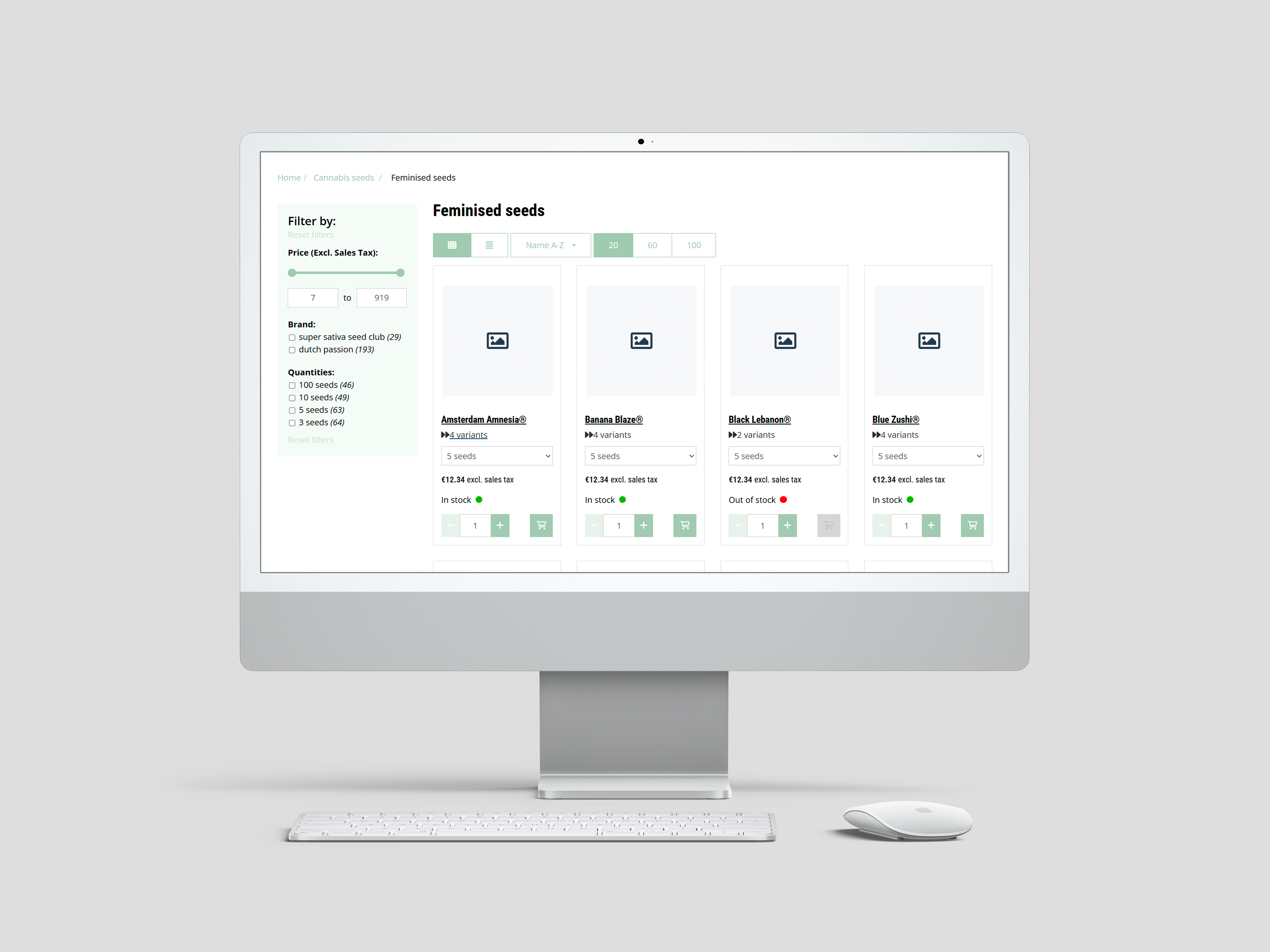
4933: Consistent layout in Quick Order article cards
Improved | Catalogue, Search & Navigation | Shop
Quick order article cards in overviews keep equal height without scripts, whatever elements they show.
On both the article group overview page and the article group detail page, articles can be added directly to the shopping cart when the Quick Order functionality is enabled. The presence of elements such as the order button, pricing, product features, and stock information may vary per article group.
To ensure a clean and consistent layout, technical improvements have been made. Article cards now maintain equal height without relying on scripts, regardless of which elements are shown.
4910: Stock visibility for single-article groups in overviews
Fixed | Catalogue, Search & Navigation | Shop
Overviews consistently show stock for article groups that contain a single article.
On article group overview pages, article groups with only one article can be ordered directly and typically show stock availability. When an article group contains multiple variants, users must first navigate to the detail page to select and order a variant.
In some cases, when both types of article groups were shown together in the same overview, the stock status was not displayed for groups with just one article—despite it being possible to show it there. This has now been corrected: stock information is displayed consistently for article groups with a single article.
4926: Simplified setup for packaging and order quantities
Improved | ERP Integration | Integration | Exact Online
Minimum order quantities and order increments come from Exact Online, and each packaging unit appears as its own article.
Previously, the Exact Online integration included a setting that enforced ordering in the highest packaging unit when multiple units were defined for an article. In the webshop, this could be displayed in two ways: either purchasing in the largest packaging unit with its corresponding price, or purchasing per base unit with a calculated unit price, while requiring a multiple of the packaging quantity.
This approach has now been replaced by a more flexible and transparent setup. In Exact, you can now define a minimum number of base units per order, as well as the increment in which the item must be purchased. Additionally, if multiple packaging units are specified for a single item, each unit is now shown as a separate article in the webshop.
This change eliminates the need for the old ‘PriceUnitType’ setting and simplifies both setup and ordering logic.
In the upcoming release, articles representing different packaging units will automatically be grouped into a new article group. The minimum order quantity setting will continue to apply when ordering per base unit.
4687: Order interface now available in all static list placements
Improved | Catalogue, Search & Navigation | Shop
Static product lists on content pages show the order button and quantity selector wherever they are placed.
Static product lists embedded in content pages can now display the full order interface, including the order button and quantity selector.
This ensures consistent ordering functionality, regardless of where the list is used within the webshop.
3680: Extended ArticleGroup export with multi-classification support
Improved | Import, Export & APIs | Vendisto
The article group Excel export lists multiple classifications and categories in separate columns, matching the article export for re-import.
The ArticleGroup Excel export has been updated to support both multiple classifications and multiple category assignments per classification.
Instead of using a single 'Classification Path' column with slash-separated values, the export now follows the same structure as the article export. Classification and level data are split into separate columns using a structured naming convention.
This includes:
Level_[category position]_[n]for single-classification setups with multiple category levelsLevel_[classification position]_[n]for multi-classification setups with one category per classificationLevel_[classification position]_[category position]_[n]for combined cases
The export also includes corresponding Classification_[n] columns to identify classification roots, enabling full import compatibility.
4572: Support for customer-specific VAT rates in Vendisto
New | Prices, Stock & VAT | Vendisto
Vendisto imports and shows VAT rates per customer, so tax can be handled differently per customer.
Vendisto now supports the import and display of customer-specific VAT rates.
This allows tailored tax handling per customer, based on external system configuration.
4890: Image upload for existing files in Vendisto
Fixed | Product Data (PIM) | Vendisto
Images can be uploaded in Vendisto even when a file with the same name already exists.
Uploading images in Vendisto would fail when the filename already existed, even if the upload was valid. This blocked users from replacing or updating existing images via the UI.
The issue has been resolved, allowing seamless uploads regardless of whether the filename already exists.
4876: Selective article import in multi-shop PIM setups
New | Product Data (PIM) | Shop
Shops linked to a central PIM can block centrally managed article data and import only locally relevant fields.
In environments where multiple shops are connected to a central PIM system—each with its own local (slave) PIM—it is now possible to block article data from being imported into the slave system.
This allows shops to import only locally relevant data, such as lifecycle status, while excluding centrally managed product content from the article XML feed.
4830: BuyOnCredit order placement supported in multishop setups
Improved | Payments | Shop
Orders paid on credit can be placed in multishop environments.
It is now possible to place orders to Vendisto using the BuyOnCredit payment method in environments with multishop configuration.
This extends compatibility of the BuyOnCredit method with newer order routing logic across shops.
4865: ShippingCostAPI fallback for users linked to a pricelist
Fixed | Shipping & Delivery | Shop
Users linked to a price list without its own shipping rates get the general shipping costs.
The ShippingCostAPI now correctly falls back to the general shipping cost configuration when no specific rates are defined for a user's linked pricelist.
This fallback already applied to guest accounts and is now consistently applied to all user types.
4953: External image display in article wizard
Fixed | Product Pages & Configuration | Shop
External images display correctly in the article selection wizard on overview and detail pages.
In certain configurations involving article groups and the article selection wizard, external image URLs were not displayed correctly. This was partly due to invalid characters in the image paths.
The handling of external images has been improved to ensure they are now properly shown in both overview and detail pages, regardless of the component combination used.
4931: Access to quote details for authorized users
Fixed | Customer Portal | Shop
Users with full access rights can open quote details.
Users with full access rights were previously unable to open quote details, despite having the correct permissions.
This has been resolved so that authorized users can now view all quote details as expected.
4918: Improved filtering for multi-word news categories
Fixed | Content & SEO | Shop
Filtering news by a category with a multi-word name returns the expected news items.
News categories consisting of multiple words were not filtered correctly in the webshop. As a result, clicking on such a category did not always return the expected articles.
This issue has been resolved. News category filters now work properly, regardless of the number of words in the category name.
4916: Automatic redirect from historic URLs to new URLs
Fixed | Content & SEO | Shop
Old URLs of renamed products and classification nodes reliably redirect to the new URLs.
When a classification node or product is renamed in Vendisto, the corresponding shop URL changes. The previous URL is then stored as a historic reference, intended to automatically redirect to the updated URL.
A bug in this redirection process has been resolved. Historic URLs now reliably redirect to the correct new location when accessed by users.
4375: Redirects for renamed classification nodes
Fixed | Content & SEO | Shop
Visitors following the old URL of a renamed classification node land on its new URL.
When a classification node or product is renamed in Vendisto, the corresponding URL in the shop changes. The system automatically registers the old URL as a historic reference.
If a user accesses the old URL, the shop now correctly redirects to the updated URL.
4892: XML import for product relations
New | Import, Export & APIs | Integration
Product relations can be imported via XML in one step, removing outdated relations just like the Excel import.
An XML-based import option for product relations has been added, following the same structure and behavior as the existing Excel import.
This allows external systems to synchronize product relationships in a single step, without leaving outdated data behind.
4623: Variant article support for Microsoft Navision integration
New | ERP Integration | Integration | Dynamics NAV / Business Central
Article variants can be browsed and ordered in shops connected to Microsoft Navision.
The Microsoft Navision integration now supports ordering article variants. Previously, variants were not available in the webshop when using this ERP connection.
This enables full support for product variant structures in both browsing and order processing.
4863: Price fallback forvariant articles without own price
Improved | ERP Integration | Integration | Dynamics NAV / Business Central
Navision variant articles without their own price use the price of the base article.
Within the Microsoft Navision integration, variant articles managed now support fallback pricing. If no price is defined for a variant, the system will automatically use the base article’s price.
This ensures consistent pricing behavior, even when variant-specific prices are omitted in the data source.
4856: Correct label shown for representatives in user menu
Fixed | Accounts & Security | Shop
Sales representatives see a choose another customer option instead of sign out in the user menu.
When logged in as a representative, the user dropdown menu now correctly displays 'Choose another customer' instead of 'Sign out'. This matches the behavior already present in the customer portal.
4845: Selected product view remains active after filtering
Fixed | Catalogue, Search & Navigation | Shop
The chosen list or tile view stays active after applying filters.
Previously, when a user switched from 'List View' to another display mode (such as 'Tile View'), the setting would revert back to the default view after applying a filter.
This behavior has been corrected. The selected display mode now stays active when filters are used.
4842: Image inheritance from variant when no product image is set
Fixed | Product Pages & Configuration | Shop
Products without an image use the first variant's image, even when they have a PDF document.
In cases where a product had no image of its own, the webshop would automatically use the image from the first variant during synchronization to the performance database.
This mechanism did not trigger when the main product had a PDF document but no image. This has now been corrected: images from variants are once again used as fallback, even if a PDF is present at the main product level.
4807: GTM view_item tag now consistently triggered
Fixed | Content & SEO | Shop
Product views are tracked reliably in Google Tag Manager on all relevant pages.
The view_item event in Google Tag Manager was not triggered in certain cases, causing product views to be missed in tracking.
This has been corrected so the tag now loads reliably across all relevant pages.
4794: Correct handling of order confirmation with component articles
Fixed | Basket & Checkout | Shop
Orders containing component articles are recognized correctly during purchase tracking on the order confirmation.
Orders that included component articles were incorrectly flagged as failed during the purchase tracking step. This led to confusion in order confirmation reporting.
The logic has been updated to properly recognize and process these types of orders.
4696: Correct country assigned to new guest accounts in Exact
Fixed | ERP Integration | Shop | Exact Online
Customer records created in Exact Online for guest orders get the country from the invoice address.
When a guest account places an order, the integration between the shop and Exact Online can automatically create a corresponding customer record.
Previously, these records were created without a country setting, causing Exact to apply the default country code 'NL'—even for international customers. The country is now correctly derived from the invoice address.
4484: Article table layout handles missing accumulated properties
Fixed | Catalogue, Search & Navigation | Shop
Article tables render even when the layout uses accumulated properties and some articles have no properties.
The article table component could fail to render when the layout included AccumulatedProperties and one or more articles had no properties defined.
This scenario is now handled gracefully, preventing layout errors in such cases.
Sprint 56 (April 18, 2025)
This release brings powerful new personalization options, including customer- and product-specific content, to create even more tailored shopping experiences.
We've also expanded control over what logged-in and non-logged-in users see, such as stock visibility, giving you greater flexibility.
Our improved Dynamics F&O integration makes it easier and faster to connect new installations.
And as always, we've resolved several minor issues to keep everything running smoothly.
4717: "View" Button for Articles with Components in List and Tile View
Improved | Catalogue, Search & Navigation | Shop
Articles made up of several components show a View button instead of an add button in list and tile views, so customers configure them on the product page before ordering.
For articles that include multiple components, a direct "Add to order list" button is not always appropriate. We've updated the article overview pages (both list and tile views) to replace this button with a "View" button for such articles, guiding users to the detailed product page first.
4459: Authorized Contents Template for Personalized Content Display
New | Content & SEO | Vendisto
Content blocks can be linked to authorization profiles, so each logged-in customer sees only the content intended for them.
With the Authorized Contents Template, you can show different content to different users or user groups based on their authorization profiles. Here's how it works:
A content block is linked to a specific authorization profile. Customers or customer groups are also linked to authorization profiles. After logging in, a customer will only see the content for which they have access according to their assigned profile. This allows you to deliver highly personalized content experiences within the webshop.
This mechanism operates in the same way as product authorizations in Shoxl: the system can be configured so that users only see the products linked to their authorization profile. With Shoxl’s authorization features, you can effectively offer every user their own personalized version of the shop.
We also fixed several issues related to the handling of authorized content blocks, ensuring that authorized content is now correctly displayed according to user profiles.
4502: Adding Subclassifications when Dynamic Content Enabled
Fixed | Product Data (PIM) | Vendisto
Subclassifications can be added in the classification module while dynamic content is enabled.
Dynamic content in Vendisto allows you to add product-specific information directly to product pages. It works by defining a layout with content blocks, where each block is linked to an editor in the "Dynamic Content" tab within the Vendisto CMS for that product. This gives you maximum flexibility to enrich product pages with tailored content.
Previously, a bug in the classification module prevented users from adding new subclassifications when dynamic content was active. The save button remained disabled, blocking the addition of new classification nodes. This issue has now been resolved, allowing full use of both classification management and dynamic content editing.
4018: Flexible Stock Display Based on User Type
New | Prices, Stock & VAT | Shop | Settings: ColorIcons, ColorIconsAndNumbers
Stock can be shown differently to anonymous visitors and logged-in users, as color icons, exact quantities or both.
We introduced a new configuration option to tailor how stock information is shown to different user types. In the webshop settings, you can now define separately for anonymous visitors (passers-by) and logged-in users whether they see:
- ColorIcons (stock status through color icons)
- Numbers (exact stock quantity)
- ColorIconsAndNumbers (both status and quantity)
This allows you to offer more detailed stock insights to logged-in customers while keeping information for anonymous visitors more general.
4774: Basket Tracking for Products with Components
Fixed | Content & SEO | Shop
Basket tracking through Google Tag Manager handles products with components without breaking the basket.
Google Tag Manager (GTM) simplifies managing tracking scripts on websites. Previously, enabling the "MeasureViewBasket" setting could cause crashes in the shopping basket when handling products composed of multiple components.
The GTM tracking code has been updated and now correctly processes these bundled products.
4768: Country-Specific API Keys for MultiSafePay
New | Payments | Shop
MultiSafePay API keys can be set per country, based on the customer's invoice address.
We've introduced the option to set distinct MultiSafePay API keys per country, based on the customer's invoice address. This enhancement provides greater flexibility in managing your payment processing across different regions.
4402: New Payment Method Przelewy24
New | Payments | Shop
Customers can pay with the Polish payment method Przelewy24 at checkout.
Support for the Polish payment method Przelewy24 has been added to the webshop settings. You can now easily enable and configure this option for your customers during checkout.
4458: Timestamps Added to F&O Endpoints for Smarter Data Caching
Improved | ERP Integration | Integration | Dynamics 365 F&O
Synchronization with Dynamics 365 F&O is faster because only records changed since the last import are fetched.
The various F&O endpoints now provide timestamps along with their data. This improvement enables our caching layers to selectively import only updated records, making data synchronization faster and more efficient.
4457: Generic Batch Interface for Multi-Customer F&O Integrations
New | ERP Integration | Integration | Dynamics 365 F&O
A generic batch interface connects differently configured Dynamics 365 F&O environments without custom work, speeding up new installations.
Microsoft Dynamics 365 F&O is highly configurable, which can lead to variations in how data is structured between customers. We have now developed a generic mechanism that interacts directly with the oData layer, making it possible to support multiple F&O setups without the need for customer-specific adjustments.
4358: Price Filter Values Correct After Paging
Fixed | Catalogue, Search & Navigation | Shop
Minimum and maximum price filter values stay accurate when paging through search results.
We resolved several issues that occurred when paging through search results after applying a price filter. Previously, the minimum and maximum prices set via the slider or input fields were incorrectly converted to integer values after moving to another page.
Now, the minimum and maximum price values remain accurate throughout navigation, and are correctly based on CustomerPrices or PriceList prices when applicable.
4150: Logical Ordering of Classifications in Multishop PIM
Improved | Product Data (PIM) | Vendisto
Classifications in a multishop PIM keep a fixed order, so the default classification always comes first.
Some webshops use multiple classifications within the Vendisto PIM to manage different storefronts from a single system. Previously, these classifications were stored in a random order, causing the default PIM classification to not always appear first.
We have now introduced a mechanism to position classifications in a logical sequence in the database, ensuring consistent and predictable ordering.
4767: Correct Pickup Address in Postmark Emails for Guest Orders
Fixed | E-mails | Shop
Pickup order confirmations for guest orders show the store's pickup address instead of the invoice address.
Postmark is a reliable email delivery platform used by Shoxl to ensure smooth and dependable email communication. When placing a pickup order as a guest user, the confirmation email previously showed the customer's invoice address instead of the store's pickup address.
This has now been corrected. Confirmation emails for pickup orders placed by guest users clearly show the correct store pickup address.
4749: Flexible Robots.txt Management
Improved | Content & SEO | Shop
A custom robots.txt file is kept instead of being overwritten, giving full control over search engine crawler instructions.
A robots.txt file instructs web crawlers (search engine spiders) which pages or files they should or shouldn't access on your website. By default, the Shoxl platform automatically generates this file to ensure essential directives are always included.
We've introduced greater flexibility: You can now manually create your own robots.txt file. When this custom version is present, the platform will no longer overwrite it, giving you full control over specific crawler instructions.
4744: Category Pages Now Handle Multi-Language Properties Correctly
Fixed | Catalogue, Search & Navigation | Shop
Category pages stay stable when articles have properties defined in multiple languages.
Category pages previously experienced crashes when articles contained properties defined in multiple languages. This issue has been resolved, ensuring category pages remain stable regardless of language-specific attributes.
4733: Improved Handling of Prices for Anonymous Users
Improved | Catalogue, Search & Navigation | Shop | Settings: LogInToView
Article table columns load for anonymous visitors, and any column can show a login button instead of its value.
In Shoxl, article tables are fully configurable: you can define exactly which columns are shown by using our layout language — the same language used to design overall page layouts.
Previously, columns in article tables could get stuck on "loading" when viewed by users who were not logged in. This issue has been resolved. Additionally, a new LogInToView layout setting has been introduced, allowing any column to display a login button instead, redirecting anonymous users to the login page.
4729: Correct Image Display for Article Groups
Fixed | Catalogue, Search & Navigation | Shop
Article groups without their own image show the first variant's image in overviews.
In Vendisto, images can be managed at different levels of the product structure: at the product variant, product, or classification node level. The webshop displays these images on the relevant pages and, when a product image is missing, automatically substitutes it with the image from the first product variant.
A bug that sometimes prevented this substitution from occurring has now been fixed. All article groups now correctly display an image in the overview, even when a direct product image is missing.
4714: Blocked Delivery Dates Now Properly Enforced
Fixed | Shipping & Delivery | Shop
Dates blocked in a delivery schedule can no longer be selected as delivery date.
Delivery schedules can include overrides to block specific dates from being selectable. A bug previously caused some of these overrides to be ignored, allowing blocked dates to appear as available. This issue has now been fixed, and all exceptions are correctly enforced.
4709: Bundled Articles and Standalone Components Can Be Added Together
Fixed | Basket & Checkout | Shop
A bundled article and one of its separate components can be added to the basket together.
Previously, it was not possible to add an article composed of multiple components to the basket together with one of its standalone components. This issue has now been resolved, allowing both the bundled article and its individual components to be added to the basket simultaneously.
4691: Improved Stability for Image Batch Uploads in Vendisto
Fixed | Product Data (PIM) | Vendisto
Batch image uploads in Vendisto handle more than 100 images at once.
In Vendisto, the Batch Upload function for images could crash when uploading more than 100 images at once. This issue has been fixed, ensuring smooth and reliable uploads even for larger batches.
4657: Configuration Restored When Returning from Basket
Fixed | Product Pages & Configuration | Shop
Going back from the basket to an article with components restores the chosen configuration, price and stock.
When ordering an article with components, using the back button from the basket did not correctly restore the selected configuration. As a result, the article page failed to load the appropriate price and stock information. This issue has been fixed, and returning to the article page now fully restores all selections and displays accurate data.
4648: Bulk Export Now Includes All Articles
Improved | Import, Export & APIs | Integration
The Excel article export uses less server memory and includes articles imported from the ERP without a title.
We developed a more memory-efficient version of the article export function, reducing server load when exporting articles to Excel. During this update, we also fixed a bug where articles imported from the ERP system without a Title element were unintentionally omitted from the bulk export. All articles are now correctly included in exports, regardless of title presence.
4602: Improved Cache Expiration for Order Book Data
Improved | Customer Portal | Shop
Order book data stays current because cached product and product group API responses expire after a set number of hours.
To prevent outdated data from being served, we've introduced an "expire after" setting (in hours) for cached responses from the Product and Product Group APIs. This ensures that order book information remains fresh and up-to-date without requiring manual cache clearing.
4513: Correct Required Field Validation on Customer Registration Form
Fixed | Accounts & Security | Shop
The registration form clearly marks the Country field as required.
We fixed an issue where the Country field on the customer registration form was not always visibly marked as required, even though it was technically mandatory. The form now clearly indicates that the Country field must be completed.
4501: Order Button Activation for Products with Customer-Specific Prices only
Fixed | Product Pages & Configuration | Shop
Products that only have a customer-specific net price can be added to the basket.
We fixed an issue where products that had a customer-specific net price but no gross price could not be added to the basket. The order button now correctly becomes active as long as a valid customer-specific price is available.
1651: More Efficient Asset Synchronization from Vendisto to Shop
Improved | Platform & Performance | Vendisto
New and updated product images and other assets reach the shop faster and more reliably.
We've optimized the synchronization process for images and other assets between Vendisto and the shop. Updates are now faster and more reliable, ensuring that new and updated product images are reflected in the webshop with minimal delay.
Sprint 55 (March 28, 2025)
Sprint 55 was all about enhancing quality and user experience. Highlights include improved handling of bundled products, making it effortless to combine a base product with required or optional components. We've also extended the capabilities of our PIM system, paving the way for smoother integrations with popular data distribution platforms like Channable. And uploading your order books? That's now faster and more efficient than ever!
4624: Component Products Now Load Correctly from Basket
Fixed | Product Pages & Configuration | Shop
Returning from the basket to a product with selected components opens a working product page again, so customers can change or reorder the combination.
In the shop, a component relationship can be established between a base product and related articles. This setup changes the behavior on the product detail page: components can be selected via dropdowns and added to the basket along with the base product. These components can be optional or mandatory. In the basket, the base product and its selected components are shown as a single line, which can later be split into individual order lines depending on the ERP system's capabilities.
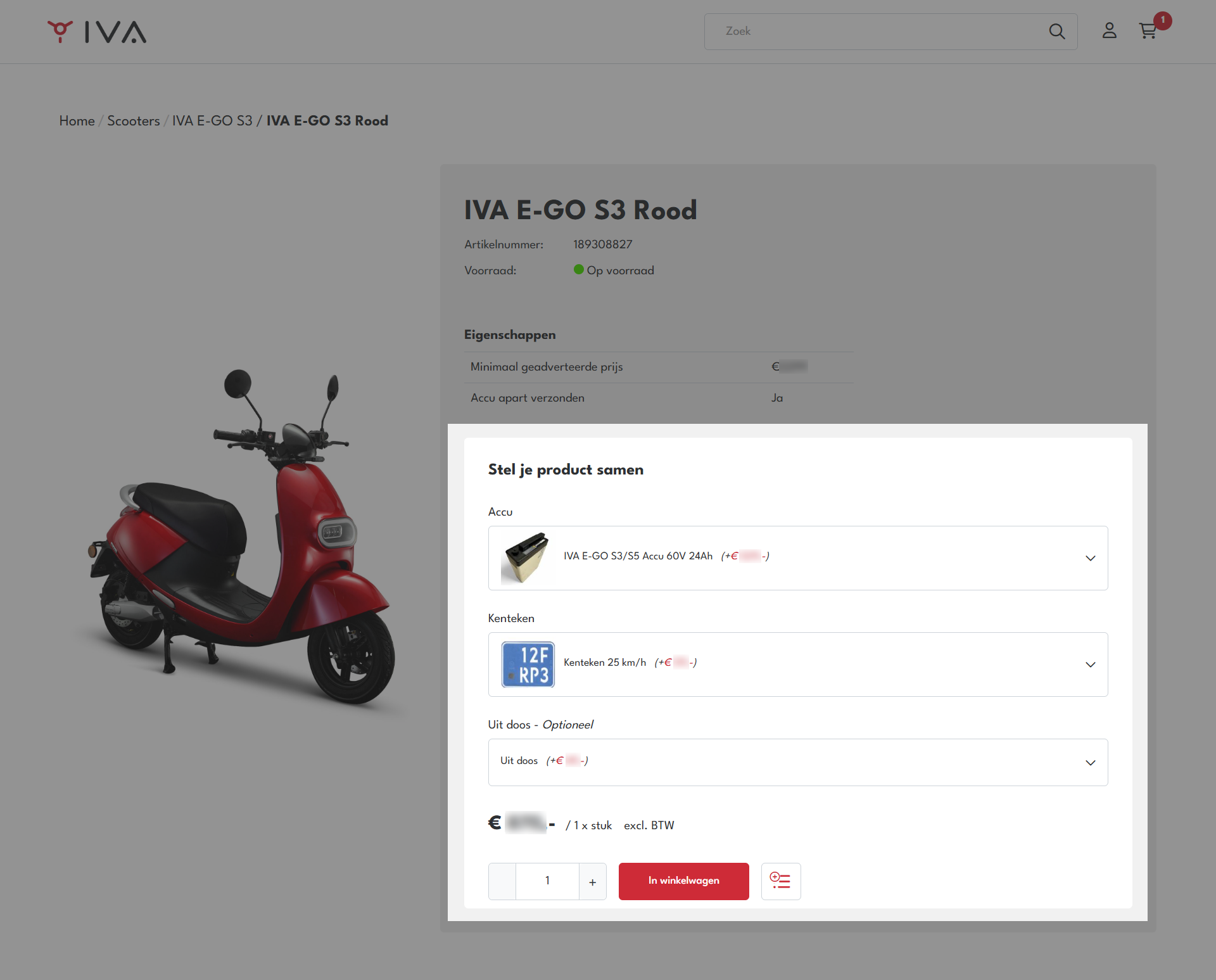
An issue arose where clicking back to a product with selected components from the basket failed to properly initialize the product detail page. As a result, the order interface appeared disabled and users could not modify or reorder the product setup.
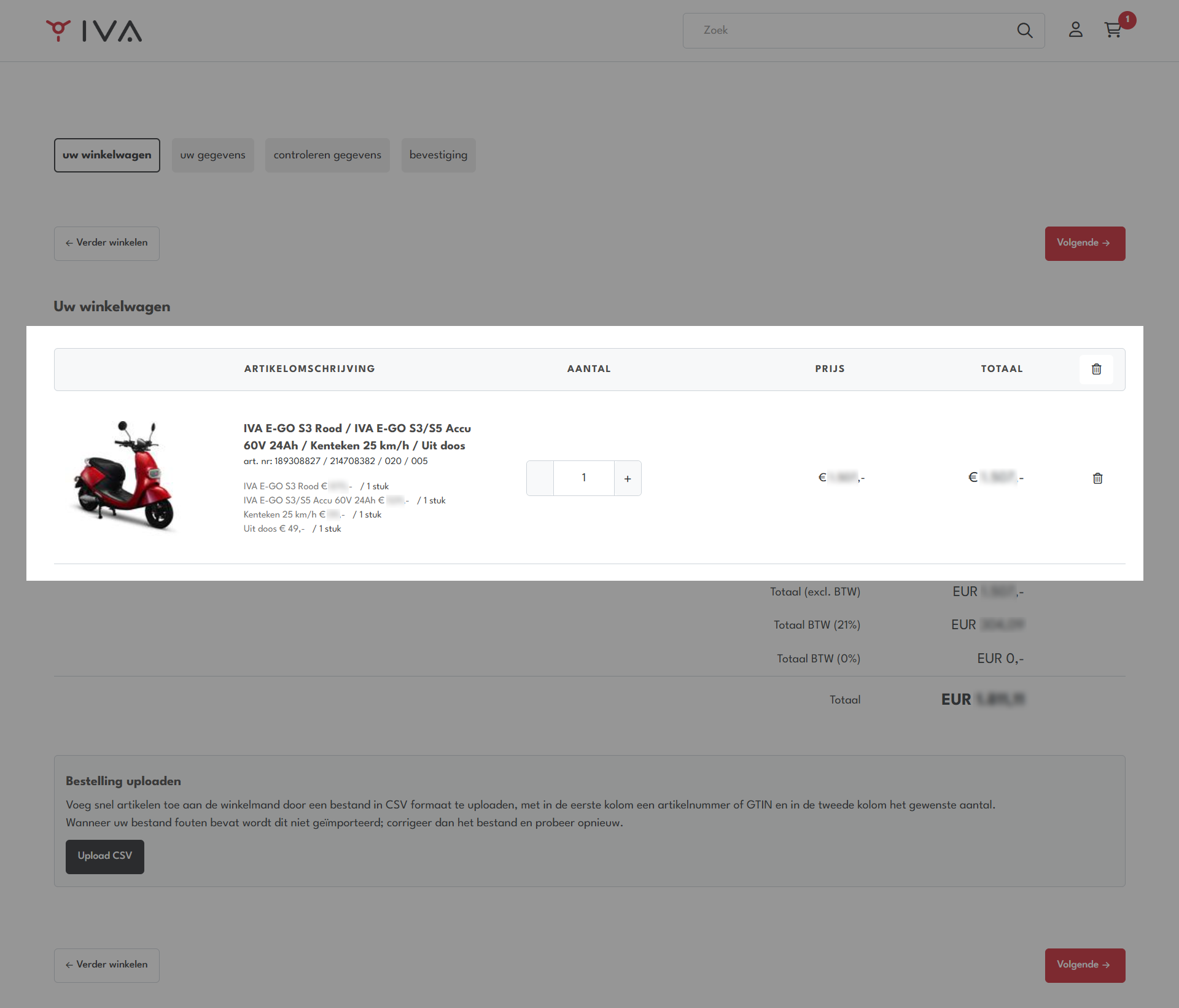
This behavior has been corrected. Returning to a product with selected components now properly initializes the page, allowing users to interact with the order interface as expected.
4625: Removing a Bundle Now Correctly Removes the Base Product
Fixed | Basket & Checkout | Shop
Removing a bundle from the basket also removes its base product.
The basket encountered issues where removing a bundle item did not properly remove the associated product due to a flaw in the basket logic.
This behavior has been corrected. When a bundle is removed, the associated product is now correctly deleted from the basket as expected.
4587: Enhanced Usability for Adding Related Products in Vendisto
Improved | Product Data (PIM) | Vendisto
Adding related products in Vendisto is faster and more reliable when setting up new relations.
In Vendisto, new relation types, such as "replacement" or "complementary," can be defined. These relation types are categorized either as "related" or "component."
Previously, a timing issue in the Vendisto UI made it difficult to add related items correctly. This experience has been improved: the "Add Related Product" button is now more responsive and reliably available when setting up new relations.
This enhancement streamlines the process of linking related products, making it faster and more intuitive for users.
4497: Dynamic Filename Support for Channable Feed Exports
New | Import, Export & APIs | Integration
Product feed filenames can contain date and time placeholders, so feeds can use either dynamic or static names.
Channable is an online feed management and automation platform that helps companies distribute their product data to marketplaces, comparison websites, and advertising platforms. Within our setup, Channable connects directly to our generic Product API to retrieve product information for feed generation and distribution.
We have enhanced the AutomaticProductImportManager tool by introducing a small parser that supports dynamic placeholders in filenames. The available placeholders are:
- {TIME}
- {DATE}
- {DATETIME}
- {TIMESTAMP}
These placeholders allow greater flexibility: feeds can now have either dynamic filenames (based on the timestamp or date) or static filenames, depending on the configuration.
This improvement simplifies integration with platforms like Channable and provides more control over feed file management.
4220: Default Lifetime State for Imported Articles
New | Import, Export & APIs | Integration | Settings: ArticleDefaultLifetimeState
Administrators can choose whether newly imported articles without a state start as active or suspended.
The article XML file forms a crucial part of the automated data stream between ERP systems and the shop. Imported article data is stored in the Vendisto PIM database, which then synchronizes with the shop.
Within Vendisto PIM, article data can be enriched with additional properties and assets, such as images and documents. Articles can also be activated, suspended, or deleted through the concept of a "lifetime state."
We have enhanced the Article XML import functionality by introducing a new setting: ArticleDefaultLifetimeState. This new feature allows users to define a default lifetime state for newly imported articles if the state is not explicitly set in the XML. Previously, new articles without a specified state were automatically set to 'Active'. Now, administrators can configure whether such articles should default to 'Suspended', offering greater control over article activation workflows.
This functionality was developed in response to customer needs for better control over article visibility immediately after import.
4427: Validation Checks Refined for Merging Article Groups
Fixed | Product Data (PIM) | Vendisto
Article imports can merge article groups and rename them in one go without a validation error.
During article imports, merging two article groups while simultaneously updating their group names could incorrectly trigger a validation error. This situation has now been improved to allow both operations to be performed smoothly without errors.
4571: Support for Customer-Specific VAT Rates Introduced
New | Prices, Stock & VAT | Vendisto | Exact Online
Customer-specific VAT rates can be stored in Vendisto and imported from Exact Online, preparing for VAT handling per customer.
VAT rates are typically determined based on the region to which goods or services are delivered. However, in some business cases, VAT handling needs to be adjusted on a per-customer basis. For example, special VAT agreements may apply to educational institutions, healthcare providers, export customers, or resellers operating under specific tax exemptions.
To address these needs, we are extending the platform to support customer-specific VAT rates. The foundation for this functionality has now been laid: customer-specific VAT percentages can already be stored in the Vendisto database, and the Exact Batch Interface has been extended to import these rates from Exact systems.
This enhancement paves the way for even more flexible and accurate tax handling across different customer groups.
4479: Correct consideration of discounts for free delivery threshold
Fixed | Shipping & Delivery | Shop
Discounts are taken into account when checking whether an order qualifies for free delivery.
Previously, the free delivery threshold did not consistently account for discounts, which could lead to incorrect eligibility for free delivery. This behavior has been improved: discounts are now correctly factored in when calculating whether an order meets the free delivery conditions. This adjustment ensures a more accurate and fair application of delivery policies for all customers.
4627: Basket Button Now Links Correctly for Ordering
Fixed | Product Pages & Configuration | Shop
The basket button on every article page links correctly, so all products can be ordered.
Some products were not orderable because the basket button on certain article detail pages contained an incorrect link. This resulted in users being unable to place orders directly from those pages.
The issue has been corrected. The basket button now properly links to the ordering process, ensuring that products can be added to the basket without problems.
4485: Fixed Incorrect Variant Links in Sidebasket
Fixed | Basket & Checkout | Shop
Links in the side basket open the selected variant instead of the default product.
Navigating from the sidebasket now correctly points to the selected variant instead of the default product.
4616: Compatibility with Cloudflare Rocket Loader
Improved | Platform & Performance | Shop
Shops work correctly when Cloudflare Rocket Loader is enabled to speed up page loading.
Cloudflare's Rocket Loader is a feature that improves website performance by optimizing the loading order of JavaScript. It asynchronously loads scripts and prioritizes page rendering, helping to speed up the initial display of content for users.
However, Rocket Loader can sometimes interfere with custom JavaScript functionality by changing the execution order of scripts. This caused issues with our webshop's scripting behavior.
We have now added support to ensure that the webshop runs correctly alongside Cloudflare’s Rocket Loader optimization, maintaining full functionality without scripting conflicts.
4603: Reorder Functionality Restored in Order History
Fixed | Customer Portal | Shop
Customers can reorder items from their order history again.
Users were unable to reorder items from their order history due to an error in the Shoxl REST service layer. This issue interrupted the reorder process, preventing customers from quickly duplicating previous orders.
The problem has been corrected, and the reorder functionality now works as expected, allowing users to easily place repeat orders from their history.
4588: Improved Handling of Loading Placeholders in Lists
Fixed | Catalogue, Search & Navigation | Shop
Product lists remove the loading placeholder when prices cannot or may not be shown.
The "lists" functionality allows article and article group lists to be displayed at various positions in a Shoxl shop or portal. Depending on the chosen configuration, these tiles can also show article attributes and (gross or customer-specific) prices. If prices are not yet available, a "loading..." placeholder is shown temporarily.
However, if prices could not be retrieved or were not allowed to be displayed, the "loading..." placeholder would remain visible indefinitely, causing confusion.
This behavior has been improved. The placeholder is now properly removed when prices cannot or should not be shown, ensuring a cleaner and clearer user experience.
4540: Dynamic Retrieval of Asset Extensions from Exact Online
Improved | ERP Integration | Integration | Exact Online
Images imported from Exact Online are recognized by their content, so asset names no longer need a file extension.
In earlier setups, images imported from Exact Online required a file extension (such as .jpg or .png) to be included in the asset name. Without this extension, the system could not correctly recognize or handle the imported files.
We have improved this process: the file type is now automatically detected based on the content header of the imported asset. This means that manual addition of extensions is no longer necessary, making the import process more reliable and user-friendly.
This enhancement simplifies asset management and reduces the risk of import errors, improving the overall efficiency of product data handling.
4539: Better Order Line Validation in ERP Requests
Fixed | ERP Integration | Integration
Order calculation requests to the ERP no longer contain an empty order line, keeping final order calculations reliable.
One of the essential principles of the Shoxl platform is that the shop does not duplicate functionality already present in the connected ERP system. This approach ensures consistency, simplifies maintenance, and avoids potential conflicts between systems. It also means that, especially when completing an order, the shop should ask the ERP whether any additional costs or discounts apply. This communication happens via the CalculateOrder request.
An issue had arisen where the CalculateOrder request incorrectly added a null entry to the list of order lines.
This behavior has now been corrected, ensuring clean and accurate communication with the ERP system for a reliable calculation of the final order.
4525: Expanded Logging Capabilities for OAuth2 Server
Improved | Accounts & Security | Shop
Extended logging for the OAuth2 server makes authentication flows easier to troubleshoot during deployment and maintenance.
OAuth2 is a widely used standard for secure authorization. It enables users to grant limited access to their resources on one site to another site without exposing their credentials. OAuth2 plays a crucial role in modern authentication flows by ensuring secure and manageable access to protected APIs and applications.
To enhance the configurability and ease of deployment of our OAuth2 server, we have expanded the available logging functionality. This improvement provides better insight into authentication flows and system behavior, making it easier to troubleshoot and fine-tune configurations during deployment and maintenance.
4486: Accelerated Processing for Order Book Uploads
Improved | Customer Portal | Shop | Settings: EnableFastCsvUpload
Uploading a filled-in order book Excel file is much faster, even for very large customer catalogues.
Within the Shoxl platform, several generations of CSV upload processing have been developed. The latest generation significantly improves speed and efficiency. This advanced method has now also been applied to the Order Book functionality.
The Order Book allows customers to download a fully configurable Excel file that lists their personalized product assortment. Customers can easily compile a new order by filling in quantities for the desired products and uploading the file again. The selected items are automatically placed in the shopping basket in the specified quantities.
We have introduced the 'EnableFastCsvUpload' setting for the Excel Order Book, ensuring faster and smoother handling of uploads for even the largest customer catalogs.
4480: Improved Image Inheritance for Product Groups
Improved | Catalogue, Search & Navigation | Shop
Products and categories without their own image show an image inherited from their variants or underlying products.
The products and product variants in Vendisto are structured within a classification tree that can span multiple levels, depending on the shop configuration. Images can be assigned at different levels: Product, Product Variant, or Classification Node.
When a product lacks an image, the shop previously displayed the image from the first product variant. Similarly, a classification node without an image would inherit the image of the first product classified beneath it. Higher-level nodes would inherit from the first child node.
We have now enhanced this mechanism: product variants' images are properly propagated upwards to ensure products and classifications always display a relevant image when no specific image was assigned.
---The structure for products and variants allows assigning images at multiple hierarchy levels. In cases where no image was available for a product, a fallback mechanism ensures an image is still displayed, pulling from associated variants or classifications.
An improvement was made to strengthen this fallback logic, ensuring that images are accurately inherited from lower levels when needed. This change enhances the visual consistency across the storefront, even when direct images are missing.
---Vendisto organizes products into a tree structure with classifications. Images can be attached at the product or classification level. If an entity had no assigned image, the system would fetch the first available image from linked articles or classifications.
We refined this inheritance behavior to better handle missing images, ensuring that the first available product variant image is now properly displayed at higher classification levels when necessary.
4460: Resolved missing price information in list views with variants
Fixed | Catalogue, Search & Navigation | Shop
Overview pages mixing single articles and variant groups show all prices and use aligned columns.
A Shoxl shop features an article group overview page that lists all article groups. This overview is available in both List View and Tile View. If an article group contains only one article, that article can be purchased directly from the overview page (if configured accordingly). For article groups with multiple variants, the number of available variants is shown, and users must click through to select a variant before purchasing.
When the overview included both single-article groups and multi-variant groups, a problem occurred: no prices were displayed for the articles that could be purchased directly. This happened because the rendering logic was inconsistent depending on whether a row contained an article or an article group. The layout would also misalign columns.
We improved the rendering logic to ensure that prices are now correctly displayed in all cases. The layout has also been harmonized so that all rows contain a consistent number of columns, ensuring a clear and uniform presentation.
4419: Correct Addition of Optional Components in Order Lists
Fixed | Customer Portal | Shop
Optional components selected for an article are included when it is added to an order list.
In previous versions, optional components linked to articles were not correctly added when users compiled order lists. This led to incomplete orders being created when optional items were expected.
The handling of optional components has now been improved. When articles are added to an order list, any optional components selected by the user are correctly included, ensuring a complete and accurate order list experience.
4353: Improved validation for orderlist entries
Fixed | Customer Portal | Shop
Articles can only be added to an order list after their mandatory components are selected.
A bug was fixed where articles could be added to an orderlist without selecting mandatory components. This ensures that all required fields are now properly validated before items are added, preventing incomplete or incorrect entries.
4408: Improvements to Quote Request Flow
Improved | Customer Portal | Shop
Logged-in users no longer see a login button for quotes, and overviews can mix quote request and order buttons.
When using the quote functionality, users who were already logged in could sometimes incorrectly see the "log in and order" button. This behavior has been corrected to ensure a smooth flow.
Additionally, the product overview was unable to display the "request quote" button and defaulted to showing the standard order interface. We have improved this behavior: the overview can now correctly show a mix of "request quote" buttons and standard ordering options, depending on the individual article settings. This update has been applied to both the list view and the thumbnail view.
4407: Fixed incorrect display of archived news items
Fixed | Content & SEO | Shop
The news overview shows only active published items, with correct filter counts and categories.
Resolved an issue where the news overview incorrectly included archived news items. This resulted in the display of outdated content, incorrect filter counts, and misleading category options. The filter now exclusively shows active, published news items to maintain content relevance and clarity for users.
4399: Correction for Delivery Date Selection Error
Fixed | Basket & Checkout | Shop
Checkout only offers delivery dates that are accepted when the order is placed.
We identified and corrected a bug in the handling of delivery dates during the checkout process. Customers were previously able to select a delivery date that would later be rejected when finalizing the order, making it impossible to complete purchases for certain dates. This issue has now been resolved to ensure a seamless and reliable order placement experience.
4383: Reduced Data Load with Group-Level Discount Handling
Improved | Prices, Stock & VAT | Integration
Customer discounts can be stored per product group, reducing the amount of price data while keeping prices accurate.
To optimize pricing data storage and handling, the ErpCache price service has been enhanced. In addition to detailed pricing per customer and product, it now supports customer-specific discounts applied at the product group level, based on the standard price list prices.
This improvement reduces the amount of data needed, particularly in cases where customers are assigned to groups with defined product group discounts, minimizing storage load while maintaining accurate price calculations.
Sprint 54 (March 7, 2025)
In Sprint 54, our development team took a deep dive into improving integrations with both Microsoft
Dynamics F&O and its older sibling, Dynamics NAV (the proud ancestor of Business Central).
Meanwhile, our shop users received a shiny new feature—a deceptively simple but technically heroic
price filter based on customer-specific pricing.
Oh, and we casually threw in Finnish
language support, significantly upping our Finnish skills in the process. So, if you’re ever
tempted to conquer Finland, we've got your back—or should we say, your "selkä"!
3640: Enabling Customer-Specific Price Filtering
Improved | Catalogue, Search & Navigation | Shop
The price filter can select articles by customer-specific net prices instead of only gross prices, provided the ERP price model maps to price lists with customer prices as exceptions.
A price filter can now be configured as part of the Shoxl shop. This filter allows users to select articles within a specified price range, either by adjusting a slider or manually entering minimum and maximum values.
Previously, the filter only worked on gross prices. Now, the functionality has been extended to support filtering based on net prices.
To use this feature, the ERP system's price model must be mapped to PriceLists and customer-specific prices. The expectation is that customer-specific prices serve as exceptions to the standard PriceList prices. However, if ERP price calculations require a customer-specific price for every product/customer combination, this solution (and net price-based filtering) may not be viable.
Future enhancements planned on the Shoxl product roadmap include implementing a default pricelist and supporting customer discount percentages to further improve this functionality.
4357: Improved Price Filter Behavior for Quantity Discounts
Fixed | Catalogue, Search & Navigation | Shop
The net price filter uses the same quantity discount price as the product tiles, keeping prices consistent.
The shop includes a setting that determines which net price is displayed on search result tiles after filtering or searching. For products with multiple quantity discount prices, this setting allows the system to show either:
- The lowest cumulative discount price
- The price of the cumulative discount with the lowest quantity (the unit price)
Previously, the net price filter did not follow this setting, leading to inconsistencies in price display. This has now been corrected—the net price filter will now respect the configured setting, ensuring consistent price representation across the shop.
4203: Finnish Language Added
New | Content & SEO | Shop
Shops can be offered in Finnish.
The shop now supports the Finnish language, allowing users to navigate and interact with the platform in Finnish.
This enhancement improves accessibility for Finnish-speaking customers and ensures a better user experience in their preferred language.
4215: Email Microservice Development
New | E-mails | Shop
Development has started on a central e-mail service that will let shop administrators customize all e-mail templates.
Currently, the Shoxl shop sends various emails, including contact form confirmations, password reset emails, order confirmations, and quote-related messages. These emails are sent through a mix of external mail services and internal mail servers.
To improve efficiency and reliability, a dedicated email microservice is being developed. This new service will centralize all email sending, ensuring better management and consistency.
The initial development has started in this sprint, with full functionality planned for upcoming releases. A key benefit for shop administrators will be the ability to customize all email templates directly.
4435: Corrected Gross Price Retrieval for Multi-Division Administrations
Fixed | ERP Integration | Integration | Dynamics 365 F&O
Gross prices only use price agreements from the same division, so prices from other divisions are no longer mixed in.
Previously, gross prices were incorrectly retrieved due to a mix-up in DataareaId values. Price calculations for gross prices also relied on the PriceAgreement entity, which could pull data from multiple divisions. If the system was set to retrieve price agreements from both Division A and B while gross prices were only meant to come from Division A, the final price calculation mistakenly included prices from Division B as well.
This issue has now been fixed by ensuring that only price agreements that match the same Division ID as the gross prices are considered in calculations.
4328: Gross Prices Export for multiple currencies
Improved | ERP Integration | Integration | Dynamics 365 F&O
Gross prices are exported correctly again and the export supports multiple currencies.
Gross prices were not being exported because of missing permissions on the TaxEntity. This entity is required for gross price calculations, and without proper access, the export process failed.
Another issue was that price currencies were not handled correctly. The exporter only supported a single currency instead of multiple, limiting its functionality.
Solution:
- Permissions to the TaxEntity have now been granted, ensuring proper gross price calculation and export.
- The exporter now correctly supports multiple currencies, resolving the limitation.
These fixes ensure that gross prices are now exported correctly and without restrictions.
3538: Automated Metadata Handling
New | ERP Integration | Integration | Dynamics 365 F&O
The integration refreshes its cached metadata automatically after an error, so new ERP fields are handled without manual work.
The batch interface for F&O relies on OData metadata to determine which entities and fields can be accessed. When a customer modifies the standard entity configuration by adding a new field, the locally cached metadata must be updated by retrieving the latest version from the customer's backend.
To streamline this process, the batch interface now includes a recovery mode. When an OData error is detected, the recovery mode automatically downloads the updated metadata and replaces the outdated cache. This ensures that changes in the customer's entity configuration are handled dynamically without manual intervention.
4281: Supporting Product Groups in Pricelists
Improved | ERP Integration | Integration | Dynamics NAV / Business Central
The price cache uses price lists more efficiently, reducing database size while keeping prices fast.
In the Shoxl cache, pricelists and price agreements result in storing a price for every combination of user, article, and quantity. While this setup ensures very fast response times, it can also lead to extremely large databases when dealing with a high number of users, multiple pricelists, and extensive quantity discounts.
To address this, an initial improvement has been implemented where the cache now utilizes pricelists more efficiently. This approach helps reduce database size while maintaining fast performance. This feature will be GA in the next release.
4127: Sales Representatives Management and Retrieval
New | Accounts & Security | Integration | Dynamics NAV / Business Central
Sales representatives linked to a customer in the ERP get access to that customer, and representatives can also be assigned manually.
Sales representatives associated with a customer are now included as Global Access Users in the BatchCustomer export for Microsoft Navision Batch Integration. Additionally, an option has been introduced to configure Global Access settings.
In the customer interface, a salesperson_code is used. The question remains whether NAV can also provide an email address for each salesperson. If not, the system will map salesperson codes to email addresses or names that still need to be retrieved from FACE.
Furthermore, it is now possible to manually assign representatives to each customer. A combination of both automated retrieval from NAV and manual assignment should work seamlessly.
Permissions for sales representatives and regular users can now be managed during shop deployment, with Access Users being identified by their email addresses.
4305: Quote Overview Not Visible for Users Without Permissions
Fixed | Customer Portal | Shop
Users with general access can see the quote overview even without specific quote permissions.
The quote overview was missing when a user had no permissions assigned. This led to confusion, as users without explicit quote-related rights were unable to see any relevant information.
To improve this, the system now ensures that users without specific quote permissions can still access the quote overview if they have general access.
This adjustment enhances transparency and provides a more consistent user experience.
4436: Corrected VAT Calculation in Order History
Fixed | Customer Portal | Shop
The order history shows correct VAT amounts.
Previously, the order history displayed incorrect VAT amounts due to a miscalculation. The system mistakenly used a percentage range of 0-100 instead of the correct 0-1 range when applying VAT to order totals. As a result, instead of adding 21% VAT, the system multiplied the total amount by 21.
This issue has now been resolved, ensuring that VAT is correctly calculated and displayed in the order history.
4112: CalculateOrder Now Supports Decimal Quantities
New | ERP Integration | Integration | Settings: ShoxlRestCallV2CalculateOrderMethod
Order calculation with the ERP can handle decimal quantities, while the previous version remains available.
A new version of CalculateOrder (/V2/CalculateOrder) has been implemented, which supports decimal quantities. This allows more flexibility when processing orders that require non-integer values.
The system now determines which version to use based on the setting ShoxlRestCallV2CalculateOrderMethod:
- If set to True,
/V2/CalculateOrderis used. - If set to False, the system falls back to
/V1/CalculateOrder.
This enhancement ensures better handling of decimal order quantities while maintaining backward compatibility.
4110: Setting to Enable/Disable Price Calls on Static Lists
New | Platform & Performance | Integration
Price, stock and order calls for static lists can be switched off to reduce load on slower back-end systems.
A new option has been added to control the loading of price, stock, and order interfaces for items in static lists. This setting allows administrators to enable or disable price calls on these lists.
By disabling price calls, this feature helps reduce the load on slower back-end systems, improving overall performance and responsiveness.
4403: Prevented Duplicate Pricelist Authorizations in Vendisto
Fixed | Accounts & Security | Vendisto
Customer imports no longer create duplicate price list authorizations, preventing pricing errors.
Previously, the customer import process in Vendisto could cause duplicate pricelist records to be created in the database. This led to inconsistencies in price authorizations and potential pricing errors.
This issue has now been resolved, ensuring that the import process correctly checks for existing records before adding new pricelist authorizations.
4272: SKU, Price, and Stock Information Not Displayed on Article Group Page
Fixed | Product Pages & Configuration | Shop
Opening an article from a group overview with the selection wizard shows its SKU, price and stock.
When using the article selection wizard, the price and order UI did not load when clicking on the main image or link from an article group overview. This caused important product details such as SKU, price, and stock information to be missing from the page.
This has been corrected, ensuring that all relevant product details are properly displayed when navigating from the article group page.
4269: Contact Forms Not Displayed After Page Load
Fixed | E-mails | Shop | Settings: DefaultForm
Contact forms appear on the page again after it loads.
Contact forms were not appearing after the page loaded. This issue was caused by the system failing to use the DefaultForm while, at the same time, attempting to validate custom form fields only on form submission instead of during page load.
The implementation has been adjusted to ensure that form validation occurs correctly during the page load process, allowing contact forms to display as expected.
4117: Unauthorized Users Now Redirected to Login Page
Fixed | Accounts & Security | Shop
Visitors who are not logged in are sent to the login page when they open a restricted page.
Certain user pages did not redirect to the login page when accessed by a non-logged-in user. Instead, these pages either displayed an error message or redirected to the homepage, causing confusion.
This behavior has now been corrected. Users who attempt to access restricted pages without being logged in are now properly redirected to the login page.
Sprint 53 (February 14, 2025)
Sprint 53 brings exciting enhancements to help you boost conversions and improve your e-commerce experience:
📌 Check out the full list and reach out if there’s anything that could benefit your business!
4015: New Layout for Empty Basket Page
New | Basket & Checkout | Shop
Shops can show a dedicated page for an empty basket, with their own message and buttons to log in or continue shopping, instead of the default basket layout.
Shoxl now offers a new way to display an empty shopping basket. Instead of showing the default basket layout, users can configure a separate page with a custom message and two call-to-action buttons: "Login" and "Continue Shopping." This feature provides a clearer, more guided shopping experience for visitors.
4212: Customer-Specific Discount Now Visible in Order Totals
New | Prices, Stock & VAT | Shop | Exact Online
A customer discount set in Vendisto is shown separately in the order totals instead of being included in line prices.
In general, customer-specific discounts should be managed in the ERP system. However, Exact Online always applies such discounts directly to the price of each order line. Some Shoxl users prefer to display the discount separately in the order totals for commercial reasons, rather than embedding it in individual product prices. Since Exact Online does not support this approach, we have extended its functionality.With this update, you can now specify a customer discount in Vendisto. This discount will be transferred to Exact Online and will appear in the discount section of the order totals, rather than being factored into the line-item prices. This aligns with our core philosophy: if the ERP system lacks a specific capability, we enhance it to meet our customers' needs.
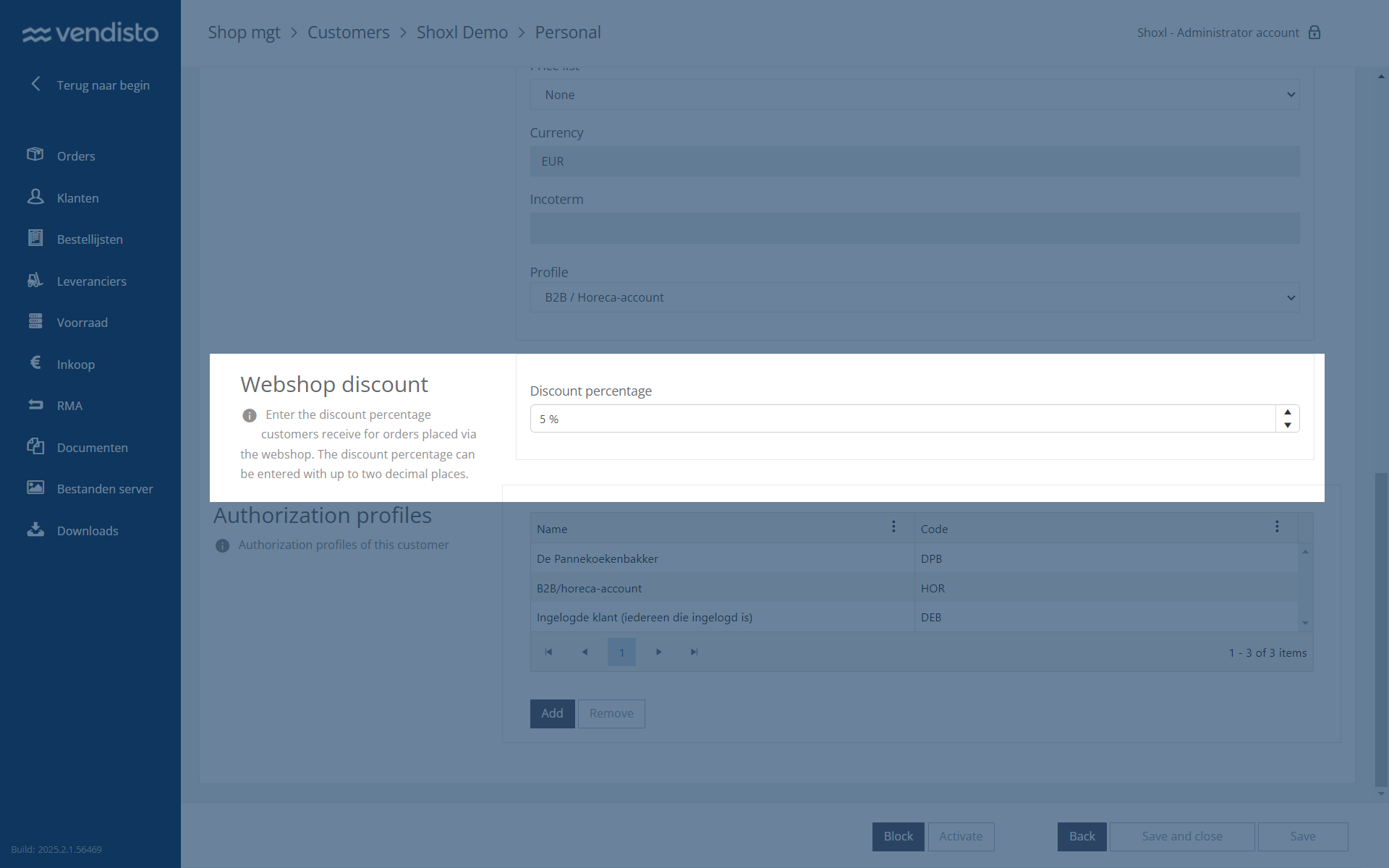
3944: Preventing Unnecessary Email Alerts During Exact Online Downtime
Improved | ERP Integration | Integration | Exact Online
No alert e-mails are sent when Exact Online is unavailable during its scheduled maintenance window.
During Exact Online’s scheduled maintenance window (4:00 - 5:00 AM), the system was generating unnecessary email notifications due to service unavailability.
To prevent this, email notifications in the Exact Batch Interface have been disabled for specific HTTP responses, such as Service Unavailable. This ensures that only relevant alerts are sent, reducing unnecessary notifications.
3840: OrderBook Excel Download Now Supports User-Specific Catalogs
Improved | Customer Portal | Vendisto
The order book Excel download contains only the products each user is authorized to see, with a spinner during download.
It is now possible to apply authorization profiles to the OrderBook Excel download. This ensures that every user gets a personalized catalog, containing only the products they are authorized to see.
Since this Excel file can also be used to upload an order, this improvement helps streamline the ordering process while maintaining the correct access restrictions. Additionally, a loading spinner has been added to provide better feedback during the download process.
3718: Support for Exact Match Searches Using Quotation Marks
New | Catalogue, Search & Navigation | Shop
Search terms in quotation marks return exact matches only, giving more precise results.
The search engine now supports exact match searches by using quotation marks (""). Previously, the system automatically added wildcards to every search term, which sometimes led to too many results.
With this update, users can now search for an exact phrase by enclosing it in quotation marks. This provides more precise search results, ensuring that only exact matches are returned.
4028: Improved Classification Export for Multishop Environments
Fixed | Import, Export & APIs | Integration
Bulk exports include all classifications of products assigned to several classifications, including root classifications.
Vendisto supports multi-classification for products across multiple shops, with a central PIM acting as the data source. A database inconsistency caused classification exports to be incomplete when products were assigned to multiple classifications. This issue has been resolved, ensuring that all classifications, including root classifications, are correctly included in bulk exports.4051: Fix for Duplicate Categories in PIM Imports
Fixed | Product Data (PIM) | Vendisto
Importing new article groups no longer creates duplicate classification categories.
An issue in the PIM system caused duplicate classification categories to be created when importing new article groups. This has now been resolved, ensuring that categories are correctly assigned without unnecessary duplicates.3877: Fix for Redirects Without Classification Not Working
Fixed | Content & SEO | Shop
Redirects without a language or classification prefix work, while existing pages are never redirected.
A bug prevented redirects from functioning correctly if they did not include a classification (e.g., /NL/). This issue has now been resolved, ensuring that such redirects work as expected.
However, redirects for existing pages will not work. This is because the system always checks whether a page exists before looking for a redirect. If the original page is still present, no redirection occurs. This behavior follows best practices to ensure that valid pages remain accessible while only missing pages trigger redirects.
3546: Improved Handling of Relative URLs in Visual Page Editor
Fixed | Content & SEO | Vendisto
The visual page editor keeps relative links as entered instead of turning them into absolute links.
Previously, Vendisto automatically converted all relative URLs in the Visual Page Editor into absolute URLs by prefixing them with the Vendisto domain. This caused issues when copying and pasting links within the editor.
This behavior has now been corrected. Relative URLs will remain unchanged, ensuring that links function as expected without being altered unnecessarily.
751: API Support for Managing OAuth2 Audiences
New | Accounts & Security | Integration
OAuth2 audiences can be created, viewed, edited, deleted and searched through the API.
The API now allows full management of OAuth2 audiences, providing more control over application access levels. Users can create, read, edit, and delete audiences directly via the API, making it easier to adjust authentication settings as needed.
Additionally, a new overview and search function has been added, enabling users to quickly find and manage existing OAuth2 audiences within the system.
4211: Article Import Errors Due to Missing Translations
Fixed | Product Data (PIM) | Vendisto
Article imports no longer fail when an asset category label has no translation; a default value is used instead.
A bug caused article imports to fail when asset category labels were missing translations. To prevent this, a proper fallback mechanism has been implemented. If a translation is unavailable, the system will now use a default value instead of generating an error.4135: Guest Accounts Can Now Use Vouchers at Checkout
Fixed | Promotions & Vouchers | Shop
Guest customers can apply vouchers at checkout.
A bug prevented guest users from successfully applying a voucher during checkout, resulting in an error. This issue has now been resolved, ensuring that vouchers can be used by both registered customers and guest users without problems.4047: Removal of Unused Settings
Improved | Platform & Performance | Vendisto
Unused settings have been removed, making configuration simpler to maintain.
Settings that were no longer referenced have been removed to improve system maintainability and prevent unnecessary configuration clutter. A summary of the removed settings is available in the documentation.4024: Corrected Voucher Discount Calculation in Exact Online
Fixed | ERP Integration | Integration | Exact Online
Voucher discounts on orders sent to Exact Online no longer include VAT.
A bug caused the voucher discount to incorrectly include VAT when sending orders to Exact Online. This issue has now been fixed, ensuring that the discount is applied correctly without unintended tax calculations.4014: Improved Handling of Classification Documents When Adding Menu Item
Fixed | Catalogue, Search & Navigation | Shop
Adding menu items keeps classification documents intact, and catalogue pages remain after syncing central product data to multiple shops.
A bug caused classification documents to be overwritten when new menu items were added. Additionally, catalog pages could disappear when synchronizing data from the central PIM to multiple shop instances.
This issue has now been resolved, ensuring that classification documents remain intact and catalog pages are preserved during synchronization.
3872: Fix for Missing English Resources in Asset Dropdown
Fixed | Product Data (PIM) | Vendisto
The asset dropdown in Vendisto offers all English resources.
A bug caused English-language resources to be missing from the asset dropdown in Vendisto, making it difficult for users to select the correct assets in an English-language environment.
This issue has now been resolved, ensuring that all necessary resources are available in the dropdown as expected.
2904: Support for Minimum Order Quantity and Addition Quantity
New | Basket & Checkout | Integration | Dynamics 365 F&O
Minimum order quantities and order increments maintained in the ERP are enforced in the shop and aligned with gross prices.
The system now utilizes the ArticleOrderConfiguration entity in Microsoft Dynamics F&O to enforce minimum order quantities and addition quantities per product. This ensures that products can only be ordered in predefined increments, improving consistency and preventing incorrect order quantities.
This update also integrates these settings with the gross price per product, ensuring that pricing calculations align with the configured order quantities in Microsoft Dynamics F&O.
4252: Ensuring Correct Field Values When Placing Orders
Fixed | ERP Integration | Shop | Dynamics 365 F&O
Refreshing the cached ERP metadata ensures orders are placed with correct values for fields that cannot be changed externally.
When placing an order, some fields that cannot be modified from outside the system should be changed. As a workaround, users can refresh metadata using one of two methods:
- Start the batch interface with the
--clearMetaparameter. - Manually delete the metadata file (
Metadata.trimmed.xml) from the system folder and restart the batch interface.
This ensures the correct value is applied without manual intervention.
4090: Customer Discount Now Available via API
New | Import, Export & APIs | Shop
External systems can read and update customer-specific discounts through the Account API.
The Account API has been extended to include customer-specific discounts. This allows external systems to retrieve and update customer discounts directly via the API, ensuring seamless integration with other platforms.Sprint 52 (January 24, 2025)
Sprint 52 introduces exciting new features, including an expansion of Vendisto PIM with shop-specific classifications. This enhancement enables multiple shops to be powered by product data from a single Vendisto installation.
Additionally, a solid foundation has been established for price filters based on customer-specific pricing. Previously, filtering was only possible using gross prices.
Finally, it's worth mentioning that support for item charges, such as deposit fees, is now also available for products sold in multiple packaging units.
All this and much more in Release 52!
3523: MultiShop PIM data management by using classifications
New | Product Data (PIM) | Vendisto
Products in a central Vendisto PIM can be assigned to classifications, so each connected shop automatically receives only its own assortment. One Vendisto installation can feed several shops.
By default, PIM data in Vendisto is synchronized with the Shoxl shop's performance database. However, some customers manage a central PIM system and need to distribute product data selectively across multiple shops - and thus, multiple performance databases.With this update, products in Vendisto PIM can now be assigned to specific classifications, ensuring that each shop only receives the assortment relevant to its classification.
This new feature allows for precise control over product availability in multi-shop environments, automatically syncing data to the correct shop (performance) databases based on configured classifications.
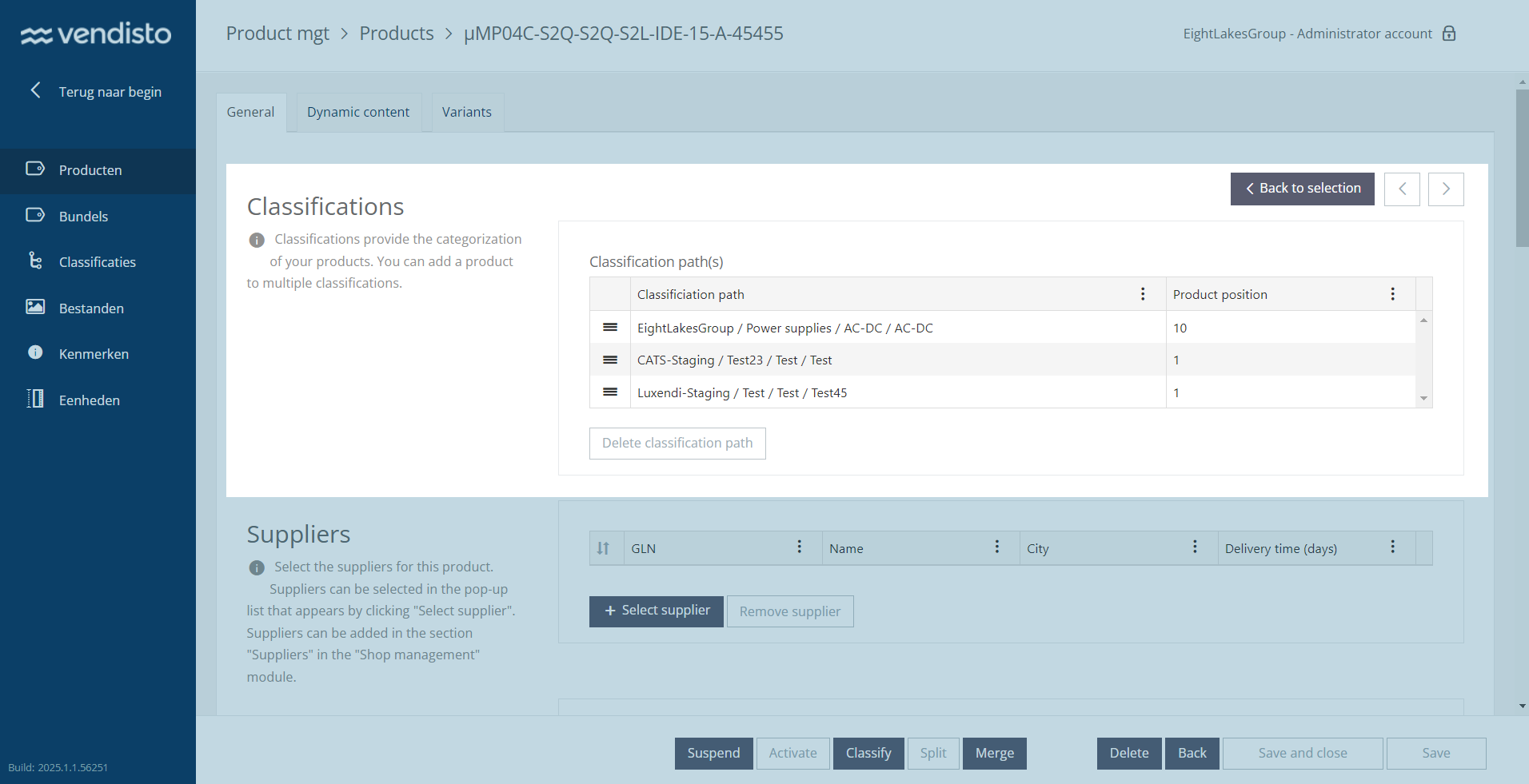
3625: Price filtering based on customer prices
New | Catalogue, Search & Navigation | Integration | Exact Online
The price filter can use customer-specific net prices, so filter results match the prices customers actually pay.
The ShoxlPro importer now supports CustomerPrice and PriceList imports, allowing the price filter to operate based on net prices rather than gross prices.With the Exact Batch Interface extended for CustomerPrices and PriceLists exports, filtering results now correctly reflect the selected price range using net prices.
This enhancement ensures that price filtering is fully aligned with actual customer-specific pricing, making it more accurate and relevant for users.
3850: ItemCharge Handling with Unit Mapping
Improved | Prices, Stock & VAT | Integration | Exact Online | Settings: EnableItemPriceToArticleMapping
Articles created per packaging unit get the matching deposit fees, so each unit shows the correct item charges.
When exporting items with multiple packaging units, it is possible to create separate articles in the shop, each with an item number suffixed by the packaging unit. These packaging units often have different item charges ("statiegeld") associated with them.With this update, the Exact Online Batch Interface now correctly collects and applies the appropriate ItemCharge values for each generated item when "EnableItemPriceToArticleMapping" is set to true.
This ensures that the correct deposit fees ("statiegeld") are assigned based on the packaging unit, improving pricing accuracy and compliance within the shop.
3839: Improved Price List Authorization with Unit Mapping
Improved | ERP Integration | Integration | Exact Online | Settings: PriceListAuthorizations
Price list authorizations and price exports match articles that carry a packaging unit suffix, so customers see the right assortment.
PriceListAuthorizations control which products a user can see in the shop by limiting the assortment to the price list assigned to that customer.With unit mapping, the articles listed in price lists do not directly exist in the Shoxl shop. Instead, when importing items, they are suffixed with the packaging unit. This caused issues where the system could not correctly match price list entries to available products.
To resolve this, the Exact Batch Interface has been improved to accurately map item numbers with their corresponding unit suffixes in the PriceListAuthorizations lookup.
Additionally, price list and gross price exports now function without errors, ensuring that items with suffixed packaging units are correctly processed and matched to their corresponding price lists.
3860: Automated Expiration and Cleanup of Price Lists
New | Prices, Stock & VAT | Integration | Exact Online
Temporary price lists expire automatically in the shop, and outdated price list entries are removed during full imports.
Temporary price lists now automatically deactivate in the shop after their expiration date. Additionally, a mechanism removes outdated Price List entries when they are not included in a non-partial PriceList XML import, ensuring accurate pricing and proper lifecycle management.2972: Prevent Duplicate Account Registrations
Improved | Accounts & Security | Shop
Visitors cannot register a second account with an e-mail address that is already in use and are asked to log in instead.
Shop visitors can no longer register multiple accounts with the same email address. If an email is already in use, the form prevents submission and prompts the user to log in or activate their existing account.3333: Improved Article Selection from Overview Page
New | Catalogue, Search & Navigation | Shop
Visitors can pick an option such as a color on the overview page and open the article page with it preselected.
Users can now select a value directly from the article overview page, opening the article detail page with the chosen value preselected. For example, when browsing t-shirts, users can select a color before entering the detail view, streamlining the selection process.3548: Sorting and Display Settings Now Persist Correctly
Fixed | Catalogue, Search & Navigation | Shop
Sorting, paging and display mode stay as chosen on product lists, and shared links open with the same view.
Previously, when adjusting sorting, paging, or display mode, only the modified setting was sent to the backend, causing the sorting to reset to default when changing other parameters like quantity.This has now been fixed by ensuring that the entire query string (including sortMember, sortDirection, pageSize, and display mode) is always appended. Additionally, this improvement allows users to share product listing links with consistent sorting and display settings, ensuring the same article view for other customers.
3832: Article Table Now Updates Correctly After Language Switch
Fixed | Catalogue, Search & Navigation | Shop
The article table shows the newly selected language immediately, without refreshing the page.
The article table now immediately reflects the selected language without requiring a page refresh. Previously, it displayed values from the previously selected language until manually refreshed.3836: Improved Element Height Calculation in Overviews
Fixed | Catalogue, Search & Navigation | Shop
Overview pages use correct element heights, so article numbers no longer overlap titles.
The calculation of element heights in overview pages has been improved to ensure correct spacing. Previously, incorrect height settings caused article numbers to overlap with titles.3709: Improved Article Overview Display
Fixed | Catalogue, Search & Navigation | Shop
The article overview renders properly again, so the page works as expected.
The article overview now renders correctly, ensuring a seamless browsing experience. Previously, invalid HTML affected page functionality, which has been resolved for better usability.3669: Improved Responsiveness in Article Selection Wizard
Fixed | Product Pages & Configuration | Shop
The article selection wizard disables its next button immediately when a step is incomplete.
The "next" button in the article selection wizard now disables more quickly when required. Previously, a delay allowed users to click it when the action should not have been available.3597: Alternative Delivery Address Now Retained
Fixed | Basket & Checkout | Shop
An alternative delivery address entered in checkout is kept when going back to a previous step.
The alternative delivery address is now correctly preserved when navigating through the order process. Previously, returning to a previous step caused the entered address to be lost. This issue has been resolved, ensuring a smoother checkout experience.3584: Improved Handling of Delivery Scheduling and Overrides
Fixed | Shipping & Delivery | Shop
Delivery schedule overrides are applied and visitors always see the correct schedule and delivery dates.
- Delivery Scheme Overrides Now Applied Correctly
Webshop users can now successfully apply overrides to the default delivery scheme. Previously, an issue prevented this, but correct delivery settings are now enforced. - Accurate Delivery Schedule Retrieval
A date format issue occasionally caused incorrect delivery schedules to be displayed. This has been resolved, ensuring visitors always see the correct schedule. - Improved Date Validation in Delivery Schedule API
The delivery schedule API now correctly validates dates, preventing errors caused by format mismatches. This ensures accurate delivery date checks.
3454: Corrected Link Order in Classification Menu
Fixed | Catalogue, Search & Navigation | Shop
Links in the classification menu appear in the order set in Vendisto.
An issue caused links in the classification menu to appear in the wrong order instead of following the specified order in Vendisto. This has now been fixed, ensuring accurate link placement.3759: Enforced Minimum Order and Quantity Steps
Fixed | Basket & Checkout | Shop
The basket enforces minimum order quantities and quantity steps, so invalid quantities can no longer be added.
The system now correctly enforces minimum order values and quantity increments. Previously, users could bypass these restrictions, allowing invalid quantities to be added to the basket.3645: Modernized Order History Interface
Improved | Customer Portal | Shop
The order history has a modern layout that works better, especially on mobile devices.
The HTML structure of the order history interface has been updated, improving styling and layout. These enhancements provide a better visual experience, especially for mobile users.3687: Fixed Issue with Adding Articles from Order List
Fixed | Customer Portal | Shop
Customers can add a single article from an order list to the basket again.
An issue previously prevented users from adding a single article to the basket from an order list. This has now been resolved, restoring full functionality.2461: Corrected Bundle Handling in Order Lists
Fixed | Customer Portal | Shop
Adding a bundle to an order list includes all of its components, not only the main article.
When adding a bundle (an article with components) to an order list, all components are now correctly included. Previously, only the main article was added due to an issue in the order list logic. This has now been resolved.3689: Seamless Login with ReCaptcha v3
Fixed | Accounts & Security | Shop
Logging in works reliably on shops that use reCAPTCHA v3.
The login process now works reliably with ReCaptcha v3. Previously, a conflict between form improvements and legacy scripts caused login failures, which has been resolved for a smoother authentication experience.3743: Customer Registration Form Now Submits Correctly
Fixed | Accounts & Security | Shop
The customer registration form accepts valid submissions again.
The customer registration form validation now functions as expected. Previously, recent form updates caused valid submissions to be blocked, preventing registration. This issue has been resolved.3306: Restricted Pages Now Secure for Authorized Users
Fixed | Accounts & Security | Shop
Pages meant for authorized users are only accessible to those users.
Previously, some pages intended for authorized users were accessible to non-authorized users through a workaround. Security measures have been improved to ensure that only authorized users can access these pages.3579: Correct Publication State for Knowledge Items
Fixed | Content & SEO | Shop
Knowledge base items keep their publication state after they are updated.
Knowledge items now retain the correct publication state after updates. Previously, some items were incorrectly set to "published" due to a synchronization issue between Vendisto and ShoxlPro. This has been resolved, ensuring accurate status management.3859: Prevented Activation of Blocked Users
Improved | Accounts & Security | Integration | Exact Online
Users linked to blocked customers no longer receive activation e-mails.
An additional check in the Vendisto Customer Importer now ensures that activation emails are not sent to users linked to blocked customers, preventing unauthorized access.3971: Empty Article Properties No Longer Exported
Improved | ERP Integration | Integration | Exact Online | Settings: VendistoPimEnabled
Empty article properties are no longer exported, so properties that are no longer needed can be removed.
The Exact Batch Interface now prevents exporting empty article properties when VendistoPimEnabled is active. This ensures these properties can be deleted when no longer needed.2644: Initial Sync for Exact Online Batch Interface
New | ERP Integration | Integration | Exact Online
A new integration can run an initial sync of recently changed key data, so testing can start before all data has arrived.
When deploying the Exact Batch Interface, an optional initial sync will now be executed. This sync exports the 60 most recently modified entities across key data types:- Articles
- Batch Customers
- Batch Gross Prices
- Customers
- Price Lists
3748: Configurable Retry Mechanism Added to Exact Online Integration
New | ERP Integration | Integration | Exact Online
Failed requests to Exact Online are retried automatically, making the integration more stable during temporary failures.
A uniform request retry mechanism has been implemented in the Exact Batch Interface using Polly.This ensures better handling of temporary failures by automatically retrying failed requests, improving stability and reliability in communication with Exact Online.
3845: Direct Shipping Cost Handling in Exact Online
Improved | ERP Integration | Integration | Exact Online
Shipping costs are written directly to the Exact Online order instead of being added as a separate order line.
Previously, Exact Online did not support shipping costs through the API, requiring a separate "shipping cost article" to be created as an order line.With recent changes in Exact Online, shipping costs are now a recognized concept, allowing them to be written directly to the shipping cost line.
As a result, the option to create a separate order line for shipping costs has been removed from the Exact Batch Interface, ensuring better integration and more accurate order pricing.
3951: Correct VAT Percentage Display in F&O Batch Interface
Fixed | ERP Integration | Integration | Dynamics 365 F&O
Exported gross prices contain VAT as a percentage instead of a decimal value, so tax calculations are correct.
The VatPercentage node in the F&O Batch Interface now correctly displays percentage values instead of decimal values, ensuring accurate tax calculations in the gross prices XML.3705: Automatic Default Currency Import from SAP
New | ERP Integration | Integration | SAP
The default currency is imported from SAP automatically, with a fallback when it is not available.
The default currency is now automatically imported from SAP. If the default currency is unavailable, an alternative currency is used, with a fallback option ensuring proper currency selection.3717: Enhanced Support Accessibility in Vendisto
Improved | Orders & Customers in Vendisto | Vendisto
The Vendisto start page links to the current support hubs and user guides.
The Vendisto start page now includes updated links to support hubs and user guides, making it easier for users to find relevant assistance and resources.3226: Correct Labels Now Load in Language Selection
Fixed | Orders & Customers in Vendisto | Vendisto
The language selection in Vendisto shows the correct labels.
A timing issue previously caused incorrect labels to appear in the language selection interface. This has now been resolved, ensuring accurate label display.3714: Improved Order Line Display with Pagination
Improved | Orders & Customers in Vendisto | Vendisto
Order details in Vendisto show all order lines with pagination, also for orders with more than 50 lines.
Orders with more than 50 lines are now fully visible in the Vendisto order detail screen. Previously, only the first 50 lines were shown. Pagination has been added to ensure all order lines can be accessed.Sprint 51 (December 13, 2024)
This sprint, we’re excited to deliver full support for Item Charges. These are cost lines automatically added to orders based on predefined business rules in the ERP system. Item Charges are now also visible in the shop, ensuring accurate order calculations.
Additionally, we have finalized work on customer-specific minimum order values. You can now specify the basket total value required for individual customers to proceed with placing an order.
Finally, we resolved several bugs that impacted performance and usability. For details, check out the full list of release notes!
3517: Implemented item charges in order calculation
New | Prices, Stock & VAT | Shop | Exact Online
For Exact Online, which cannot calculate item charges for a basket, the shop now calculates surcharges such as disposal or recycling fees itself and shows them with the products they belong to.
Item charges are surcharges automatically added to orders based on specified business rules defined in the ERP system. Examples of such surcharges include disposal fees, which are collected by the supplier and routed to a clearing party. Another example is recycling fees, such as those applied to electronic equipment. Some item charges, like disposal fees, are exempt from VAT.Shoxl shops can display item charges by querying the ERP system to determine, based on the basket contents, whether item charges apply. The ERP system then returns the applicable charges. However, not all ERP systems support such queries through their API—Exact Online is one example. This system does not allow for queries like: "Hey, take a look at this basket. Are there any costs associated with it that I should show in the shop?"
In such cases, the shop needs to calculate the applicable item charges itself.
This functionality has now been implemented for Exact Online. We collect all specified item charges, apply them to the products they are linked to, and display them in the shop.
3516: Added Item Charges cost line to webshop orders
New | Basket & Checkout | Shop | Exact Online
Item charges appear as a separate cost line in webshop orders and are included in the order total.
A new cost line, "ItemCharge," has been introduced in the webshop. This addition enables item charges fees to be included as part of the order total, ensuring clarity for both customers and order processors.3581: Added Item Charges cost line to Order XML files
New | ERP Integration | Shop | Exact Online
Order XML files include item charges per order line, so deposits and surcharges are processed with the order.
A new cost line, "ItemCharge," has been added to the OrderLine node in the Order XML files. This addition improves transparency and allows deposits to be correctly processed as part of order data.3519: Added support for ItemCharge XML files in ERP Cache
New | ERP Integration | Integration | Exact Online
The ERP cache can import item charge data, so surcharges from the ERP become available to the shop.
The ERP Cache importer now supports the processing of ItemCharge XML files. This enhancement allows additional charge data to be imported seamlessly, improving compatibility with new XML formats.3518: Introduced new export action for item charges
New | ERP Integration | Integration | Exact Online
A daily export collects item charges per article and detects changed surcharges, supporting deposits and other fee types.
A new export action type, "ItemCharge," has been added. When enabled, it executes fully once per day. The export now tracks all articles to identify changes in surcharges, including detecting modified surcharges. This design ensures flexibility, supporting both deposit fees and other types of surcharges.3732: Customer-Specific Minimum Order Amounts
New | Basket & Checkout | Shop | Exact Online
A minimum order amount can be set per customer, and the basket blocks checkout until that amount is reached.
It is now possible to specify a minimum order amount at the individual customer level. Previously, we supported minimum order amounts for all customers, as well as for customer groups sharing the same price list. This functionality has now been extended to individual customers.Management of customer-specific minimum order amounts can be handled in the ERP system or in Vendisto. For instance, in Exact Online, you can create a customer classification to define the minimum order amounts.
In the screenshot below, a minimum order value of € 2000 for this customer results in a red warning box and a deactivated "Next Step" button as long as the Basket Value (excluding VAT, excluding surcharges) is lower than this threshold.
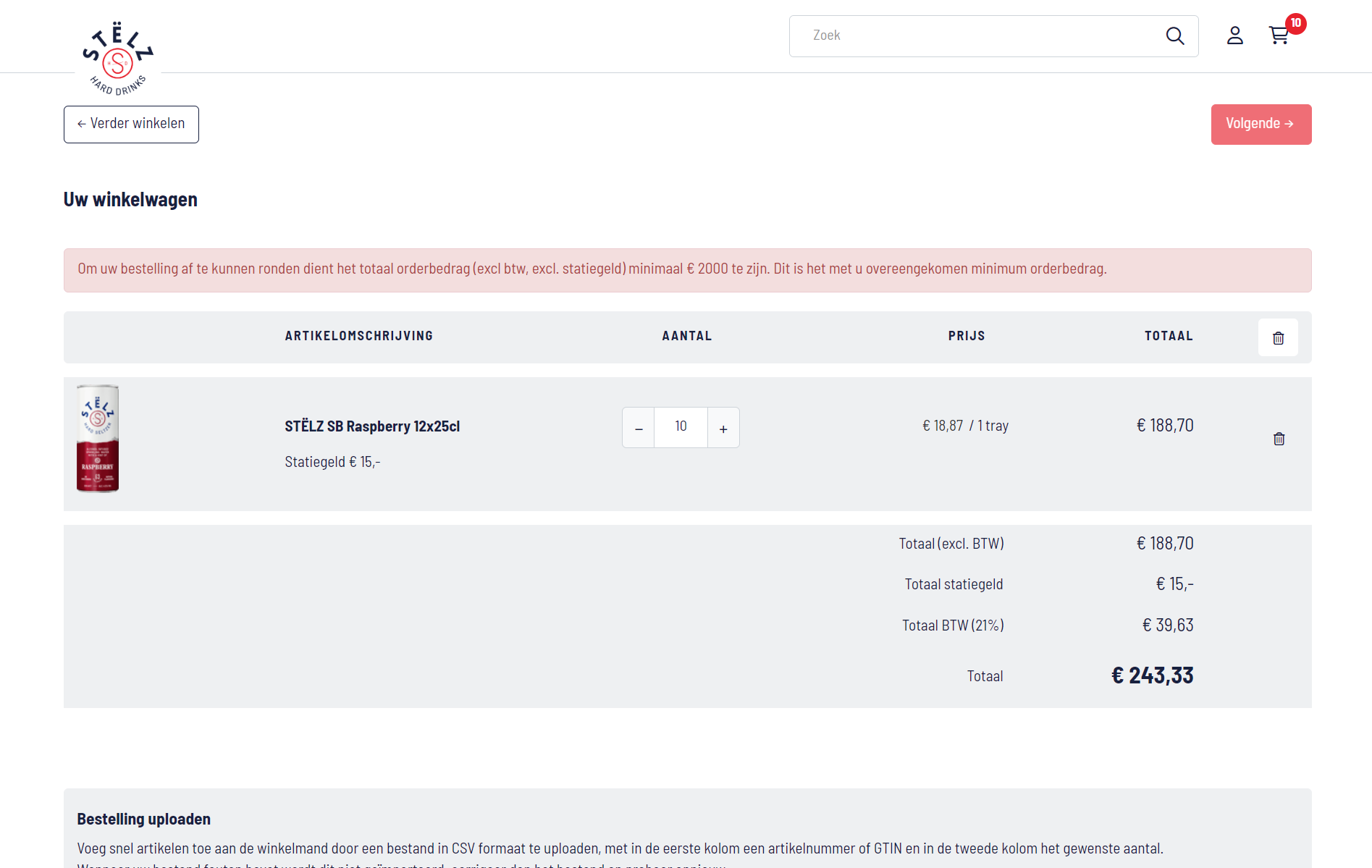
3731: Excluded cost lines when checking minimum order value
Fixed | Basket & Checkout | Integration | Exact Online
Cost lines no longer count towards the minimum order value, so the check uses the value of the products only.
The cost lines are no longer considered when verifying if the minimum order value has been reached, ensuring accurate checks.3615: Added CustomerMinimumOrderValue to the Account API
New | Import, Export & APIs | Integration | Exact Online | Settings: CustomerMinimumOrderValue
The Account API exposes the customer minimum order value, so other systems can read and manage it.
A new property, CustomerMinimumOrderValue, has been added to the Account API. This improvement allows for better integration and management of minimum order values directly through the API.3745: Improved VendistoPimEnabled setting for Exact BatchInterface
Improved | ERP Integration | Integration | Exact Online | Settings: VendistoPimEnabled
Article group titles follow changes in Exact Online automatically when product data is not managed in Vendisto.
The "VendistoPimEnabled" setting now includes article titles under their group node in the XML when set to false. This eliminates the need for manual updates to article group titles after changes in Exact Online.3691: Updated ScanApp release pipeline for better deployment
Improved | ScanApp & PunchOut | Shop
An updated release pipeline delivers new Scan App versions faster and more reliably.
The ScanApp release and deployment pipeline packages have been updated. These updates streamline the deployment process, ensuring faster and more reliable releases.3755: Fixed login issue caused by Google Tag Manager
Fixed | Accounts & Security | Shop
Users can log in again in shops that have Google Tag Manager enabled.
If Google Tag Manager was enabled in the shop, users experienced login failures. This issue has been resolved, ensuring seamless access for all users.3746: Fixed incorrect redirection after user logout
Fixed | Accounts & Security | Shop
Logging in again after logging out takes users to the main page instead of a stylesheet file.
Users were incorrectly redirected to a minified CSS file after logging out and attempting to log in again. This issue has been resolved, ensuring proper redirection to the main page.3721: Fixed incorrect behavior of the language toggle
Fixed | Content & SEO | Shop
The language switch shows the selected language, avoids duplicate entries and translates the header content.
The language toggle in the shop now correctly reflects the selected language, avoids duplicating selections, and properly translates header content.3702: Fixed sorting issue for article variant properties
Fixed | Product Pages & Configuration | Shop
Variant properties on the article page are shown in the correct order.
An issue in the webshop caused article variant properties to be incorrectly sorted on the article detail page. This issue has been resolved, ensuring that article variants now appear in the correct order, improving clarity and user experience.3667: Added index to prevent errors in Article XML import
Improved | Import, Export & APIs | Integration
Bulk article imports with duplicate column headers, such as several GTIN properties, no longer fail.
The Article XML Bulk Import now appends an index number to duplicate headers. This change prevents errors caused by duplicate GTIN properties, improving the reliability of the import process for customers.3648: Enhanced security for Exact Online Order XMLs
Improved | ERP Integration | Integration | Exact Online
Order files processed by the Exact Online integration are protected against unauthorized changes.
Order XMLs processed by the Exact Online Batch Interface are now protected against unauthorized changes. This enhancement improves security and minimizes the risk of errors during the processing of order data.3646: Optimized Exact Online Batch Interface synchronization
Improved | ERP Integration | Integration | Exact Online
Each Exact Online synchronization run only processes the relevant data types, making it faster and more efficient.
The Exact Online Batch Interface sync feature has been optimized to only synchronize relevant entity types. This change aligns the synchronization process with the --actiontype flag, improving efficiency and performance.3618: Fixed redirection issue for unregistered customers
Fixed | Basket & Checkout | Shop
Guest customers who change their details on the payment step stay in checkout instead of landing on the login page.
In the checkout process, unregistered customers clicking the "Change Data" link on the "Select Payment" page were incorrectly redirected to the login page. This issue has been resolved, ensuring a smoother checkout experience for customers.3594: Resolved price discrepancies between gross and net units
Fixed | Basket & Checkout | Shop
Products with different gross and net price units can be added to the basket again.
An issue was fixed where discrepancies between gross and net price order units prevented products from being added to the basket. This fix ensures that products can now be added correctly regardless of price configuration.3584: Fixed display issue with delivery scheme overrides
Fixed | Shipping & Delivery | Shop
Overrides on the default delivery schedule are shown in the webshop.
Due to a bug, overrides added to the default delivery scheme could not be displayed in the webshop. This issue has been resolved, ensuring proper display of custom delivery schemes.3563: Fixed state handling in Article XML imports
Fixed | Import, Export & APIs | Integration
Article imports without a state keep existing articles deleted or suspended instead of reactivating them; new articles still start as active.
When transferring article data between ERP or PIM and Vendisto, the Article XML bulk importer now correctly handles article states. Previously, if the state attribute was missing, Deleted or Suspended articles were incorrectly set to Active. This issue has been fixed: for existing articles, the state remains unchanged when the attribute is absent, and for new articles, the state defaults to Active.3461: Fixed ProductGroup API export for unique property names
Fixed | Import, Export & APIs | Integration
The product group API exports unique property names, so dependent shops can import the feed reliably.
The ProductGroup API has been updated to export the unique names of various properties. This fix ensures that shop data exported in article XML format can be correctly imported into decentralized Vendisto installations. When configured, this API now serves as a reliable data feed for dependent shops, improving synchronization and data management.3388: Corrected spelling errors in Vendisto news overview
Fixed | Content & SEO | Vendisto
Spelling in the Vendisto news overview has been corrected.
Spelling errors in the Vendisto news overview have been corrected. This update improves the clarity and professionalism of displayed news content.3123: Removed non-functional "Remember Password" checkbox
Improved | Accounts & Security | Vendisto
The Vendisto login page no longer shows a remember password checkbox that had no effect.
The non-functional "Remember Password" checkbox has been removed from the system. This change eliminates unnecessary UI elements, streamlining the user interface for a cleaner experience.Sprint 50 (November 22, 2024)
We’ve increased our release frequency from once a month to every 3 weeks. This means new features will reach you faster, and case overviews will be shorter and clearer, making updates more manageable and insightful.
Highlights of the current Sprint include support the introduction of a schedule for opening times of pick-up locations; support for synchronizing multiple PIM-installations; and we started work on the option to specify customer-specific minimum order values.
3500: Enhanced Delivery Schedule with Pickup Options
New | Shipping & Delivery | Shop
Pickup orders can have their own delivery schedule with separate deadlines and overrides. Without a pickup schedule, the regular delivery schedule still applies.
The delivery schedule module now supports defining separate schedules for pickup orders. Previously, only a single schedule was available for both pickup and delivery. Clients can now create distinct schedules, set specific deadlines, and define overrides for each option. If no pickup schedule is specified, the delivery schedule will be applied by default3503: Dynamic Scheduling for Delivery and Pickup
Improved | Shipping & Delivery | Shop
The shop loads the matching schedule automatically when a visitor switches between delivery and pickup.
The shop now dynamically loads different schedules when a visitor switches between delivery and pickup, ensuring accurate scheduling for each option.3521: Configurable PIM Data Synchronization for Multiple Shops
New | Product Data (PIM) | Vendisto
Product data edited in Vendisto syncs to the shop automatically and can be distributed to multiple shops during deployment.
After manipulation of PIM data (product data) in Vendisto, the data is now automatically synchronized with the Shoxl shop's performance database. For customers managing a central set of PIM data, this data can be configured to distribute seamlessly across multiple shops during the Shoxl shop deployment process.3524: Centralized PIM Data Synchronization Across Shops
New | Product Data (PIM) | Vendisto
Central product data can be distributed as a product feed to other shops that share the same assortment.
A synchronization mechanism has been developed to distribute central shop PIM data as a product feed to other shops sharing the same assortment. This process involves importing Article XML data using the Article XML Bulk importer. Additionally, bugs that occurred after changes in article grouping have been fixed, ensuring smooth data synchronization.3475: Optional Field 'MinimumOrderQuantity' for Customers
New | Orders & Customers in Vendisto | Integration | Exact Online | Settings: MinimumOrderQuantity
A customer-specific minimum order value can be imported through XML and viewed on the customer in Vendisto.
The optional field 'MinimumOrderQuantity' has been implemented for customers in Vendisto. It can be imported through XML and viewed in Vendisto when the 'customerminimumordervalue' license is linked.3476: Implemented Exact Online Export for Customer Minimum Order Value
New | ERP Integration | Integration | Exact Online | Settings: CustomerMinimumOrderValue
The customer minimum order value maintained in Exact Online is exported to the shop automatically.
The Exact Online export of CustomerMinimumOrderValue has been implemented, writing the value directly to VendistoCustomerXml.3573: Corrected Costline Mapping in ERP Batch Interfaces
Fixed | ERP Integration | Integration | Exact Online
Cost lines on orders are mapped correctly when orders are sent to the ERP, preventing inconsistent order data.
The webservice previously mapped costlines incorrectly to the order XML in the ERP Batch Interfaces, leading to data inconsistencies. This issue has been resolved by ensuring accurate costline mapping during order processing.3382: Fixed Authorization Issue for Multi-Classification
Fixed | Accounts & Security | Shop
Articles assigned to several categories are authorized correctly for every category, not only for their main category.
When using the multi-classification option to assign articles to multiple categories, authorization checks previously failed. The system only validated the main category, causing other categories to be marked as unauthorized. This issue has now been resolved to ensure proper authorization across all assigned categories.3529: "Select All" Fixed for Filtered Article Tables
Fixed | Catalogue, Search & Navigation | Shop
Select all in an article table also selects articles when filters are active.
The "select all" option previously failed to select articles when filters were applied to an article table. This issue has been resolved, and the functionality now operates correctly with active filters.3481: Delivery Location Name Generation Logic in F&O
Improved | ERP Integration | Integration | Dynamics 365 F&O
Delivery locations sent to the ERP get a meaningful name from the company or contact name, or a unique fallback ID.
The name of the delivery location is determined based on field availability:
- If the Company field is filled, the Company name will be used.
- If any of the Firstname, Middlename, or Lastname fields are available, the location name will be a concatenation of these fields (e.g., Firstname Middlename Lastname).
- If none of these fields are populated, a GUID will be assigned as the location name to ensure uniqueness.
2905: New Appsetting for BuyOnCredit Functionality
New | Payments | Shop | Dynamics 365 F&O
Customers whose payment term matches a configured list of codes can buy on credit, and are flagged as such in the customer export.
A new appsetting (configurable through Octopus) has been introduced as an array of strings. When a user's payment term code matches one of the defined codes, the user gains the ability to BuyOnCredit. The customer export XML will then classify the customer as a Buy On Credit entity. The setting was initially named DisableBuyOnCreditEnableCodes but has been revised to BuyOnCreditCodes3378: Improved File Downloads and SEO Indexing
Improved | Content & SEO | Shop
PDFs and images open in a browser tab instead of being forced to download, and download URLs include filenames for search engines.
Downloads of certain files, such as PDFs or images, previously forced manual downloads instead of opening in a browser tab. This has been resolved by implementing a new download handler. Additionally, filenames are now included in the download URLs to improve indexing by search engines.3346: Improved Notifications in the Automatic Shop Importer
Improved | Import, Export & APIs | Integration
The automatic shop importer only sends e-mail notifications for failed imports, reducing inbox clutter.
The Automatic Shop Importer monitors configured directories, such as FTP folders, for new import files and sends them to the appropriate importers. It also reports the results to a configured set of recipients, including the shop owner. To reduce email clutter, notifications are now limited to failed imports only, preventing successful imports from polluting the mail system.3251: Improved User-Friendly Voucher Import
Improved | Promotions & Vouchers | Vendisto
Importing vouchers is easier thanks to a clearer Excel structure and better feedback in Vendisto.
The voucher import process has been reworked to enhance user experience by improving the Excel structure and providing clearer import feedback in Vendisto.2646: Implemented Synchronization Offset for Order History
Improved | ERP Integration | Integration | Exact Online
Order history synchronization can be limited to a recent period, saving resources by not syncing every order.
A synchronization offset (e.g., "30d" for 30 days) has been implemented for order history. This prevents syncing every order to the exact cache, optimizing resource utilization.2721: Removed Obsolete Flag in Article Export
Improved | ERP Integration | Integration | Exact Online
A full article export always includes every change, because the obsolete option that skipped some changes is gone.
The obsolete flag --disableSyncedArticlesCompare has been removed. This flag previously caused certain changes to be excluded during a full article export.2648: Removed Automatic Database Migrations in Exact Batch Interface
Improved | ERP Integration | Integration | Exact Online
The Exact Online integration no longer runs database migrations automatically, preventing possible data loss during parallel deployments.
Automatic database migrations in the Exact Batch Interface have been removed to prevent potential data loss during activities like debugging or parallel deployments.2642: Enhanced Error Logging in Exact Batch Interface
Improved | ERP Integration | Integration | Exact Online
Integration error logs show full details in a clearer format, making problems faster to troubleshoot.
Improved error logging in the Exact Batch Interface by displaying the full stack trace and applying clearer log formatting for better readability and troubleshooting.3456: Fixed ERP Cache Export for Outstanding Items
Fixed | ERP Integration | Integration | Exact Online
Exporting outstanding items keeps all existing entries, also when there are more than 50.
Resolved an issue where the OutstandingItem ERP cache export would incorrectly remove existing items when the entry count exceeded 50.Release 2024.10 (October 2024)
This releases features the option to show products in multiple categories within the same classification. Categories and positions within categories can be managed in Vendisto through the user interface, or using Excel imports and exports.
On the integration side of things, we have focused on our interfaces with Exact Online and Microsoft Dynamics Finance & Operations.
3129: Multi-Category Product Positioning in Vendisto
New | Product Data (PIM) | Vendisto
A product can be placed in several categories in Vendisto, the first being its main category, ordered by drag and drop or import. A default position per category sets the standard sort order in the shop.
Vendisto can now classify a product (articlegroup) in multiple categories, enhancing product findability by allowing multiple paths to access it within the shop.The topmost category is designated as the "main" category. Users can adjust the category order by drag-and-drop in the Vendisto product detail screen or through the import/export functionality. Additionally, a new dialog allows users to set the default position of products within categories, visible in the shop when the default category sort order is selected.
2680: multiple classification support in Article Excel Bulk export
Improved | Import, Export & APIs | Vendisto
The bulk Excel export supports multiple classifications and multiple categories per classification for each article group.
The (bulk) Excel export has been extended in order to support multiple classifications and multiple categories per classification.Traditionally the export supported a number of Level_[n] columns to define the different classification levels of the classified articlegroup.
The Level columns were postfixed with a _[n] where n defines the depth of the classification level.
E.g. Level_1, Level_2, and Level_3.
The export now supports multiple categories per classification.
For databases with one classification, the Level columns are numbered according to the Level_[category position]_[n] scheme:
The position attribute defines the position of the category of the classified articlegroup.
For an articlegroup that is classified in multiple categories, the first category will be used as the default for the shown crumb path.
E.g. Level_1_1, Level_1_2, Level_1_3, Level_2_1, Level_2_2, and Level_1_3.
The export also supports the classification in multiple classifications.
For databases with multiple classifications, and only one classified category per classification per articlegroup, the Level columns are numbered according to the Level_[classification position]_[n].
The importer will interpret the first number after the level as the classification position if classification_[classification position] columns are added to the Excel sheet.
E.g. Classification_1, Level_1_1, Level_1_2, Level_1_3, Classification_2, Level_2_1, Level_2_2, and Level_2_3.
The two above solutions can also be combined for databases with multiple classifications per articlegroup and multiple classified categories per classification.
Level_[classification position]_[category position]_[n]
E.g. Classification_1, Level_1_1, Level_1_2,
3357: Export Now Includes Untranslated Classifications
Fixed | Import, Export & APIs | Vendisto
The classification translations export includes untranslated classifications as well as translated ones.
An issue was resolved where untranslated classification entries were not being included in the classification translations export. Now, both translated and untranslated classifications are accurately reflected in the export.3212: Multi-Category Support in Excel Article Import
Improved | Import, Export & APIs | Vendisto
The Excel article import supports multiple categories per classification, using the first category for the breadcrumb path.
The Excel import feature now supports multiple categories per classification. Traditionally, the import used Level_[n] columns to define classification levels of the article group, where the Level columns were suffixed with [n] to indicate classification depth (e.g., Level_1, Level_2, Level_3). With the update, the Level columns follow the Level[category position]_[n] scheme for databases with a single classification, where the position attribute indicates the category’s position within the article group. For article groups classified in multiple categories, the first category is set as the default in the breadcrumb path (e.g., Level_1_1, Level_1_2, Level_1_3, Level_2_1, Level_2_2).3369: Article XML bulk importer must support ArticleGroupDefaultTitle import setting
Improved | Import, Export & APIs | Vendisto | Settings: ArticleGroupDefaultTitle
The faster bulk XML article importer can name new article groups after the article number or article title.
We are implementing a new version of the article importer (the article bulk importer) that has an improved performance when importing articles into Vendisto.For some of the implementations, this importer is already in production but not for all shops since the importer is still lacking some of the functionality.
With this update, the article bulk XML import now supports the ArticleGroupDefaultTitle import setting.
The ArticleGroupDefaultTitle can be set to Undefined (this is the default value), ArticleNumber, and ArticleTitle. If set to ArticleNumber, this setting specifies that for new articles the ArticleNumber will be used as the title of the ArticleGroup when creating an articlegroup for the article if no Title element is present on the ArticleGroup XML. The same applies for ArticleTitle.
3077: Bulk XML article import retains groupings in Vendisto
New | Import, Export & APIs | Integration | Settings: EnableArticleGroupSplitting
Bulk XML imports can update a single article from the ERP without removing it from its article group.
The Article Bulk import now supports the EnableArticleGroupSplitting import setting. If EnableArticleGroupSplitting is set to Y (default value N), the article import requires that all of the articlegroup's articles are present in the article group node in the XML import. Articles not present in the node will be split from the articlegroup after updating the article. Setting this to N enables updating a single article with XML from the ERP without splitting it from the articlegroup.3376: Article XML Import fails after implementing multiple categories import
Fixed | Import, Export & APIs | Integration
The classic article XML import skips classification for article groups that have no classification node.
After the multicategory implementation of the classic article XML import, the import incorrectly attempted to classify XML articlegroups that had no classification node. This is now corrected.2748: Create reCAPTCHA backend validation attribute
New | Accounts & Security | Shop
Shop forms use server-validated reCAPTCHA v3 to block bots, spam and fake account sign-ups.
The shop now uses a server-based version 3 of the Google reCAPTCHA. This helps protect Shoxl shops from automated abuse and malicious activities. It prevents bots from submitting forms, reduces spam, protetcts account sign-ups, and enhances security.
Learn more (from our Google friends)
3261: Fast CSV Upload Setting to Improve Performance
New | Basket & Checkout | Shop | Settings: EnableFastCsvUpload
CSV uploads can skip net price calculation, making uploads much faster with slower ERP connectors.
A new setting, EnableFastCsvUpload, has been added to improve CSV upload performance by disabling net price calculations in the shop. This enhancement speeds up the upload process, especially beneficial for configurations with slower connectors.3416: Visual Feedback for Adding Items to Cart
Improved | Basket & Checkout | Shop
The add-selection-to-basket button in the CSV upload shows a processing state while articles are added.
Introduced a processing state for the "Add Selection to Basket" button during the CSV upload process. This provides clear visual feedback to indicate that the action is in progress.3446: Price list authorization with space causes the Article import to fail
Fixed | Accounts & Security | Shop
Price list authorizations accept price list names containing spaces without breaking the customer import.
Price list-based authorizations now support price list names that contain spaces. Previously, using a price list name with spaces caused the Vendisto customer importer to crash; this issue has now been resolved.3229: Automatic Removal of Spaces After Country Codes in Intrastat
Improved | ERP Integration | Integration | Exact Online
The Exact Online integration trims spaces after country codes in customer addresses, improving Intrastat reporting.
New functionality has been added to the Exact batch interface to automatically trim white spaces after country codes when retrieving customer information and addresses. This improvement enhances data accuracy for Intrastat reporting3335: House number addition displayed correctly for guest accounts
Fixed | Basket & Checkout | Integration | Exact Online
For guest orders, the house number addition appears only once in the delivery address when it matches the invoice address.
For guest accounts, the house number addition entered in the invoice address field is now correctly displayed only once in the delivery address when "Same as Invoice Address" is selected.3338: Payment Reference Added to Order XML
New | ERP Integration | Integration | Exact Online, Dynamics 365 F&O
Orders sent to Exact Online and Dynamics 365 F&O include the payment reference from the payment provider.
The Payment Reference generated by payment service providers is now included in the order XML, making it available for both Exact Online and Microsoft F&O Place Order integrations. This reference can optionally appear in the order reference field in Microsoft F&O and is always available in the payment reference field in Exact Online.2903: Linking Multiple Administrations to one webshop
New | ERP Integration | Integration | Dynamics 365 F&O, Exact Online
Integrations can link several ERP administrations to one shop, choosing a data source per entity and routing orders accordingly.
Our integrations now support linking multiple administrations to a single shop. This is useful, for example, when a company decides to split its administration for different countries into separate administrations. In Microsoft Dynamics, this would result in different Data Area IDs; in Exact Online, this would involve various Division Codes. For each entity type, it is now possible to specify the source of the data, and orders can be directed to different administrations.3231: Enhanced Performance and Reliability for Shoxl Fast Sync
Improved | Platform & Performance | Integration
Fast Sync transfers Vendisto data to the shop faster and more reliably, without time-outs.
Performance and reliability for Shoxl Fast Sync have been improved, resolving issues that caused time-outs and errors during Vendisto data syncing. Optimizations in database queries and various code enhancements now provide a faster and more reliable syncing process.3258: Correct Display of Cumulative Quantity Discount Prices
Fixed | Prices, Stock & VAT | Shop
The article group overview shows cumulative quantity discounts according to their structure instead of as a from-to price range.
An issue was resolved where cumulative quantity discount prices were incorrectly displayed as "from-to" prices on the article group overview page. The prices are now shown accurately according to the discount structure.3311: Accurate Price Display on Article Group and Search Pages
Fixed | Prices, Stock & VAT | Shop
Logged-in customers see one correct price per item on article group overview and search pages.
Previously, the article group overview and search pages sometimes displayed multiple prices for authenticated visitors. This issue has been resolved, ensuring each item displays the correct price.3267: Improved Price Retrieval in Article Selection Wizard
Fixed | Product Pages & Configuration | Shop
Selecting an article in the article selection wizard retrieves its price without errors, keeping the order interface usable.
Previously, selecting an article in the article selection wizard could lead to an error while retrieving price information, resulting in an unusable order interface. This issue has now been addressed to ensure a smooth and functional ordering experience.3016: Order Button Activation Now Independent of Stock Column
Fixed | Product Pages & Configuration | Shop
The order button in article selection tables activates even when the stock column is hidden.
Previously, the order button in the article selection table would not activate if the stock column was not displayed, making it impossible to place an order. This functionality has now been improved to allow orders even when the stock column is not rendered.3355: Enhanced Article Table Functionality
Improved | Product Pages & Configuration | Shop
Article tables apply the chosen quantity when adding to the basket and confirm when articles are added.
Improvements have been made to the article table, where the quantity selector input now applies correctly when adding articles to the basket. Additionally, the spinner is removed from the "Add selection to Basket" button, and feedback is provided when articles are successfully added to the basket.3363: Next button inactive on CustomerData page
Fixed | Basket & Checkout | Shop
The Next button on the customer details step stays usable, so customers can continue placing their order.
An issue in the shop prevented some users from moving from the customer data form to the next step in the order process, as the "Next" button remained disabled.3253: Memory Limit Adjustment MSSQL Database
Improved | Platform & Performance | Integration
Dedicated database servers use a lower memory limit to prevent memory-related problems.
The memory limit for MSSQL databases on dedicated servers has been reduced to 6GB to address memory-related issues.3313: CSV document upload
New | Content & SEO | Vendisto
Shops can offer CSV documents as downloads to visitors.
It is now possible to upload documents of the type CSV, and make them available to visitors of the shop.3359: Automated Transformation and Import of Artlink Files
Improved | Import, Export & APIs | Integration | Other ERP
EZ-base Artlink files convert to article import files and import automatically, and the mapping tool accepts filenames without an index number.
The process for transforming an EZ-base Artlink file into an article import XML file has been automated, with configuration set up for direct import. A previous issue where the mapping tool crashed when handling files without an index number in the filename has been resolved, and a new version of the tool has been released.3222: New News Category Creation Without Existing Categories
Fixed | Content & SEO | Vendisto
Vendisto users can create a first news category when no categories exist yet.
Previously, when trying to create a new news category on Telerex-Staging without any existing categories, the creation process would fail. This issue was specific to cases with no other news categories and has now been resolved, allowing category creation in an empty news category list3356: News category with space is split into 2 categories
Fixed | Content & SEO | Vendisto
News category titles containing spaces stay a single category in the news overview.
Fixed a bug where spaces in a news category title would incorrectly split the title into two separate categories in the news overview.1826: Hide Payment links when not relevant
Improved | E-mails | Shop
Order confirmation e-mails show payment details that match the chosen method and omit payment links when paying on account.
Order confirmation emails include a section for the chosen payment method. The content of this section now depends on the selected method. For example, if an online payment method is chosen, a payment link will be included. If a customer opts for "buy on account" and does not select a payment method, this section will be omitted.3208: Increased JSON Limit for Large Orders
Improved | E-mails | Shop
Very large orders receive their confirmation e-mail, thanks to a configurable higher limit on message size.
In certain cases, large orders could be placed in the shop, but the confirmation email would not be sent due to a limitation on the number of key-value pairs allowed in a JSON message. To address this, an option to increase the JSON limit has been added to the shop, ensuring confirmation emails are sent for large orders.2718: Tab Navigation Improved for Sorted Lists
Fixed | Customer Portal | Shop
Tabbing between quantity fields in order lists follows the sorting the user chose.
For quick data entry, Shoxl allows users to navigate between input fields using the tab key. Previously, this tabbing function did not account for user-defined sorting options within the list, causing the tabbing order to break when the list was sorted in different ways. This issue has now been fixed.2986: Quick Link Method Now Supports Language Prefix
Fixed | Catalogue, Search & Navigation | Shop
Short article links work in shops that use a language prefix in the URL.
The shop provides a quick link method for accessing article detail pages (/article/articlenumber). Previously, this quick link method failed in cases where a language classification (e.g., "nl") was prefixed to the URL. This issue has now been resolved.3352: Quotes Overview Page Now Opens Correctly
Fixed | Customer Portal | Shop
The quotes overview page in the customer account opens as expected.
An issue that prevented the Quotes Overview page from opening due to an incorrect pop-up reference in the code has been resolved, ensuring the page loads as expected.3232: Company VAT Number Support in REST Connector
Improved | ERP Integration | Integration
Orders sent through the REST connector include the company name, VAT number and chamber of commerce number.
The Shoxl REST Connector PlaceOrder now includes nodes for CompanyName, CompanyVatNumber, and CompanyCocNumber, enabling better handling of company-specific information in orders.3282: Flexible Webservice Configuration for ERP Integration
Improved | ERP Integration | Integration
The web service layer between shop and ERP can use real-time REST or SOAP calls or a cache database.
The intermediate webservice layer between the shop and ERP system can now be configured to communicate in multiple ways: either through a realtime interface (using REST or SOAP API) or via an ERP Cache database. Following a software component upgrade, issues with the SOAP API mapping that affected realtime data retrieval were resolved, ensuring full compatibility across configurations.3207: Additional Variables for Smartlynx Connector Requests
New | ERP Integration | Integration | Other ERP
The Smartlynx connector can send a database name and alias with every request.
The Shoxl Rest SmartLynx Connector now includes support for DatabaseName and DatabaseAlias settings. These values are added to the request body for all requests, allowing for more detailed data handling and customization in the connector.3379: User Management portal displays error when no users invited
Fixed | Accounts & Security | Shop
The user management page opens without errors when no users have been invited yet.
An issue on the Shop's User Management page caused an error when no users were invited. The page now loads correctly, even if the invited users list is empty.3364: VAT Handling for Intra-Community Orders
Fixed | Prices, Stock & VAT | Integration
Tax-free intra-community orders reach Vendisto and the ERP without tax details.
Resolved an issue in the shop where orders without tax were incorrectly sent to Vendisto and the ERP connector, with tax details still included in the data.3273: Enhanced Stability and Logging for Voucher API
Improved | Promotions & Vouchers | Shop
The voucher service handles errors more robustly and logs more detail, giving a more stable checkout and faster support.
The voucher API and the associated shop components handling voucher API calls have been improved for better error handling, ensuring a more stable experience. Additionally, voucher API logging has been enhanced to provide better support options in case of issues.Release 2024.09 (September 2024)
In the September release, a highly requested shop feature is now available: the ability to create custom lists of articles, article groups, and product categories that can be displayed in various areas of the shop.
Furthermore, we have introduced support for Google sitemaps to better handle larger product ranges and made several improvements to the management of vouchers and delivery schedules.
On the ingration side of things, we have focused on our interfaces with Exact Online and Microsoft Dynamics Finance & Operations. Exact Online now supports bundled products, while F&O includes support for managing multiple administrations (or divisions) within a single shop.
Additionally, we are in the final stages of developing an import facility that supports products appearing in multiple categories within a classification. This extensive upgrade will be GA (generally available) in the October release.
1831: Vendisto Users Can Now Create Custom Lists
New | Catalogue, Search & Navigation | Vendisto
Vendisto users can create their own lists of articles, article groups and categories, filled by a query or by hand, for spots such as offers, new products or related items. Previously Shoxl had to create them.
In Shoxl shops, it is possible to use lists of articles, article groups, and product categories. These lists can be populated dynamically (by defining a query that returns items of various types) or statically (by manually listing the items that should appear in the list). Such lists can be used in various positions on the site for multiple purposes.A good example would be defining a list of articles on offer, a list of new articles added to the assortment, or a list of articles related to the one a visitor is viewing. The following video show a homepage that starts with some fixed content, followed by three lists: a list of product categories, followed by a list of popular products, and ending with a list of product innovations.
Previously, users could populate these lists themselves, but the lists had to be created by Shoxl first. Now, it is possible to create lists directly through the Vendisto interface.
1703: Login Error Due to Missing Security Headers Resolved
Fixed | Accounts & Security | Vendisto
Logging in to Vendisto after a new release no longer fails with a security headers error.
When a new release was rolled out, under specific circumstances, users would encounter a yellow error message stating, "Request does not contain correct security headers." As a result, it would be impossible to log in. This issue has now been resolved1827: Key Improvements to Google Sitemap Functionality and Performance
Improved | Content & SEO | Shop
The sitemap supports multiple languages, includes news and wiki pages, avoids duplicates, splits large sitemaps automatically and renders faster.
The Google sitemap has been improved in several areas:- We now support multi-language nodes and a multi-language sitemap.
- Additional modules, such as news and wiki, have been added to the sitemap.
- An issue where duplicate URLs could be added to the sitemap has been fixed.
- The sitemap will now automatically be split into several separate sitemaps, with a sitemap index, if the maximum size defined by Google is exceeded.
- The rendering of the sitemap has received a performance boost.
2687: Extended Bulk Excel Import for Multiple Classifications and Categories
Improved | Import, Export & APIs | Integration
The bulk Excel import supports multiple categories per classification and multiple classifications per article group.
The bulk Excel import was limited to a small number of classification levels using Level_[n] columns, where "n" indicated the depth of classification (e.g., Level_1, Level_2, Level_3). This system didn't support multiple categories per classification or multiple classifications per article group. The import process has been enhanced to support multiple categories per classification and now works with databases containing either a single or multiple classifications.2965: Automatic Quantity Adjustments and Minimum Order Requirements
New | Basket & Checkout | Shop
After logging in, the basket adjusts quantities to business minimum order rules and shows a popup summarizing the changes.
When both B2C and B2B customers can make purchases in a shop, B2C customers are sometimes allowed to buy in smaller quantities than B2B customers. Thus a customer may add items to their basket while still anonymous (under B2C rules), and then log in as a B2B customer. After logging in, the smaller quantities they added earlier may no longer meet the minimum quantity requirements for B2B customers. In such instances, the quantities in the basket must be adjusted to comply with the B2B purchasing rules.
Now, a notification popup appears to summarize automatic quantity adjustments when certain conditions are met. These adjustments occur under the following circumstances:
- An anonymous user logs in.
- The user's account is linked to price agreements.
- These price agreements cover products in the user's basket.
- The minimum order quantity is not met and/or the additional quantity is not divisible by the current article quantity.
This feature ensures that quantity requirements are automatically adjusted to meet minimum order thresholds.
2457: Basket Feedback Dropdown Auto-Close After Three Seconds
Improved | Basket & Checkout | Shop
The basket confirmation dropdown closes automatically after three seconds, so shopping continues without an extra click.
The basket feedback dropdown previously required manual closure, which could interrupt the user's shopping experience. Now, the dropdown will automatically close after three seconds by default, streamlining the process for users.3017: Button Disable and Processing Indicator Added to Prevent Multiple Clicks
Improved | Basket & Checkout | Shop
Buttons show a processing indicator and disable after the first click, preventing duplicate requests to slow back-end systems.
Due to some back-end systems having delays in processing requests, users would occasionally click buttons multiple times, resulting in unnecessary calls to the back-end.This issue has been addressed by adding a visible "processing" indicator and disabling buttons after the first click on some pages. This prevents users from clicking multiple times while their request is being processed.
3103: Increased Character Limit for Company VAT Number in Orders
Fixed | Basket & Checkout | Shop
Customers with VAT numbers longer than 15 characters can complete their orders.
The character limit for the CompanyVatNumber field in Vendisto Orders has been extended. This change allows customers with VAT numbers longer than 15 characters to complete their orders without encountering an error.3108: French Customers Unable to Place Orders Due to Shipping API Error
Fixed | Basket & Checkout | Shop
Orders to countries without a price-list-specific shipping rule go through instead of failing with a missing data error.
An issue occurred where French customers were unable to place orders, receiving the error message: "The database does not contain all required data."This problem was caused by the shipping cost API not properly handling exceptions when selecting a country for which no pricelist-bound shipping cost rule had been defined. This issue has been addressed, ensuring that the system now handles such exceptions correctly, allowing orders to be placed without errors.
2473: Article Overview Page Now Displays Prices Including VAT Correctly
Fixed | Prices, Stock & VAT | Shop
Article overview pages show the right price including VAT when that display is selected.
The article overview page did not always display prices with VAT correctly. This issue has been resolved, and prices including VAT are displayed accurately.2989: Stock Availability Bug on Page Load Resolved
Fixed | Prices, Stock & VAT | Shop
Shops that sell only in-stock items keep unavailable articles out of the basket right from page load.
A bug in the stock check process for shops that only allow ordering of in-stock items made it possible for visitors to add unavailable articles to their basket. This happened because the initial stock check performed on page load was not functioning correctly. The issue has been resolved, ensuring that only available articles can be added to the basket.2460: Price Information Load Issue for Article Lists Resolved
Fixed | Catalogue, Search & Navigation | Shop
Article lists load their prices consistently wherever they appear in the shop.
Article lists in the shop sometimes failed to load price information correctly, depending on their location within the shop. This issue has now been resolved, ensuring that price information is consistently displayed across all locations.2923: Assembled Item Synchronization Added to Exact Batch Interface
New | ERP Integration | Integration | Exact Online
The Exact Online integration synchronizes assembled items together with their bills of materials.
The Exact Batch Interface previously did not support the synchronization of assembled items. Now, assembled item synchronization has been added to the Exact Batch Interface, utilizing the AssemblyBillOfMaterialHeader and AssemblyBillOfMaterialMaterials entities. This improves the integration and handling of assembled products within the interface.2922: XML Export Extended to Include Component Codes for Assembled Products
Improved | ERP Integration | Integration | Exact Online
The XML export of assembled products lists the codes of their component products.
XML export for assembled items did not include the codes of their component products. The export has been updated to include these codes, improving the accuracy and completeness of the exported data.2921: Assembled Products Now Reflect Lowest Component Stock
New | ERP Integration | Integration | Exact Online | Settings: ErpCachePreferLowestPartProductStock
Assembled products can show the lowest stock among their components, giving a realistic view of availability.
The stock level of an assembled product only reflected its own stock, which could be misleading when availability of its component parts varied. A new setting, ErpCachePreferLowestPartProductStock, ensures the stock level of an assembled product reflects the lowest stock of its components for a more accurate view of availability.3179: Incorrect Gross Price Filtering
Fixed | ERP Integration | Integration | Exact Online
Gross prices exported from Exact Online use the default unit, so the shop receives the right prices.
An issue with incorrect gross price filtering affected the Exact Batch Interface, causing inaccurate gross price exports. The problem has been fixed by prioritizing the default unit.3110: Stricter Account Synchronization and Handling of Inactive Customers
Improved | ERP Integration | Integration | Exact Online | Settings: AlwaysCreateNewAccountForPasserBy
The Exact Online sync skips inactive customers and other relation types, and can always create separate accounts for one-off customers.
Inactive customers and relations of a different type than regular customers were being retrieved from Exact Online, leading to inaccurate data. To address this, stricter account synchronization has been implemented in the Exact Batch Interface. A new setting, AlwaysCreateNewAccountForPasserBy, enforces the creation of a new account for passersby, even if the company name is already known. This ensures proper distinction between customer types and better data integrity.3019: Articles Not Included in F&O Batch Now Marked as 'Suspended'
Improved | ERP Integration | Integration | Dynamics 365 F&O
Articles no longer delivered by the F&O export are marked as suspended in Vendisto for follow-up.
In the F&O Batch Interface, if an article is excluded from the full export/import but still exists in Vendisto, it will now automatically be assigned a 'Suspended' status. This change ensures that articles no longer included in the export are properly flagged for further action.3021: Warehouse-Specific Stock Synchronization Added to F&O Batch Interface
New | ERP Integration | Integration | Dynamics 365 F&O
The F&O integration can synchronize stock from selected warehouses only.
A new feature has been introduced in the F&O Batch Interface, allowing administrators to specify which warehouses the stock should be synchronized from. This is enabled through the new WarehouseCodes setting, which allows targeted stock synchronization from specific warehouses, providing more control over stock management.3120: Cross-Company Querying Enabled in F&O Batch Interface
New | ERP Integration | Integration | Dynamics 365 F&O
The F&O integration can query several legal entities at once, so one shop draws data from multiple administrations.
A new "Cross-Company" setting has been introduced in the Finance and Operation (F&O) ERP Cache. This feature allows administrators to query multiple administrations (dataAreaId) at once, providing greater flexibility and efficiency when working with data across different companies.2944: Voucher/Customer Link Import Issue Resolved in Vendisto
Fixed | Promotions & Vouchers | Integration
Imports of voucher-to-customer links process all new and changed links, so personal vouchers reach the right customers.
A bug caused the import of newly added or updated Voucher/Customer links to fail in Vendisto. These links are used to associate specific vouchers with individual customers, allowing for personalized discounts, special offers, or targeted promotions. The issue has been resolved, ensuring that all newly added or updated links are correctly imported and processed.2945: Issue with Voucher Application for Non-Eligible Users Resolved
Fixed | Promotions & Vouchers | Shop
Only customers linked to a voucher can apply automatic vouchers at checkout.
An error in the automatic voucher check allowed users with no available vouchers to use an automatic voucher when placing an order. This issue has now been fixed, ensuring that only eligible users linked to a voucher can apply it during checkout. Additionally, several technical improvements and refactoring have been made, enhancing the system’s maintainability and readability.3167: Additional Validations for Voucher Customer Import
Improved | Promotions & Vouchers | Integration
The voucher customer Excel import rejects negative redemption limits, duplicate links, and unknown vouchers or customers.
The Voucher Customer Excel import phas been extended with several important validations to improve data accuracy:
- Resolved Import Issues: Fixed broken functionality in the Excel import.
- Redemption Limit Validation: Ensured that voucher redemption limits are validated as non-negative numbers.
- Duplicate Entry Detection: Added validation to identify and prevent duplicate customer-voucher links.
- Non-Existent Voucher Validation: Added checks for invalid or non-existent voucher codes.
- Customer Validation: Ensured that non-existent customers (based on debtor number) are identified during import.
3037: Delivery Schedule Bugs Fixed in Vendisto Interface
Fixed | Shipping & Delivery | Shop
Vendisto users can link customers to delivery schedules and add or edit schedule exceptions without errors.
Several bugs in the handling of events within the delivery schedule module in Vendisto have been fixed. These bugs were affecting the functionality used to link customers to a schedule and to add or edit schedule overrides. The fixes ensure that delivery schedules and exceptions now work as intended, improving the overall functionality and reliability of the module.3038: Unlinking Customer from Delivery Schedule
Fixed | Shipping & Delivery | Shop
Unlinking a customer from a delivery schedule affects only that customer, not others on the schedule.
When a customer was unlinked from a delivery schedule, it triggered an exception that affected all customers associated with the delivery schedule system. This bug has been fixed, ensuring that unlinking a customer from a delivery schedule only impacts the selected customer and does not affect the system or other customers.3078: Archived Wiki Items No Longer Reappear When Order is Changed
Fixed | Content & SEO | Vendisto
Archived wiki items stay hidden when wiki categories are reordered.
Archived wiki items might reappear when the position of the wiki category was changed. This issue has been resolved, ensuring that archived wiki items remain hidden and do not reappear when the order is changed on the wiki category page. Archived items are properly ignored, maintaining a clean and organized wiki structure.3079: Wiki Category Position Now Ordered Per Language
Improved | Content & SEO | Vendisto
Each language keeps its own order of wiki categories, which simplifies managing multilingual wikis.
The wiki category positions are no longer handled as one large sequence across all languages. Instead, each language has its own ordering system.For example, if there are three category items in two languages, both languages will have their own positions (1, 2, 3), ensuring better organization and management across different languages.
Release 2024.08 (August 2024)
The August release focused on enhancing integration capabilities and resolving minor issues. Highlights include:
For a complete overview, take a look at the full release notes!
2788: Immediate Stock Export After Order Placement
New | ERP Integration | Integration | Exact Online, Dynamics 365 F&O
The Exact Online and Dynamics 365 F&O integrations can export the updated stock of ordered items right after an order is placed, instead of updating stock positions at fixed intervals.
New functionality has been added to both the Exact Batch Interface and F&O Batch Interface, allowing for the immediate export of updated stock for ordered items after a successful order placement. This feature can be enabled through a setting. This feature replaces the update of stock positions at fixed intervals.2920: Calculate Stock for Product Bundles in Exact Online
New | ERP Integration | Integration | Exact Online
The Exact Online integration calculates bundle stock from the component with the lowest stock, so bundles never show more than can ship.
Exact Online has the option to define product bundles consisting of individual articles that each have their own stock. The composite article can never be delivered in a quantity greater than the component with the lowest stock. This new feature calculates the available stock at the product bundle level.2730: Automatic Price List Creation in Vendisto
New | Orders & Customers in Vendisto | Vendisto | Exact Online
Vendisto automatically creates unknown price list codes and links them to the customer.
A new feature has been implemented in Vendisto where a price list code (under a customer) is automatically created if it is not already known. Once the price list is created, it will be linked to the customer.2795: Show Track&Trace codes in Order History Overview Section
New | Shipping & Delivery | Integration | Exact Online | Settings: SyncGoodsDeliveryAndDropShipment
The Exact Online integration can show track-and-trace codes per order line in the customer's order history.
A new setting, SyncGoodsDeliveryAndDropShipment, has been introduced. This setting syncs the relevant entities to export a track-and-trace code under order lines included in the Order History XML Export. By default, this setting is turned off, as many customers do not require this functionality or cannot provide the necessary Exact Online permissions.2883: Fixed Pickup Orders Issue for Guest Customers
Fixed | ERP Integration | Integration | Exact Online
Guest customers can place pickup orders in shops connected to Exact Online.
In the Exact Online Batch Interface, a bug has been fixed that previously prevented guest customers from placing pickup orders.3039: Correct Removal of Extra Descriptions in Shop Export
Fixed | ERP Integration | Integration | Exact Online
Extra article descriptions deleted in Exact Online also disappear from the shop.
Resolved an issue where deleted 'Article Extra Descriptions' in Exact Online were not being properly removed within the export to the Shop.2253: Hidden and Sticky Search Box Layout Options
New | Content & SEO | Shop
Shops can hide the search box behind a header button and keep the header fixed at the top while scrolling.
Two new layout options have been added: a hidden search box option where the search box will appear after clicking a button in the header of the shop and a "sticky" header option where the header will stick to the top of the browser window when scrolling.2893: Automatic Voucher Activation for Selected Customers
Fixed | Promotions & Vouchers | Shop
Automatically activated vouchers no longer crash the basket when the voucher service returns unexpected values.
Shoxl has the option to automatically activate vouchers for selected customers. The voucher interface is then not shown, so the customer does not have to enter a code to apply a voucher. This functionality can, for example, be used to automatically give discounts for larger purchases. In this case, a bug has been fixed where the value returned by the voucher API would cause the basket to crash.2390: Sync Articles in Shoxl with Multiple Classification
New | Catalogue, Search & Navigation | Integration
Products classified in several categories synchronize to the shop, so they appear under each of those categories.
Implemented synchronization to Shoxl database of articles present in an ArticleGroup that is classified in multiple classification nodes.2391: Support Multiple Paths for Products in Vendisto
New | Catalogue, Search & Navigation | Vendisto
Products classified in several categories get a URL per category path, while variant links lead to the main category.
In Vendisto, it is possible to classify a product in multiple classification nodes. As a result, the product will be visible in the shop via different paths when following the various classification nodes. Each product will therefore have a different URL since the classification path is part of the product URL. However, the URL of the underlying articles will be the same for each of these products since only the article number is part of the article (product variant) URL. Because these URLs are the same, they will lead to only one - the main - classification node, which is the first in the list of classified nodes for the product.2895: Correct Order Button Status for Out-of-Stock Items
Fixed | Product Pages & Configuration | Shop
The order button in the article selection table shows the right state for out-of-stock articles on first load.
The order button status in the article selection table was incorrect on initial load when an article was out of stock.2683: Article Selection Wizard Image Load Fix
Fixed | Product Pages & Configuration | Shop
The article selection wizard shows the matching image as soon as the page loads.
The article selection wizard would not always load the correct image on load.2931: Fix Order Interface Display for Mixed Item Lists
Fixed | Catalogue, Search & Navigation | Shop
Lists that mix articles and article groups display their order interface.
The display of the order interface would fail on lists combining article and article group items.2682: Vendisto Order Grid for Color Variants Improved
Fixed | Product Pages & Configuration | Shop
Order grids preselect only the first article after filtering, and article pages hide tabs for empty property groups.
Vendisto has the so-called order grid. After selecting colors from a list of available colors, a grid is built showing all variants available in the respective color, which can be ordered directly. When selecting a filter on the article group overview page and then selecting an article detail page with an order grid, all available articles would be preselected in the order grid instead of just the first article. The article detail page would display tabs for empty property groups; this has been changed so that only buttons for tabs with filled property groups will be displayed.2875: Order List UI Issue with Article Selection Wizard
Fixed | Customer Portal | Shop
Order lists on pages with an article selection wizard load and can be used again.
The order list UI on a page containing an article selection wizard would no longer be loaded and would remain disabled.2807: Runtime Table Enhanced with Sync Metrics
Improved | ERP Integration | Integration
Sync monitoring records entity counts, incoming bytes, request counts and sync durations per entity type for easier performance analysis.
The Runtime table now contains NumberOfEntities, BytesIncoming, NumberOfRequests, EntityType, LastSyncDuration, and TotalSyncDuration.2808: Entity Column Optimization in F&O Interface
Improved | ERP Integration | Integration | Dynamics 365 F&O
The F&O integration stores trimmed entity columns, using less database space and retrieving data faster.
Entity columns in the F&O Batch Interface have been trimmed to reduce database space usage and enhance the efficiency of OData entity retrieval.2997: Fix JSON Export for Product Group API
Fixed | Import, Export & APIs | Shop
The product group JSON export succeeds even when category translations are missing.
The Productgroup API can define an export in JSON format. This export failed when translations of product categories were missing. This has been corrected.2779: Shoxl Product Lists and Timing Issue Fix
Fixed | Catalogue, Search & Navigation | Shop
Product lists placed across the shop show their prices instead of staying stuck on loading.
Shoxl has the ability to compile lists of products and place them in various locations in the shop. This can be used, for example, to display promotions. It could happen that, as a result of scripting/timing issues, prices were not displayed and the text "loading" remained visible. This has been corrected. Due to timing issues, in some cases, the price retrieval method did not work correctly and was susceptible to timing issues.2934: Generic Scan App Pipeline for iOS and Android
Improved | ScanApp & PunchOut | Shop
The Scan App for iOS and Android is built and released through one shared pipeline.
Made the Scan App Azure DevOps build & release pipeline generic for both iOS & Android.2851: Fix Type Conversion Issue in Shipping API
Fixed | Shipping & Delivery | Shop
Shipping cost calculations no longer fail because of a data type conversion error.
Certain calls to the shipping API failed due to a type conversion issue.2947: Post Calculation Label for Unconfigured Countries
Improved | Shipping & Delivery | Shop
Countries without configured shipping costs show a post-calculation label instead of an amount.
Added functionality to return a 'Post Calculation' label when selecting a country not configured in the Shipping Cost API.2954: VAT Price Toggle Fix on Shopping Cart Pages
Fixed | Prices, Stock & VAT | Shop
The VAT display switch also applies to basket pages, showing prices including VAT when chosen.
With the switch "incl/excl VAT," a shop can quickly switch between prices including VAT and prices excluding VAT. However, this switch did not work correctly on shopping cart pages, where the ex-VAT price remained visible even when choosing to show prices including VAT.2802: Fix for Filter Expressions in F&O Interface
Fixed | ERP Integration | Integration | Dynamics 365 F&O
Filter expressions apply to child entities in the F&O sync as intended.
Fixed an issue where filter expressions were not functioning correctly for TreeSync children within the F&O Batch Interface.2810: Save Skip Value in F&O Sync Iterations
Improved | ERP Integration | Integration | Dynamics 365 F&O
The F&O sync resumes where it stopped when a previous run reached its iteration limit.
The F&O Batch Interface now saves the latest skip value after each sync iteration. This allows the sync process to resume from the point it left off if the maximum iteration limit was reached during the previous run.2818: Support for Attribute-Based Article Sync in F&O
New | ERP Integration | Integration | Dynamics 365 F&O
The F&O integration can select articles for synchronization based on a configurable attribute.
The F&O Batch Interface now supports article synchronization based on a specified attribute. This is configured through the "ArticleExportAttribute" setting, which should contain the name of the desired attribute for synchronization.2813: DateTimeOffset for Timezone-Independent Sync in F&O
Improved | ERP Integration | Integration | Dynamics 365 F&O
The F&O sync compares modification dates independently of time zones, so changed records are not missed.
Microsoft F&O Batch Interface: The data type DateTimeOffset has been introduced, replacing DateTime, to ensure safe and timezone-independent synchronization of entities based on the Modified property.2796: Exception Handler for Multivers Invoice Retrieval
Fixed | ERP Integration | Integration | Multivers
The Multivers integration handles errors when retrieving a full year of invoices instead of crashing.
Implemented an exception handler in the Multivers Batch Interface to address an issue where the OData layer crashes while retrieving all invoices from a certain year.2792: Temporary Disablement of Multivers Invoice Sync
Fixed | ERP Integration | Integration | Multivers
The Multivers integration temporarily skips invoice synchronization, so unexpected responses no longer crash the application.
The Invoice Sync & Export functionality in the Multivers Batch Interface has been temporarily disabled due to an issue causing the entire application to crash when receiving unexpected faulty responses from Multivers.Release 2024.07 (July 2024)
The July 2024 release of the Shoxl e-commerce platform introduces several powerful new features and enhancements.
Key updates include the ability to dynamically toggle between displaying prices inclusive or exclusive of VAT, catering to both B2B and B2C customers. We've also added the option to use price lists as the basis for displaying customer-specific assortments. Additionally, shipment costs can now be calculated based on customer segments, determined by their association with specific price lists or even by debtor number.
Furthermore, we've made major upgrades to our interfaces with Microsoft Dynamics F&O and SAP ByD, which now utilize the OData interfaces of these platforms.
2470: Switch between prices incl/exc. VAT
New | Prices, Stock & VAT | Shop
Visitors can switch between prices excluding and including VAT, so one shop serves both business and consumer customers. Every place in the shop that shows a price was adapted.
Visitors are now able to switch between a view that shows all prices excluding VAT (the standard for B2B) to a view including VAT. This feature is particularly useful when shows address both B2C and B2B segments. This was a major change to a lot of sections of the shop, since every spot that shows prices had to be adapted.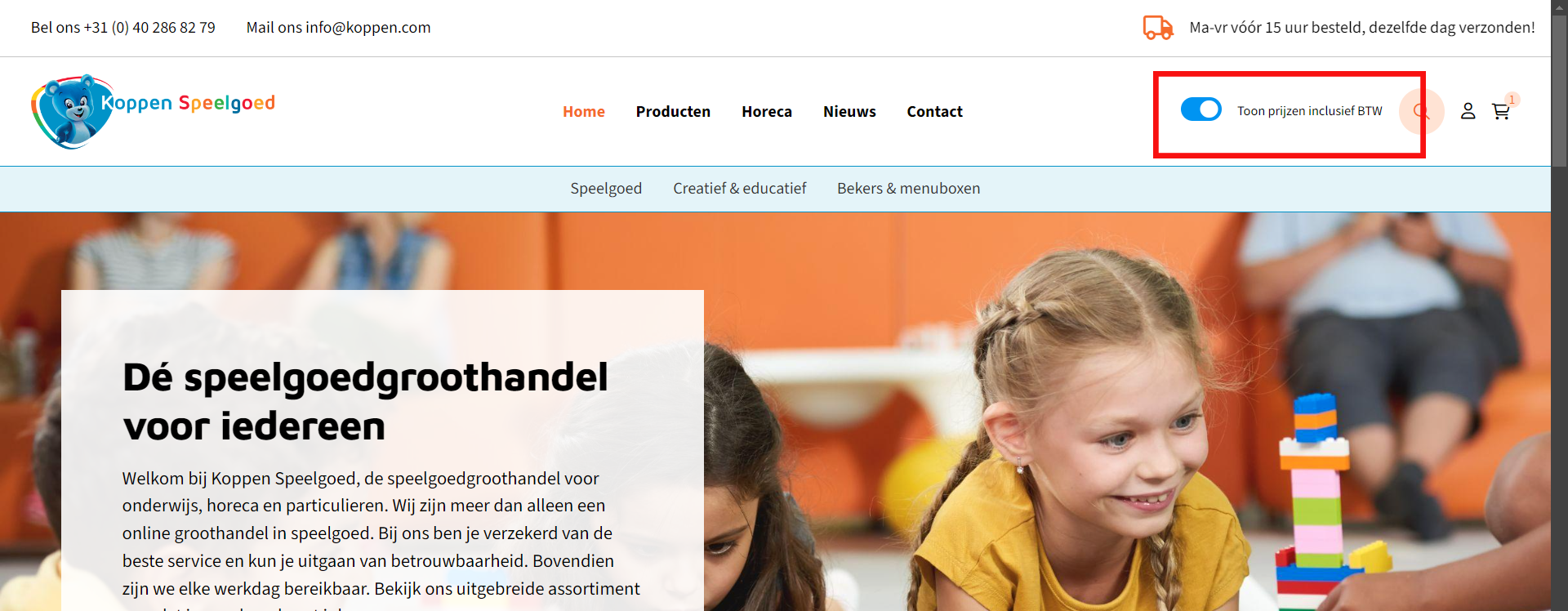
2594: Add VAT labels to price displays
Improved | Prices, Stock & VAT | Shop
Discount tables, order lists, favourites lists and the basket preview label their prices as including or excluding VAT.
The prices on the locations:- Discount tables
- OrderLists
- FavoritesLists
- Basket preview
2605: Display assortment based on customer pricelist
New | Accounts & Security | Integration | Exact Online
Shops can limit the visible assortment to the products in a customer's price list, and new authorization profiles default to deny.
The Shoxl shop is able to use price lists for managing customer authorizations. This feature can be configured to display only the products included in a specific price list to the customers associated with that list. By implementing this, you can create customer-specific catalogs or assortments, ensuring that each customer only sees the products that are relevant to them.In the example below, our customer Grapedistrict uses this technology to present each customer with a dedicated wine assortment.
In this specific case, we fixed an issue where the default setting for authorization profiles was incorrectly set to 'Allow' in Vendisto. The default is now correctly set to 'Deny'.
2606: Enable creation of unknown authorization profiles
New | Import, Export & APIs | Integration | Exact Online | Settings: CreateUnknownAuthorizationProfiles
Article imports can automatically create authorization profiles that do not yet exist in Vendisto.
Introduced the CreateUnknownAuthorizationProfiles ImportSetting in the Article XML, enabling the creation of non-existing authorization profiles when articles are imported into Vendisto.2620: Exact BatchInterface null gross prices
Fixed | ERP Integration | Integration | Exact Online
The Exact Online sync no longer crashes when exporting gross prices for articles without a valid base price.
Fixed an issue in the Exact BatchInterface to prevent crashes when exporting gross prices from articles that do not have a valid base price.2701: Remove unused pricelist authorizations
Improved | ERP Integration | Integration | Exact Online
The Exact Online sync removes price list authorizations that are no longer used, keeping customer assortments accurate.
Exact BatchInterface: Introduced logic that cleans up unused price list authorizations2719: Extend SyncedArticlesCompare with authorization checks
Improved | ERP Integration | Integration | Exact Online
The article comparison in the Exact Online sync detects changed article authorizations, so assortment changes reach the shop.
Extended SyncedArticlesCompare with the ability to detect changes in article authorizations2596: Add PriceList to Exact Batch interface
Improved | ERP Integration | Integration | Exact Online
Customers exported from Vendisto to Exact Online include their price list code and name.
Exact BatchInterface: A Vendisto customer is now exported with a Pricelist code/name2512: Introducing Customizable Filters for Payment Cost Control
New | Payments | Shop | Settings: PaymentCostsFilters, WhiteList, BlackList
Shops can apply or exclude payment costs per customer, using include and exclude lists based on price list and debtor number.
A powerful new feature now offers granular control over payment costs through customizable filters. This functionality is designed to provide enhanced flexibility and precision in managing payment costs. With this feature, payment costs can now be adjusted based on the specific price list a customer is associated with, as well as the customer's debtor number. This allows for more tailored financial management, ensuring that payment costs are aligned with each customer's unique profile.
Key Features
- Flexible Filtering Criteria
- Filters can be applied based on PriceList and DebtorNumber.
- Each criterion supports both WhiteList and BlackList configurations.
- WhiteList and BlackList Options
- WhiteList: Ensures strict inclusion by requiring a match with the specified PriceList or DebtorNumber.
- BlackList: Excludes specific entries without requiring a match unless there is a direct conflict.
- Priority Handling
- When both WhiteList and BlackList are populated, the BlackList takes precedence.
- This ensures that any conflicting entries are excluded according to the BlackList rules.
- Combined Filtering
- Filters can be applied simultaneously on both PriceList and DebtorNumber.
- This allows for complex filtering scenarios, such as requiring a user to be linked to a specific PriceList while also excluding certain DebtorNumbers.
Usage Examples
- No Filters Applied
- If both WhiteList and BlackList are empty, or if PaymentCostsFilters is null, no filters will be applied.
- Single Filter Applied
- WhiteList Only: Filters are applied only when there is a match with the specified PriceList or DebtorNumber.
- BlackList Only: Filters are applied when there is a match with the BlackList. If no match is found, the filter is not applied.
- Combined Filters
- Both Lists Populated: The BlackList takes precedence over the WhiteList. Entries present in both lists will be excluded.
Example Configuration
{
"PaymentCostsFilters": {
"PriceList": {
"WhiteList": [ "PriceListA" ],
"BlackList": []
},
"DebtorNumber": {
"WhiteList": [],
"BlackList": [ "20021204" ]
}
}
- Users linked to PriceListA are included unless they have DebtorNumber 20021204, in which case they are excluded due to the DebtorNumber BlackList.
Benefits
- Enhanced Control: Provides granular control over which users are subject to payment costs based on their PriceList or DebtorNumber.
- Improved Flexibility: Allows for complex filtering scenarios to be easily implemented and managed.
- Priority Management: Ensures that exclusions are handled effectively with the BlackList taking precedence.
We hope this new feature enhances your experience and provides the flexibility and control needed to manage payment costs effectively. For more details and usage guidelines, please refer to the full documentation.
2569: Add validation for shipment import
Improved | Import, Export & APIs | Shop
The shipping costs Excel import validates the data and returns a file with faulty records highlighted in red.
The Excel importer for our new APIs has been completely rebuilt. The updated importer now includes the capability to validate incoming data. If any issues are detected, an HTTP 400 error will be returned, along with an Excel file where the problematic records are highlighted in red. This new importer has been initially implemented for the shipping costs import function.2635: Add support for pricelists in shipping API
New | Shipping & Delivery | Shop
Shops can link shipping costs to price lists and charge different shipping costs per customer segment, for example only consumers.
Shipping Costs can now be linked to pricelists. This way it is possible to vary shipping costs between customer segments. As an example: assume every B2B customer is linked to a (B2B) pricelist, and B2C customers pay regular gross prices. With this new function it becomes possible to charge shipping costs to only B2C customers.If we find a pricelist that does not yet exist in our cache, we will create one. But when it's an orphan, we will not remove it
2636: Enable full/partial import in shipping API
New | Import, Export & APIs | Shop
The shipping costs Excel import supports full imports, which remove every shipping cost rule not included in the file.
The Excel import is now capable of full imports. Everything which is not imported will be deleted2742: Improve Dynamics F&O integration
Improved | ERP Integration | Integration | Dynamics 365 F&O
The Dynamics 365 F&O integration uses the OData interface for customers, prices, price lists, stock, orders, invoices and article properties.
The integration with Microsoft Dynamics F&O has been updated to use the F&O Odata interface. We now handle Customers, Prices, Pricelists, Stock, Orders, Invoices and a subset of Article properties through this interface.2447: Various improvements / bug fixes for SAP ByD Odata interface
Improved | ERP Integration | Integration | SAP | Settings: ArticleGroupDefaultTitle
The SAP ByD integration uses OData and handles suspended articles, article group titles and bank transfer orders more reliably.
- Implemented OData for the SapByD Webservice.
- Fixed a bug where suspended articles could not be set to active due to sharing an article group in Vendisto, but not in the exported XML.
- Fixed the duplicate ArticleGroupDefaultTitle bug in the Article XML
- Set Order Origin to Internet when a customer selects the Bank Transfer payment method while placing an order (SapByD Webservice)
2417: Batch CSV upload enabled for price info
Improved | Basket & Checkout | Integration
CSV uploads retrieve prices and stock in a single batch call, so large files upload much faster.
The shop is now able to upload big csv files by replacing the price/stocks calls done one-by-one to a batch call.2482: Improvements to MOQ error handling in CSV upload
Improved | Basket & Checkout | Shop
CSV uploads give clearer feedback when an article quantity is below the minimum order quantity.
A better error handling has been created for CSV upload articles that have a quantity that is lower than the minimum order quantity in an attempt to make the results clearer for the user.2462: Improvements to CSV upload confirmation checkboxes
Fixed | Basket & Checkout | Shop
The confirmation checkboxes on the CSV upload results page respond as expected when selecting articles.
Fixed some script issues in the CSV upload result page chackboxes.2722: Resolve 500 error on CSV add to basket
Fixed | Basket & Checkout | Shop
CSV uploads add every article in the file to the basket instead of occasionally skipping some.
The CSV upload did not always add all articles from the CSV. This issue has now be resolved2383: Improvements to property transposition in article table
Fixed | Product Pages & Configuration | Shop
Article tables hide property columns that share one value across all articles and show that value once above the table.
The revamped article table did not correctly handle transposed properties. Properties with the same value across all articles in a table are moved to a specific section of the page. For example, if every article has the color 'Yellow,' this section will state: 'Color: Yellow.' The 'Color' column should then be removed from the article table, but it remained visible. This issue has now been resolved.2442: Improvements to article number sorting logic
Fixed | Product Pages & Configuration | Shop
Article tables sort all articles before paging instead of sorting only the visible page.
The logic for the (initial) sorting of the article table contained a bug resulting in the fact that the table only sorted the visible page instead of sorting before applying the paging.2552: Configure Cost Center and Carrier in Exact Online
New | ERP Integration | Integration | Exact Online
Order lines sent to Exact Online can include configurable cost center and cost unit values.
Introduced two new fields for order lines, UnitCost and UnitCenter. These fields can be configured in the settings and will be included when placing an order. The setting names are identical to the field names.2627: Improvements to request handling in Exact BatchInterface
Fixed | ERP Integration | Integration | Exact Online
The Exact Online sync no longer crashes when article translations are synchronized and then deleted.
Disabled inessential code in the Exact Batch Interface causing a crash when syncing and then deleting Article Translations.2601: Add WarehouseCode validation in Exact BatchInterface
Improved | ERP Integration | Integration | Exact Online
The Exact Online sync only exports stock from the warehouses configured for the shop.
Added a validation check in the Exact Batch Interface to ensure that exported stock items are located in one or more configured warehouses.2501: Enhancements to order import logging
Improved | ERP Integration | Integration | Exact Online
When an order cannot be placed in Exact Online, the log records the precise reason, which speeds up troubleshooting.
When for some reason a salesorder could not be placed in Exact, the Shoxl WebService error logging did not show the exact reason of the failure. We made some changes to the logging mechanism so that this exception is now written to the logfile.2534: Parse Article XML ImportSettings node
Improved | Import, Export & APIs | Integration | Exact Online
The bulk article XML import applies the import settings defined inside the XML file itself.
When importing an article XML file via the bulk XML import, the importsettings as defined in the XML file are now used as settings for the import.2677: Fix property value filter issue
Fixed | Product Pages & Configuration | Shop
Filters in the article selection table no longer break on specific property values.
A bug caused by a specific property value in the article selection table filters has been fixed.2591: Improvements to classification menu display
Fixed | Catalogue, Search & Navigation | Shop
The classification menu shows each item only once.
Th menu will not be shown duplicated items anymore2459: Correct addition quantity logic in order list
Fixed | Customer Portal | Shop
Order lists with checkbox selection respect minimum order quantities when customers enter quantities.
The order quantity input in order lists that also use the (checkbox) selection interface did not handle the minimum order quantity logic correctly.2418: Remove FirstArticleIndex for efficiency
Improved | Platform & Performance | Shop
The shop uses less CPU and memory after an unused article index was removed.
FirstArticleIndex has been removed since it is not in use anymore. It used a lot of cpu and memory2420: Optimize order grid for performance
Improved | Product Pages & Configuration | Shop
The order grid sends fewer requests to the server, so it loads and responds faster.
The order grid had some performance issues due to the fact that too many requests to the server were triggered.2625: Synchronize address changes with SAP
Fixed | ERP Integration | Integration | SAP
Changes to customers' default addresses in Vendisto export to SAP as intended.
Fixed a faulty conditional statement regarding the mapping of default addresses in the SapB1 BatchInterface (Vendisto Customer Export)2443: Improvements to search query string handling
Fixed | Product Pages & Configuration | Shop
Search queries in article tables return the expected results.
The search query would not always be handled correctly in the case of the article table.2629: Improvements to VAT-inclusive price sorting
Fixed | Prices, Stock & VAT | Shop
Sorting by price respects the chosen VAT display and handles prices below one.
Price sorting does now work with 'including' and 'excluding' vat. As well, numbers below one are now supported as well2329: Remove stock retrieval requirement for DefaultAccountNumber
Fixed | Prices, Stock & VAT | Shop
Stock display no longer depends on a default account number being configured.
A small logic issue in the stock display functionality has been fixed.Release 2024.06 (June 2024)
The June release includes several exciting new features. Among them is the option to calculate discounts
for selected users based on the order total. Additionally, it is now possible to restrict payment
methods displayed based on the shopper's country. The User Portal now supports the display of Track
& Trace codes.
We've made numerous improvements to VAT handling, including support for
specific Spanish taxes. Another frequently requested feature now implemented is the ability to show
article groups in multiple shop categories.
Furthermore, there are extensive enhancements to
our integrations with Exact Online, SAP Business One, SAP ByDesign, and Dynamics F&O.
We
could go on and on... Check the release notes to get the complete picture!
1666: Enable automatic voucher usage
New | Promotions & Vouchers | Shop
Selected customers can automatically get a discount on the whole basket based on its total value, through the voucher module. The discount shows only as a discount line in the basket.
It is now possible to automatically apply a discount to an entire shopping basket for authorized users, using the voucher module. The discount amount is determined by the total value of the basket, allowing for dynamic and customized pricing based on the customer's purchase. This is a specific use case of the voucher module, implemented in a way that is not visible in the shop interface. The only indication of the discount is a discount line that appears in the basket overview, allowing you to offer targeted discounts to specific customers without altering their shopping experience.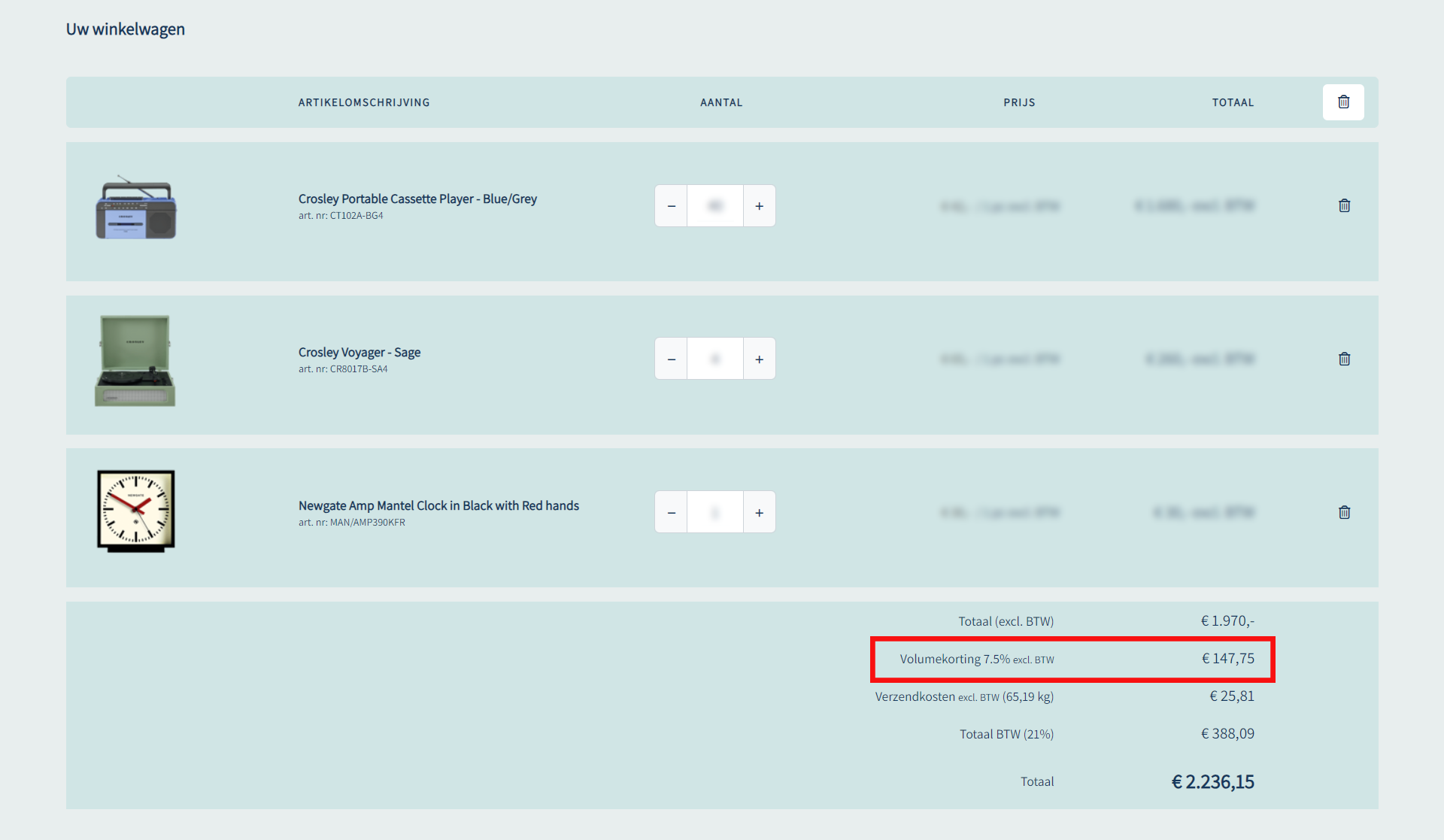
1856: Payment method restrictions by country
New | Payments | Shop | Settings: PaymentMethodCountryRestrictions
Payment methods can be limited to specific countries, with iDEAL limited to the Netherlands by default.
A new setting has been introduced to restrict Payment Methods to certain countries. The PaymentMethodCountryRestrictions setting allows specifying multiple countries for each individual Payment Method. The default value restricts IDEAL payments to the Netherlands.1858: Allow guest shoppers with business name to buy on credit
New | Payments | Shop | Settings: BuyOnCreditForAnonymousUsers
Guest shoppers who order as a business with a company name can be allowed to buy on credit.
A new setting has been introduced to allow anonymous users to Buy On Credit. When the BuyOnCreditForAnonymousUsers setting is set to true the shop will allow the Buy On Credit method for users having selected "Business" (as well as entered a company name) in the checkout. The default value is false.1674: Show T&T code in User Portal
New | Customer Portal | Shop
Order history can show a track and trace code or link on each order line.
We've added the option to display a Track and Trace code or link on the order lines in the order history.2288: Show order lines in order history with REST interface
Fixed | Customer Portal | Integration
Order lines retrieved through the web service appear in order history because their line type defaults to product.
The Order Line Type is no longer set to null by default when retrieved from the Shoxl Webservice for order history. It now defaults to "Product" if no value is provided.1973: Tab key jumps between input fields
Improved | Customer Portal | Shop
The Tab key moves only between quantity fields and the matching order button in order lists and favorites.
When filling the quantities in the order list and favorites the browser would jump to all elements on the page. This has been changed so that only the amount input fields will be selected and the order button belonging to the specific list.1755: Link articlegroups to multiple classifications/categories
New | Product Data (PIM) | Vendisto | Settings: UseMulticlassification
Article groups can be placed in several classifications in Vendisto, with the first one acting as the main classification.
It is now possible to classify an article group multiple times in a classification. Also, some work has been done to prepare Vendisto so multi-classification is possible in the future.The first record of the classification Paths is the main classification. The classification order can be altered by drag and drop. Also, a classification can be removed by selecting a classification path and pressing the delete button.
By default, this functionality is disabled. The setting: UseMulticlassification, must be set to use this new functionality.
1750: Handle articlegroups in multiple classifications in export
Improved | Import, Export & APIs | Integration
The article bulk export supports article groups in multiple classifications while keeping the single-classification format available.
The Article Bulk Export has been updated to support multi-classifications, while still retaining the ability to export in the old single-classification format.1762: Breadcrumbs reflect multi-category navigation
Improved | Catalogue, Search & Navigation | Shop
Breadcrumbs follow the category a shopper navigated through and use the main classification for search results.
When navigating to a product which is classified in multiple categories. The breadcrumb will be followed. The main classification will not be used in this case. When the article has been found via the search engine. The main classification breadcrumb will be used.1763: Handle articles in multiple categories in shop
Improved | Catalogue, Search & Navigation | Shop
Articles classified in several categories appear only once in search and filter results.
When searching/filtering on an article which has been classified in multiple categories, the article will only be displayed once even it matches multiple categories.1761: Search crashes on articles in multiple classifications
Fixed | Catalogue, Search & Navigation | Shop
Search no longer crashes when results include articles classified in several categories.
The Shoxl Search engine will not crash anymore if an item has been found which is classified in multiple categories. It will only display one product.2317: Show VAT price based on user data
New | Prices, Stock & VAT | Shop
Prices can be shown including or excluding VAT depending on the user's data and tax preferences.
We’ve made important updates related to price display and tax preferences. Here are the details:Price Display Toggle for Inclusive VAT
If the setting Price.Enable
2080: Implement tax rules for CN regions
New | Prices, Stock & VAT | Shop
Orders for the tax-free Spanish regions, such as the Canary Islands, are calculated without VAT in the shop.
The shop is now capable to apply the tax rules for the Spanish regions: 35, 38, 51, and 52. When selecting Spain and one of those regions, no tax has to be paid in the webshop. All the other Spanish regions still need to pay taxes. This functionality is only compatible with the Google autocompletion functionality.2085: Shop changes for tax-exempt
New | Prices, Stock & VAT | Shop
The shop shows when a user is tax-exempt and therefore pays no VAT.
The shop can now visualize when a user is TaxExempted. So a user does not need to pay taxes. See case #2084.2086: Shop changes for ES-CN regions
New | Prices, Stock & VAT | Shop
The basket explains why no VAT is charged when a tax-free Spanish region is selected.
The shop can now visualize why a user should not pay taxes when selecting one of the tax-exempt regions of Spain. This will be visible in the basket. See case #2080.1996: Show order line status in Exact Online
New | ERP Integration | Integration | Exact Online
Invoices are linked to their orders, and order line statuses from Exact Online are passed to the shop.
Implemented a new "OrderNumber" property within InvoiceHistory, linking each invoice to its respective order. Additionally, within the Exact Batch Interface, integrated mapping of Exact Online's orderline states to the corresponding Shoxl orderLine states.2048: Quantity selector not increasing with MOQ
Improved | ERP Integration | Integration | Exact Online | Settings: B2BAdditionQuantity, MinimumOrderQuantity
The quantity selector can step up by the Exact Online minimum order quantity instead of by one.
Implemented a new B2BAdditionQuantity mode in the Exact Online Batch Interface. This mode offers two options: default and MinimumOrderQuantity. When set to default, the b2bAdditionQuantity is set to 1. When set to MinimumOrderQuantity, the b2bAdditionQuantity is set to the corresponding MinimumOrderQuantity value.2286: Article group name change on reimport
Improved | ERP Integration | Integration | Exact Online | Settings: ArticleGroupDefaultTitle
Article group names edited in Vendisto are kept when articles are imported again from Exact Online.
The Article Group Name element has been removed and a the setting, ArticleGroupDefaultTitle=ArticleTitle, has been added to the Exact Online Batch Interface Article XML. This ensures that Article Groups modified in Vendisto are not overwritten.2334: Sync from configured date in Exact Online
Improved | ERP Integration | Integration | Exact Online | Settings: FullSyncFrom
You can set how far back entities are synchronized from Exact Online and force a full sync of chosen entities.
Improved the Exact Batch Interface synchronization mechanism and introduced a new setting, FullSyncFrom:Specify the starting date for syncing entities to the ExactCache. By default, the period is set to 1 year. You can customize this period using the following formats:
1y for 1 year
2m for 2 months
8w for 8 weeks
40d for 40 days
Additionally, a new CLI flag --forceFullSync has been introduced, which fully syncs entities specified after this flag.
2139: Map extra address line to SAP
Improved | ERP Integration | Integration | SAP
The second address line of an order is passed to SAP Business One in the shipping or billing address.
Introduced a new mapping for the SAPB1 Batch Interface in the PlaceOrder action. The AddressLine2 field will now be mapped to either ShipToAddress2 or BillToAddress2, depending on the address type.2077: Order history should not include exchange rates
Fixed | ERP Integration | Integration | SAP
Order history from SAP Business One shows costs in the foreign currency when one is available.
The SapB1 Batch Interface's order history now maps the costs to the foreign currency when available.2311: Map AddressLine2 to Block in SAPB1
Improved | ERP Integration | Shop | SAP
The second address line of an order is passed to the block field of the SAP Business One shipping address.
The AddressLine2 field is now mapped to ShipToBlock.2081: Adjust Batch Customers import for tax-exempt
Improved | ERP Integration | Integration | SAP
The tax-exempt status of customers is taken over from SAP Business ByDesign in the customer import.
The property TaxExempt is now mapped from SapByD Customers and available in the BatchCustomers XML.2170: Include Article Description as Title in SapByD Export
New | ERP Integration | Integration | SAP | Settings: ArticleExportIncludeDescriptionAsTitle, SapByD:DefaultLanguageCode
Article descriptions from SAP Business ByDesign can be exported as article titles.
Implemented the retrieval of Article Descriptions as titles in the SAP ByD article XML export. This was created specifically for IGT Microelectronics and can be enabled with the following setting: "ArticleExportIncludeDescriptionAsTitle". However, in order for this to work, the following setting also has to have a value: "SapByD:DefaultLanguageCode".2255: Send company name to SAPbyD
Improved | ERP Integration | Integration | SAP
The full name of an alternative delivery address is sent to SAP Business ByDesign in the care-of field.
Map the alternative address full name to the 'Care Of' (C/O) field in the Batch Interface of SAP ByDesign PlaceOrder.2126: Alternate delivery address contact issue
Fixed | ERP Integration | Integration | SAP
The name of an alternative delivery address appears in the order details in SAP Business ByDesign.
The address name from an address in a Shoxl order is now displayed in the SapByD order details view.2318: Toggle VAT inclusive/exclusive view
New | Prices, Stock & VAT | Shop | Settings: EnablePriceDisplayToggleInclusiveVAT, ToggleInclusiveVAT
Shoppers can switch between prices including and excluding VAT, and the shop remembers their choice.
We’ve introduced a new feature related to VAT display customization. Here’s what you need to know:- VAT Display Switch
- If the webshopsetting 'EnablePriceDisplayToggleInclusiveVAT' and the layout setting 'ToggleInclusiveVAT' is set to false, the VAT switch will not be shown.
- The value of the VAT switch is determined as follows
- First, we check the user’s session. If a value is stored there, we use it.
- If the session value is empty, we look for the VAT switch value in a local cookie. If found, we use that value.
- If both session and cookie values are empty, we check if the user has provided a company VAT number. If a VAT number is provided, prices will be displayed exclusive of VAT.
- Whenever the VAT switch changes, we update both the session and the cookie.
2072: Android app compatibility issue on release
Fixed | ScanApp & PunchOut | Shop
The scan app runs on devices with Android 14.
The Shoxl app is now compatible with Android 14.2120: Save delivery schemes from Vendisto
Fixed | Shipping & Delivery | Vendisto
Delivery schemes can be saved in Vendisto on every supported SQL version.
The save functionality of delivery schemes in Vendisto did not work correctly with specific SQL versions.1943: Complete Excel Article Bulk Import
Improved | Import, Export & APIs | Integration
Excel files load faster in the new bulk article import.
Introduced an Excel Reader for the new Bulk Article Importer, allowing for faster Excel imports.2177: Fallback on Article Title setting for importer
New | Import, Export & APIs | Integration | Settings: ArticleGroupDefaultTitle
Article groups without a title can automatically take the title of their first article during the XML import.
A new setting was introduced in the Article XML import. Empty article group titles will now fallback on the first article title when the following XML setting is enabled:2243: Unit cannot be NULL for import
Improved | Import, Export & APIs | Integration
Article property units may be left empty in the XML and Excel bulk import.
Article Property Units can now be null or unset in the Article XML/Excel bulk import.2271: Handle articlegroups in multiple classifications in import
Improved | Import, Export & APIs | Integration
The article bulk import supports article groups in multiple classifications while keeping the single-classification format available.
The Article Bulk Import has been updated to support multi-classifications, while still retaining the ability to export in the old single-classification format.2137: Order list article import issue
Improved | Orders & Customers in Vendisto | Shop
The order list import in Vendisto explains clearly when an import cannot be carried out.
The order list import in Vendisto will now give clear feedback when an import can't be executed.2258: Expand order list in Article Selection Wizard
Fixed | Product Pages & Configuration | Shop
Shoppers can expand and use the order list selection on article selection wizard pages again.
The order list selection UI on article selection wizard pages was defective.2074: Sort article table by article number
Improved | Product Pages & Configuration | Shop
Article tables sort article numbers in natural alphanumeric order.
The article number in the article table was being sorted as a string, resulting in an order that did not make sense to humans. This has been remedied by introducing alphanumeric sorting in the table.2121: Missing unit translation in article table
Fixed | Product Pages & Configuration | Shop
Article selection tables show the translated price unit when a translation exists.
The price unit displayed in the article selection table didn't display the optional translation when present.2244: Include ExternalId in webservice for second address
Fixed | ERP Integration | Shop
Placed orders always include the external ID of the second address.
The external ID from an address will now always be added to the data when an order has been placed.2075: Comparison button always active with 3 items
Improved | Product Pages & Configuration | Shop
The compare button tells shoppers when the comparison list is full.
The article compare button will now display a text indicating that the comparison list is at capacity, making it clear to the user why it isn't possible to add the article to the comparison.2053: Adjust Vendisto order pagination
Fixed | Product Data (PIM) | Vendisto
The header collection page shows up to 1000 properties, so drag-and-drop reordering keeps working.
The page size of the Headercollection page has been increased to 1000 so the drag and drop interface will not break.2062: Filter slider issue
Fixed | Catalogue, Search & Navigation | Shop
The filter slider handles decimal values without problems.
The issue has been resolved by using a different parsing technique for decimal values.2066: GA4 view_item event adjustments
Fixed | Content & SEO | Shop
The GA4 view item event sends complete product information to Google Analytics.
The GA4 Google Analytics message for the View_Item event was not complete.2220: .NET 8 Console Application for F&O Integration
New | ERP Integration | Integration | Dynamics 365 F&O
A new .NET 8 application forms the basis of the Dynamics 365 Finance and Operations integration.
A new .NET 8 Console Application has been set up for the Microsoft F&O Integration.1841: Manufacturer duplicate with SkipEmptyNodes True
Fixed | Import, Export & APIs | Integration | Settings: SkipEmptyNodes
XML exports leave out fields whose attributes are empty, preventing duplicate manufacturer entries.
When an XML object has attributes and has no element value, the field was always rendered even when the attributes were empty.The XML object will now only be rendered when an XML attribute has a value/default value. It will only render the field multiple times when translatable is true and at least the node is not empty or an attribute has a value.
2084: Account API adjustments for tax-exempt
New | Import, Export & APIs | Integration
The Account API accepts a tax-exempt flag, so marked users pay no VAT in the shop.
The Account API does now support the user field: TaxExempt. When a user is connected to this field, the user will not pay taxes in the shop.2047: Order Grid issue after update
Fixed | Product Pages & Configuration | Shop
The order grid responds again after a scripting timing problem.
Due to a scripting/timing issue, the order grid would no longer function.2138: Vendisto order list search by company name
Improved | Orders & Customers in Vendisto | Vendisto
The order list overview in Vendisto can also be searched by name and client.
Not all columns in the order lists overview in Vendisto were searchable, the columns "name" and "client" have been added to the searchable fields.2259: Order list and CSV selection issues
Fixed | Customer Portal | Shop
Checkboxes in the order list detail view respond to selections again.
The checkbox UI in the order list detail view no longer worked correctly.2330: Include untitled articles in export
Improved | Import, Export & APIs | Integration
The article bulk export includes articles that have no title.
Updated the Article Bulk Export to include articles without a title.2067: Save Description DeliveryMatch in order and send to Postmark
Improved | E-mails | Shop
Order e-mails show the full carrier name, just as it appears in the checkout.
The Carrier/Shipper Name is now expanded when sending it to postmark. It is displayed the same way as in the checkout.2262: Empty order history detail modal popup
Fixed | Customer Portal | Shop
Reordering from order history shows stock feedback in the popup instead of an empty window.
Due to a bug in the stock status logic the feedback after reordering a previous order would remain empty.1932: Skip language attribute on image value
Improved | Import, Export & APIs | Integration | Settings: AlwaysUseLanguageAttributes
XML exports add language attributes only to translatable fields, with an option to always include them.
The boolean translateable object has been added to the possible fields list. When a field is translateable, it will render the LCID fields. If not, it will not render the LCID fields. But when an object has translation, it will only render the first translation without the LCID tag. The translatable property can be overridden with AlwaysUseLanguageAttributes. When set true, it will always render the LCID tag even when translatable is false.1842: Languages missing with AlwaysUseLanguageAttribute False
Fixed | Import, Export & APIs | Integration
XML exports always include language attributes unless a field is marked as not translatable.
LCID will now always be rendered. Only when Translatable is set to false, the LCID attribute will not be rendered.2382: Prioritize Net Price Addition Quantity in shop
Improved | Prices, Stock & VAT | Integration
The shop gives priority to the net price addition quantity when it determines order quantities.
The Shoxl Webshop has been modified to prioritize the net price addition quantity.2082: Vendisto interface for tax-exempt
New | Import, Export & APIs | Integration
The tax-exempt status of customers can be imported into Vendisto through the customer XML import.
Tax Exempt (true or false) can now be imported in Vendisto by using the Batch Customers XML importer.2083: Vendisto API for tax-exempt
New | Import, Export & APIs | Integration
The Vendisto customer API returns whether a customer is tax-exempt.
The Vendisto customer controller now returns the property TaxExempt.1704: Account management client name click issue
Fixed | Orders & Customers in Vendisto | Shop
Clicking the breadcrumb in the Vendisto customer module no longer freezes the interface.
Clicking in the crumb path in the customer module could lead to an unresponsive Vendisto UI.2054: Change Vendisto resources to English
Fixed | Orders & Customers in Vendisto | Shop
Interface elements in Vendisto that were left untranslated now appear in English.
The Vendisto UI contained some elements that had not been translated to English correctly.2149: Dutch/English mixed buttons in content
Improved | Orders & Customers in Vendisto | Shop
Vendisto shows its interface in one language and uses the browser language as the default.
The Vendisto UI contained a timing issue resulting in a mix of Dutch and English labels in the interface. Vendisto will now read the selected browser language and use this language as the default UI language.Release 2024.05 (May 2024)
Our latest update introduces significant improvements shipping schedule management, including new settings for handling shipping costs within orders. We've enhanced import/export functionalities, allowing for the import of customers with missing addresses and improved validation for shipping cost rules. Additionally, user interface improvements include enhanced filter functionalities, displaying deleted articles, and resolving issues with language dropdowns and YouTube video loading. New functionalities also include integrating the Azure service bus for the upcoming ImportExport Dashboard and specifying article weight fields.
1458: Specify which field contains the weight of an article.
New | ERP Integration | Integration | Exact Online | Settings: ArticleWeightMode
The Exact Online integration lets you choose which weight field is exported as the article weight: gross, net or net Intrastat weight.
A new setting, "ArticleWeightMode," has been introduced in the Exact Online Batch interface. It offers the following options: None/1705: Integrate Webhooks Webservice in Shop Manager.
New | Platform & Performance | Integration | Exact Online
Shop Manager can deploy the Exact Online webhooks service together with the batch interface.
Shop Manager can now release the Exact Webhooks Webservice. It's also necessary to release the Exact Online Batch Interface.1714: Send shipping cost rule.
New | ERP Integration | Integration | Exact Online | Settings: EnableEmbeddedShippingCosts
Orders sent to Exact Online can carry shipping costs on a dedicated shipping cost line instead of a separate article.
Introduced a new setting in the Exact Online Batch Interface: "EnableEmbeddedShippingCosts." This setting allows the utilization of the new Exact Online ShippingCosts line in an order, rather than relying on articles for shipping costs. Enabling this feature requires following specific steps outlined in the documentation. Review the internal documentation carefully before enabling this setting.1808: Import/update customers with missing or incomplete addresses.
Improved | ERP Integration | Integration | Exact Online
Customers with badly formatted addresses are still imported from Exact Online; only the faulty addresses are left out.
The Customer Import now imports customers even if one or more addresses are incorrectly formatted. However, faulty addresses are still excluded from the import process.1760: Include account number in the GetOrderHistoryDetail.
Fixed | Customer Portal | Integration | Exact Online
Order history details include the customer's account number again, so the details can be retrieved from Exact Online.
Turned out to be a flaw in the webservice that was not covered correctly by the new division code implementation, resulting in the account number not being passed to the connector. This is fixed now.1805: Strange addresses for guest shoppers
Improved | ERP Integration | Integration | Exact Online | Settings: PrefixHouseNumber
Addresses exchanged with Exact Online can place the house number in front, following British address conventions.
Implemented a new setting, PrefixHouseNumber, within the Exact Online Batch Interface. This addition ensures that addresses now adhere to British standards.1845: Batch interface failure: Warehouse ID null according to logging.
Fixed | ERP Integration | Integration | Exact Online
Synchronization from Exact Online no longer stops when stock information has no warehouse.
Integrated customized Exact Online OData interface metadata to address discrepancies found in their version. Notably, their metadata indicated that Warehouse(id) under stock information was non-nullable, contrary to reality where it is nullable. This mismatch led to validation errors, resulting in sync termination.1493: Shipment cost rules for import and export.
New | Shipping & Delivery | Vendisto
Shipping cost rules can be imported and exported in Vendisto.
Implemented shipping cost import and export.2006: Validations on shipping cost import.
Improved | Shipping & Delivery | Vendisto
The shipping cost import checks weight ranges and verifies that the article numbers exist.
Implemented validations for shipping cost weight ranges and verified whether an article number exists in the Shipping Cost import.2051: Shipping cost API gives 500 error message.
Fixed | Import, Export & APIs | Vendisto
The shipping cost API responds to requests again instead of returning an error.
Removed "www" in shop IIS bindings causing API endpoint to return "not found".2017: Reset filter no longer works after update.
Fixed | Catalogue, Search & Navigation | Shop
The reset option in the filter sidebar clears your selected filters again.
A bug has been fixed where the filter reset functionality in the sidebar no longer worked.1709: Price filter for amounts under 1 euro.
Improved | Catalogue, Search & Navigation | Shop
The price filter accepts amounts in steps of one cent, including ranges below one euro.
The price filter validation is now tuned to allow decimal numbers. Previously, it wasn't possible to filter prices within two integers. For example, it was not possible to set a filter range of 1.50 to 2.42. Now prices can be filtered in 0.01 steps.1646: Deleted articles are not visible.
New | Product Data (PIM) | Vendisto
The article list in Vendisto can optionally include deleted articles.
An optional "Show deleted items" option has been added to the articles list. By default, this option is disabled. When activating it, the list will reload with the deleted articles included.1706: Language dropdown sometimes doesn't work during initial loading.
Fixed | Orders & Customers in Vendisto | Vendisto
The language dropdown in Vendisto shows language names instead of numbers while the page loads.
The language labels would sometimes not load, resulting in numbers instead of friendly language labels.1891: YouTube video does not load in article selection wizard.
Fixed | Product Pages & Configuration | Shop
YouTube videos are displayed on article selection wizard pages.
YouTube videos would not be displayed on an article selection wizard page due to a logic issue.1933: Scrolling no longer works after clicking thumbnail.
Fixed | Product Pages & Configuration | Shop
Pages stay scrollable after you close the video player opened from an image gallery thumbnail.
Due to a bug in the scripting, the body scrollbar would be hidden and would not be made available again after closing the player.1944: Prices in static list do not load (loading...).
Fixed | Catalogue, Search & Navigation | Shop
Static product lists embedded in content pages show their prices instead of a loading message.
The static lists were unable to render price information when being used via a custom tag from within the context of a page.1707: Windows Service PIM.
New | Import, Export & APIs | Vendisto
A new service fetches the product list from the Product API and saves it as XML, JSON, CSV or Excel files.
The tool AutomaticProductImportManager has been created, tested, and reviewed. This tool connects to the OAuth 2 server to obtain a token. This token is then used to connect to the Product API where a REST call is made to obtain the product list. The product list is then written to a file in specific locations. The location where the import file will be written to can be changed in the settings. The file formats supported are XML, JSON, CSV, and XLSX.1824: IncoTerm and PaymentCondition are not forwarded in quote mailings.
Improved | E-mails | Shop
Quote e-mails can include the Incoterm and payment condition, just like order confirmations.
The fields "IncoTerm" and "PaymentCondition" have been added to the quote mail model.1671: Expected delivery date for backorders.
New | ERP Integration | Integration | SAP
Order lines from SAP Business ByDesign include the expected delivery date, so customers see when backorders will arrive.
OrderLines now contain the field: "deliveryDate" in the Webservice.1950: Customer delivery addresses | Sync issue.
Improved | ERP Integration | Integration | SAP
A single entity, such as customer delivery addresses, can be fully resynchronized from SAP Business ByDesign.
Added the "--fullSync1946: Can proceed to the next step despite no/insufficient stock in the app.
Fixed | ScanApp & PunchOut | Shop
The app basket blocks the next step while an article in it has insufficient stock.
The app version of the basket would not disable the next button when there was insufficient stock available for an article in the basket.1871: Stock notifications do not show in the basket.
Fixed | Basket & Checkout | Shop
Stock warnings appear in the basket again.
Due to a small bug in the basket, the stock warnings would not be displayed.1833: Design delivery routes calendar - new exception.
Fixed | Shipping & Delivery | Shop
The calendar in the exceptions popup of the delivery schedule module has the intended layout.
The calendar layout in the exceptions popup of the delivery scheme module was incorrect.1792: POC Azure service bus queue.
New | Import, Export & APIs | Integration
An internal prototype lays the groundwork for the coming dashboard that monitors imports and exports.
As part of the development process of the upcoming ImportExport Dashboard, an internal test application was made to demonstrate the needed functionality of the Azure service bus.1793: ImportExportDashboardClient.
New | Import, Export & APIs | Integration
Import and export tasks can report their status to the coming import and export dashboard.
Implemented a client library that can be used by the different import and export tasks to submit messages to the upcoming ImportExport dashboard.Release 2024.04 (April 2024)
Our April update introduces significant improvements to stock management with the implementation of Exact Stock Webhooks for real-time updates. We have enhanced import/export functionalities with support for language-specific translations and improved XML import capabilities. Additionally, user experience has been improved with advanced handling of payment conditions, better navigation in the shopping cart, and enhanced filter and search functionalities. We have also addressed key bugs and introduced new settings for maintaining property order and shipping scenarios.
200: Implement webhooks for stock
New | ERP Integration | Integration | Exact Online
Stock changes in Exact Online reach the shop in real time: a new webhook receiver subscribes to Exact stock updates and converts them into the shop's stock format.
A new Exact project has been added to the WebServices Solution. This project has code capable of subscribing to and receiving Exact Stock Webhooks and transforming them into the Shoxl ErpCache Stock XML format.233: Translate AssetLabels and AssetValues with import
Improved | Import, Export & APIs | Integration
The article XML import accepts language-specific asset values and asset label translations, so assets can be loaded per language.
The article XML import now supports the import of language-specific assets and asset label translations. This means that an lcid attribute specifying the language can be provided on both the asset value and the asset name elements of the import XML. On the Logo, Image, Icon, and Media Asset elements, the Name element may occur more than once (for different languages) but the Value element, which also has an lcid attribute, may occur only once.236: Translate ClassificationLabels with import
Improved | Import, Export & APIs | Integration
The article XML import accepts translations of classification levels, so category names can be loaded in several languages.
The Article XML import now supports the import of classification level translations. For this purpose, the Classification Level elements in the article XML import now have an optional lcid attribute specifying the language of the translation.499: No photos | Postmark not using CDN URL
Fixed | E-mails | Shop
Product images in order and quote confirmation e-mails are loaded from the CDN when the shop has one configured.
The product images in the order and quote confirmation mails will now be provided by the CDN service (if configured in the shop).954: MeasureProductView crash when gross price missing
Fixed | Content & SEO | Shop
Article pages without a known gross price no longer crash while sending the product view event to Google Tag Manager.
A bug in the call to GTM "ViewItem" caused an article detail page to crash whenever the gross price for the article was unknown.1190: Meta information not saved in template
Fixed | Content & SEO | Shop
Page metadata entered in Vendisto is kept when the page is saved instead of being cleared.
Saving the metadata for a page in Vendisto contained a bug causing the metadata fields to be cleared in some cases even when values had been provided.1191: Extra security for Full Import
Improved | Import, Export & APIs | Shop
Vendisto asks for confirmation and explains the risks before partial article imports are switched off.
If the partial article import is disabled a confirm message will be displayed warning the user of the risks of doing so.1290: Use Payment Condition in Portal
Improved | ERP Integration | Integration | Exact Online
Payment condition codes and descriptions from Exact Online are exported with customer data so the portal can show them.
Exact Online Payment Condition code and description are now exported in the Batch Customer XML.1292: Article number change not updating stock
Fixed | ERP Integration | Integration | Exact Online
Articles keep their stock in the shop after their item code is changed in Exact Online.
Fixed changing an ItemCode in Exact Online causing the article not having stock.1385: Exclude debtor from shipping costs
New | Shipping & Delivery | Vendisto
Vendisto users can import and export a shipping cost type per customer, for example to exempt specific customers from shipping costs.
Vendisto: A Vendisto user can now import/export the 'Shipping cost type'. This can be:ShippingCostFree (No shipping cost has to be paid)
ShippingCostPostCalculation (Shipping cost will be paid on post calculation)
ShippingCostApplied (you have to pay shipping cost, can be on condition)
Shippingcost scenarios can now be defined in Vendisto. Three types are now supported: ShippingCostFree, Postcalculation, and shippingcost threshold met.
1436: Feature category not saved when creating
Fixed | Product Data (PIM) | Shop
The group you select when creating a new property in Vendisto is saved with the property.
When creating a new property in Vendisto the selected group would not be saved.1448: Navigation issues with address validation
Fixed | Basket & Checkout | Shop
Moving back and forth between checkout steps with an alternative address behaves predictably and is less confusing.
Using the alternative address form in the order process often led to confusing results when navigating forwards and backwards in the order process steps. We've fixed some bugs, making the order process less confusing.1449: Carry over filter results to article group
Fixed | Catalogue, Search & Navigation | Shop
Selected filter options carry over when you open a filtered article group page, so its article list stays focused.
In some cases the selected filter options would not be remembered when opening a filtered ArticleGroup page, resulting in a long article list on this page.1461: Classified products show as unclassified
Fixed | Product Data (PIM) | Shop
The unclassified articles list in Vendisto shows only articles that really have no classification.
The unclassified articles list (reachable from the Vendisto home page) would also display some classified articles as being unclassified due to a bug in the data-retrieval functionality.1487: New stock order mode
New | Prices, Stock & VAT | Shop | Settings: OrderMode
A new stock order mode determines how stock availability affects ordering in the shop.
OrderMode - Internal documentation (gitbook.com)1510: Send Incoterm and payment condition
New | E-mails | Shop
Order and quote confirmation e-mails can show the Incoterm and payment condition of the order.
We've added the option to display the IncoTerm and Payment condition information in the order and quote confirmation emails.1516: Shop not sending totalvat with orders
Fixed | ERP Integration | Shop
Order information passed on by the shop includes the total VAT amount of the order.
OrderInformationV2 will now contain TotalVat as well.1543: Space before sign-out link in code
Fixed | Content & SEO | Shop
The sign-out link in the user menu no longer has a stray space before its text.
The user menu sign-out link contained a redundant space in front of the link text.1564: Stock status in basket not working
Fixed | Basket & Checkout | Shop
The basket shows the insufficient stock status of articles as soon as it loads.
The basket didn't show the status of an article with insufficient stock when the basket was loaded.1567: Retry Mechanism returns error message
Fixed | ERP Integration | Integration | Multivers
The Multivers integration retries failed requests reliably, without changing how the synchronization behaves.
Re-implemented Multivers Batch Interface retry mechanism the correct way, no functional changes.1569: Customer Prices not shown on overview
Fixed | Prices, Stock & VAT | Integration
Customer-specific prices are shown on overview pages again.
Webservices Shoxl was updated to version without hotfix, hotfixed again (see task 1193).1570: Token forces automated refresh on first use
Fixed | ERP Integration | Integration | Exact Online
The Exact Online connection keeps its first access token until it expires instead of refreshing it too early.
A bug was solved in the tool that generates the first token. The ManualTokenRequester did not parse the Expires date in the token. This was causing an early token refresh, which is not allowed by Exact Online.In order to communicate with Exact Online, we need a token that is part of the OAuth flow that is needed to call the Exact Online API. The first token is generated by a manual process and hence refreshed by an automated process.
1579: Order in wrong fractions possible
Fixed | Customer Portal | Shop
The order all button in order lists stays disabled while an invalid quantity is entered.
In some cases, the "Order all" button in an order list would be enabled despite the fact that an invalid quantity had been provided.1596: PNG images not shown after format change
Fixed | ERP Integration | Integration | Exact Online
Product images replaced in Exact Online by another file format, such as PNG instead of JPG, appear in the shop.
The asset synchronization process that encloses images from Vendisto to the Webshop was not working correctly when in Exact Online the jpg variant of an item image was replaced by a png. This, for example, happened when the customer wanted to replace an image with a white background with an image with a transparent background.The problem was solved by configuring the latest version of the article XML import which under the hood contains a totally different architecture compared to the old mechanism.
1614: Refresh token failed
Fixed | ERP Integration | Integration | Exact Online
The Exact Online connection uses a renewed refresh token and the latest authenticator version, so synchronization keeps running.
Requested new Refresh Token for Packforce and updated to latest authenticator API (2024.4.1).1615: Shopping cart crashes for specific article
Fixed | Basket & Checkout | Integration
Articles with a unit mismatch in their price list no longer get a zero price or break the shopping basket.
Newly synced PriceLists to ErpCache in order to fix the issue with Unit mismatch causing calculate order to return 0 as the price.1617: Batch Interface export fails due to sync
Fixed | ERP Integration | Integration | Exact Online
The batch interface export to Exact Online completes again after a synchronization problem with lead purposes was resolved.
Re-applied not syncing lead purposes and requested support from Exact Online. Synchronization of lead purposes now functions again.1670: Division code capitalized in request
Fixed | ERP Integration | Integration | Exact Online
The web service sends the division code in lower camel case, matching the documented request format.
Webservice: DivisionCode within the context object is now serialized with lower camelcase as specified in the documentation.1214: Content builder bug
Fixed | Content & SEO | Shop
Image attributes stay complete when content builder pages are saved and their image links are rewritten to the CDN.
When saving a page the HTML will be parsed and image URLs will be changed to use Cloudflare CDN URLs (if configured). This parser contained a bug that caused parts of some image attributes to be omitted.1306: Synchronize article data translations
New | ERP Integration | Integration | Exact Online
Article descriptions translated in Exact Online are synchronized in every configured language, with the default language as fallback.
Article Translations have been incorporated into the Article XML for the Exact Online Batch Interface. These translations can be specified using the "Languages" setting, which consists of a ";" separated list of LCIDs (Locale IDs). The first LCID in this list serves as the Default language and must match the default language set in Exact Online. Description and Extra Description are the only fields that can be translated and exported from Exact Online. If these are not translated, the default language is exported.1468: Exclude article group from autocomplete
New | Catalogue, Search & Navigation | Shop
Search autocomplete can be set to leave out article group results.
We've added the option to omit ArticleGroup results from the AutoComplete results.1509: Show payment conditions for 'On account'
New | Payments | Shop
The on account payment method can show a label with the customer's payment condition.
We can now optionally display a label indicating the payment condition with the "On account" payment method.1529: Show number of found variants
New | Catalogue, Search & Navigation | Shop
Search and filter overviews can show how many matching articles were found.
An option to display the number of matching articles has been added to overviews that support searching/filtering.1534: Compare: Button not activating immediately
Fixed | Product Pages & Configuration | Shop
The compare button becomes active as soon as you add an article to the comparison.
We have improved the article comparison functionality and have fixed some bugs.1535: Compare: Adjust popup for max articles
Improved | Product Pages & Configuration | Shop
The comparison popup handles the maximum number of articles more clearly.
We have improved the article comparison functionality and have fixed some bugs.1539: Quantity selector active with nothing selected
Fixed | Product Pages & Configuration | Shop
The order controls on article selection wizard pages stay inactive until an article has been selected.
Due to a bug in the scripting controlling the Article Selection Wizard the initial state of the order interface was incorrect.1547: Fallback to debtor email for activation
Improved | Accounts & Security | Integration | Exact Online
A customer's only user can be activated with the customer e-mail address when the user has no e-mail address.
When a debtor just has one user and that user does not have an email address, the customer email address can be used to activate the user. If the customer has multiple users this will not work.1600: Show out of stock message in cart
Improved | Basket & Checkout | Shop
The basket shows an error message at the top and bottom whenever it contains articles with insufficient stock.
The basket will now display an error message at the top and the bottom of the basket whenever the basket contains one or more articles with insufficient stock.1625: Manage general property order
New | Product Data (PIM) | Vendisto
A new setting maintains the default order in which properties are shown when no specific order is set.
A new setting has been added for maintaining the fallback order for properties: SettingsManager.Web (settingsmanagerweb.azurewebsites.net).1628: Minimum Order Quantity by price list
New | ERP Integration | Integration | Exact Online | Settings: B2BMinimumOrderQuantityFreeFieldNumber, B2BPriceLists
A separate B2B minimum order quantity can be taken from an Exact Online free field and limited to chosen price lists.
A new setting, "B2BMinimumOrderQuantityFreeFieldNumber," has been added. This setting is responsible for establishing a B2B Minimum Order Quantity based on a free field within Exact Online articles, similar to the regular "Minimum Order Quantity." The B2B Minimum Order Quantity specified through this setting will be included in the exported pricelists XML. If this field needs to be exported only for specific price lists, utilize the "B2BPriceLists" setting. If left empty, this field will be included in all price lists.1676: Set up shipping scenarios
Improved | Shipping & Delivery | Shop
Shipping scenarios have clear labels in Vendisto, in the shop and in order confirmation e-mails.
Vendisto does now have correct labels for the ShippingScenario's so it is understandable what they do. (Free, post calculation, and threshold met)The shop can now show the shippingScenario labels in the shop in a correct way
The order confirmation mailing can now show the correct shipping scenario label.
1695: Fast sync sends sortOrder
New | Product Data (PIM) | Integration
Properties keep their default sort order when article data is passed on through fast synchronization.
A new setting has been added for maintaining the fallback order for properties1700: See filter properties as set
New | Product Data (PIM) | Vendisto
A new setting defines the default order of properties, including the properties used as filters.
A new setting has been added for maintaining the fallback order for properties: SettingsManager.Web (settingsmanagerweb.azurewebsites.net).1701: Adjust header collection order
Improved | Product Data (PIM) | Vendisto
You can reorder the properties of a header collection in Vendisto by drag and drop or by entering a position number.
It is now possible in Vendisto to drag and drop properties from the header collection to re-order the position. It is also possible to change the position by clicking on the position field and changing the position number.Change the position by drag-and-drop
Change the position by position field:
1702: Checkout no longer works correctly
Fixed | Basket & Checkout | Shop
Orders can be completed again in checkout flows that the previous release had blocked.
The latest release contained 2 bugs in the order process preventing some order processes from being completed.1713: Combined unit-mapping and stock webhook
Improved | ERP Integration | Integration | Exact Online
Real-time stock updates from Exact Online also cover articles that use unit mappings.
Created new cases for the Exact Webhook Webservice implementation of stock exports for articles with unit mappings.1718: VIES checker can be disabled
New | Prices, Stock & VAT | Shop
VIES validation of VAT numbers can be switched off.
The VIES validation can now be disabled.1719: CSS not loading after update
Fixed | Content & SEO | Shop
Shops keep their own stylesheet after an update instead of falling back to a default that disturbed the layout.
In some cases, a fallback to a default CSS URL caused layout issues.1757: Next button not refreshing in cart
Fixed | Basket & Checkout | Shop
The next step buttons in checkout are enabled or disabled as soon as the basket changes.
The next step buttons in the order process would not always be correctly enabled or disabled when the basket was updated.1817: Classifications not added
Fixed | ERP Integration | Integration | Exact Online
Articles with a future start date in Exact Online are exported to Vendisto together with their classifications.
Exact Online: Solved a bug that occurred when the Exact interface to Vendisto tried to export an article that had a start date in the future.1818: English resource shows before Dutch
Fixed | Prices, Stock & VAT | Shop
Stock status messages appear in the shop's own language instead of always in English.
The stock status would in some cases always be returned in English, even in non-English shops.1823: Order status not updated
Improved | ERP Integration | Integration | SAP
The SAP Business One integration can resynchronize orders and other entities changed within a chosen number of past months.
A new Command Line Argument, "--syncEntitiesFrom